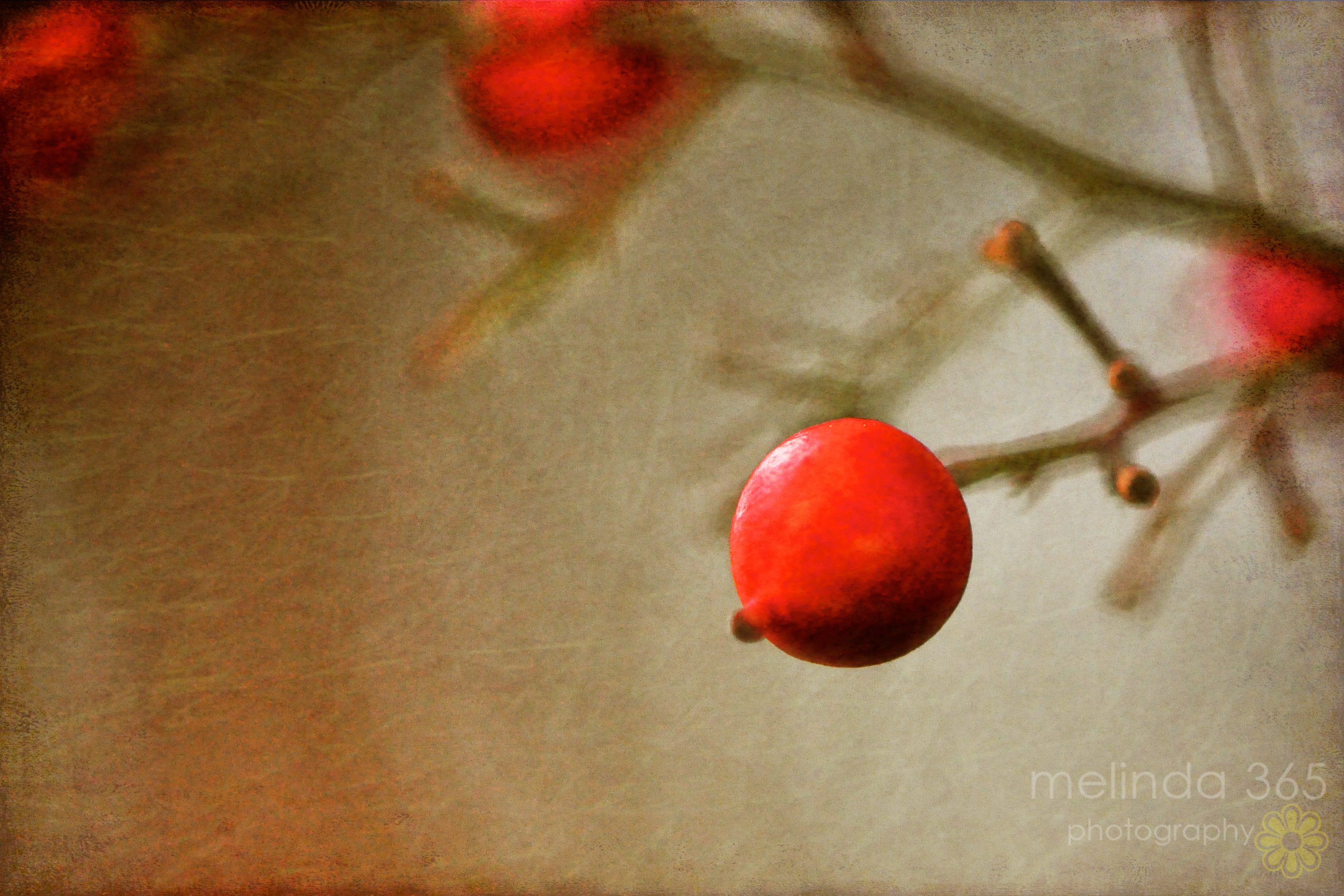
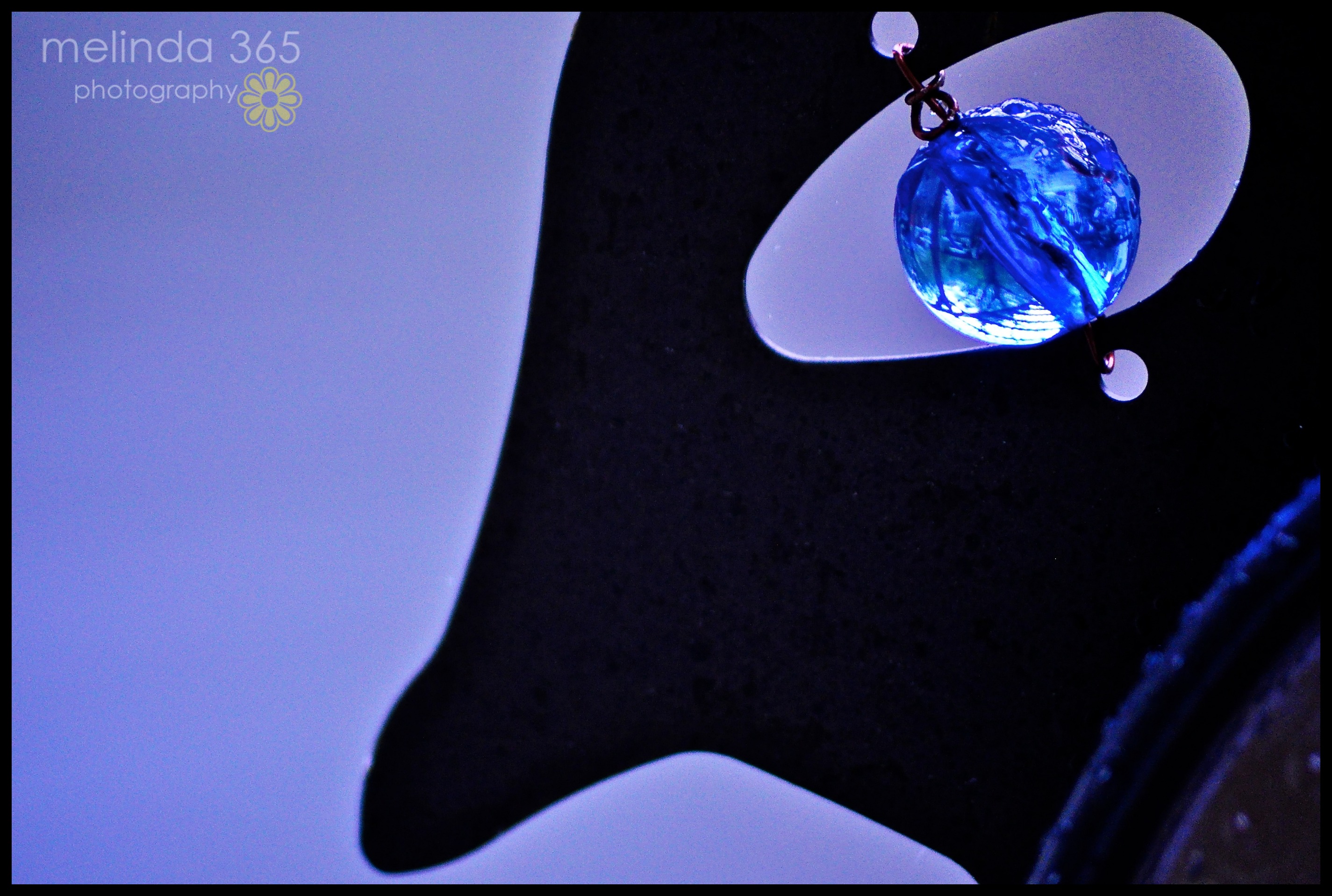
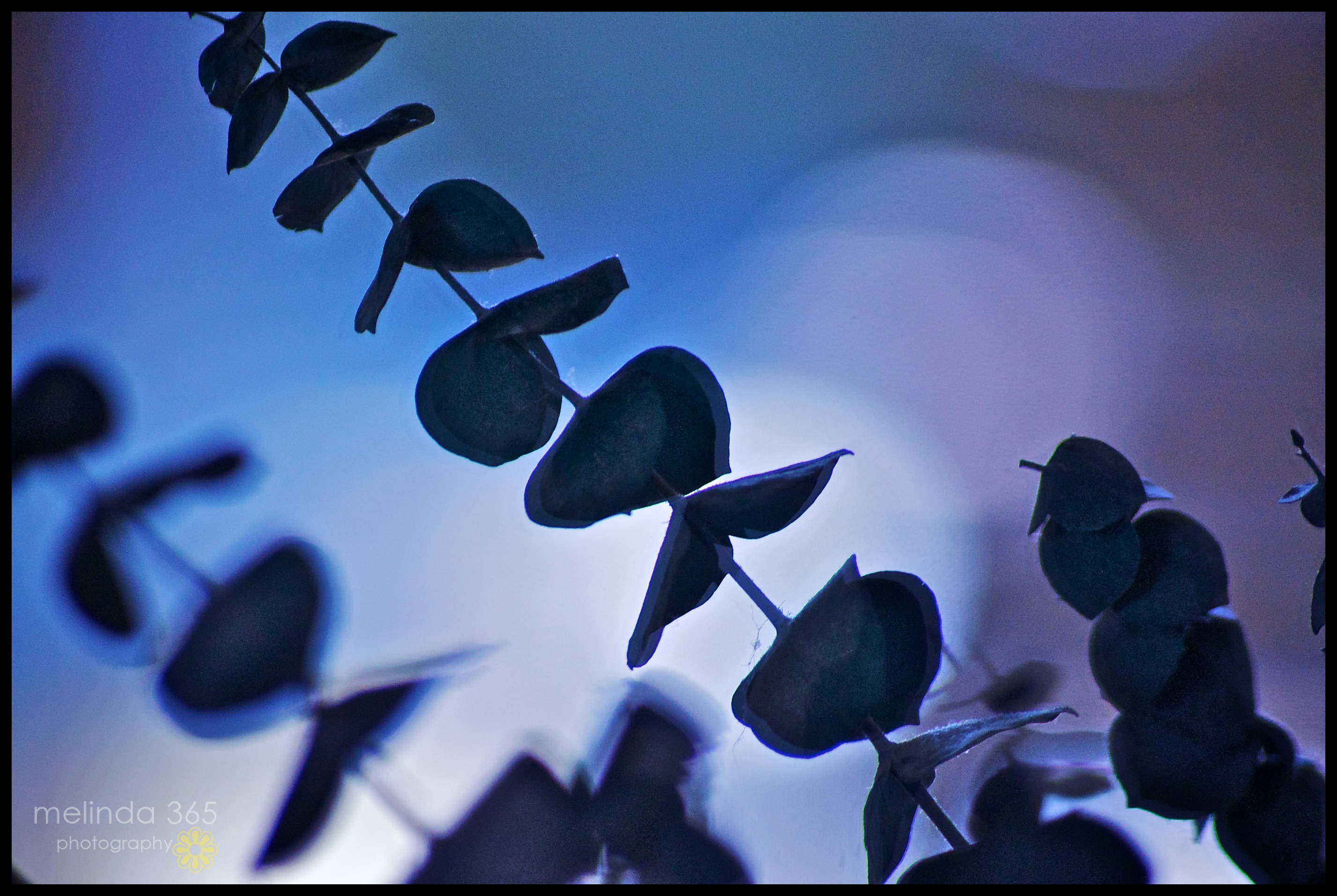
Today is supposed to be my Photoshop Friday- the day I edit in Photoshop instead of Aperture 3. We’re talking basic editing here- no fancy textures, effects, or actions (I do have a few from The Pioneer Woman, but want to learn the basic stuff first). I exported this image to Photoshop from Aperture 3. It went straight to Adobe Camera Raw, which told me that I had accidentally kept my Aperture preferences set to TIFF for Photoshop export. I had been playing around with this last week and had discovered that I needed to change my preferences to PSD for the changes to be synced with Aperture. Oh well- I could always save the changes and just reimport.
So I worked on the image for awhile in Camera Raw, doing the kind of things I do in Aperture 3. Then I opened it in Photoshop and played with blend modes (overlay, multiply, and soft light ). Truthfully, I could not see any differences with these blend modes. I turned them off and on and adjusted opacity in each- and was not impressed. Maybe it was just this weird image..
Then I hit SAVE and closed the file.
Oooops.
It saved it in some weird temporary file place, and I couldn’t find it to reimport it into Aperture. I had forgotten that it wouldn’t sync automatically because it was a TIFF. Darn.
So I just re-edited the original photo in Aperture- and called it done. And I didn’t realize until afterward that I could have reopened it in Photoshop (it shows recent files) and just saved it to a different file on my hard drive.
I am very sick of this photo.
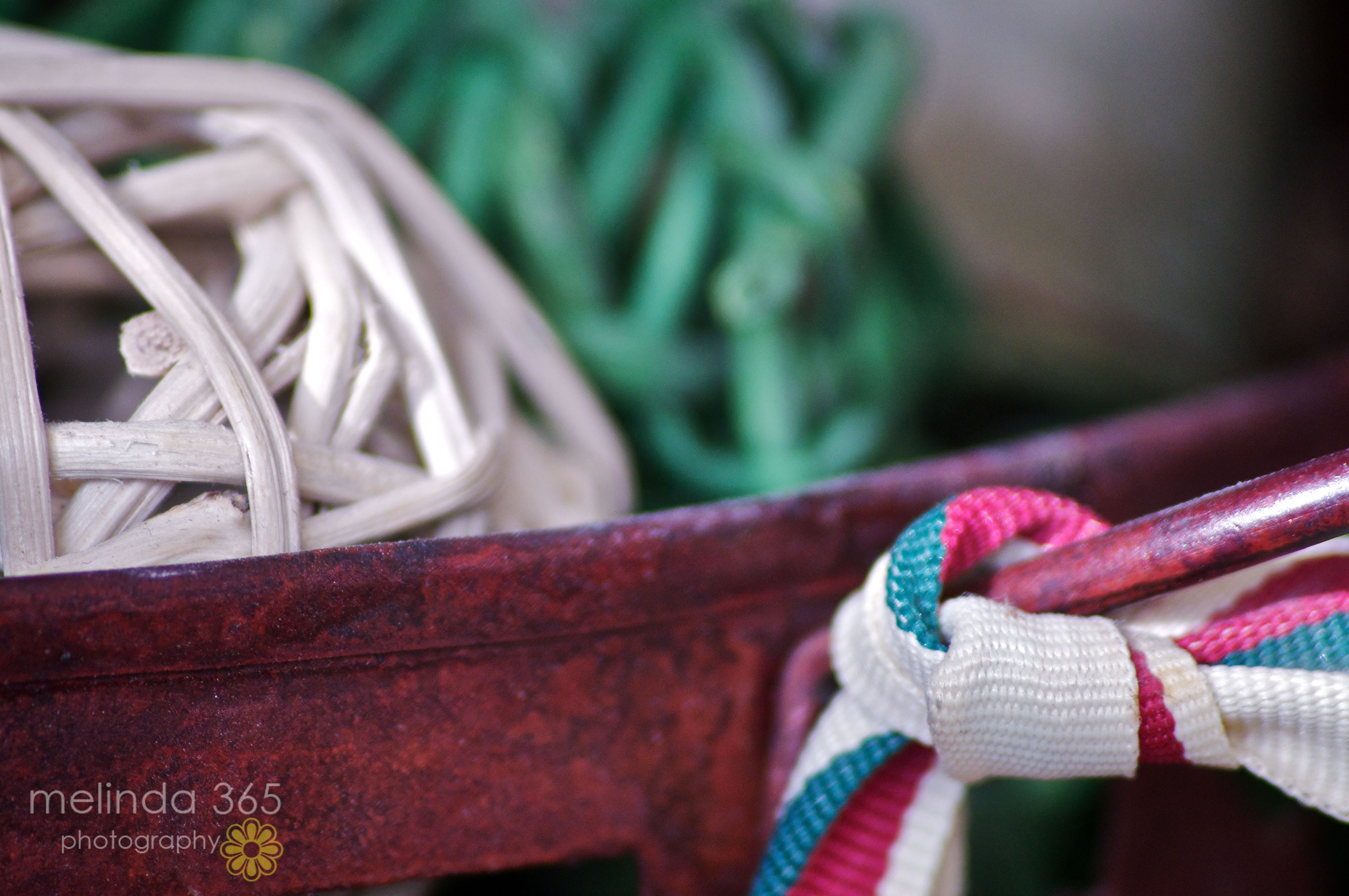
f/5.6, 1/500, ISO 1250, 300mm (why did I set my shutter speed so high?- no clue. . .)
What is this image anyway? I took a zillion photos of branches of a dry arrangement reflecting in my hall mirror. I had the front door open so that I could 1) have enough light and 2) stand back far enough to zoom in at 300mm with my temperamental long lens. The bokeh is light reflecting off a bench on the porch.
BTW I was in my bathrobe. But it was OK because I am retired. . .