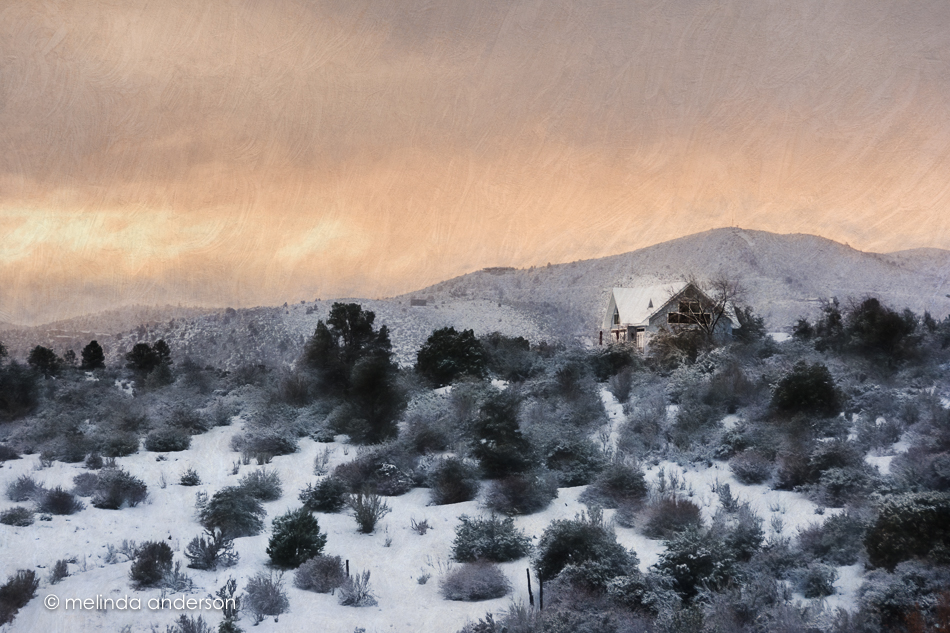
This is an early morning view from our driveway of the hills to the southeast of us. I posted the original photo on Facebook last week, but had fun playing with it yesterday, using two filters from Topaz Impression plus an added texture.

This is an early morning view from our driveway of the hills to the southeast of us. I posted the original photo on Facebook last week, but had fun playing with it yesterday, using two filters from Topaz Impression plus an added texture.
The El Nino storms have been hitting Prescott this week. Here’s a very early morning shot of a snowplow clearing the street yesterday, making it safe for the kids to get to school on a “snow delay” day.
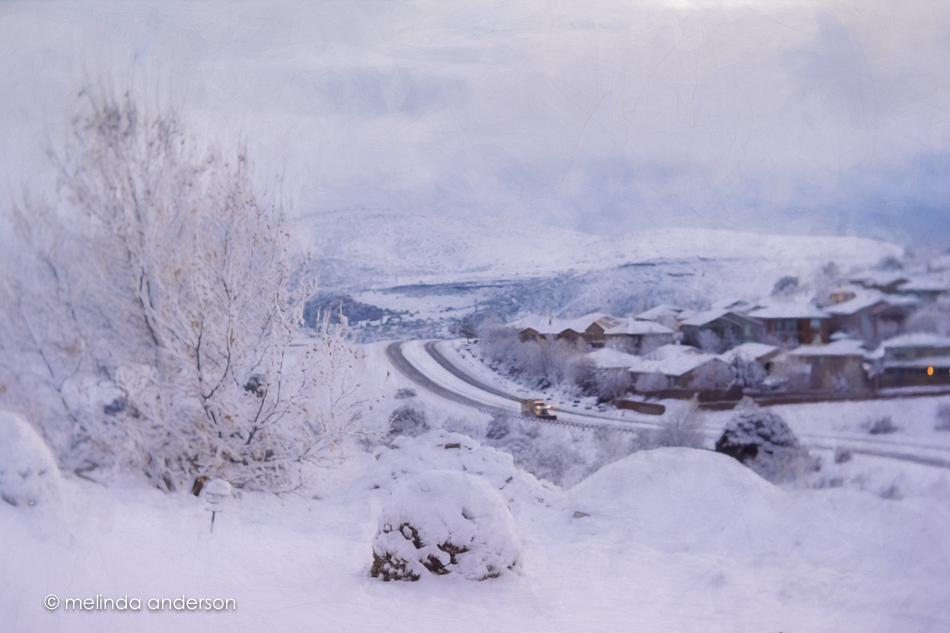
Edited with Topaz Impression and Topaz Texture Effects
When I’m staying with my daughter’s family at Yellowstone in the winter, I never get tired of going out on the porch in the early morning to check the view- the snow, the sky, and any wildlife that might be there.
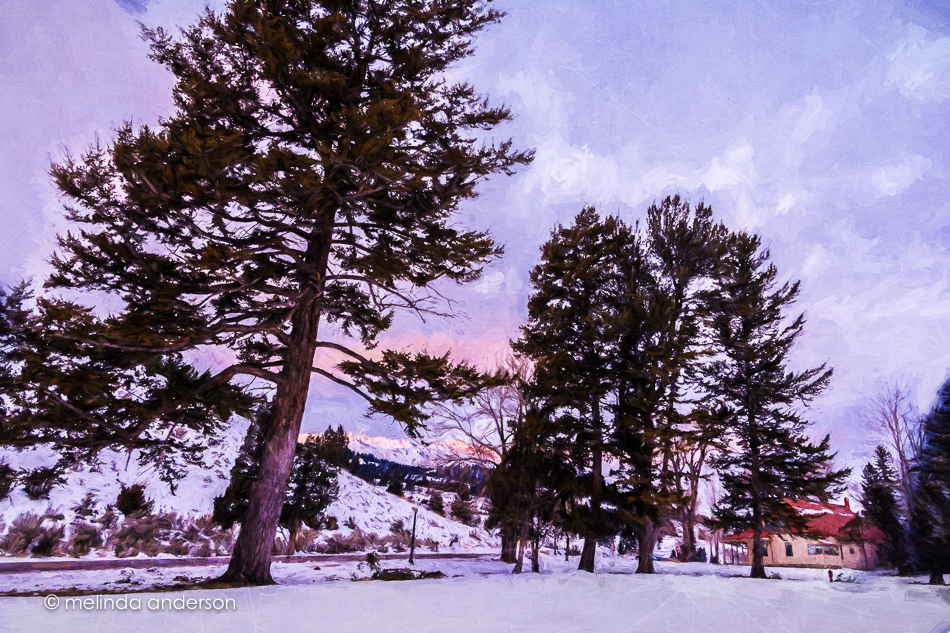
Painterly effects added in Topaz Impression, textures in Photoshop


I had fun with some creative edits on the above two shots using Topaz Simplify and textures.
The one below is probably my favorite edit. I used both Topaz Simplify and Impression, as well as textures. I desaturated the bright blue sky to create a monochromatic look, which is more pleasing to my eye.
 And here is an edit of my sheep image from last Thursday’s post with a similar edit.

Here’s a glimpse of part of the fence on the board walk at the Upper Terraces of Mammoth Hot Springs at Yellowstone National Park. I was fascinated by the frozen steam and fog (rime ice) that clung to the railings, as well as to the trees in this magical place.
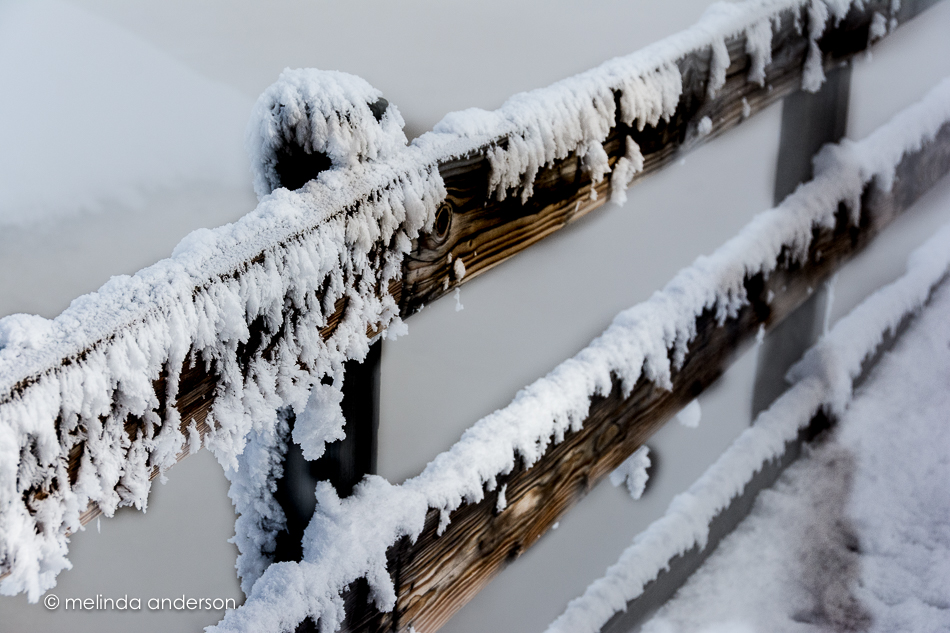 I had fun in Texture Effects adding a bit of color and texture (Flat Neon preset- majorly edited) to the background.

After I took the image back into Lightroom, I couldn’t leave well-enough alone- so I played with color to emphasize how icy and cold it was.
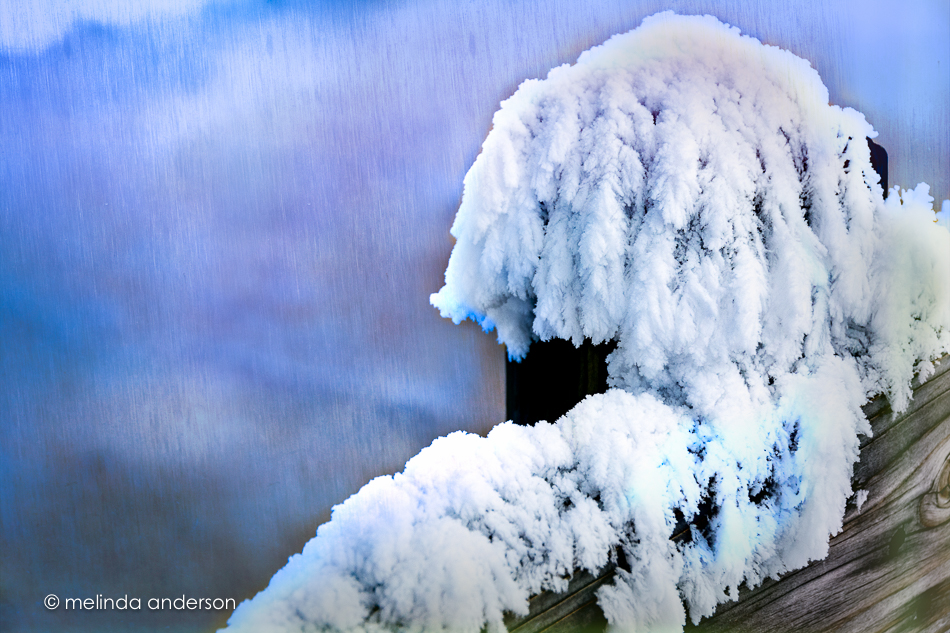 My idea of fun on a Friday!
It’s Topaz Impression time again. I used a Monet filter (plus textures added in Photoshop) on these two images. The second one is a copy of the first, re-edited in Lightroom in black and white with some split toning.

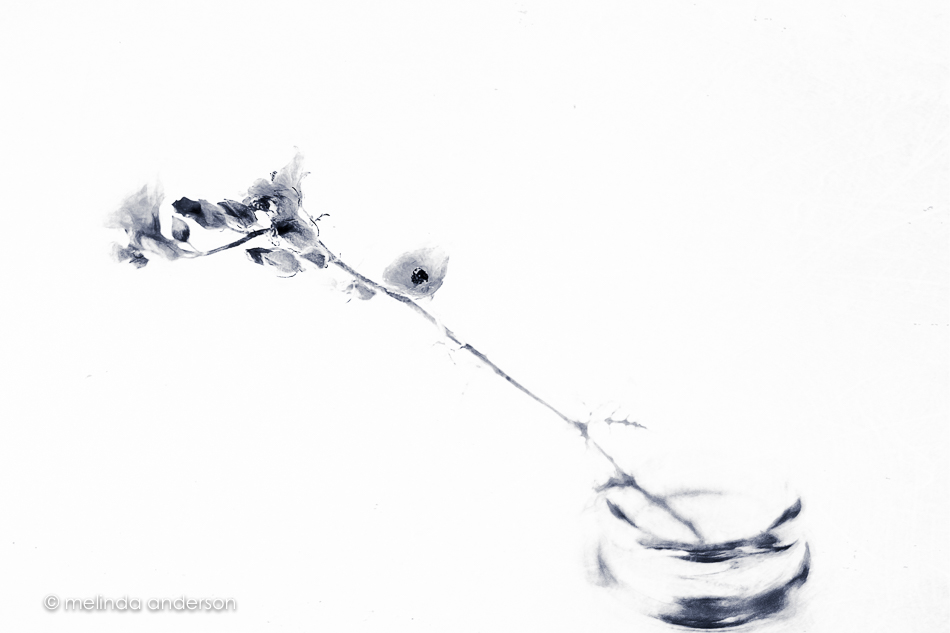
I had a photo already to post today, but then I came upon these ranunculus photos in Lightroom that hadn’t yet made my blog- one edited and one not. I had fun editing the second one to kinda-sorta match the first- so here they are!
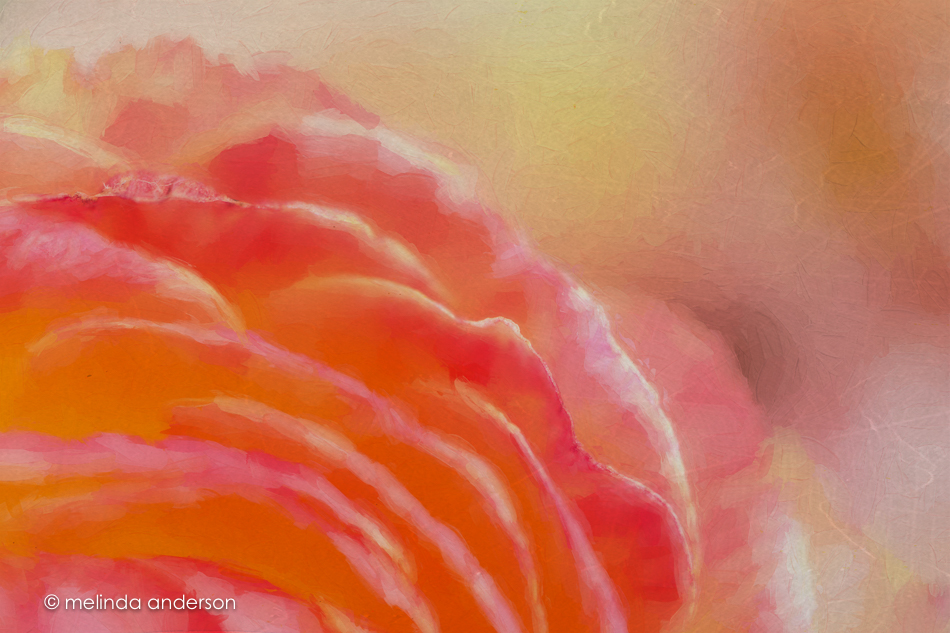
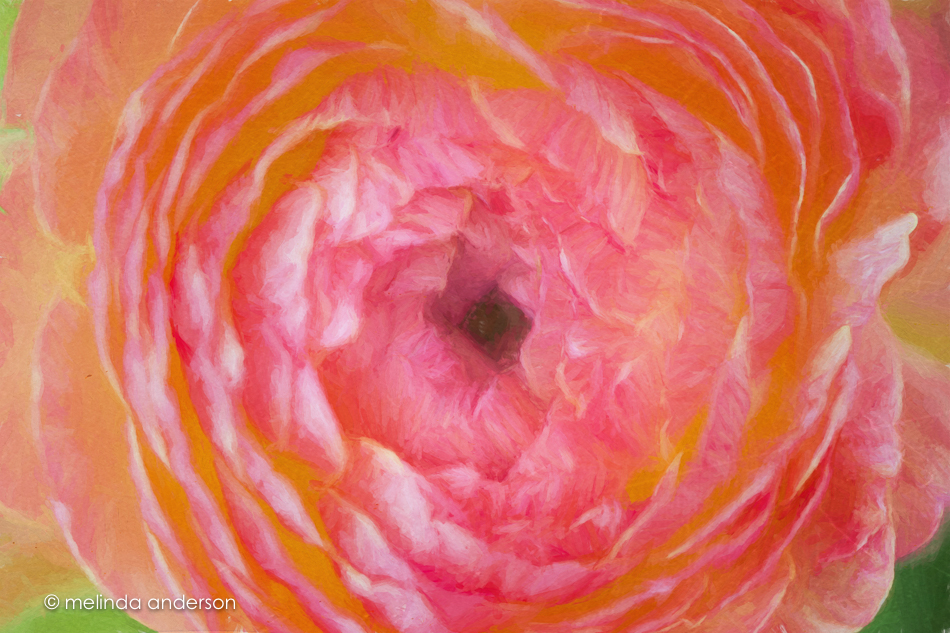 Editing notes: I really need to start consistently labeling my layers in Photoshop. I could tell I added a filter to a layer in the first photo- and then some texture (which comes in with a label automatically). I assumed I used Topaz Impression- but which filter??? No idea. For the second one I used Cezanne II, one of my favorites. And another thing- is there a way to mark favorites in Impression? Anyone, anyone?
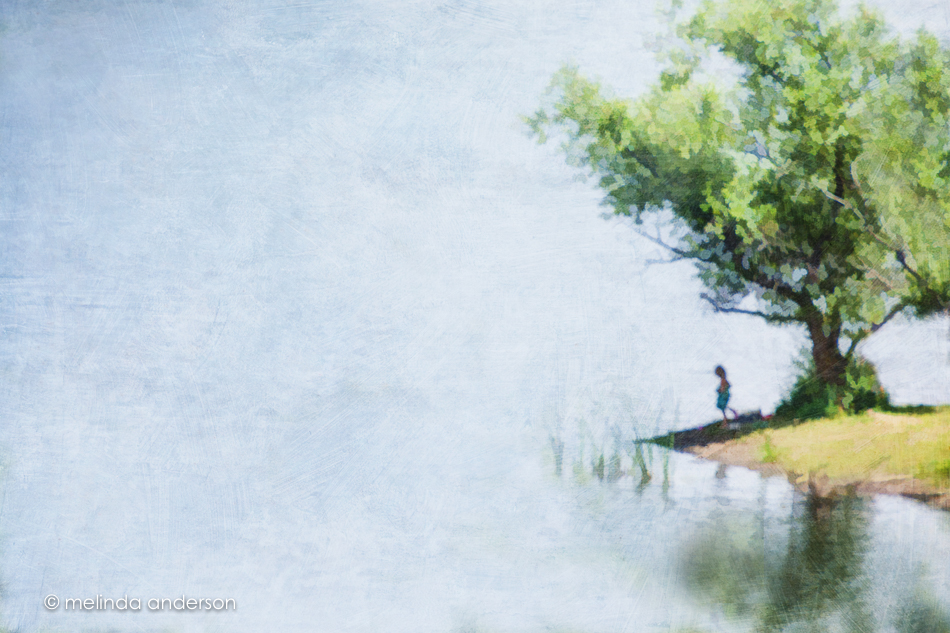 When we were walking at the lake a week ago, I was captivated by the green of this tree, which contrasted with the darker trees bordering the lake. It was hard to photograph because I could only see it through branches- so I didn’t. But I saw it again on our way back- with a little girl under it- and knew I had to try. I was already envisioning it as a painterly image. I took the resulting photo into Lightroom and then Photoshop for some cloning work. Then, I used Topaz Simplify to remove details and give it a bit of a watercolor look. I blended it with the original image, bringing back some detail- and finished it off with some textures. Playing with images is part of what keeps stress out of my life- and it’s so much fun!
 melinda anderson photography