
It’s App Happy Wednesday over at Keeping With the Times, so I’m posting a couple road trip/through the window shots today. I’m also catching up with my Start to Finish 2 Lessons, so my still life images are on here today as well.
First the iPhone photos! After a day and a half of driving (actually riding, as my husband- who has been suffering from allergies and asthma- was doing ALL the driving. . .), I was happy to see red rock as we got to southern Utah, a sign that we were close to Arizona. I think the first shot was edited in Snapseed, and then I added the text/graphic with Rhonna. The second photo was edited in PS Touch, because I needed to do some cloning- and then I added texture with Photo Wizard.


Now for the Start to Finish lesson! The assignment was to create a still life that included eggs. Hurray- something I actually have! No browsing in antique stores for me today! I realized straightaway that still life photography is still challenging for me. I feel confident in the photography and the processing- but not with the styling. I am so in awe of my classmates and their styling ability! I found that what works for me is keeping it simple; when I add too many elements, it all falls apart.

This above image was one of my last shots. Filling the frame and using a shallow depth of field- definitely my comfort zone!
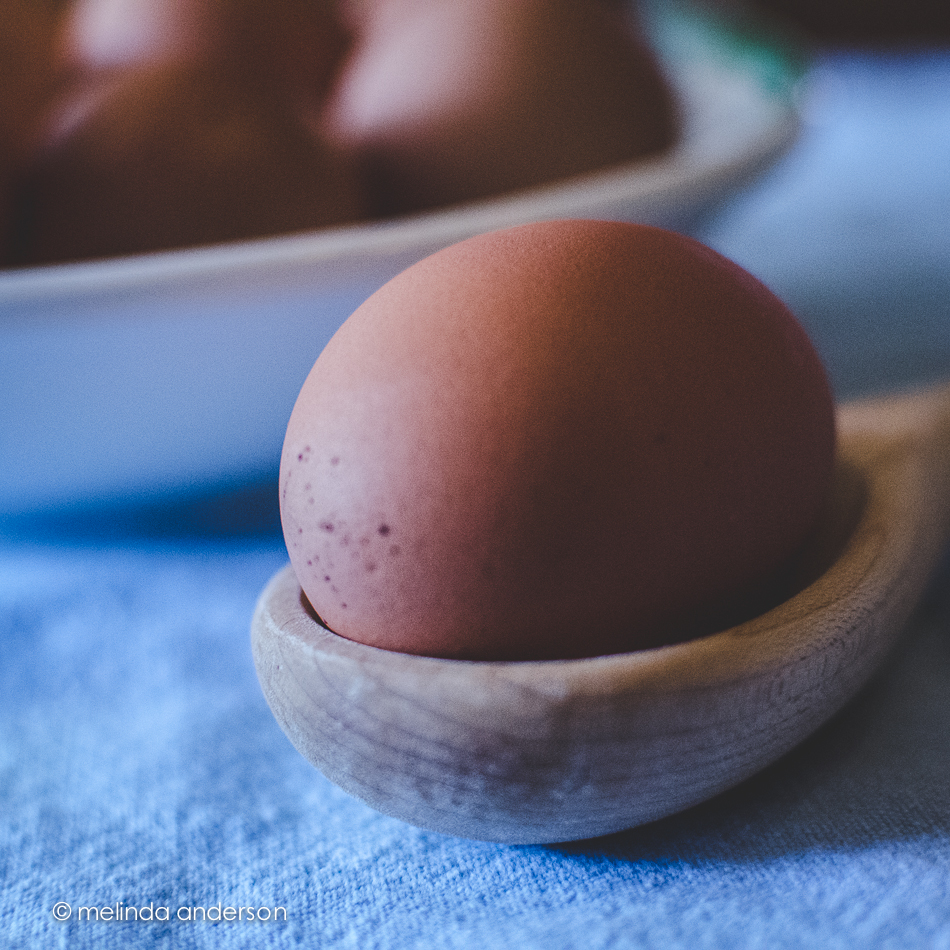
The above macro shot may not technically be a still life- you barely notice the other eggs!
And here is a from above shot, which I do love doing.
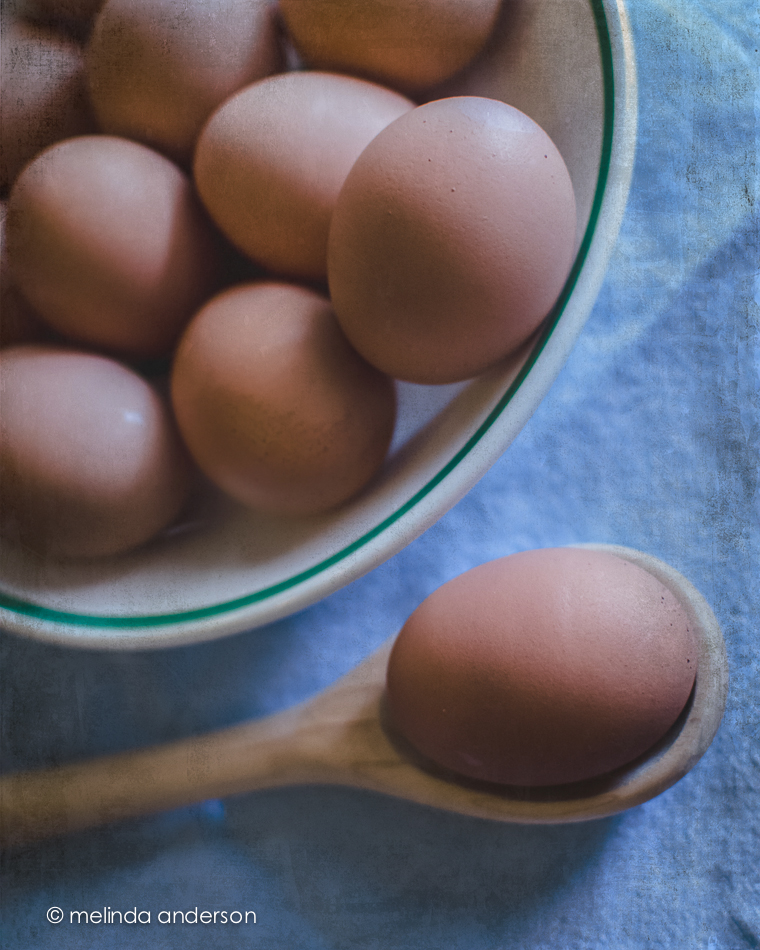
I found myself opting for a darker, more matte processing style today. The blue and brown tones seemed washed out with my usual editing, and I found reducing exposure and using a matte curve gave me the look I was going for. In Photoshop I added Kim Klassen’s simple texture- and called it done!
I also played catch up with some Flickr challenges- and discovered that one of them, fast food, worked with my egg theme!

No special processing here- just a quick Lightroom edit. This might be my favorite of the day!
 melinda anderson photography