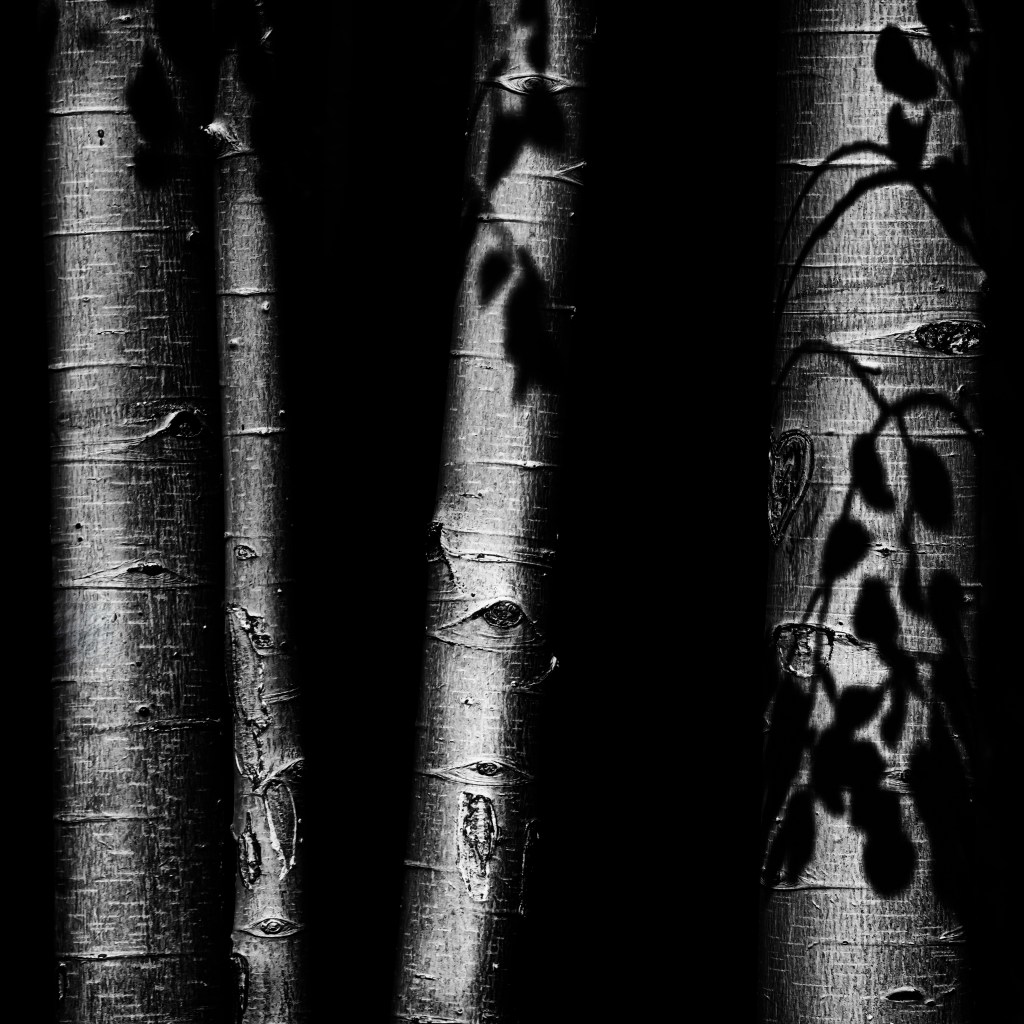
I was struck by the shadows of leaves falling on the trunks of aspens in the sunshine. I had never noticed this effect before- and then I saw it everywhere! For this image, I chose to convert the photo to black and white for emphasis.

I was struck by the shadows of leaves falling on the trunks of aspens in the sunshine. I had never noticed this effect before- and then I saw it everywhere! For this image, I chose to convert the photo to black and white for emphasis.

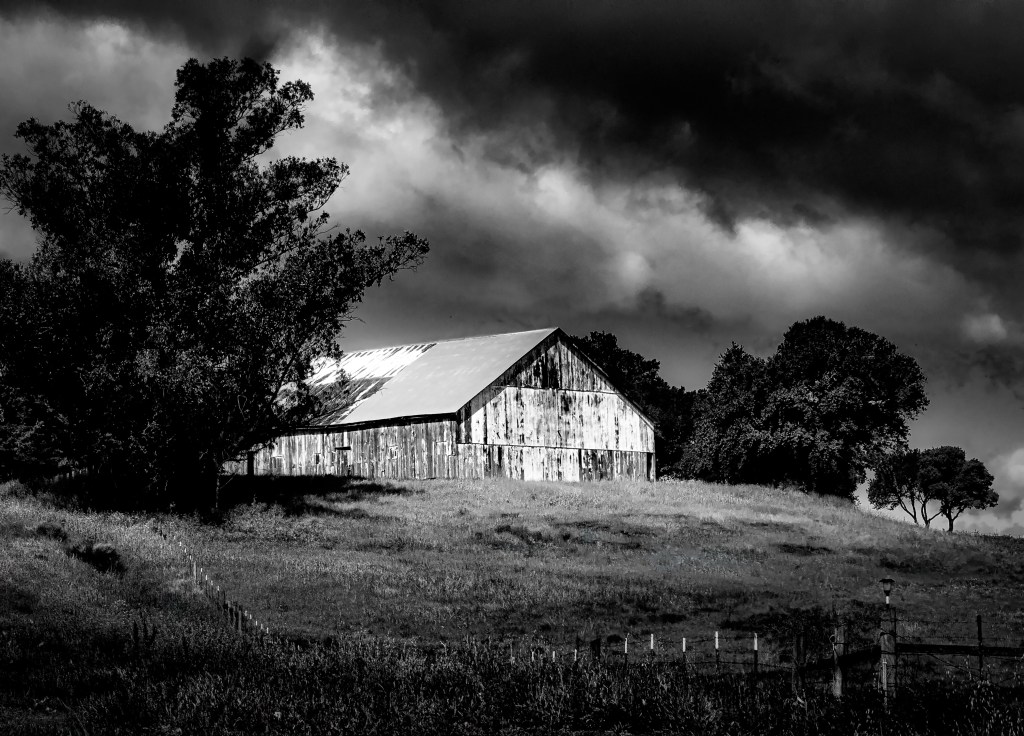
Photographed on our drive to Bodega Bay a few weeks ago, this barn looms out of a gloomy sky when converted to a black and white image.

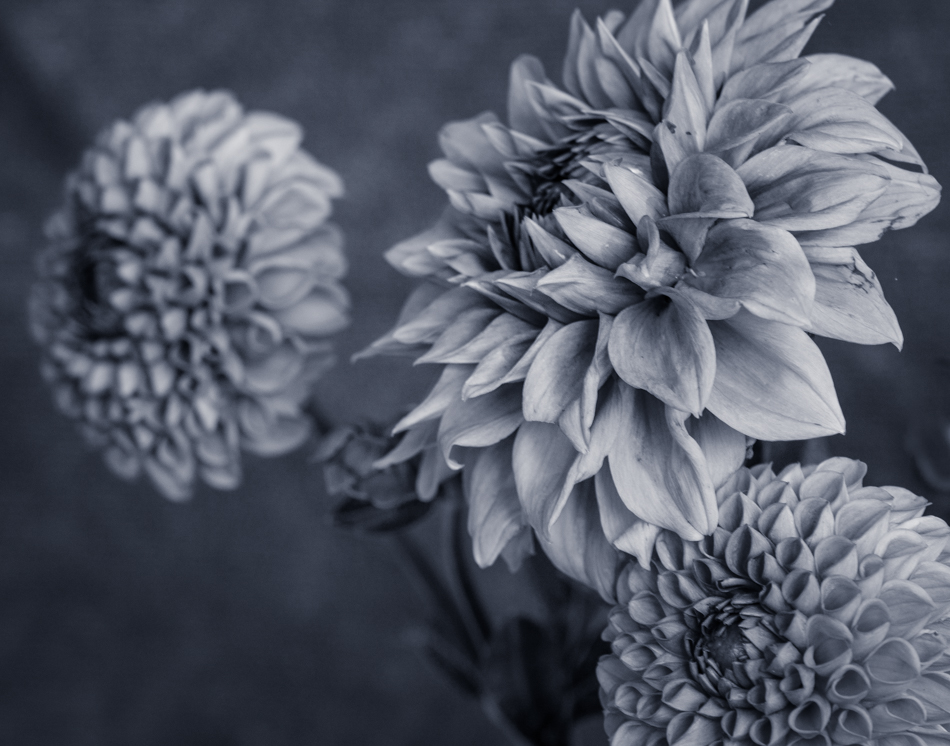
Last night, as the wind danced vigorously, it lent a captivating flair to my photographs of a cosmos. Although engulfed in a sea of thoughts, my intention was to craft an edit that exuded a certain mood – the kind that strikes a chord with the viewer. How many times can the word “mood” be gracefully integrated within a single sentence? Apparently, quite a few.
The above paragraph was created with AI- the photo is all mine!
I had no idea this was part of Word Press now- I just had to try.

A recent assignment for our photo group was an image with a “vintage” feel. I chose a Kansas barn and windmill shot with a Lensbaby Edge80. The Edge 80 is certainly not a vintage lens, but the areas of blur and the brown tones added in post-processing hopefully give this photo an old-timey feel.

Merry Christmas to you all!
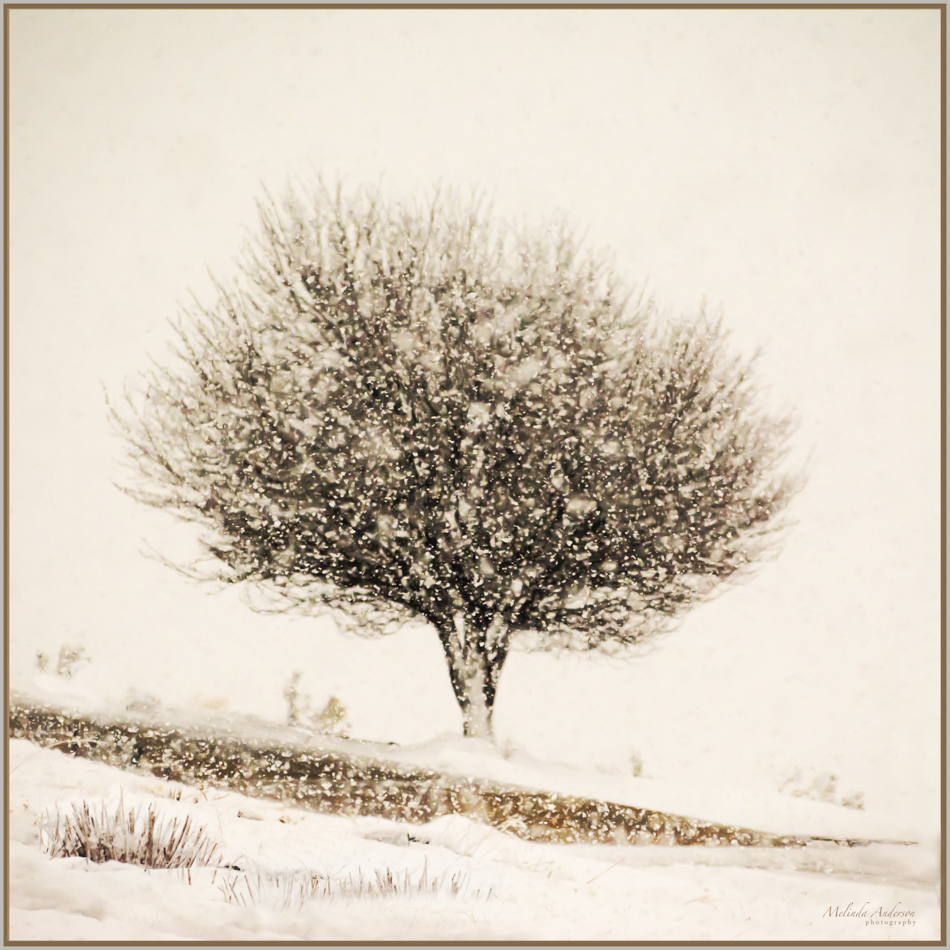
I spotted this little tree on our October trip to Flagstaff and had to stop and take its photo. It was snowing, and I loved how the little tree was framed by the larger ones. Despite being overshadowed (literally), it grew, and showed its perfect form when covered with snow. The little tree that could!
. . .for orange and brown leaves, warm socks, and PUMPKINS! Fall is my favorite season, so you have been warned that the occasional pumpkin will be featured here!

This is a Lensbaby photo converted to a black and white for my photo club’s monochrome challenge this month.
Last week I had an appointment in Flagstaff, so we decided to take the Oak Creek Canyon scenic route. Of course, we had to stop at the Bell Rock and the Courthouse parking areas to visit some of our favorite rock formations! It had been raining, so the red in the rocks was extra saturated. But, for some reason, I converted this image of the Courthouse to black and white, which I thought made a nice contrast with the clouds.
I’m a fan of sunflowers in black and white. I added some split toning to the shadows in this one.
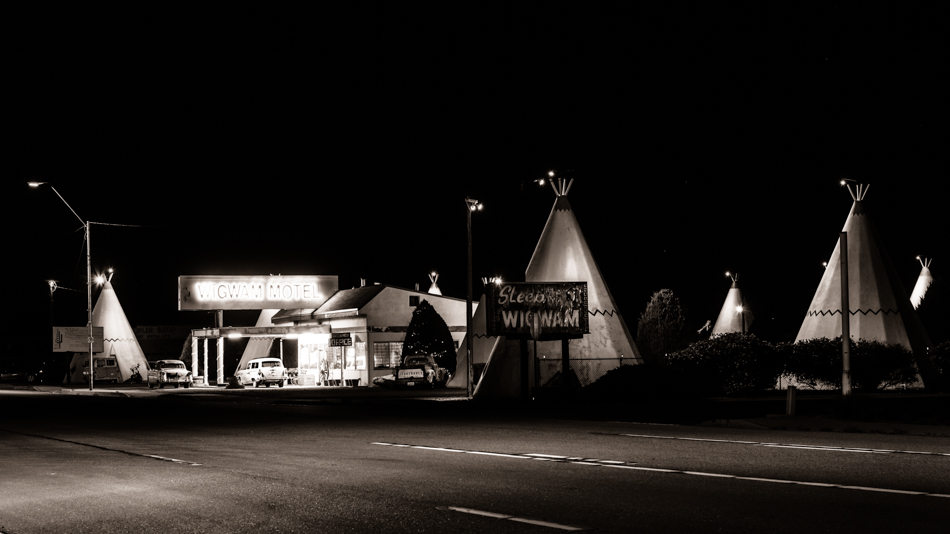
Here’s another shot of the Wigwam Motel at night- this time with a black and white edit for a vintage look. It’s also missing the “car trails”- streaks from tail lights from passing cars- that were visible in yesterday’s image (and I kept in because I like them).
As you can probably tell, I found the Wigwam Motel totally captivating. I only wish that I had crossed the street and wandered around the grounds. It would probably not have been a good idea to do this at nighttime though. I think I need a return trip!
Spring is here- so I’m continuing on with flowers today. Here is a lensbaby daisy photo in black and white. I recently updated Lightroom and decided to use one of the new “artistic profiles” for this image. I’m not thrilled with where they have placed these in the adjustment panel (or even that they are IN the panel. . .), but I do like the improved ability to preview changes- and also adding Dehaze to the basic panel (where it belongs!).
Over the years I have bought quite a few plug-ins for Photoshop, which I use fairly often- but not without a lot of tweaking in Lightroom and Photoshop as well. In our photo class, it is not uncommon to use well over twenty layers to craft the final image. I jumped right in when I joined- and have become used to this style of editing.
But. . . I have been having some arm and shoulder issues since August, and have been told by the chiropractor and doctor to cut back on the computer (I haven’t mentioned to them how much time I spend texting. . .). Since my two retirement hobbies (genealogy as well as photography) involve LOTS of computer time (like all day long. . .), I have tried to change my habits. I discovered propping my laptop or tablet against my legs and RECLINING is a fairly pain-free way to do go through family trees and compare DNA matches and that texting via voice works well- but nothing was working for photo editing.
Then I started playing with Luminar, which I had but had not really used much until recently. For the last month, I have been editing at my computer using Lightroom, then going into Photoshop if I need to clone something out- and then going into Luminar for the rest. I love their presets, which I can modify with sliders- and then I’m done! I’ve upgraded to their 2018 version, which is even better!
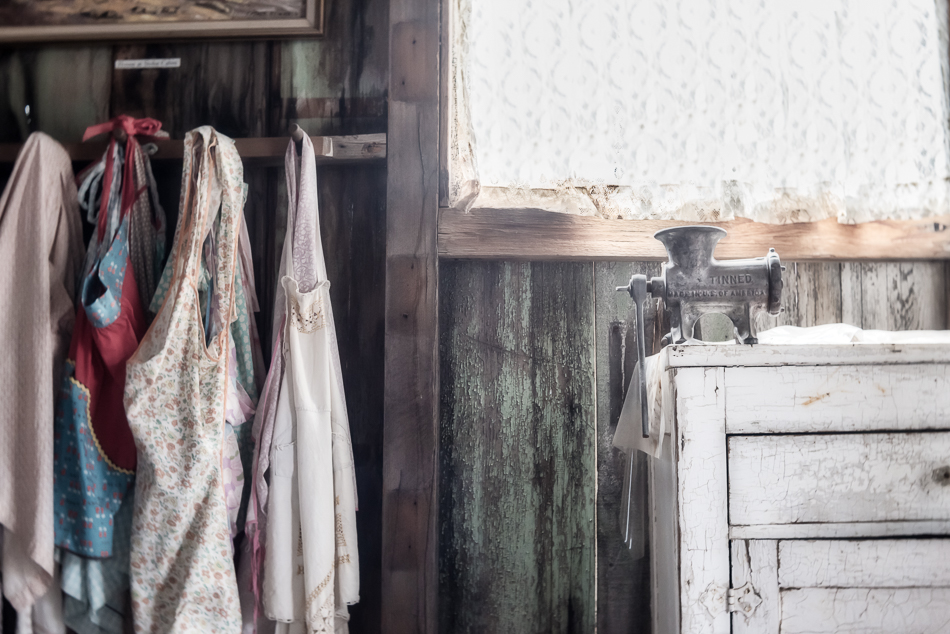
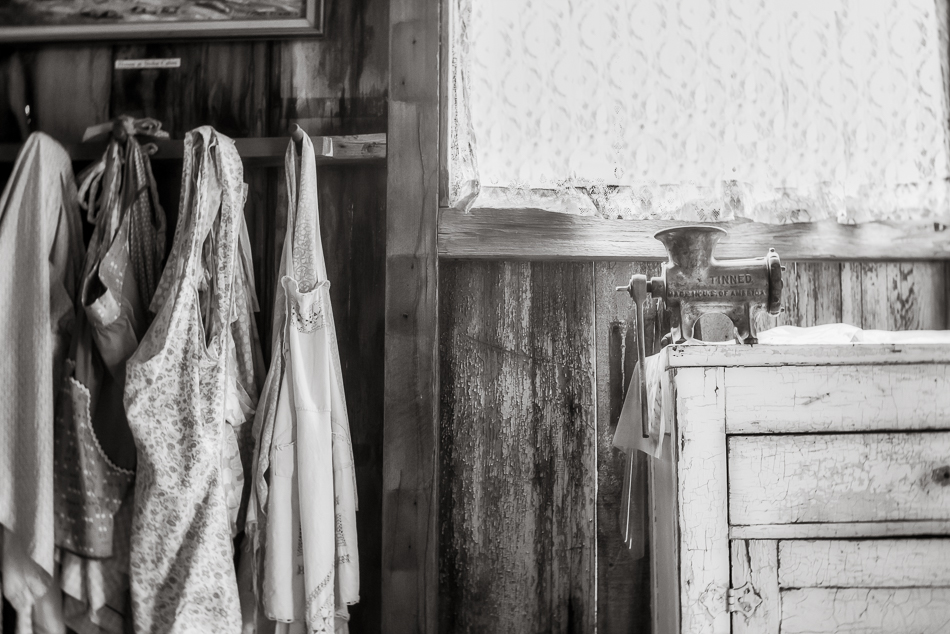
The photo below was taken at Castle Dome. I just loved this little tableau- the aprons hung by the counter. It reminds me of Lonnie’s grandmother’s farmhouse. I spent longer than I’ve been doing in Photoshop- I had to clone some blown out areas in the curtains (only 5-10 minutes). But then I took it into Luminar and used one of their presets as a basis for this edit. What took the most time was deciding which preset to use.
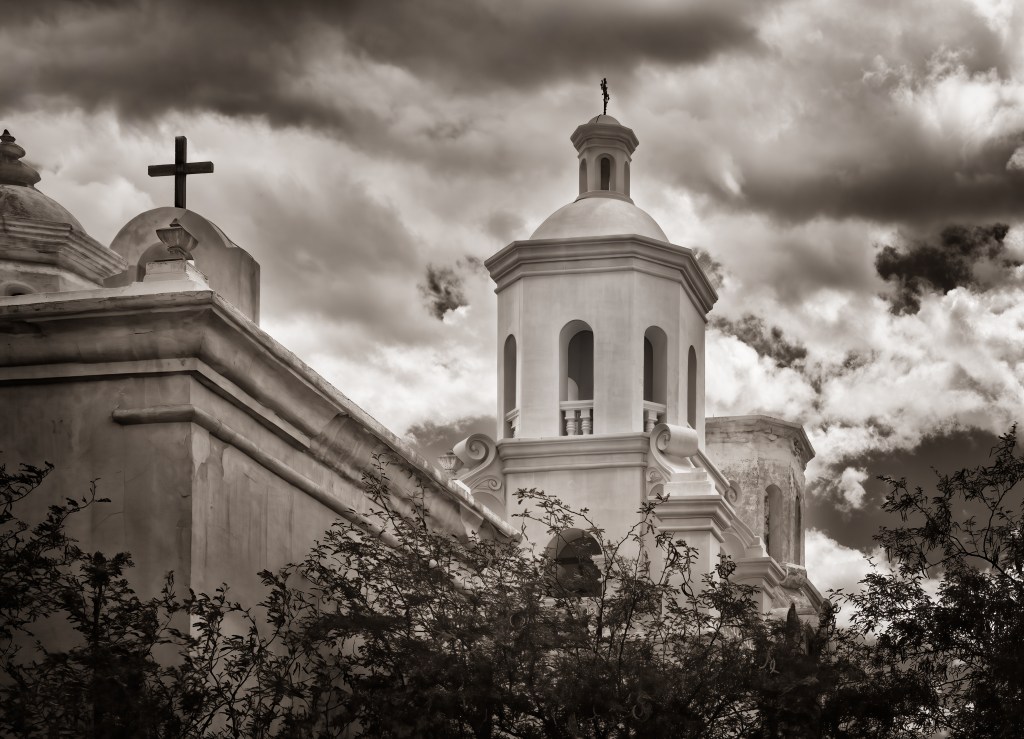
And because I can’t leave well enough alone, here’s a toned black and white (just done in Lightroom with a one click preset I created years ago) for another look.