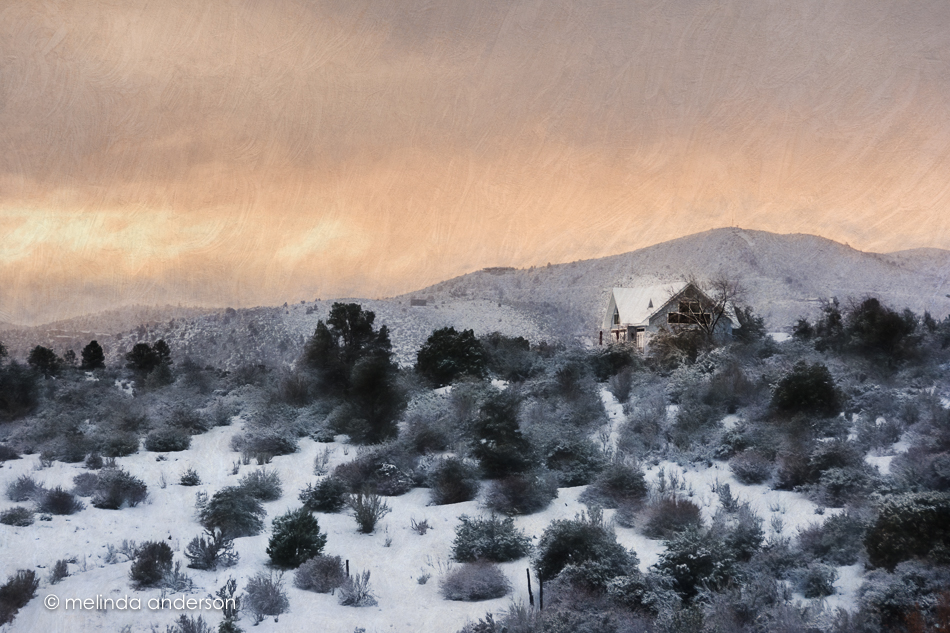
This is an early morning view from our driveway of the hills to the southeast of us. I posted the original photo on Facebook last week, but had fun playing with it yesterday, using two filters from Topaz Impression plus an added texture.

This is an early morning view from our driveway of the hills to the southeast of us. I posted the original photo on Facebook last week, but had fun playing with it yesterday, using two filters from Topaz Impression plus an added texture.


I had fun with some creative edits on the above two shots using Topaz Simplify and textures.
The one below is probably my favorite edit. I used both Topaz Simplify and Impression, as well as textures. I desaturated the bright blue sky to create a monochromatic look, which is more pleasing to my eye.
 And here is an edit of my sheep image from last Thursday’s post with a similar edit.

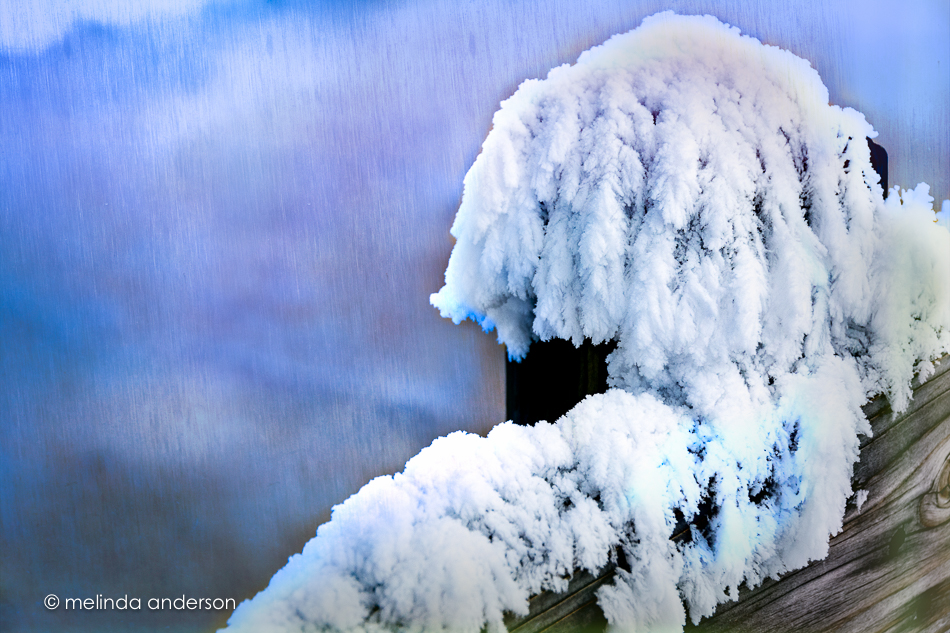
Here’s a glimpse of part of the fence on the board walk at the Upper Terraces of Mammoth Hot Springs at Yellowstone National Park. I was fascinated by the frozen steam and fog (rime ice) that clung to the railings, as well as to the trees in this magical place.
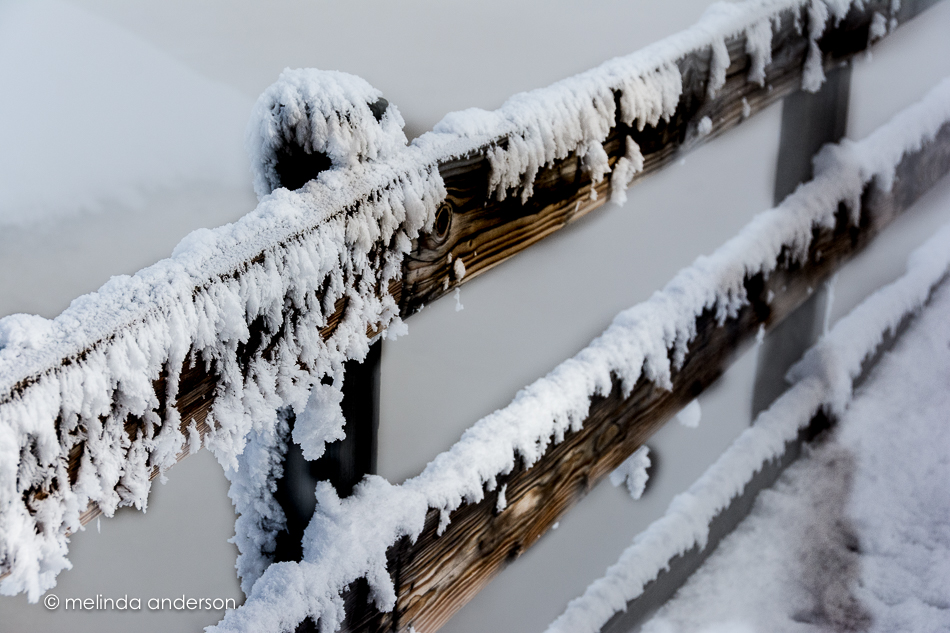 I had fun in Texture Effects adding a bit of color and texture (Flat Neon preset- majorly edited) to the background.

After I took the image back into Lightroom, I couldn’t leave well-enough alone- so I played with color to emphasize how icy and cold it was.
 My idea of fun on a Friday!
I love editing with textures, and the new Topaz program, Texture Effects, is giving me a whole new way of approaching the process. You can start from scratch, making basic adjustments and then adding dust or scratches, lens leaks, vignettes, borders, and/or textures OR you can start with a filter preset and then adjust everything from there. There is a masking feature, which works well, except that you can’t use the bracket keys to control brush size (I usually choose to mask in Photoshop, because it’s easier for me). You can upload your own textures into the program, as well as create your own presets, which you can choose to share with a community of other users of the program. To be clear- it’s not just about textures- it’s other effects as well. You might decide to not use a texture, but just other effects- or add your own textures in Photoshop afterward. It’s a very flexible program! With that said, I will add that many members of the FB group devoted to this program have had technical issues with installing it and getting it to save their edits. I have had no issues, thankfully.
So here’s an edit of a macro photo I snapped last weekend in our front yard (I think I used a filter and added 3 textures in Texture FX and then masked in Photoshop).
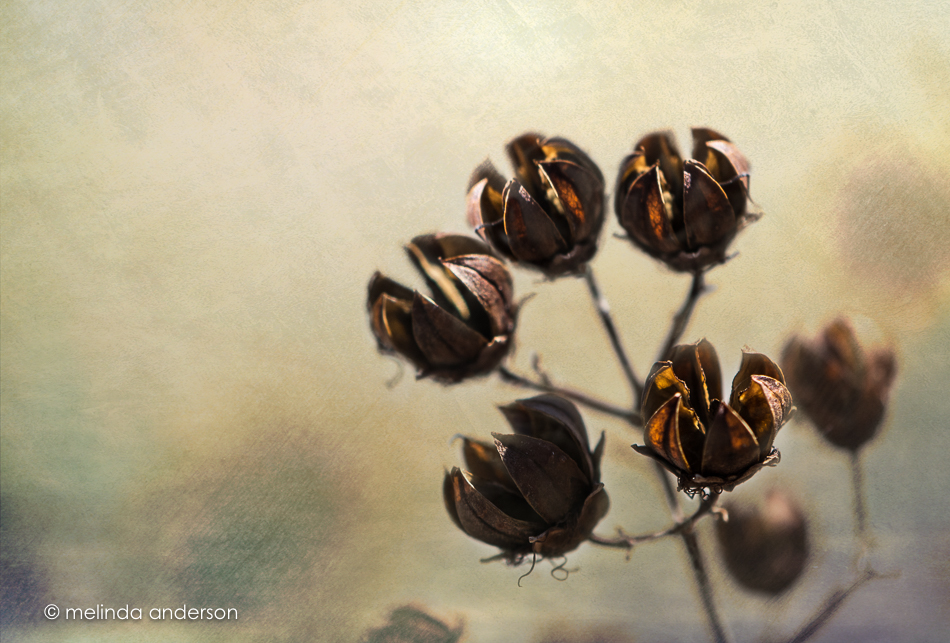
My husband and I took a short walk at Willow Lake last week. We were hoping to view some migrating birds, but they seemed to be avoiding us. Of course there were weeds to photograph- one of my standard subjects for photos. This weedy image was edited using the new Topaz Texture Effects, which I downloaded on a 30 Day trial. It reminds me of some of my iPhone apps- what a fun new filter! I have only just begun to explore what it has to offer.

Nothing makes me more content than exploring flowers with a macro lens. Here’s a gerbera daisy from my latest grocery store fall bouquet.

The morning light shining through the ornamental grasses out my office window took me away from my computer and out the front door with my camera and lensbaby. I took about a dozen shots as I knelt on the rocks outside (ouch!) before my knees gave out from the effort. I liked the resulting photos, which I edited with textures to emphasize the abstract qualities of the images.

I’m changing things up a bit today. The pumpkins have been put aside temporarily, because I shot some seashell macros the other day and am beginning to wonder when I’m ever going to get them posted.


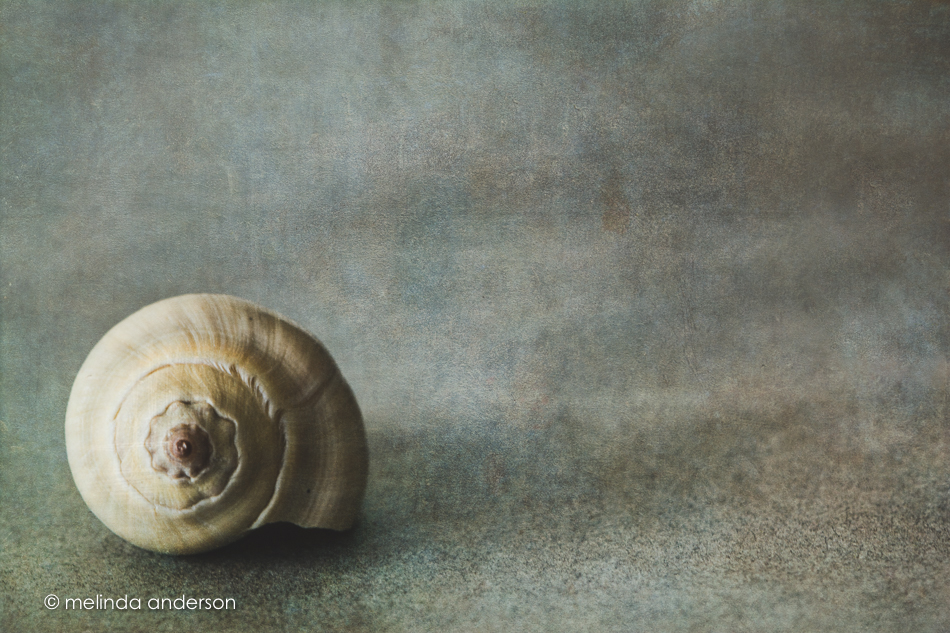 Next week- more pumpkins! Stay tuned!


It’s Topaz Impression time again. I used a Monet filter (plus textures added in Photoshop) on these two images. The second one is a copy of the first, re-edited in Lightroom in black and white with some split toning.

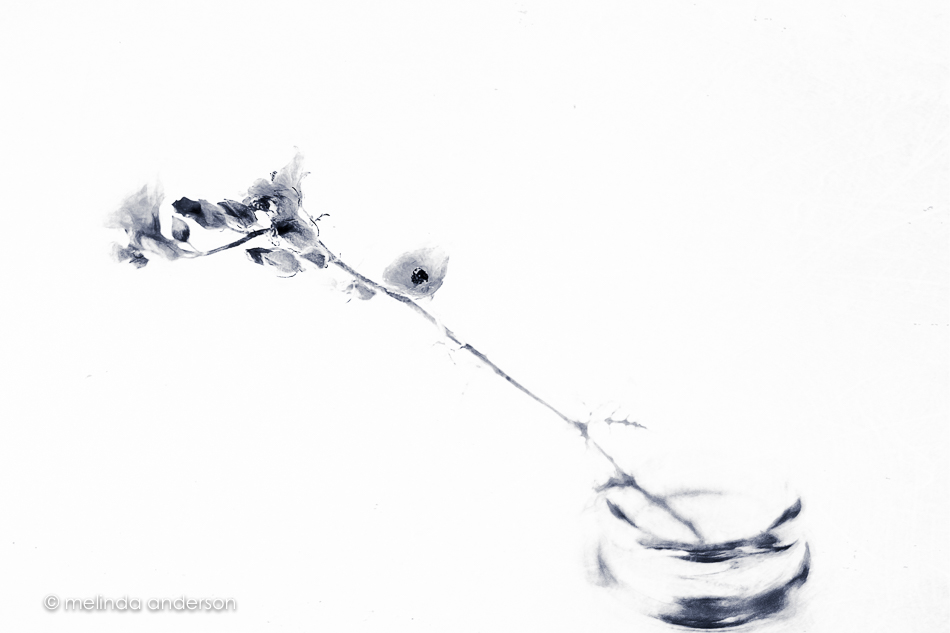
I had a photo already to post today, but then I came upon these ranunculus photos in Lightroom that hadn’t yet made my blog- one edited and one not. I had fun editing the second one to kinda-sorta match the first- so here they are!
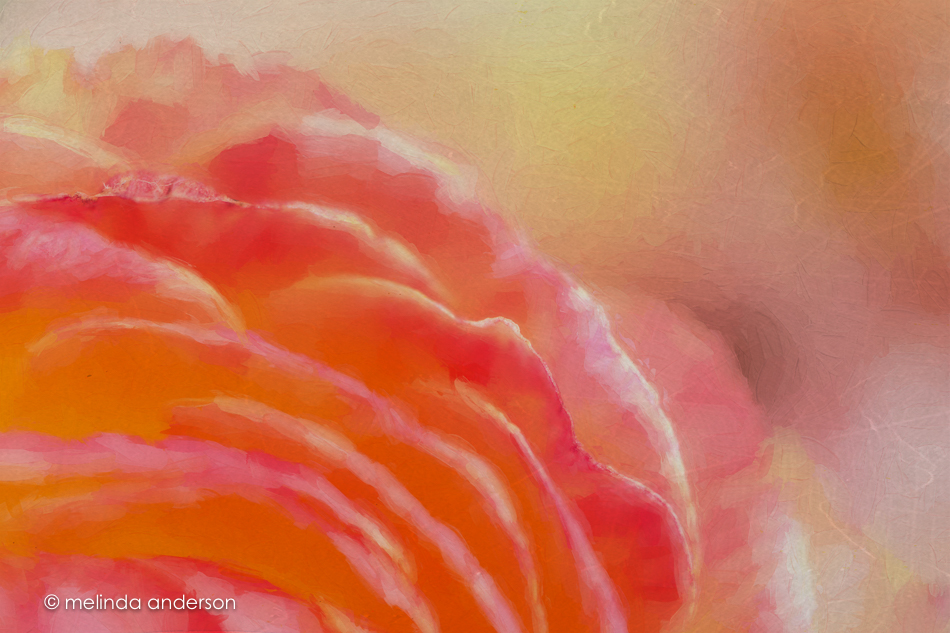
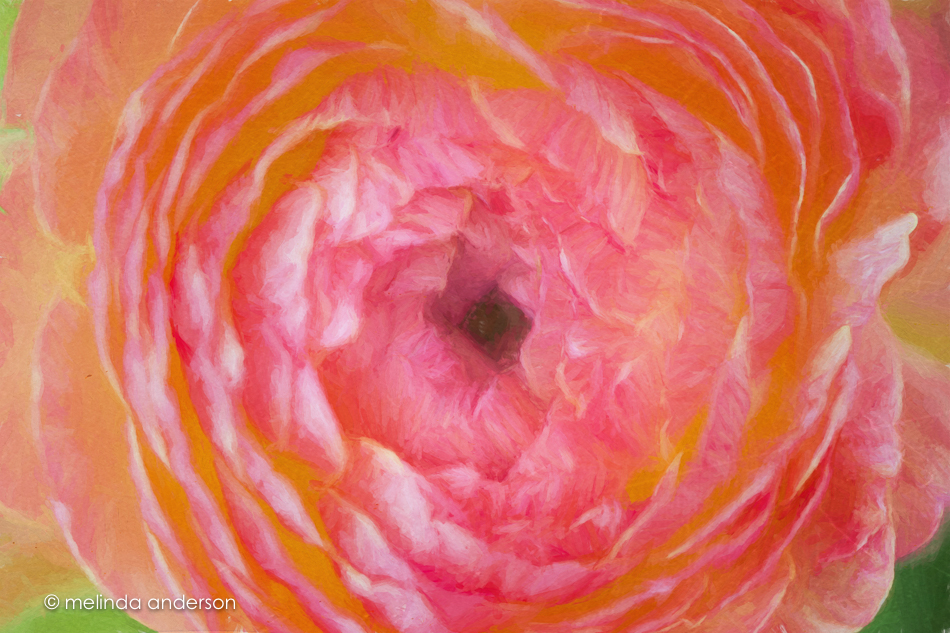 Editing notes: I really need to start consistently labeling my layers in Photoshop. I could tell I added a filter to a layer in the first photo- and then some texture (which comes in with a label automatically). I assumed I used Topaz Impression- but which filter??? No idea. For the second one I used Cezanne II, one of my favorites. And another thing- is there a way to mark favorites in Impression? Anyone, anyone?
It started a year ago on a road trip to Kansas to visit Lonnie’s father. I became obsessed with the seemingly endless flat horizons of Kansas, broken only by the occasional barn or silo. There is a beauty in this stark landscape with the wheat fields, the barb wire fences, and the oddly industrial look of modern farms. I took photo after photo with my iPhone (usually through the window as we drove along), and I had fun editing them right there in the car. May’s road trip was melancholy, however, as we drove across the plains knowing that Lonnie’s dad had just died. This time I took photos with my Nikon often with the lensbaby attached- mostly from the car at 70mph. I was still obsessed with the landscape, but I also wondered each time I clicked the shutter when we would be driving these roads again.
In my AAUW photography group, we are asked to commit to a long term project of some sort. After our trip a year ago, I decided to create a Heartland series for the assignment.
When I traveled to Yellowstone last month, I took these photos with me on a little external drive to work on; I was planning to make a photo book to take to my photography group. I worked on it during a couple evenings after the kids were in bed, but I could never get the book to save- it would always say it was still uploading! I didn’t have the time or energy for a frustrating computer project, so I decided to abandon it until I came home. Once home, I sat down to work on the project again, only to discover that, no matter what I did, Lightroom would not recognize the photos. I know all about moving photos from within Lightroom and have never had an issue with it until NOW. I could see the photos on my drive and could open them from Photoshop, but they were invisible to Lightroom. There were several attempts over period of days- but then I abandoned the project once more. I sat down one last time to try again yesterday- and there they were! Right there in the Lightroom catalog- not grayed out- not missing, just THERE! I may or may not print them. I’m a bit sick of them right now- so much for the obsession!
So I decided that they will at least appear on the blog as a slideshow before they disappear again. Many of these photos have already appeared on this blog- but here they are again- all together!
Editing notes: to bring some cohesiveness to the project I re-edited all the images and added textures (usually scratchy ones).
I’ve always loved front porches. We had a good sized one in the house I grew up in, but we never sat on it. I finally have a front porch in our current house (just a slab, but it does the trick), where we sit and watch lightning storms and … sometimes … snowflakes!
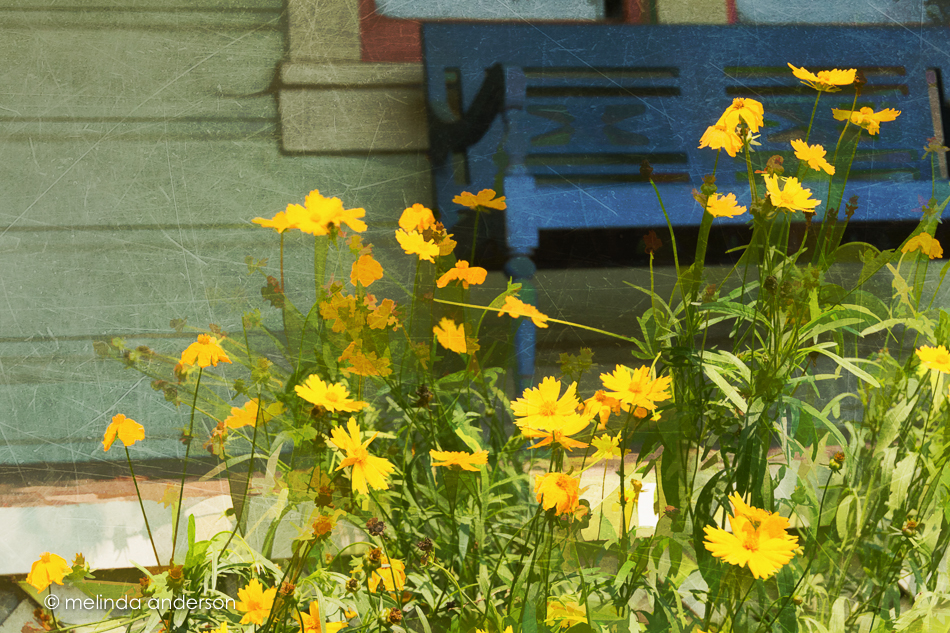
This front porch caught my eye when we were picnicking at a Sonoma County winery with our friends, Georgia and Jerry in August. I loved the blue bench as background for the yellow flowers- and then there was just something about the watering can by the screen door! I played with these images a bit using Topaz Simplify and some textures.

From last month’s trip to Tucson’s Barrio Viejo

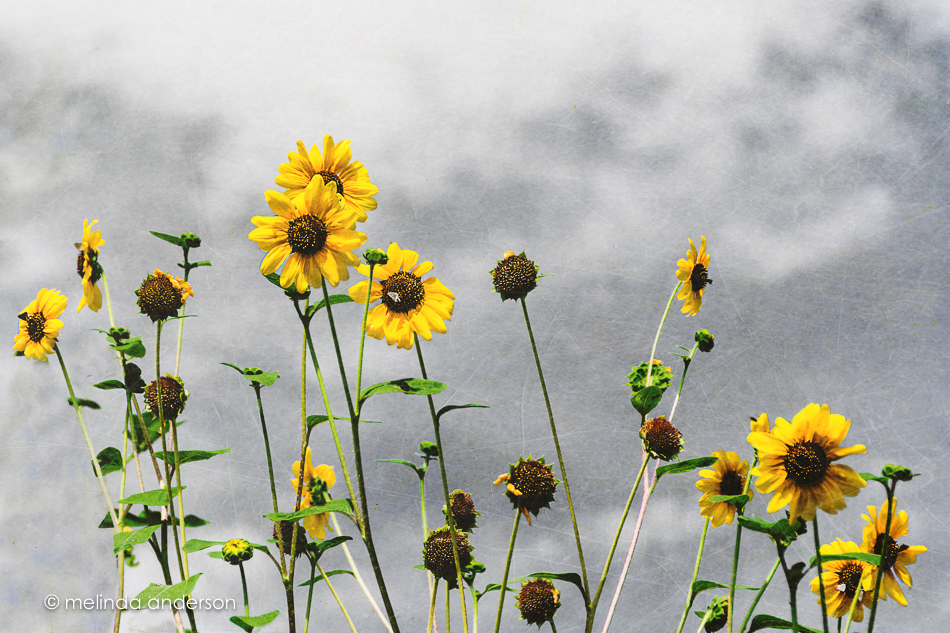
 melinda anderson photography