
I felt like playing with Photoshop today, so took a few flower photos this morning to have something to play with. Here’s one I took of an agapanthus blossom.
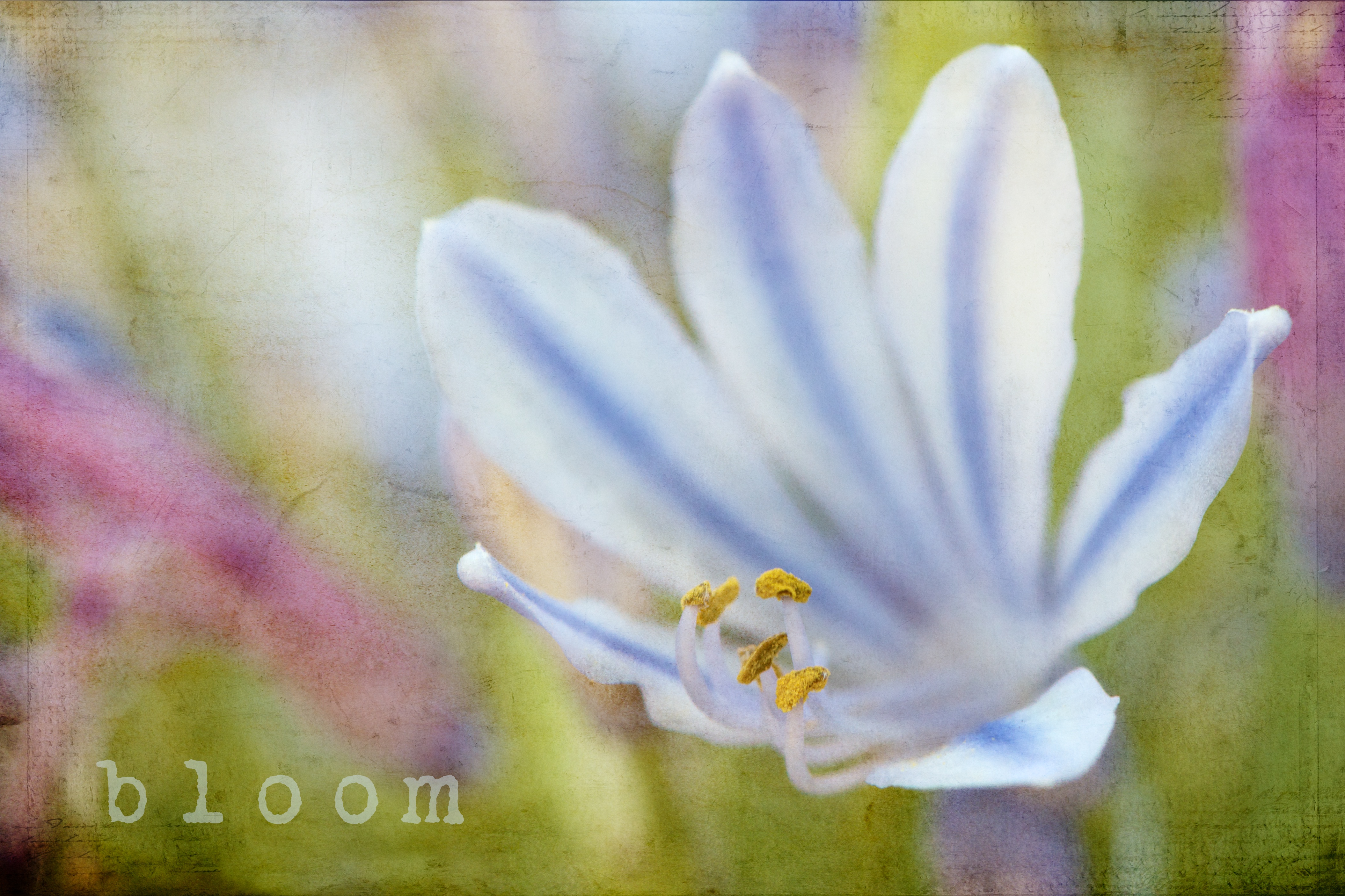
I tried to write the word “bloom” on a path, but the letters kept bumping into each other. I don’t know if it is the shaky path I am drawing for the letters to sit on- or if there is an easy way to move each letter around after I type it. I experimented with font size and character spacing, but still couldn’t get it to look right.
The texture I used was Kim Klassen’s silence.
 melinda anderson photography
This is quite lovely. You’re getting very professional results with PS, especially using textures. Regarding the text, look to see if you can change your text to outlines after you’ve created a line of text on a path. That is possible in Adobe Illustrator but I can’t find it in Photoshop Elements but suspect it is probably doable in the full version of Photoshop. If Photoshop has that feature (I’m sure it must if Illustrator has it) once you change your text to outlines, each letter is a separate graphic that you can manipulate by itself. I have another idea for you, so if that doesn’t work, let me know.
LOVE this one! the texture is beautiful on it.
This is GREAT!