
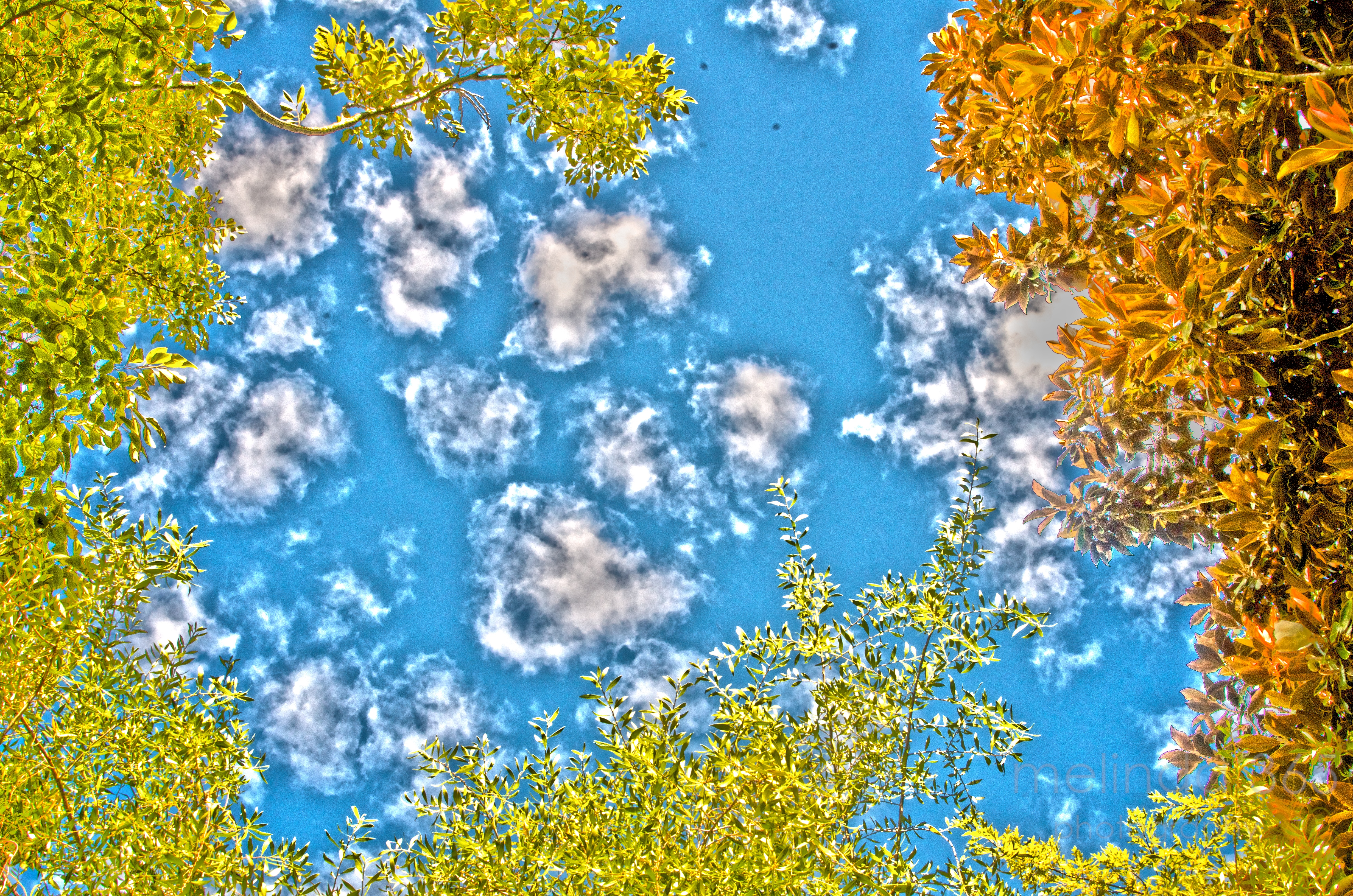
Scott Kelby shared his favorite HDR settings a few days ago on his blog, so I tried it out!
I went on a mini HDR kick when I first started photography, downloading a free trial of Photomatix. I lost interest when I quickly realized that I didn’t understand what I was doing (still don’t really. . .), although I liked some of the images I produced. When I bought Photoshop in January, I tried it again- but none of my images that I edited had that Photomatix look to them.
I think for someone like me, a preset is the answer. I just copied his settings and saved it as a preset- easy. I realize that this isn’t an outstanding image- just a quick look up at the the sky with clouds this morning- but it is interesting to see what happens to it. I played around with it some more in Photoshop- even tried using it as a layer above the original image and blending it different ways (I want to try that again- interesting effects!)- but am posting it today just as is, the Scott Kelby way.
And here is the original shot (with a little definition and midtones boost).

As I understand it, HDR uses three images at three different exposures which are then blended into one. When I used Photomatix, I made 2 copies of an image- and made one lighter and one darker- then the software merged them. For this process, I used a single image- I have no clue what Scott does!
 melinda anderson photography
This is very interesting. Fascinating that it gives lots of extra cloud detail. Did you notice the spots in the center top of the photo? It looks like it might be dust on the lens or filter. Or maybe UFOs?
It is definitely UFOs!
I just took a photo of a white wall and there are no spots. There also are no spots on the other photos I took (all 3!) this morning. The only un-UFO explanation I can offer is that I actually cleaned all my filters (on the lenses) and reorganized my camera bag before I took photos this morning, and I loosened something which subsequently blew away.
Hopefully gone for good (and not on the sensor somehow)!
But I still might think of installing a force field and anti-probe devices in case the UFOs really are landing. . .