I posted this photo, taken at the salvage yard we visited in Yarnell a couple weeks ago, on Flickr last week for Fence Friday. Happy Fence Friday on Wednesday!


I posted this photo, taken at the salvage yard we visited in Yarnell a couple weeks ago, on Flickr last week for Fence Friday. Happy Fence Friday on Wednesday!

Textured with Kim Klassen’s touchof


It is amazing to me how powerful Lightroom is for creative edits. I would expect it to be great for straightforward exposure, clarity, cropping etc. when editing a photo- for a “clean” edit. However, there is so much potential in this program for creative edits as well- for things you would expect to have to go into Photoshop to do. And presets make it soooooo easy!
In this Week 8’s lesson in BeStill 52, Kim Klassen provided us with two presets (hazy dazy and breathe) to try on our images. The topic of the lesson was backlighting, which was challenging with yesterday morning’s overcast skies. Although the roses (it was our 43rd anniversary yesterday!) were set on the covered porch and were backlit, it is hard to tell in this closeup. I have other photos I’ll post soon.
Below are four versions of the same photo. Which do you like best?
 Row 1
Row 1Box 1- “clean” edit
Box 2- darkday preset
Box 1- hazy dazy preset
Box 2- breathe preset
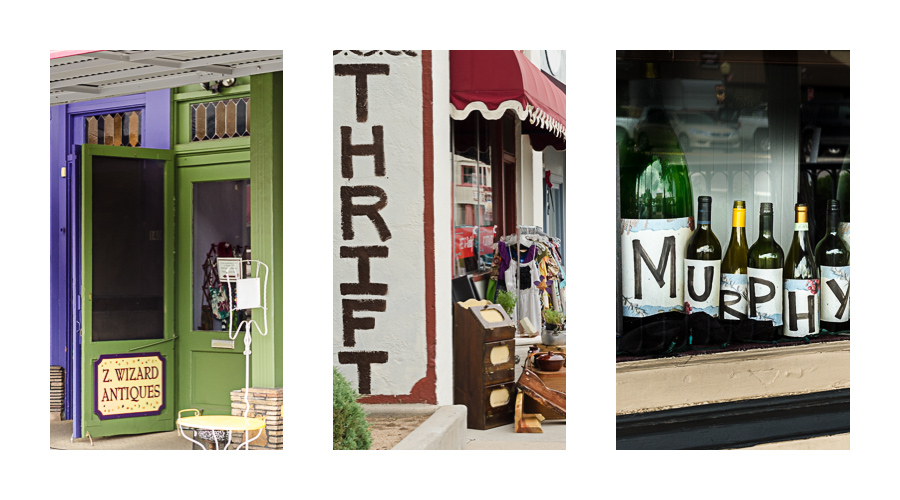
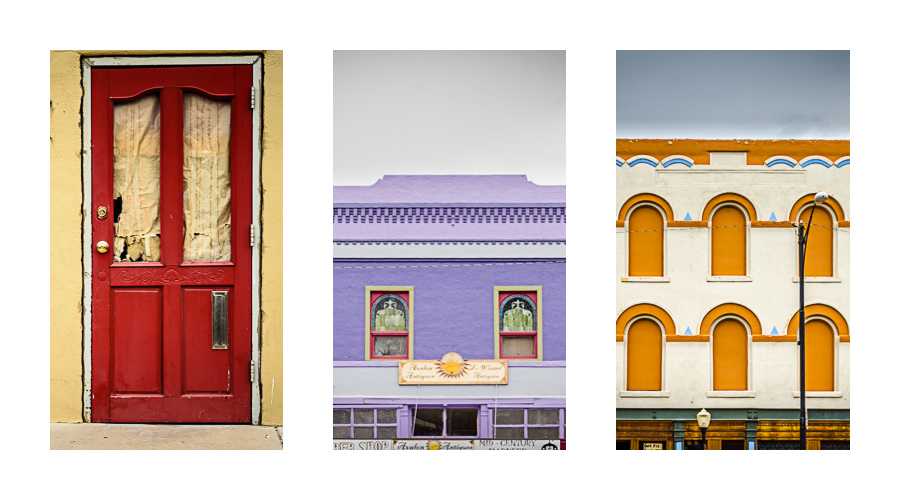
I took my camera when we walked along my one of my favorite streets in Prescott yesterday and tried to capture some of the details that give our downtown such character.
I somewhat impulsively joined the 21 Day Juice Challenge on instagram a few weeks ago. It was a good idea for me, because I was getting bored with my phone photos and needed a reason to practice. I drink smoothies several times a week normally- how hard would it be to do it every day and take a photo?
Well, I actually enjoyed the project and was inspired to try new combinations of ingredients so that my photos wouldn’t all be the same. I also tried to use different apps and styles most days- although at the end I was pretty dry creatively. There was only one day where I didn’t like the smoothie I made- Day 15- but at least I got a good photo!

I wish I could say that I created the layout on my phone, but I didn’t- I used Lightroom. The two apps that I used the most were Snapseed for a basic edit- and Pixlr Express. I also used Mextures, PicStitch, and Rhonna.
And here is a bonus shot I took at our Courthouse Square over the weekend.
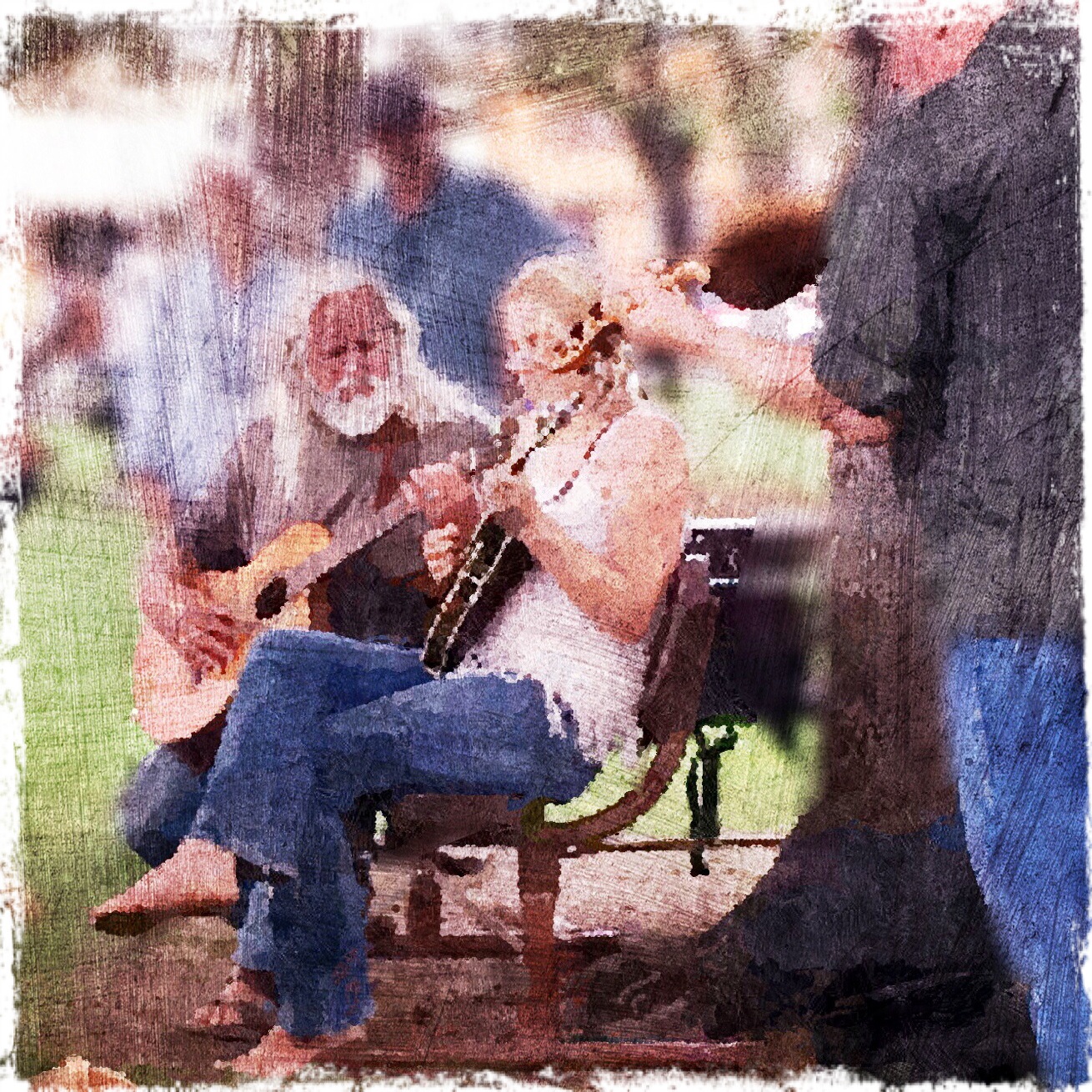 I used Snapseed (basic edit), Mextures, and Pixlr Express for this shot of these wonderful musicians. I used one of the stylize filters in Pixlr Express to create a painted effect- I think I did it twice- and then blurred the whole image, brushing it off the main subjects. I finished it off with a texture from Mextures- and then back into PixlrExpress for the frame. All completed while binge-watching Damages (with Glenn Close) on Netflix!
Linking up with App-Happy Wednesday today!

I am lucky enough to have a couple bags of shells my father brought back from the South Pacific after World War II- from the island of Eniwetok, to be exact. Alhtough I’ve used some of them in other photos, I got them out again yesterday to shoot with my macro lens.
I wanted the shells to be on a wood background, but I don’t like how the grain of my dining table looks in photos- and, truthfully, I didn’t want to lie on the floor. I haven’t bought any kind of tray for still life (still plan to) or wood to use as a background, but I came up with something that for me was a brilliant solution, if I do say so myself! I took the little drawer out from the dental cabinet where my treasures are housed, turned it over, and scattered the shells on top. The wood you see in the photos below is birds-eye maple, which is used for the inside of the drawers in the otherwise mahogany cabinet. I used side lighting from the sliding glass door- and a wide aperture with my macro lens to create shallow depth of field (BeStill 52 lessons).
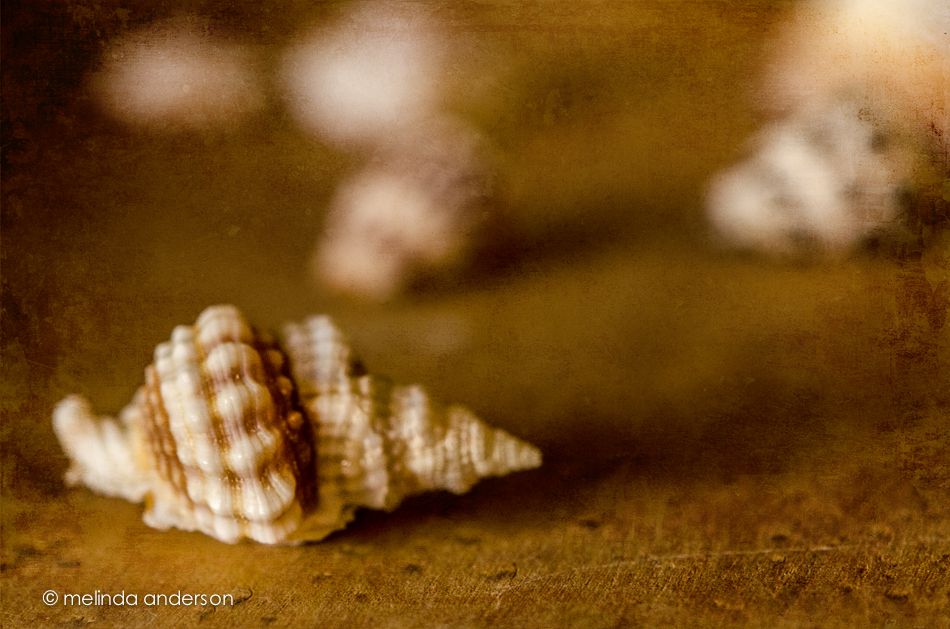

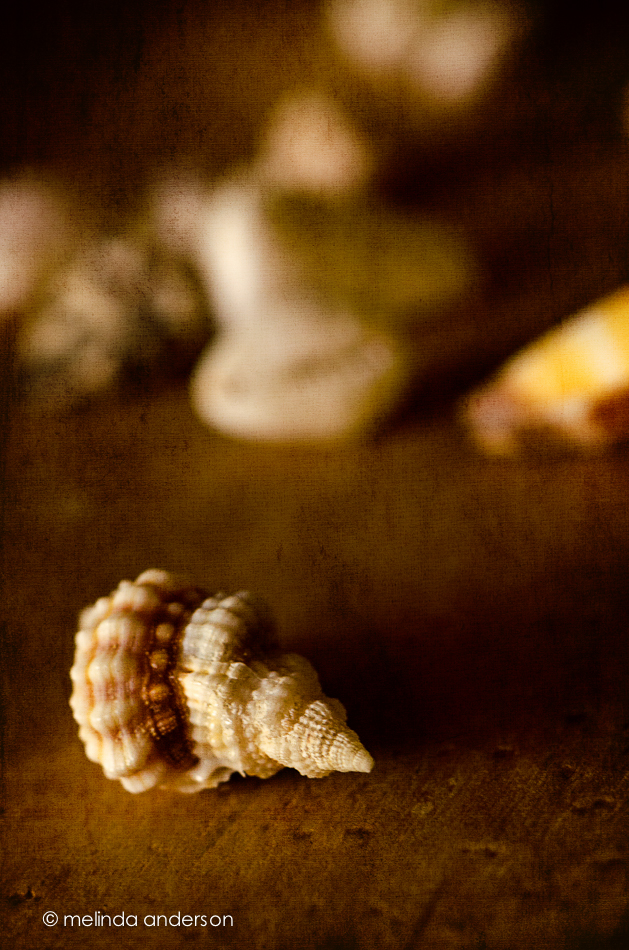
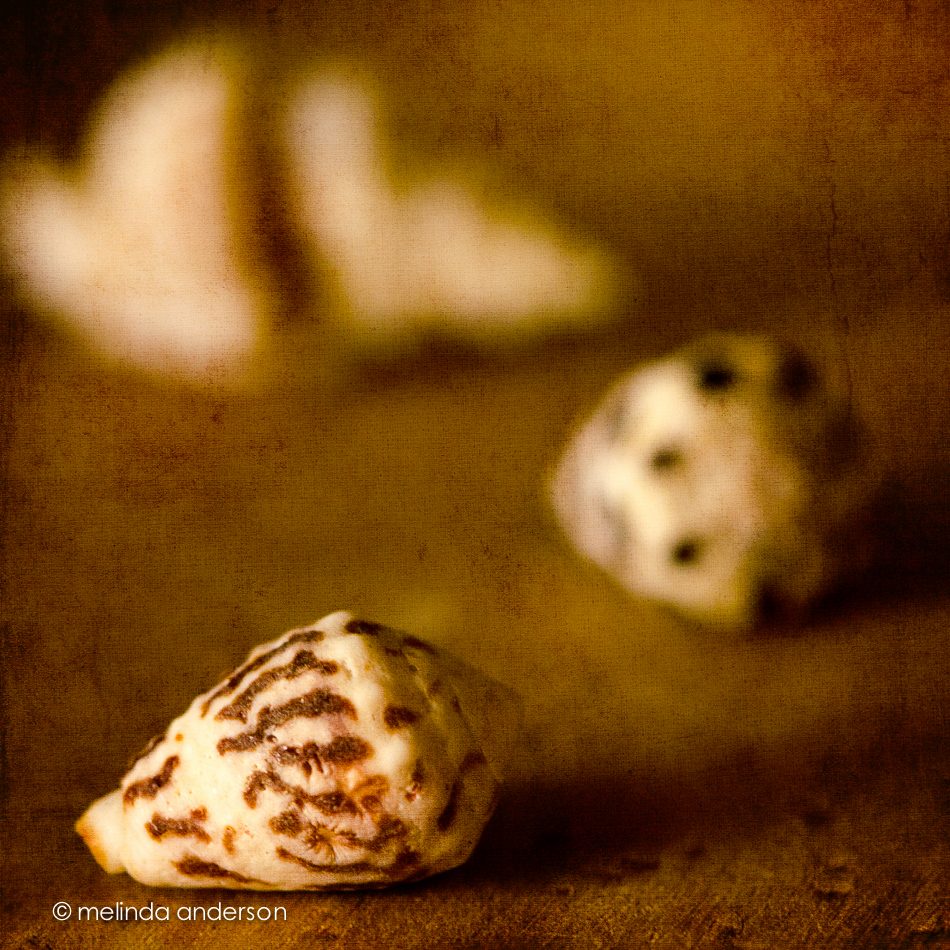
All the images are textured with two layers of Kim Klassen’s simple or simple1 textures.
Linking up with Texture Tuesday today.
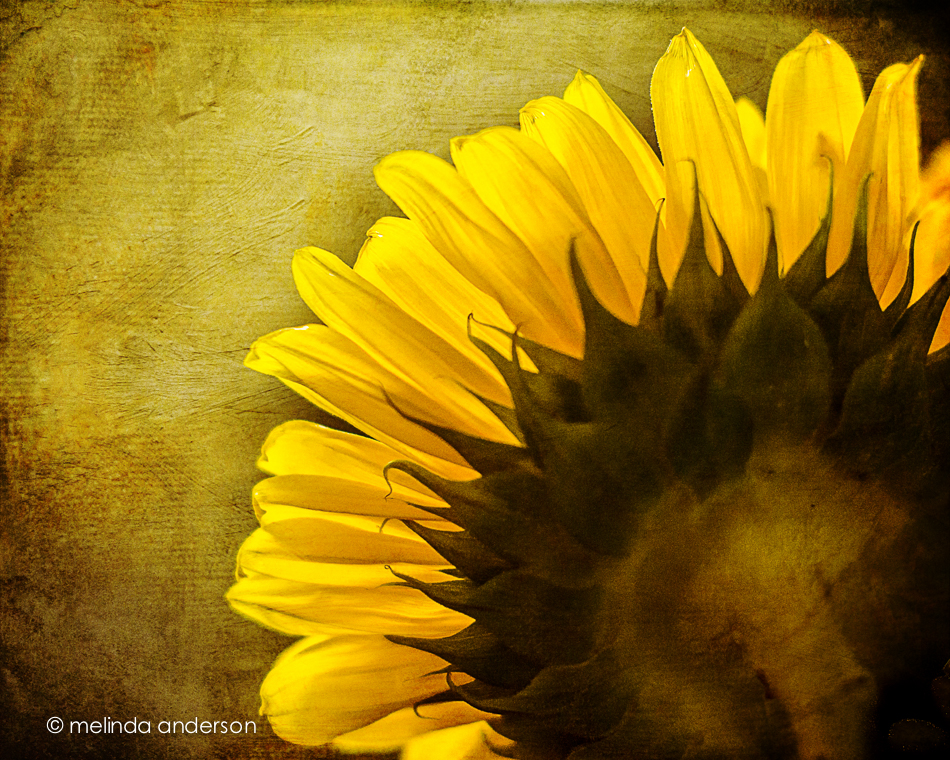
I’m not sure if it’s because of the thunder and lightning or the tarantula (!) we found on the front porch- but I’m in the mood for a grunged up photo! As I walked by my sunflowers yesterday, I noticed the window light created some beautiful backlighting. I grabbed my camera and took a few shots before the light changed. In Photoshop I added some textures and voila!- a grunged up sunflower!
Happy Fourth of July, everyone!
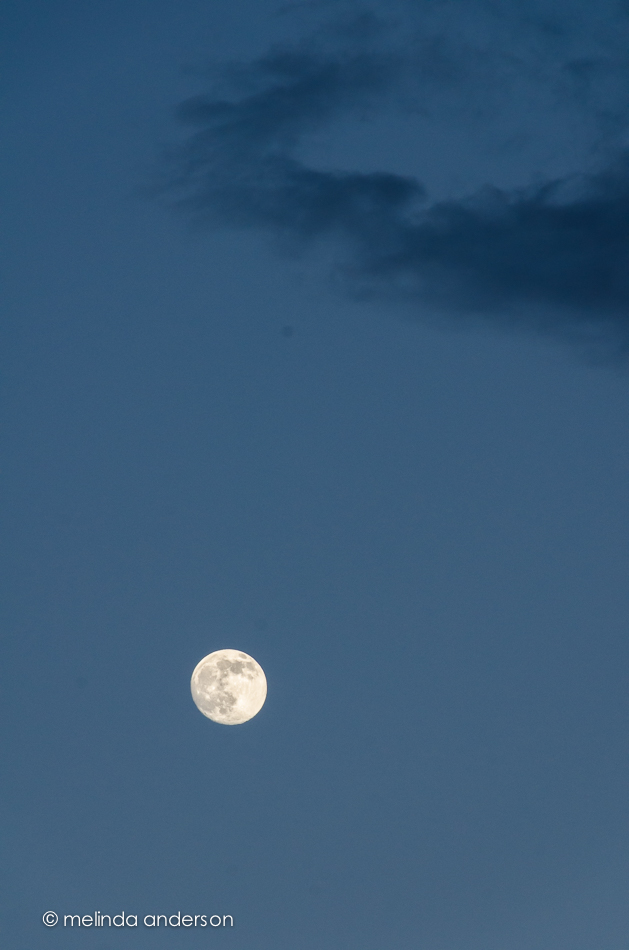
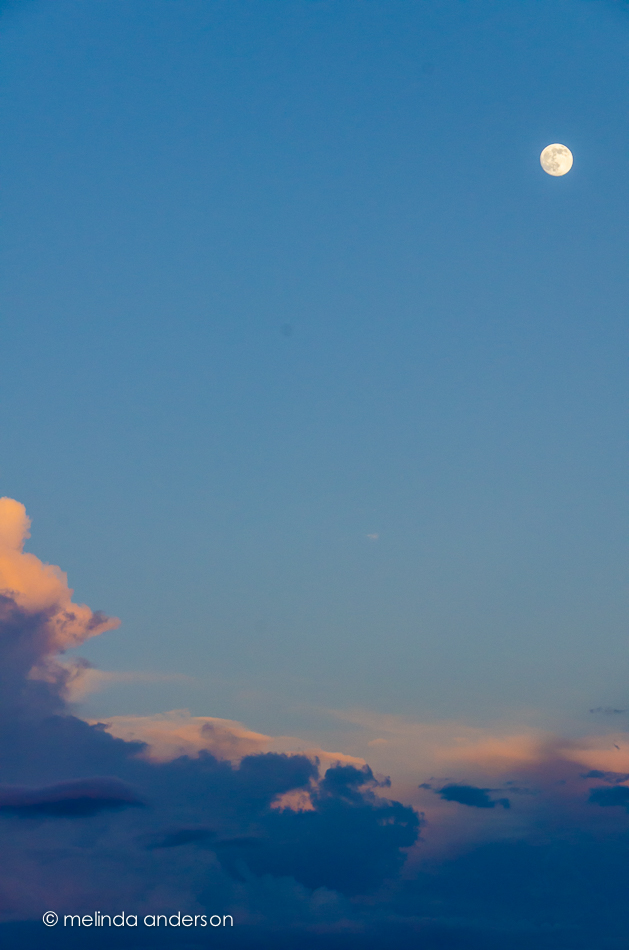
I have quite a few flag photos I’ve taken this week, but I think my favorite is this one I snapped with my phone last night as we drove home from the store just before sunset. Storm clouds were building, and I loved the flag set against the gray clouds. I added a texture with the Mextures app in my phone.

Here’s one from last month’s rodeo in Montana. The young boy on the horse raced around and around the ring while the national anthem played and everyone stood at attention- hats off. A beautiful sight!

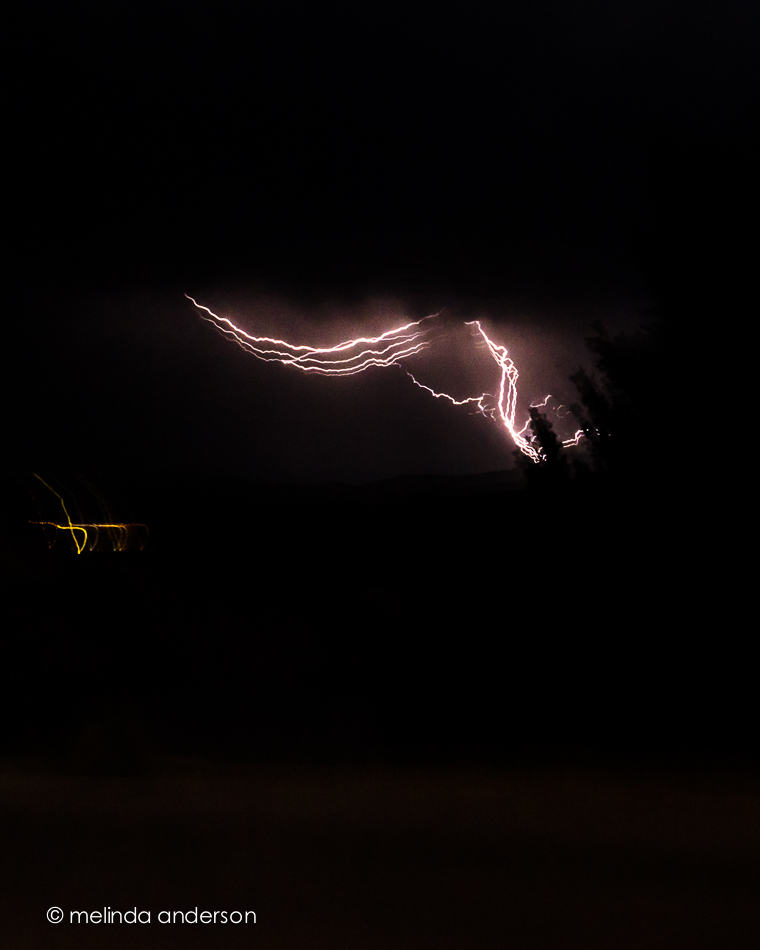
After we got home from the store last night, we sat on the porch as the sky darkened, the wind picked up, thunder crashed in the distance, and the sky lit up with a a lightning display that went on for hours. At first I tried to take photos, but it was so windy that it was impossible to keep the camera still- so I sat down and just enjoyed the show. If we had any rain it came during the night and wasn’t enough to make puddles. It’s dry out there now. But the monsoon season has begun- bring on the rain!
One year ago today we had our first look at the house that would become our Arizona home!
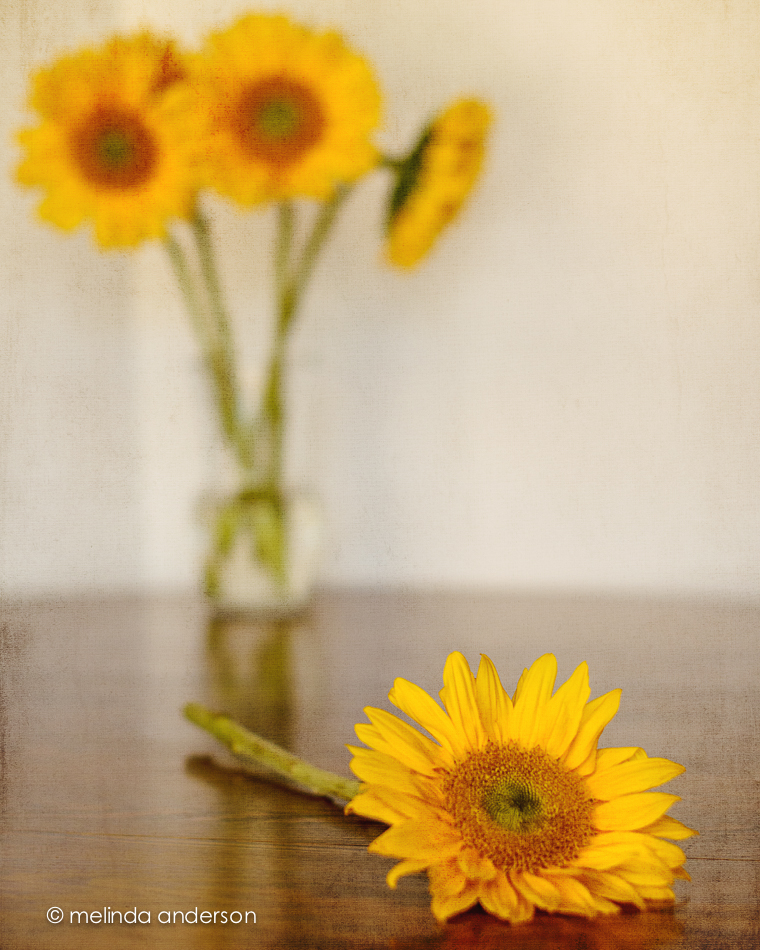
July 3, 2013 found us looking for a house to buy in Arizona after having bravely sold our California home without knowing for sure where we were going. We were pretty sure Prescott was the place- we had good friends here, we were were looking for a small town and a simpler lifestyle- but we needed to find the right house! Our realtor wasn’t much help, but our friend Debbie found a house just listed online that seemed to fulfill our requirements (one story, 4 bedrooms, open floor plan, easy maintenance). We got the realtor to get us in- and the rest is history! I knew it was the place when we walked in the door- it just felt like home. We ended up making an offer, but lost out to another buyer. Dejected, we drove back to California without having bought a house and talked about renting until we found the right one. A few weeks later, the other buyer’s deal fell through, and we got in the car to drive back to Arizona to visit the house again and make an offer. On August 24, we moved in!
Back in California, I spotted this table runner at Pier 1 and bought it for our Arizona home. I love the Southwest colors and how it looks it with my Trader Joe’s sunflower bouquet.
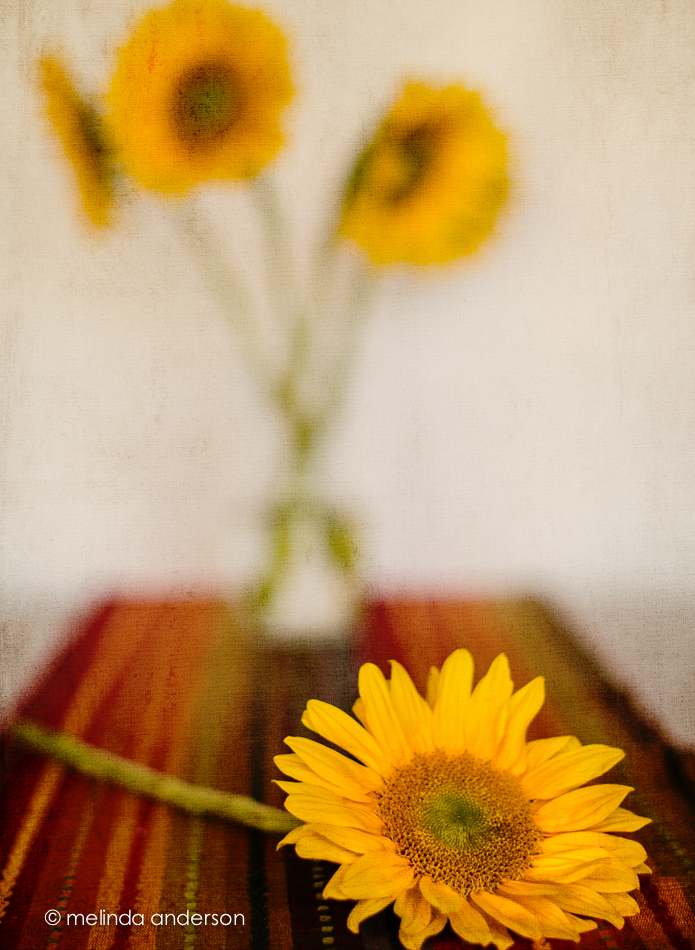
I took these shots for Be Still 52, Week 7, a lesson on depth of field and a softly focused background.
I am continuing to play with still life, but not going too far outside my comfort zone for this photo session (maybe NEXT time. . .). In fact you’ll notice these images are all VERY similar. Feather and book, book and feather. The last two have an added hat, and the book was changed from The Red Badge of Courage to The Secret Garden (and I moved outside). I think my favorite is the second one (I like the blue book).
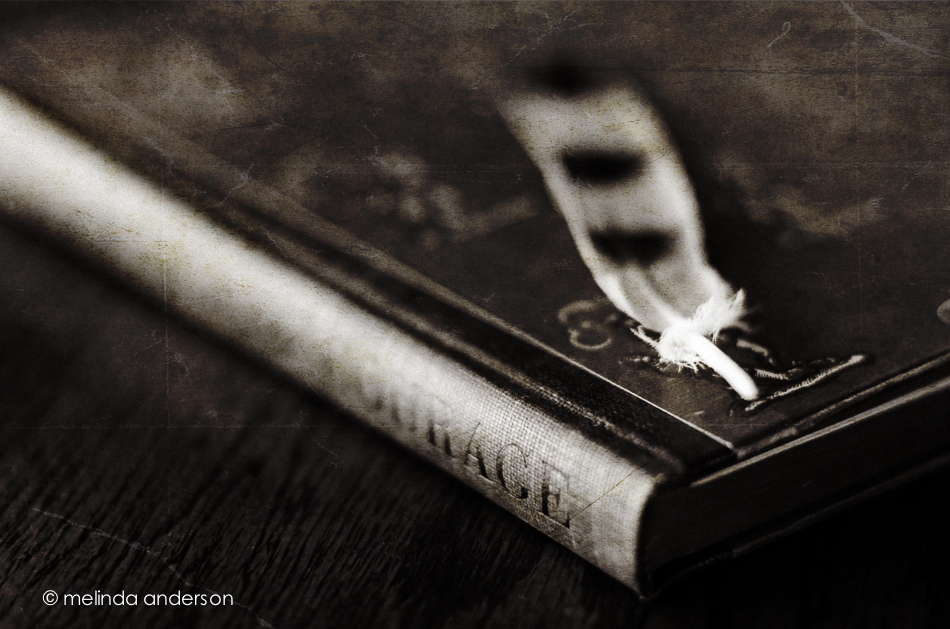
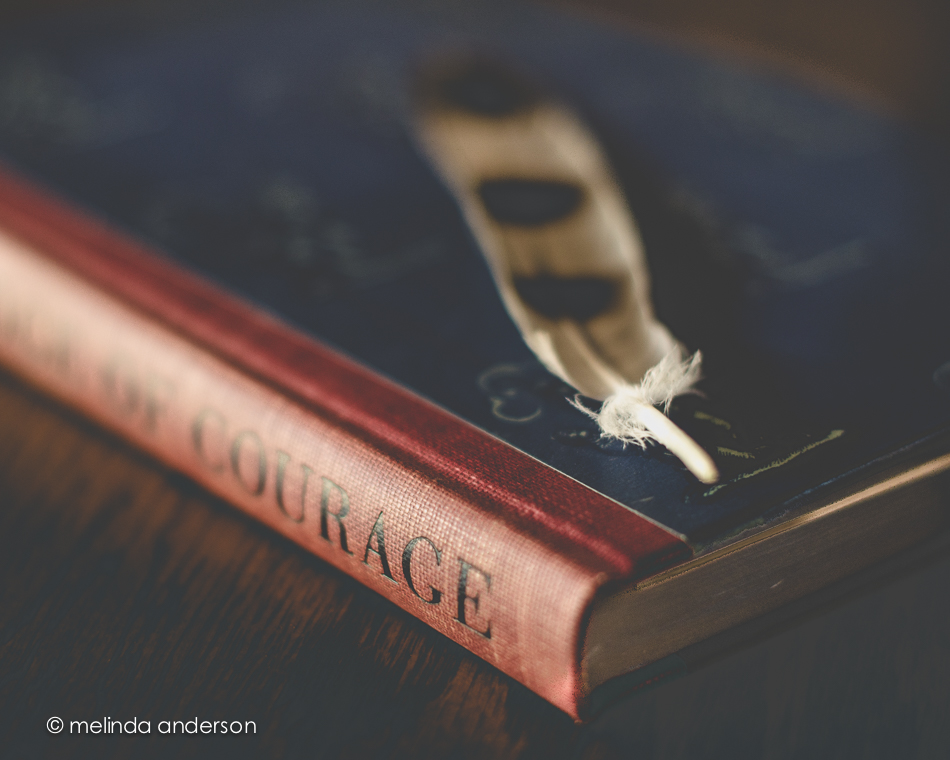

 Editing notes:
1. converted to black and white in Lightroom, kk_celebrate texture added in Photoshop
2. edited with Kim’s moody preset in Lightroom, highly tweaked
3. edited with Kim’s days of old preset in Lightroom, and tweaked
4. basic edit in Lightroom, Kim’s kk_happyheart texture added in Photoshop (2 layers)

Edited in Lightroom with Kim Klassen’s dark mood preset (adjusted)
Texture added: Kim Klassen’s july, desaturated
I created an even darker version by desaturating the Photoshop version in Lightroom and adding some split toning.
Linking up with Texture Tuesday
We went for a drive to Yarnell a few days ago, and I had a great time photographing some random sights along the main drag.
A painter was touching up the trim outside the antique store before hanging up the new sign,

A highlight at the end of the day was visit to the salvage yard, where the last two photos were taken. I loved the irony of the playground sign placed next to the highway sign along with the motors and other items.
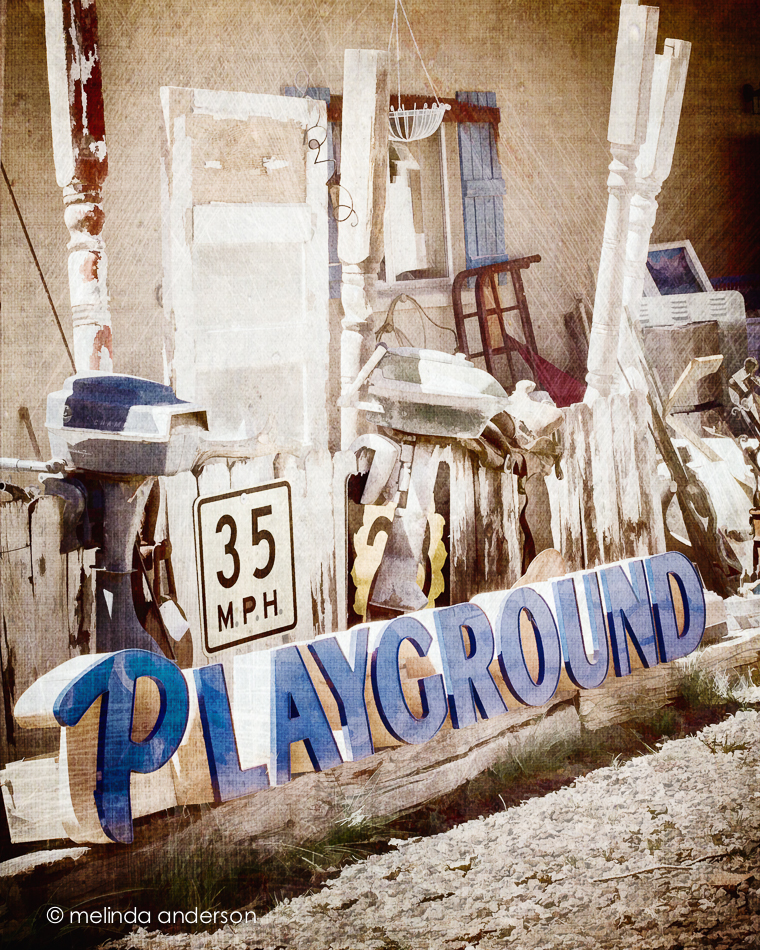
And then there were the random doors propped up by the road.
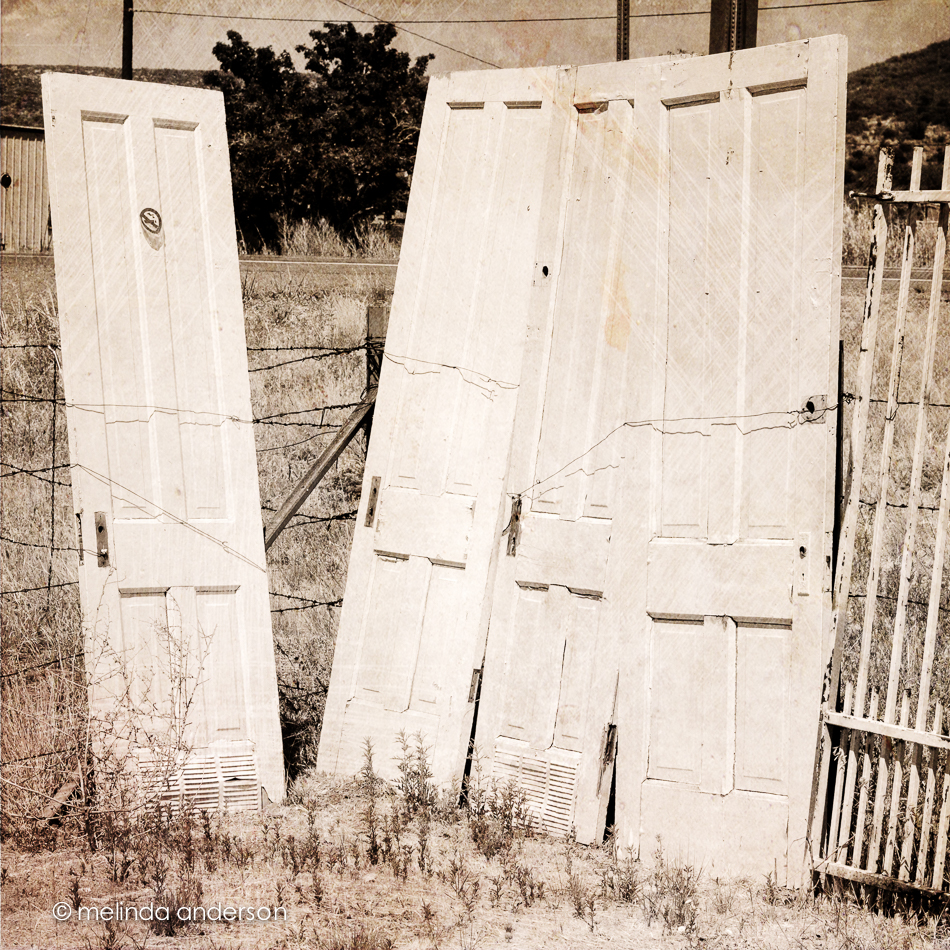
All of these photos have textures added. The first two have a painting filter applied as well.

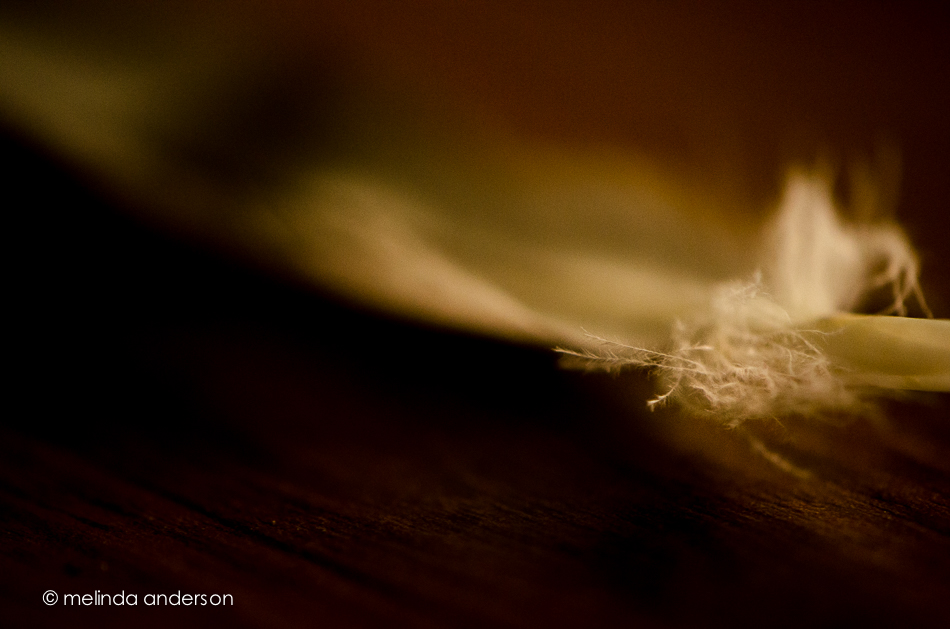
Look what my husband found in the yard the other day (I have trained him well!)! It’s long and striped, but it’s the little fluffy part I was attracted to for this macro shot.
Linking up with Friday Finds today.

For Be Still 52- side lighting practice:
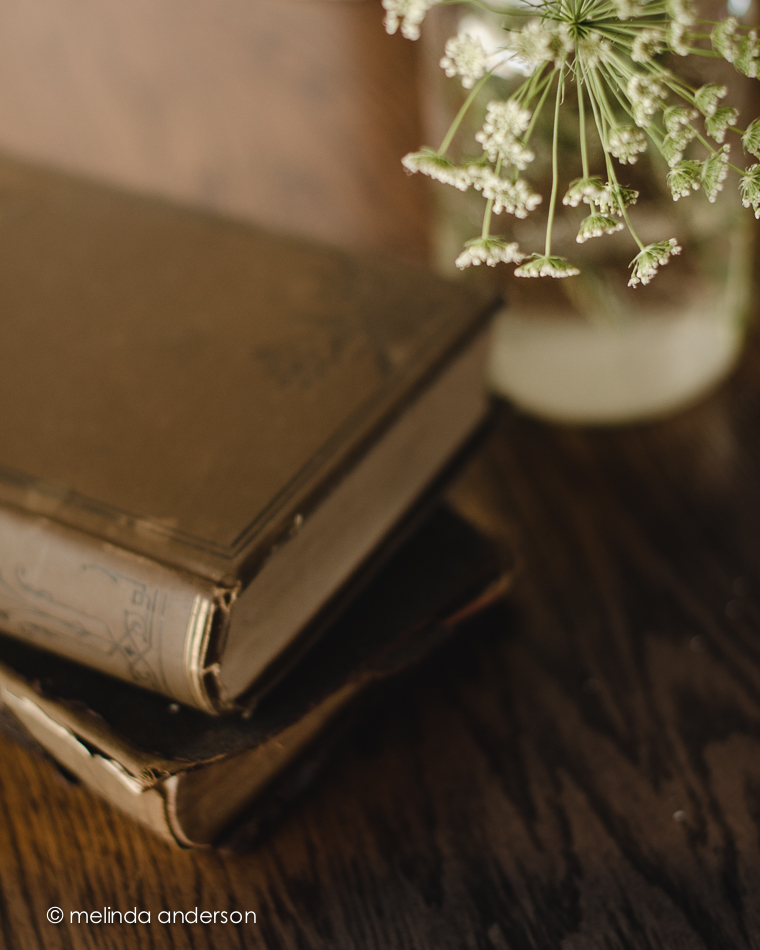

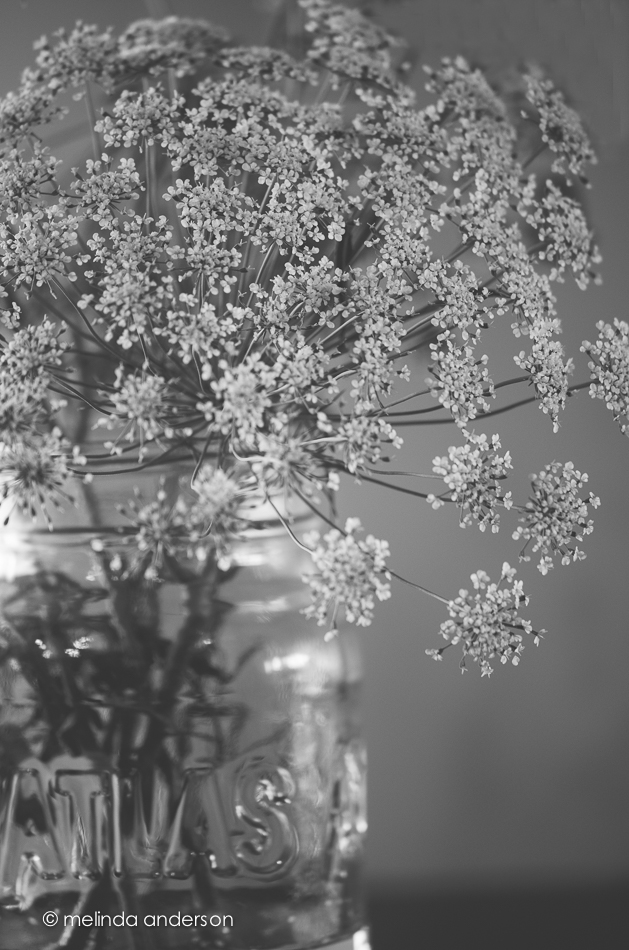
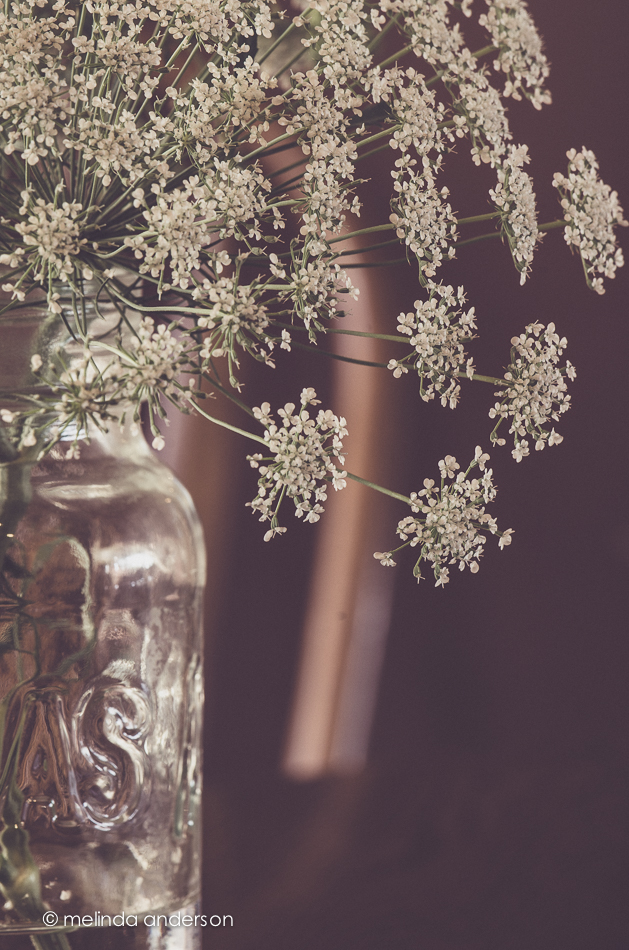
Thank, you, Debbie for the new jar!

