
Our challenge this week was to start with a photo taken by Kim- and edit it our own way. I pretty much dreaded this one- not fun for me, because it brings up some nagging little fears of being compared to others. I accidentally saw a couple edits on Flickr today while I was looking at my phone- oh no- they were really good! I knew then that I had to start when I got home and not allow myself to look at any more. Later, I will go back and learn from what others have done.
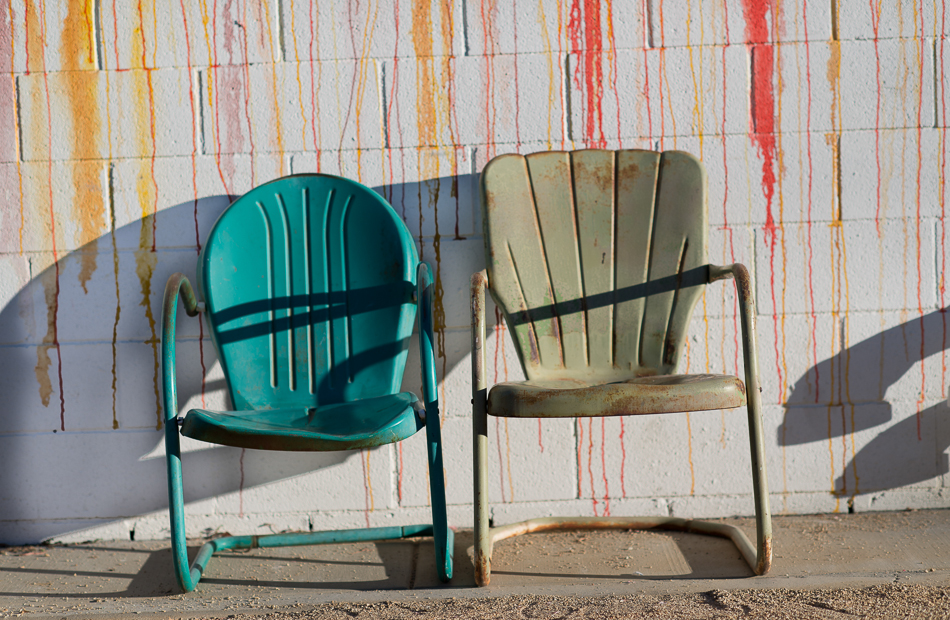
Here is Kim’s original photo- unedited except for white balance.
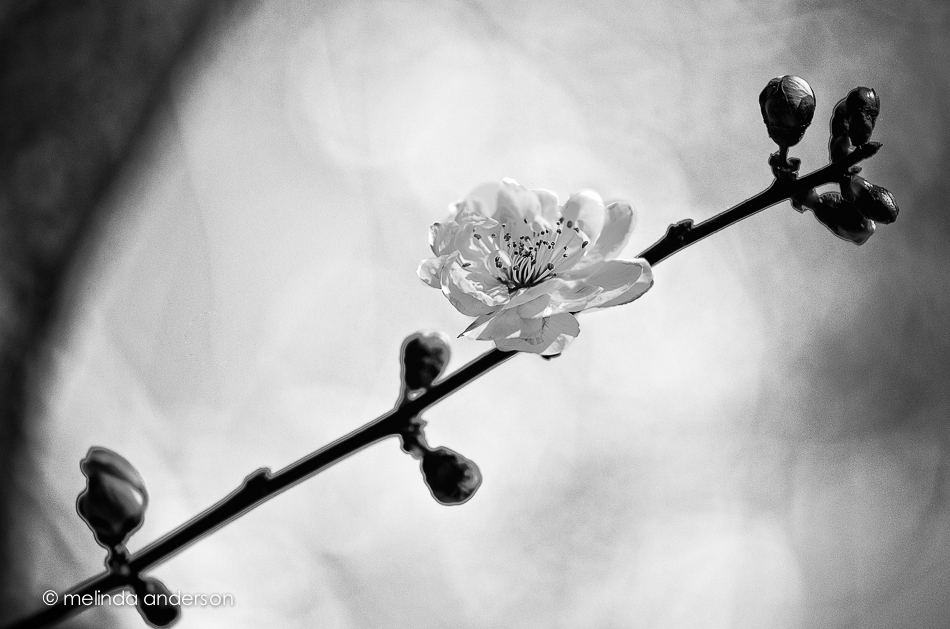
I went several different ways with my edit- a vibrant punchy way, a soft dreamy way, and, finally, a black and white with purple added to the shadows, which is my favorite.
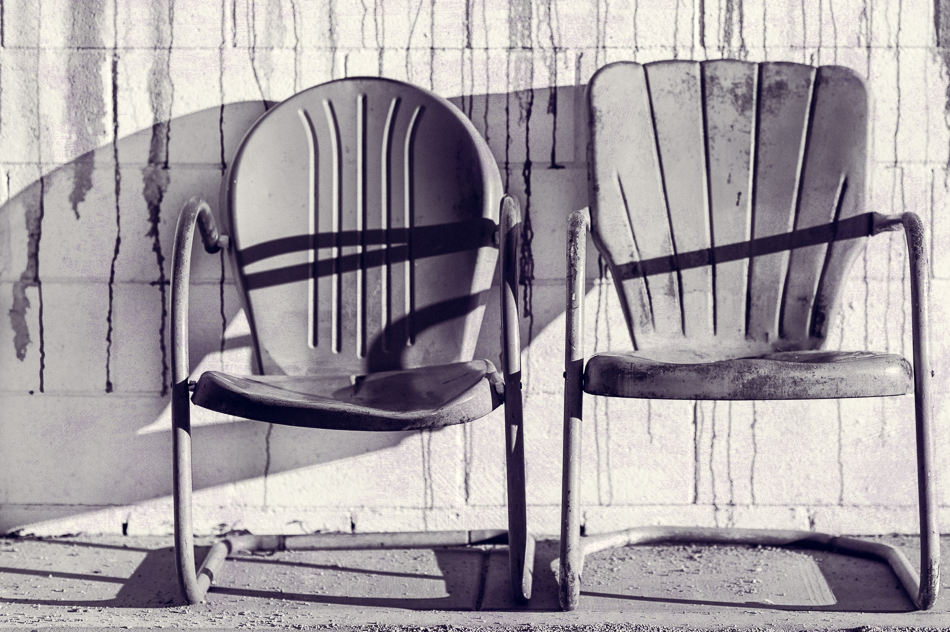
I cropped and straightened, adjusted exposure and contrast, added a bit of clarity and grain- and then converted to black and white, adding a slight purple hue to the shadows. In Photoshop, I did not add a texture, but used one of Kim’s new brush overlays (really like them!) on two layers, multiply and soft light blend modes.
So there you have it!





 melinda anderson photography