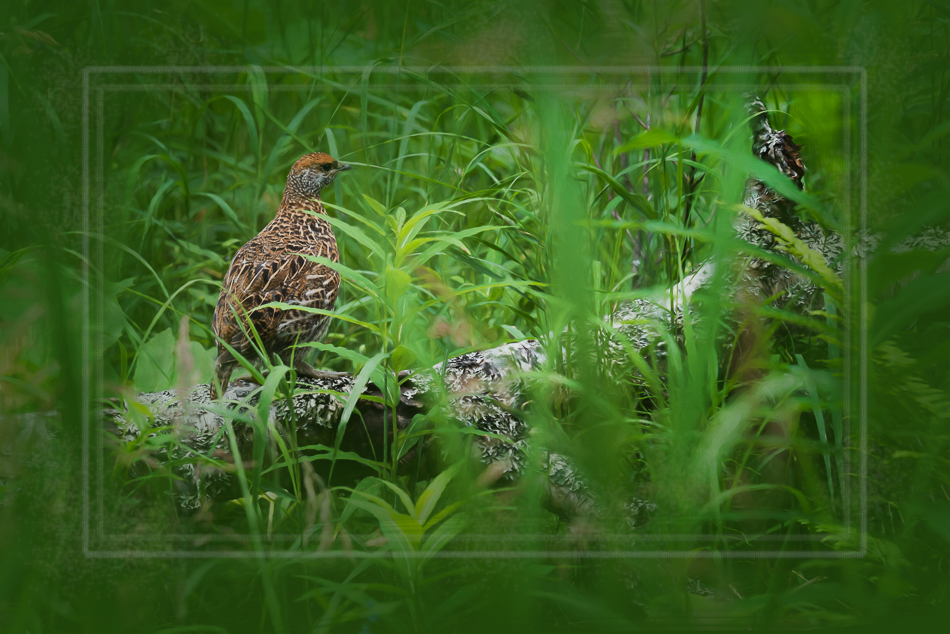
Just a peek over the reeds at Watson Pond


Just a peek over the reeds at Watson Pond
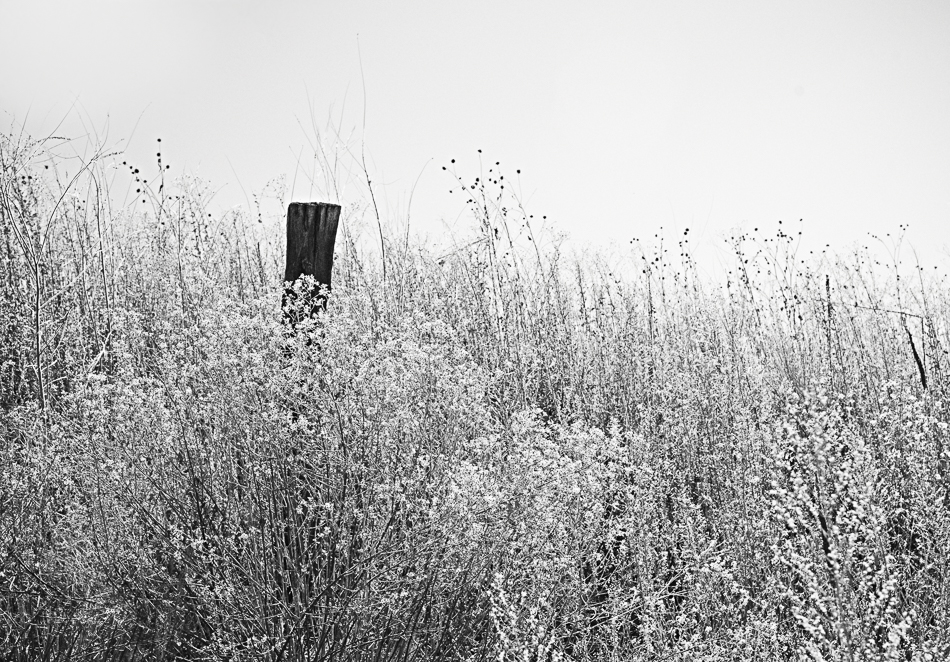
Summer weeds have dried and almost overtaken this fence along the Peavine Trail.

Here is another image from last week’s walk in Watson Woods. There were ducks- and I waited 15 minutes for one to swim into the orange reflection. I ended up liking this photo better- it’s all about the trees!
Although it is fall, the weather remains sunny and warm, and there is a mixture of green and gold on our landscape. I played with multiple exposures to create this piece, with a little help from Photoshop.

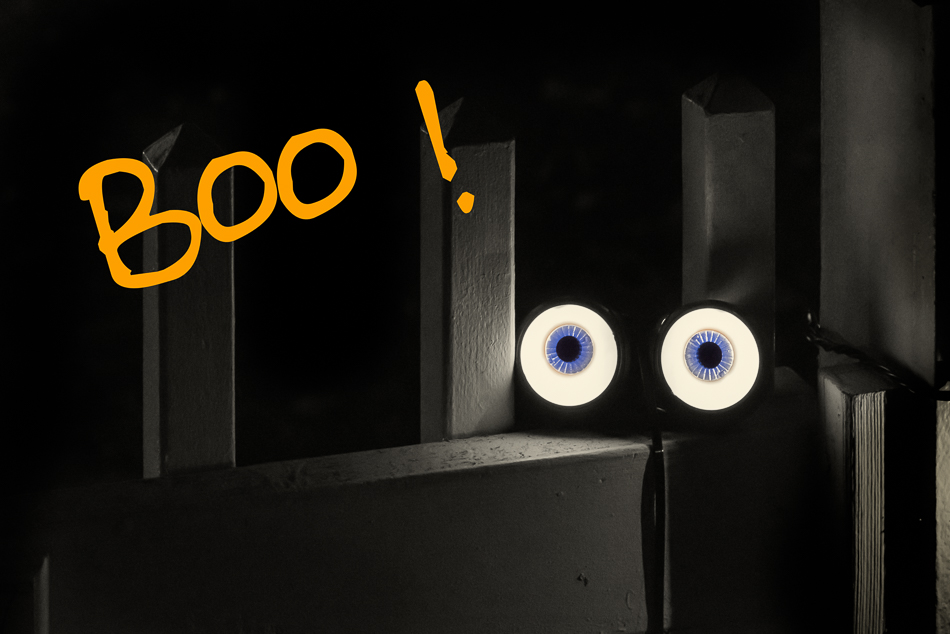
We get no trick or treaters at our house- maybe if we had a gate decorated like this we would!
Here’s a closer view of part of the display at my favorite Halloween house- the skeleton in a buggy!

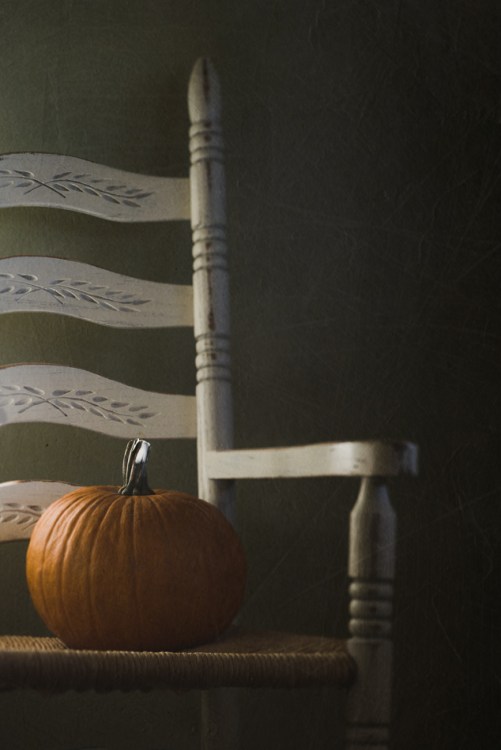
for Halloween . . .
I went out with Lonnie for a walk in Watson Woods in order to take photos for an assignment for my photo group. The fall colors were beautiful- just what I was looking for in my image. I’ve been limiting my computer (and iPhone) time due to symptoms in my arm, elbow, and shoulder from overuse, so I decided to limit my editing time to 10-20 minute blocks, rather than my usual several hours to several days per image (that combined with genealogy is what caused this problem in the first place). I did a lot in Lightroom, including using my Camera Vivid preset (thank you, Carol!), so that it was already quite saturated when I went to Photoshop. The edits I did after that seemed to increase the saturation even more, so then I applied an inverted image layer at low opacity (thanks to what I’ve learned in my photo group and to Blake Rudis, who developed this color correction process) to take out some of the yellows and oranges. When I brought it brought it back into Lightroom, I wondered what it would look like in black and white- and I found I liked that version even better! I think I must have been inspired by my friend, Carol again, who also turned a fall color photo to black and white. Rule breakers!
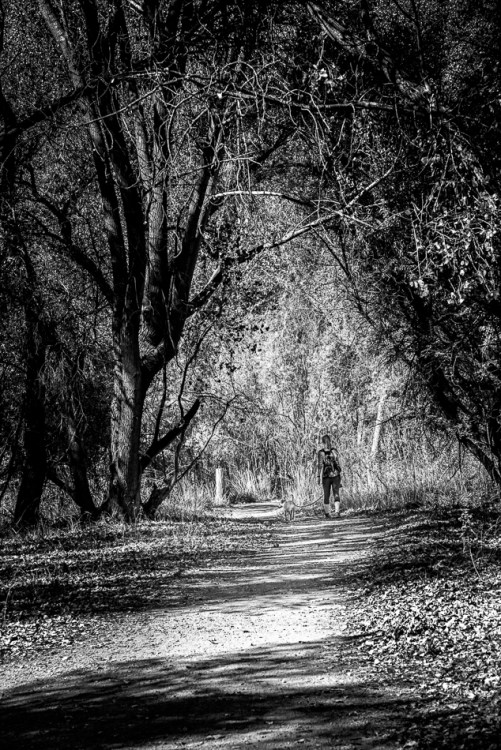
I took the photo to begin with because the girl reminded me of Caitlin, my daughter. And now in black and white it seems to have a spooky feeling- which makes me think of Stranger Things, which we have been binge-watching on Netflix. Scary!
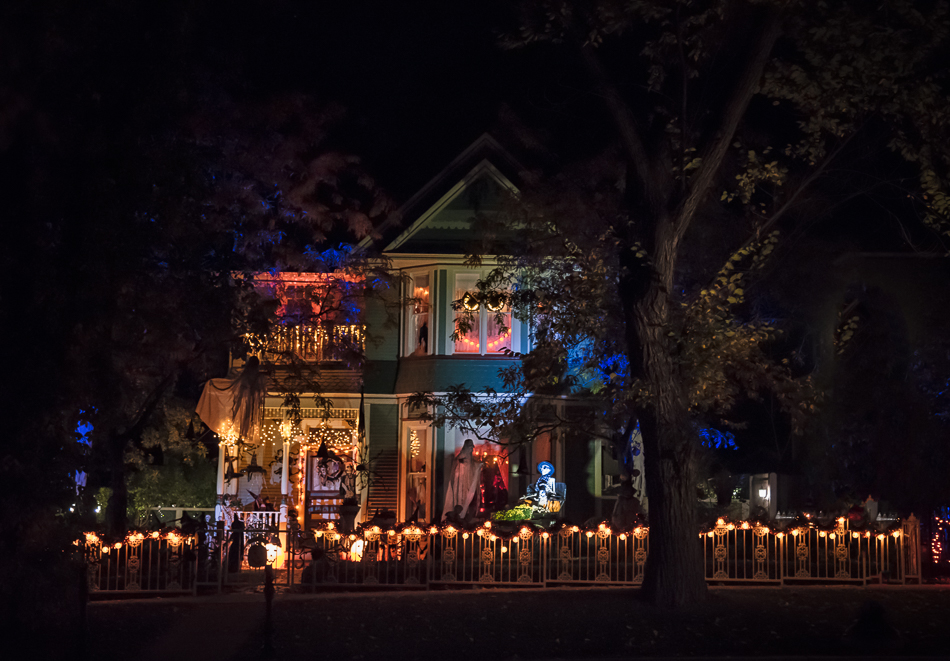
We did our annual photo pilgrimage to Mount Vernon St. here in Prescott. I always love how this particular house is decorated- and this year’s decorations did not disappoint!
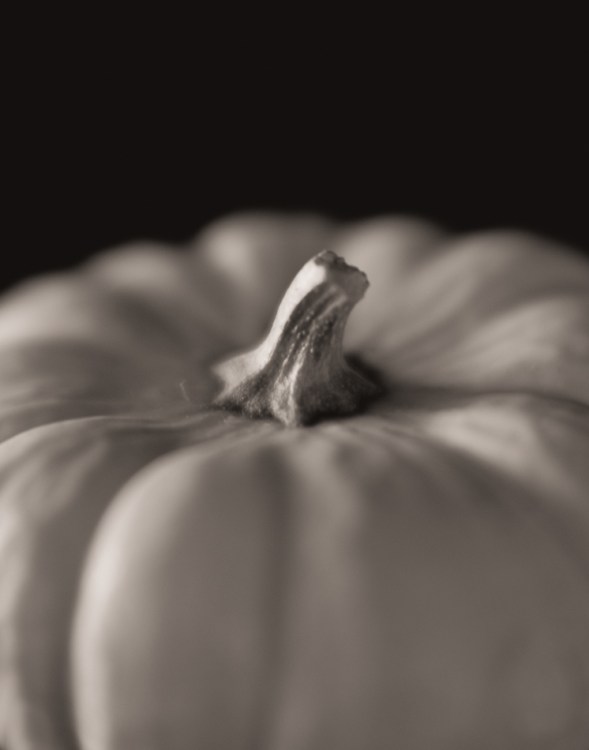
The last few months, I’ve found myself missing blur and soft focus. As a result, my Lensbaby Velvet 56 has been on my camera for the last week, and I’m going to put the Edge 80 (my fave!) on there next. Manual focus is always a challenge, but I find taking soft and dreamy photos is my comfort zone. I love the blur!

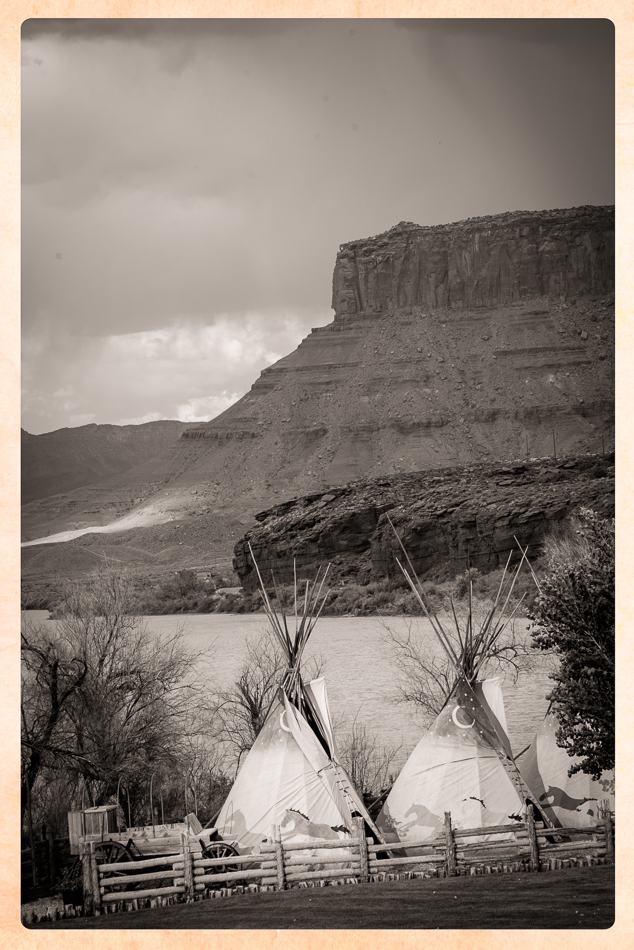
When we were staying in Moab, we never really understood what the tepee set up was for and never took the time to find out. Turned into a monochrome, it reminds me of a vintage photo postcard (never mind the fence and the wagon and the lawn. . .).
Monkshood- discovered on a walk at the Eagle River Nature Center with the boys (including my nature guide, Justin)
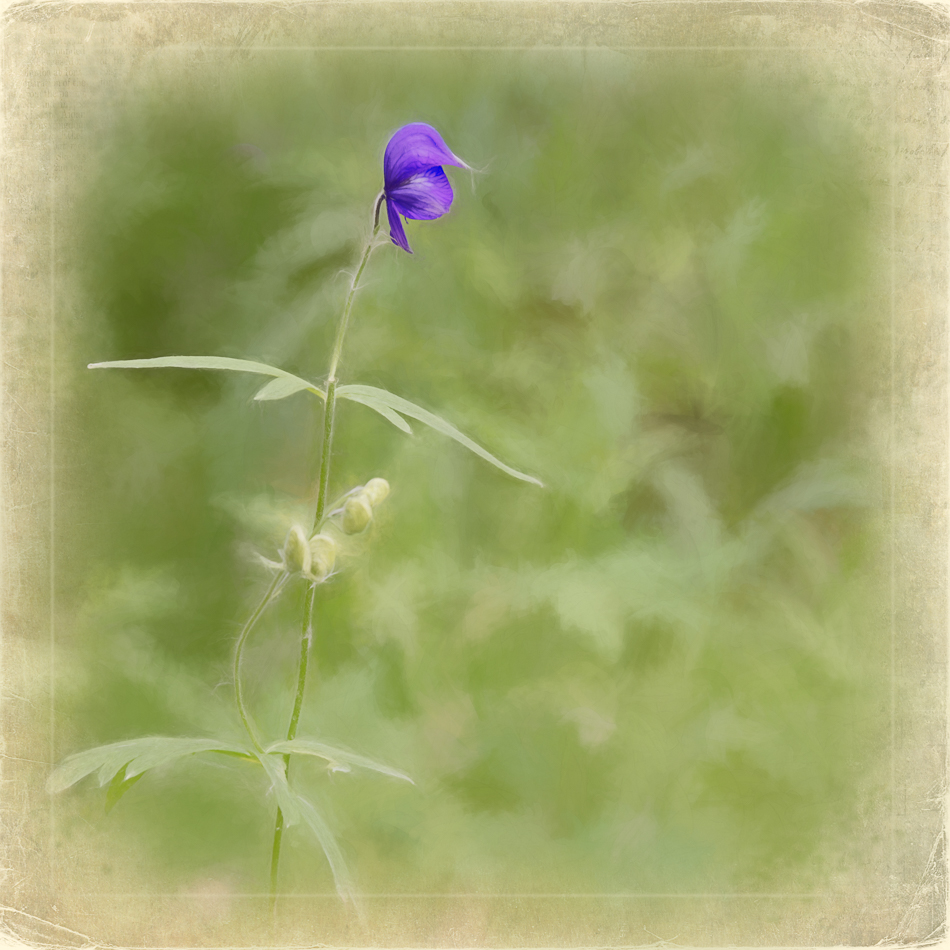

A sweet Alaska memory- Miles showing me some wildflowers
There is beauty even in the stark landscape of areas in northern Arizona. Of course, the clouds help. . .
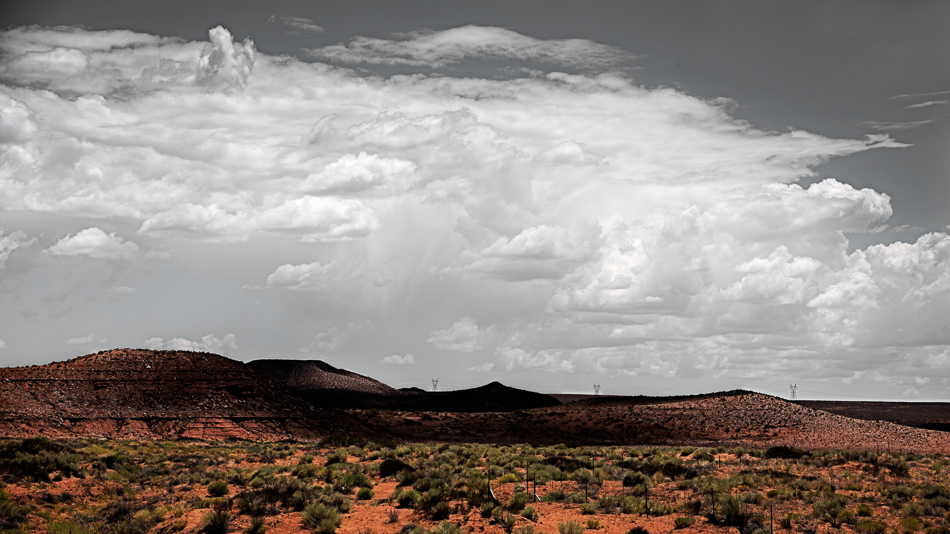
The above is another through-the-windshield shot- a few miles before getting to White Mesa..
Yes, another bird- and another artsy fartsy bird at that! This is a ptarmigan, perhaps a female or a juvenile (can’t remember), and it is the state bird of Alaska. This info is courtesy of my Park Service son-in-law, so I am breaking with my policy of not identifying birds, because I’m always wrong- or at least I believe everyone who identifies a bird incorrectly for me. Crossing my fingers here. . .
It was our youngest grandson, Henry who spotted it as we were walking a trail at the Nature Center. It was motionless in the grasses and probably scared out of its mind. I said, “Oh, look a grouse!” We all gathered on the trail watching it, as I snapped 4 or 5 shots. Then Justin gave the command to Penny, the golden retriever, who promptly flushed it out and away flew the grouse/ptarmigan/chicken(?) into the woods.
I gave it the clipping mask and stroke treatment, because it’s fun and I just can’t stop doing it. . .