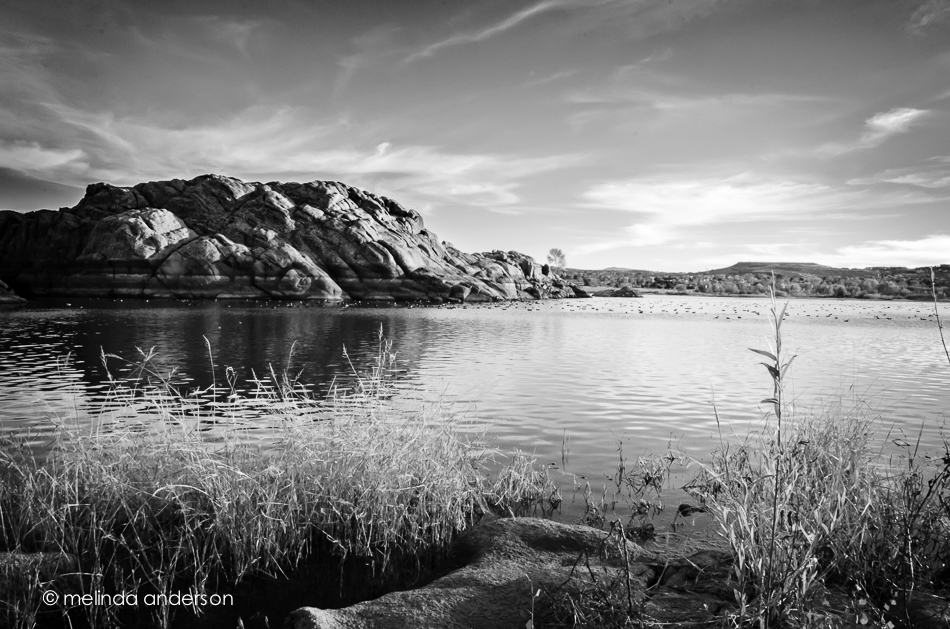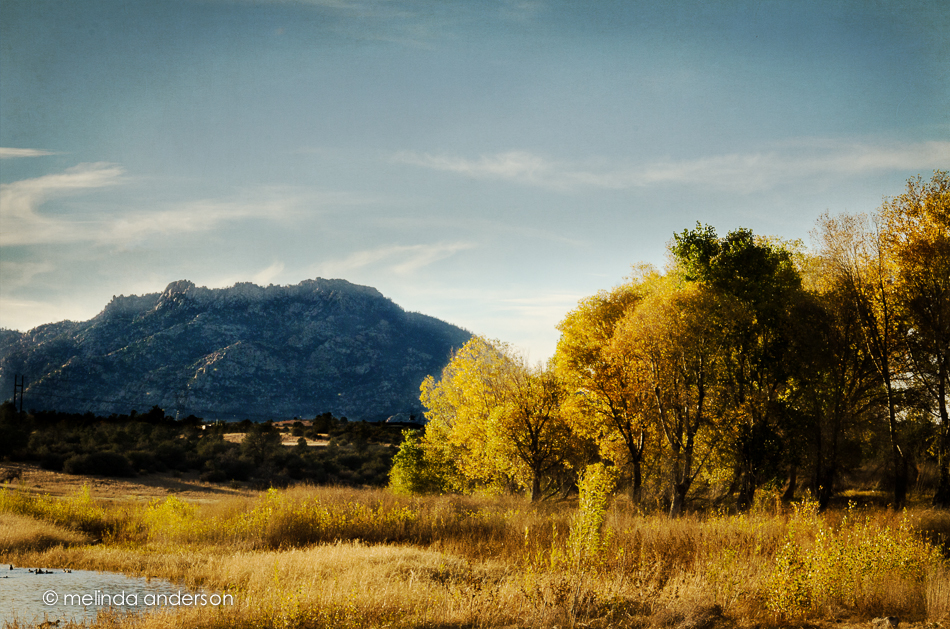
Willow Lake at Sunset

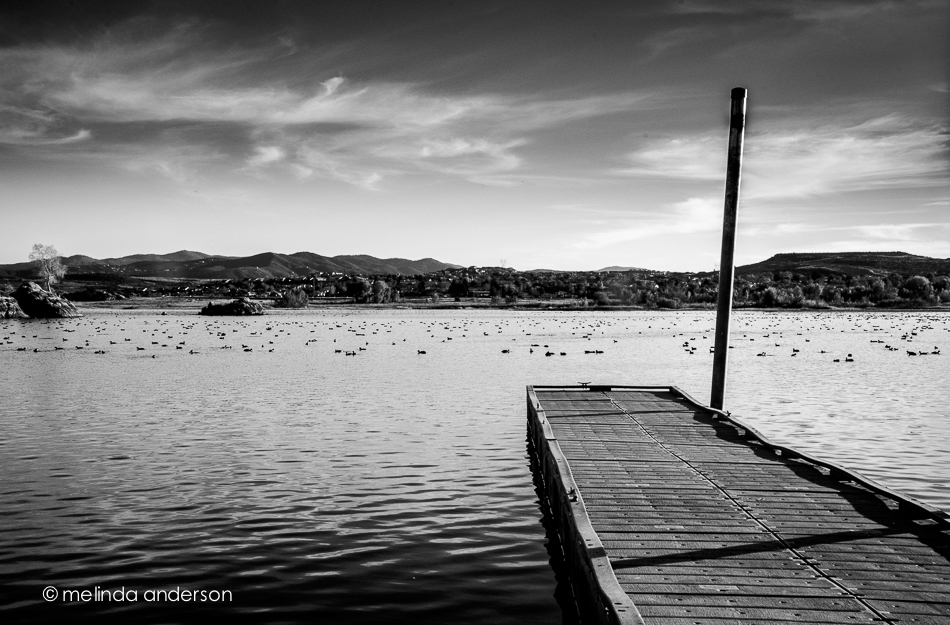
Our local newspaper had an article yesterday about the water fowl and raptors that can be viewed at Willow Lake, just a few miles from our house.  We have been talking about going there, so the article gave us the nudge to get in the car and head on over.  Since we had only driven by before, we had no idea where to park or what trail to walk, so we weren’t very prepared. We parked in one area and asked a cyclist, who suggested we park closer to the lake. Since the sun was low in the sky, we took her advice and ended up parking near the water.  The lake is full of ducks and other water fowl- all very skittish around my camera.  We didn’t see any shore birds or raptors, but enjoyed the views during the golden hour and at sunset.

7Nov2013-7926-Edit

7Nov2013-8056-Edit-2

Linking up with Friday Finds at Kim Klassen’s site.


Is Your Mama a Llama?

2Nov2013-7544-Edit

No, I haven’t gone crazy since moving to Arizona- at least I hope not.  I am continuing to practice my Photoshop skills and going WAY outside my comfort zone by doing photo compositing (that IS a word!) with THREE photos and two textures to create this image, which is a sort of visual summary of the highlights of our day in Sedona last week.

BTW, Is Your Mama a Llama? is a book that I used to read to my first graders.

The Visitor

As I sat drinking coffee and checking e-mail yesterday morning at the kitchen bar, I saw something move in the corner of my eye. I looked up to see THIS:

coyote

He had jumped up onto the little wall in our back yard and was looking at the view into our neighbor’s yard.  Fortunately, I had my camera right beside me, so I quickly snapped these photos before he, just as quickly, jumped down and out of view.  We have open space behind us and across the street, so coyotes and javelinas are frequent visitors, I hear.  Next time maybe it will be a javelina- or rather,  a herd of javelinas!

Key

4Nov2013-7710-Edit-Edit


I spent part of today working on some lessons in the Photoshop Artistry class I’ve just started.  I decided to combine a topic in my Flickr daily challenge group (lock and key) with Texture Tuesday and some of the skills I’m trying to learn (and re-learn) in Photoshop.  The fun part was trying different adjustments and filters and taking snapshots in the History Panel- a technique I tried a long, long time ago and had never really added to my workflow.  Snapshots! I had totally forgotten about using them, and they are a quite useful tool when trying to do something artsy.  This photo has a painted effect AND a texture.  I added text- and ended up having more trouble with that than anything else- go figure.

texture= Kim Klassen’s granny’s cupboard

Sedona- with clouds!

My friend, Carol and I had a wonderful time photographing beautiful Sedona yesterday.  Carol, Lonnie, and I arrived in Sedona in late morning and used the midday (horrible light) hours shopping and eating lunch.  By 3 p.m., clouds had started to move in, and by 4pm the sun was lower in the sky, making the light so much better for photography.  We started out on the paths to Bell Rock and the Courthouse, and ended up at the Chapel of the Holy Cross.  I never get tired of these red rocks!

Chapel of the Holy Cross and surrounding rocks:

2Nov2013-7514

2Nov2013-7532-Edit

The Courthouse and Bell Rock:
2Nov2013-7391-Edit

CM Monthly Blog Circle- Spookiness!

The theme for our Clickin Mom’s Monthly Blog Circle is spookiness. I had so much fun with this one!  Last week, I took some photos in a beautiful area of town that goes all out for Halloween. Well, actually I did this TWICE, because the first time I had no SD card in my camera- DOH!  I edited the images to emphasize their scariness, and even added some ghosts to one (can you tell?).

26Oct2013-6954-Edit

26Oct2013-6967-Edit

26Oct2013-6978-Edit

Now that you have looked at my photos, head on over to Jennifer Bantle’s site and then follow the links to complete the circle.  Have fun!!!

My Roommate- and Bonus Sunflowers

Here’s a shot of Carol (former roommate from college and beyond) on the way to Jerome the other day. It was incredibly underexposed, because I accidentally left the exposure compensation set to -2.7 (I can’t believe I still make beginner errors like that!), so I had to do a little rescuing in Lightroom.  And by the way,  NOTHING is straight in this photo- it was a sloping wall, uneven terrain, hills of different levels- yikes!

30Oct2013-7115

As we watched TV the other night, I put took one of my sunflower photos into Topaz Simplify to give it a bit of a painted look for fun.

29Oct2013-7036-Edit

Fill’er up!

We took Carol to visit the town of Jerome- one of my favorite Arizona “must- sees”.  While there we got a call from Susan, our college roommate, and we ended up having a great lunch with her and her husband, Chris at Grapes, a local eatery.  Although Carol and I took photos, the emphasis was on visiting and reminiscing about our college days. Along the street, I snapped this photo of an old gas pump, which I edited in Perfect Effects 4 with a pseudo HDR filter.

30Oct2013-7139-Edit

Sunny and Happy!

Sunny sunflowers and happy people- Carol is here!  We picked her up at the airport yesterday morning, and she’s going to be here for almost a week.  Besides taking day trips to Sedona and Jerome, we will be laughing, talking, taking photos- AND having fun getting together with our college roommate, Susan!

Yesterday, the late afternoon sun hitting the sunflowers on the table caused both Carol and me to grab our cameras. I love those sunny sunflowers!

sunflower collage

The Camera in my Purse

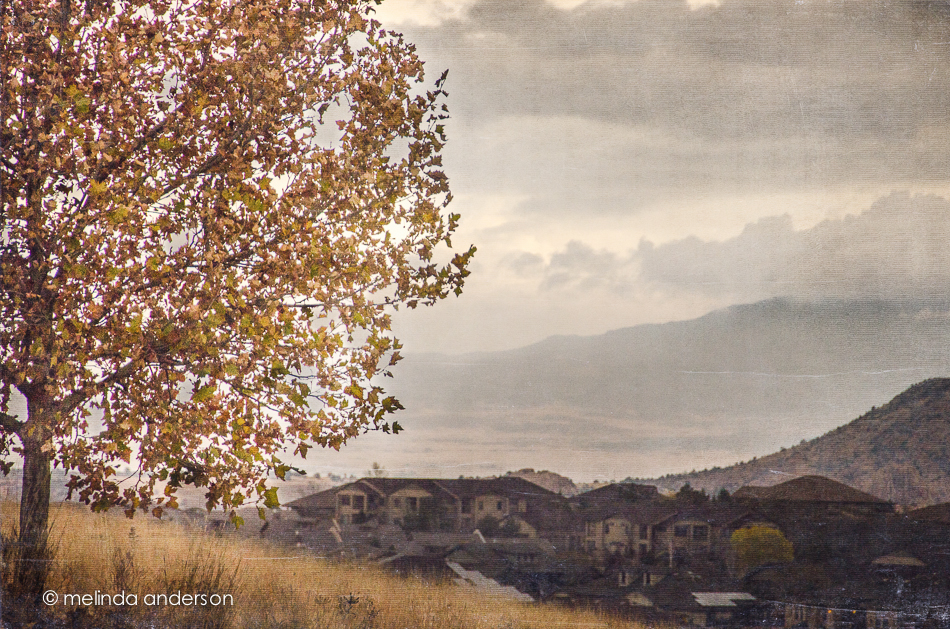
After the first year of doing my Project 365, I stopped carrying my camera with me all the time.  And I always seem to come across beautiful scenes like this one, when all I have is my iPhone. I used to turn up my nose at iPhone shots, but no more.  It is a perfectly adequate little camera, certainly better than not taking a photo at all- so, if my big girl camera is at home, out comes the iPhone.

autumn-Edit

I added a texture (Kim’s reentry) for Texture Tuesday, but the basics of the photo (including the colors) are just as recorded on the camera.

One Photo, Three Ways

18Oct2013-6785

18Oct2013-6785-2

18Oct2013-6785-3

Photo taken on walkway at Bell Rock, Sedona


Top: standard Lightroom edit (exposure, clarity etc.- basically the top part of the Develop module)

Middle: standard edit with Kim Klassen’s autumn preset applied

Bottom: standard edit, then converted to a black and white with some split toning

Bell Rock

I almost didn’t take any photos in Sedona last week; I felt I couldn’t do justice to the intense colors and beauty of the amazing landscape, especially with the harsh light and shadows of late afternoon. And of course, I was right.  But, I couldn’t resist taking some shots as we walked around the area of Bell Rock and its neighbor, the Courthouse. I wasn’t planning to put them on my blog, because both images suffer from horrible contrasts, washed out colors and a cloudless sky.  I know that if I go out there at the right time of day with some nice clouds, I will get a better result. However, these photos gave me an opportunity to practice my editing skills in an effort to salvage something to remember this outing.

The first photo was first edited in Lightroom, adjusting highlights, shadows, clarity, vibrance and more- but then I did some work with luminosity masks (a way of adjusting the luminosity/brightness of a certain range of tones using channels in Photoshop), a technique I re-discovered when visiting a local photo group. I had read about this on Clickin Moms a year or so ago, used the technique a couple times- and then forgot about it.  At the photo group, someone mentioned adjusting the luminosity of a photo- and a chorus of voices called out “luminosity mask.”  In fact, they may have said, “TK luminosity mask.”  This week, I googled luminosity mask and came up with Tony Kuyper’s wonderful tutorials on using this technique- and I bought a set of his actions, which were MUCH more extensive than what I had done on my own before.  Although not difficult to do, it made me realize how much I still have to learn about Photoshop. I love using Lightroom so much that I usually don’t bring my photos into Photoshop except for cloning/healing and adding textures.

So here is Bell Rock. If you look closely, you might be able to see people walking the trail up to the top.

18Oct2013-6741-Edit

The second photo was also edited in Lightroom- then taken into Photoshop, where one of Jessica Drossin’s textures, Mumbai, was added to bring out the colors and add in some contrast that was lost when bringing down highlights and bringing up the shadows.

18Oct2013-6754-Edit