Arizona Raindrops

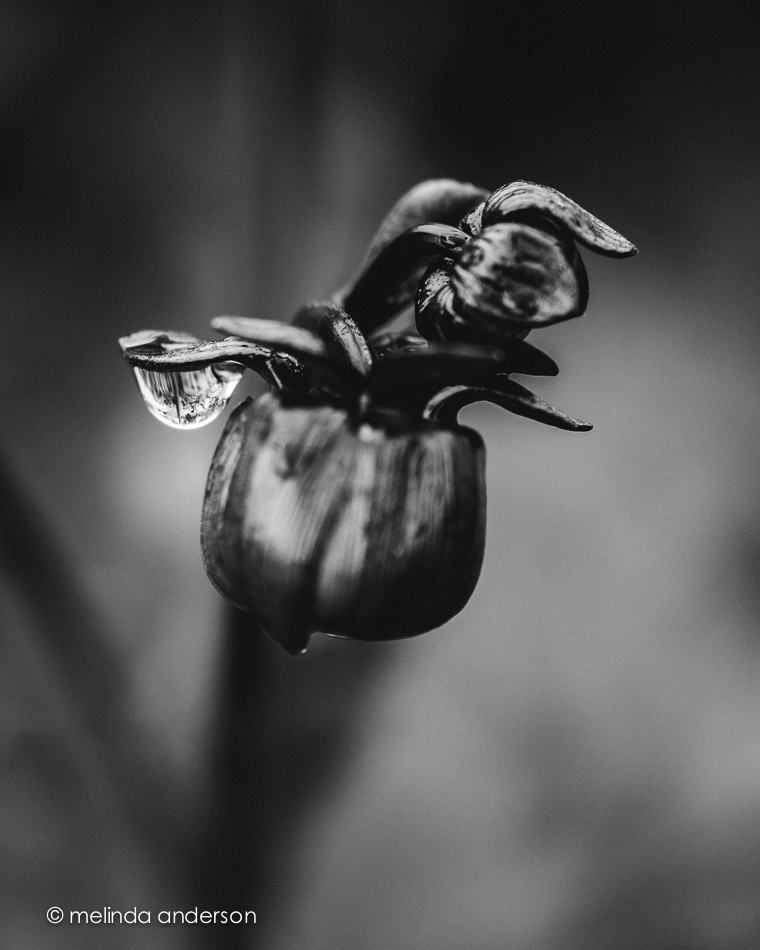
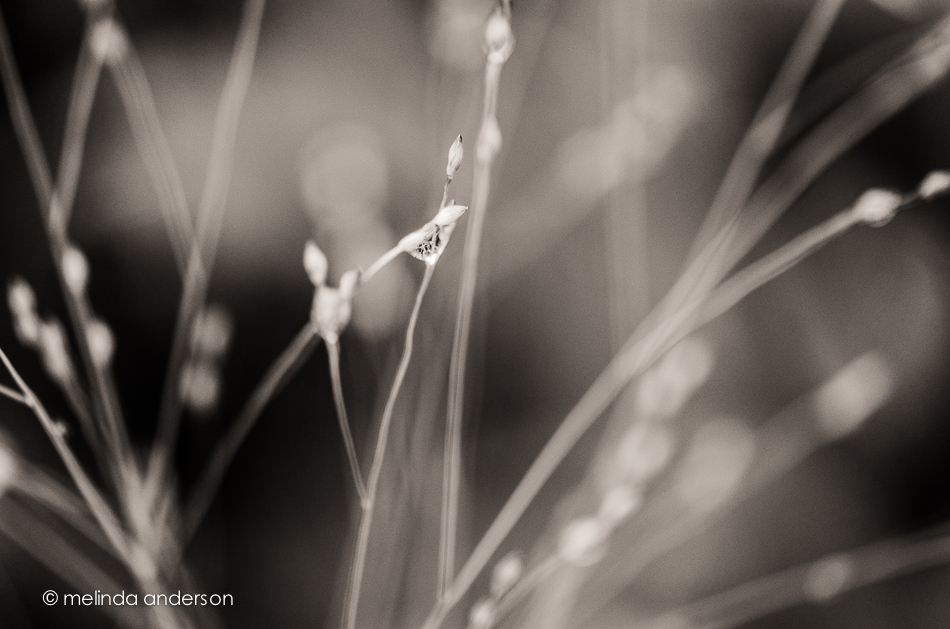
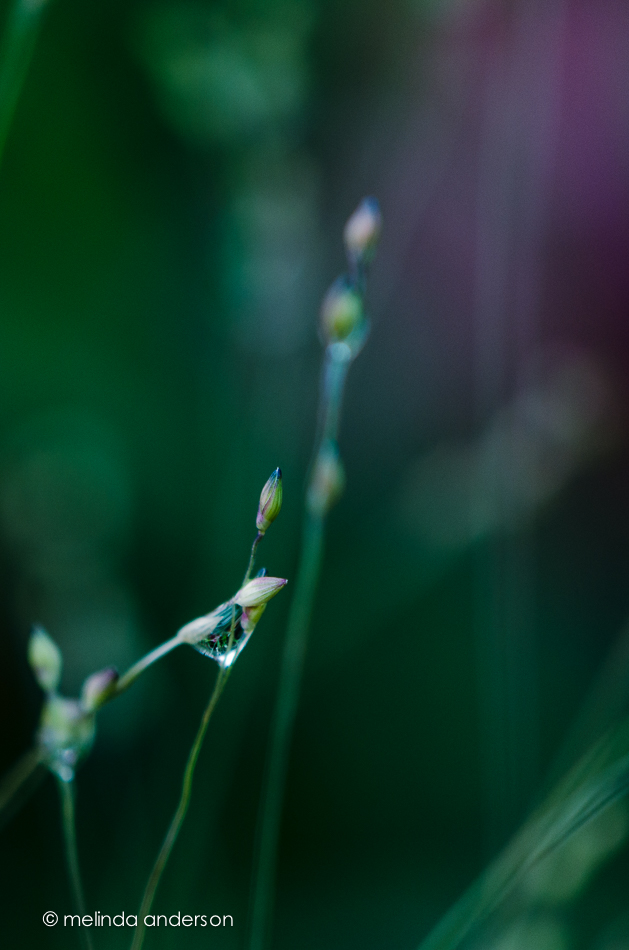
Arizona monsoon season!!! What a difference rain makes! Our brown hills have turned green, and, after this week’s huge storm, I went outside and actually found raindrops left on plants from the night before.  If you look closely, you’ll some tiny refracted images of flowers in some of the drops.

20140813-DSC_3026_melinda_anderson 20140813-DSC_3023_melinda_anderson 20140813-DSC_3028_melinda_anderson

20140813-DSC_3029_melinda_anderson

20140813-DSC_3033_melinda_anderson 20140813-DSC_3032_melinda_anderson

Linking up with Friday Finds today.

I Heart Lensbaby

My iPhone Lensbaby came at last! I participated in the Kickstarter program and was able to get it before it goes on the market (and at a reduced price).

I absolutely love it! My iPhone is fun again- thanks to this tiny little lens. This is the first and only lens I’ve had for my phone, and it has taken some time for me to get used to it.  Although I loved it from the start, focusing it has been a challenge for me.  The first step in using this little guy is to attach it to the magnet ring (supplied) on the phone (with the Lensbaby app open )- then adjust the position of the lens to get the best focus with a centered “sweet spot.” Since I almost always prefer an off-center area of focus, I then switch to the “movable sweet spot” mode and compose my picture. I’m not sure why focusing was so difficult for me, but since I’ve relaxed about it a bit, I’ve been happier with my results.

Here are some of my favorite shots.

lensbaby_layout

The soft blur created by the lensbaby just seems to go with flowers!

Since this is app-happy Wednesday, I will mention the apps I used to edit these images.  I generally open in Snapseed first to crop and make any exposure adjustments. I often go into Pixlr Express afterward if I want to make an adjustment to just one area of the image.  I used to do this in Snapseed, but I find the history brush in Pixlr Express easier to use.  To do this, I make the adjustment I want to the ENTIRE image, and then use the history brush to erase it from the areas where I don’t want that particular adjustment.  It’s kind of counterintuitive, but I’m getting used to it.

Now I NEED to get a Lensbaby for my Nikon- I could start with a Composer Pro with a double glass optic. Are you reading this, Santa???


Summer Fence

This flower lined fence caught my eye as we were heading out of town for a drive the other day. After spending a couple hours taking photos of rural scenes and the countryside, I was too tired to stop and take photos of the original fence I had seen as we started our outing.  We went back the other day, and I had a great time photographing all the flowers.  You’ll be seeing more of them in the near future; today it’s just one photo of this pink beauty, textured with Kim Klassen’s touchof for Texture Tuesday.

20140802-DSC_2568_melinda_anderson-Edit

In the Window

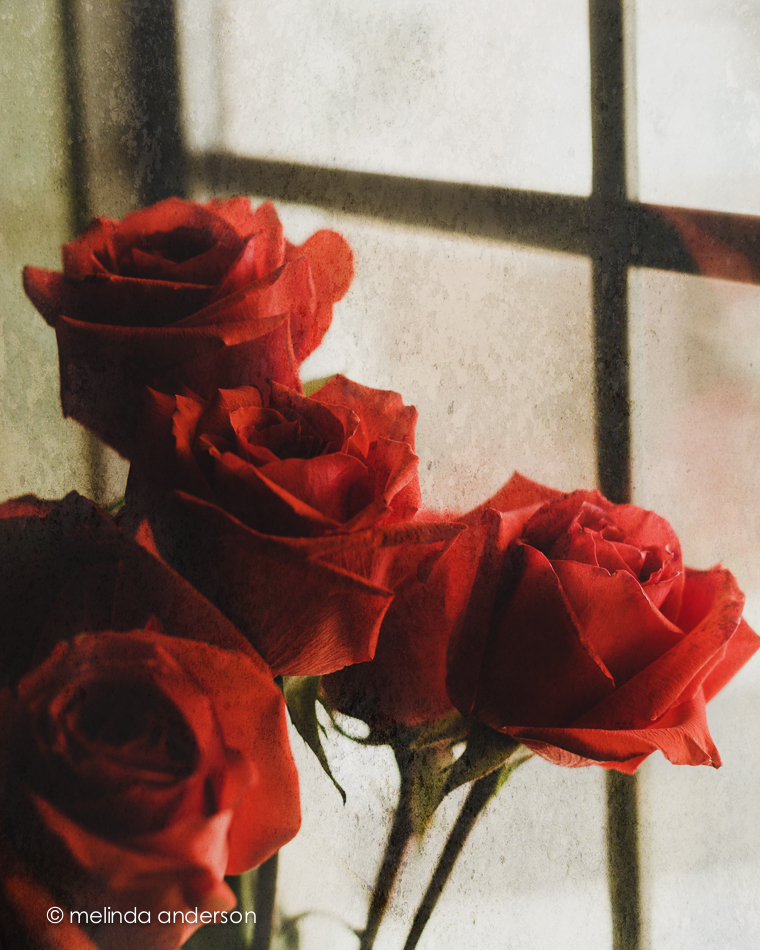
We just returned from a last minute whirlwind road trip to California where my husband had a meeting.  Most of our time was spent driving, but I did get a chance to see a couple friends during the 24 hours we were in the Bay Area.  Before we left, I put together blog posts for the first part of the week, and I also snapped a few photos of my red anniversary roses, which I knew would be wilted by the time we got home.  I edited a few when I got home- different settings, crops etc.- the first one one with a texture. Today I’m so excited, because we pick up my friend and photo-buddy, Carol, at the airport in Phoenix!  I know we’ll be taking a lot of photos over the next week!

So here are the roses, mostly shot in the living room window.

20140711-DSC_0929_melinda_anderson-Edit 20140711-DSC_0928_melinda_anderson 20140711-DSC_0927_melinda_anderson 20140711-DSC_0913_melinda_anderson

Preset Power

It is amazing to me how powerful Lightroom is for creative edits.  I would expect it to be great for straightforward exposure, clarity, cropping etc. when editing a photo- for a “clean” edit.  However, there is so much potential in this program for creative edits as well- for things you would expect to have to go into Photoshop to do.  And presets make it soooooo easy!

In this Week 8’s lesson in BeStill 52, Kim Klassen provided us with two presets (hazy dazy and breathe) to try on our images. The topic of the lesson was backlighting, which was challenging with yesterday morning’s overcast skies. Although the roses (it was our 43rd anniversary yesterday!) were set on the covered porch and were backlit, it is hard to tell in this closeup. I have other photos I’ll post soon.

Below are four versions of the same photo. Which do you like best?

PRESET_POWER_LAYOUTRow 1

Box 1- “clean” edit

Box 2- darkday preset

Row 2

Box 1- hazy dazy preset

Box 2- breathe preset


Grunged Up

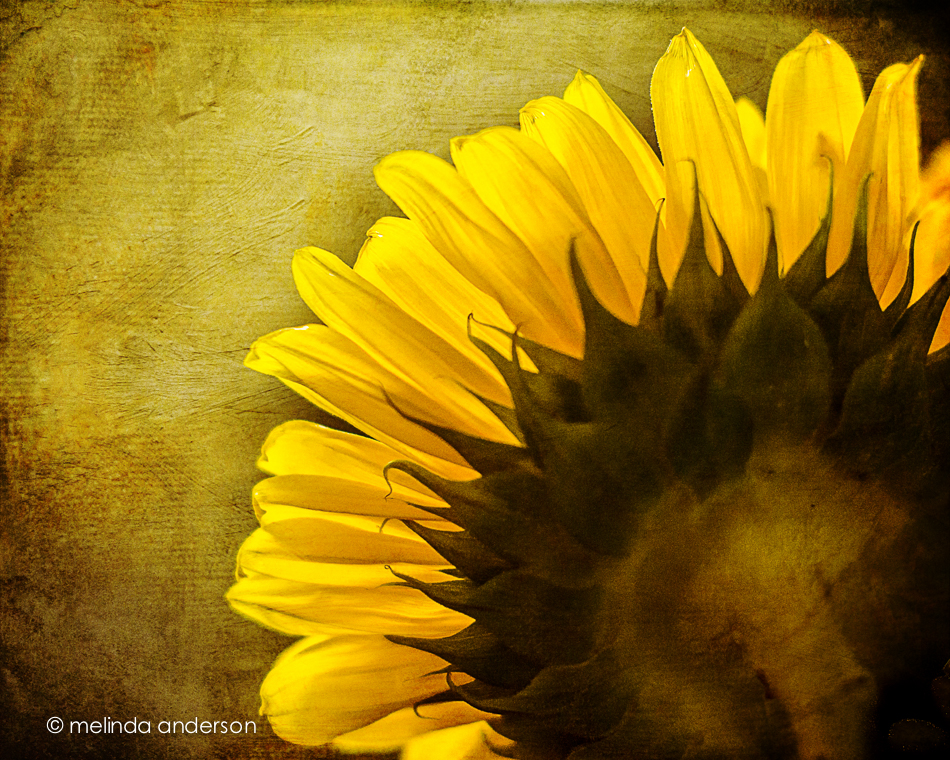
I’m not sure if it’s because of the thunder and lightning or the tarantula (!) we found on the front porch- but I’m in the mood for a grunged up photo! As I walked by my sunflowers yesterday, I noticed the window light created some beautiful backlighting. I grabbed my camera and took a few shots before the light changed. In Photoshop I added some textures and voila!- a grunged up sunflower!

20140706-DSC_0727_melinda_anderson-Edit

One Year Ago Today

One year ago today we had our first look at the house that would become our Arizona home!

20140702-DSC_0656_melinda_anderson-Edit

July 3, 2013 found us looking for a house to buy in Arizona after having bravely sold our California home without knowing for sure where we were going.  We were pretty sure Prescott was the place- we had good friends here, we were were looking for a small town and a simpler lifestyle- but we needed to find the right house! Our realtor wasn’t much help, but our friend Debbie found a house just listed online that seemed to fulfill our requirements (one story, 4 bedrooms, open floor plan, easy maintenance). We got the realtor to get us in- and the rest is history! I knew it was the place when we walked in the door- it just felt like home. We ended up making an offer, but lost out to another buyer. Dejected, we drove back to California without having bought a house and talked about renting until we found the right one.  A few weeks later, the other buyer’s deal fell through, and we got in the car to drive back to Arizona to visit the house again and make an offer. On August 24, we moved in!

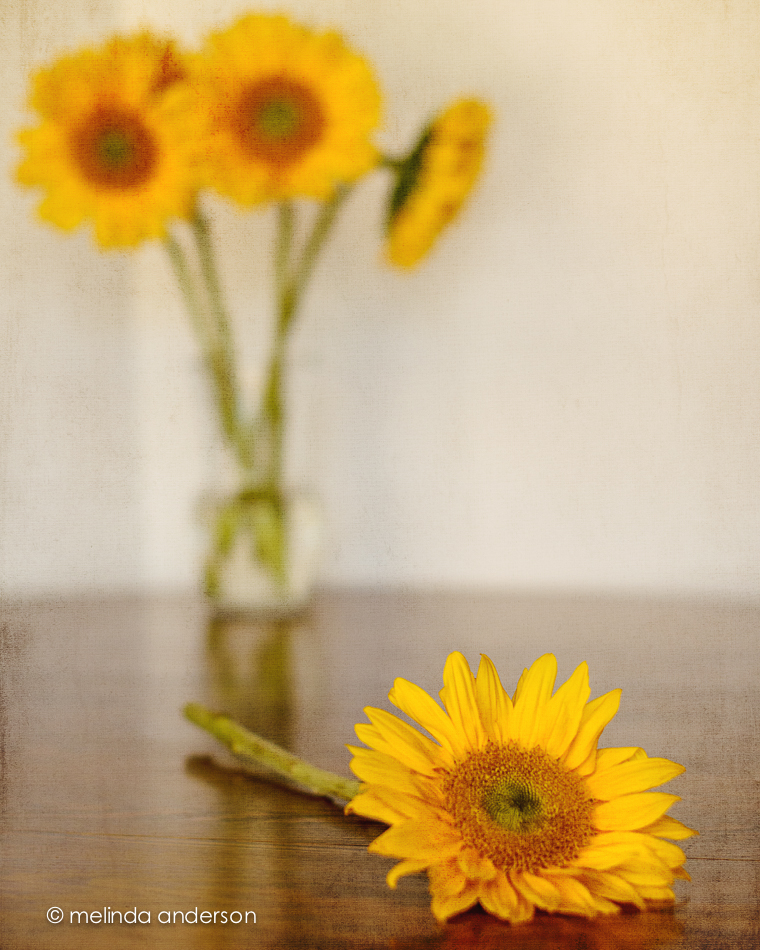
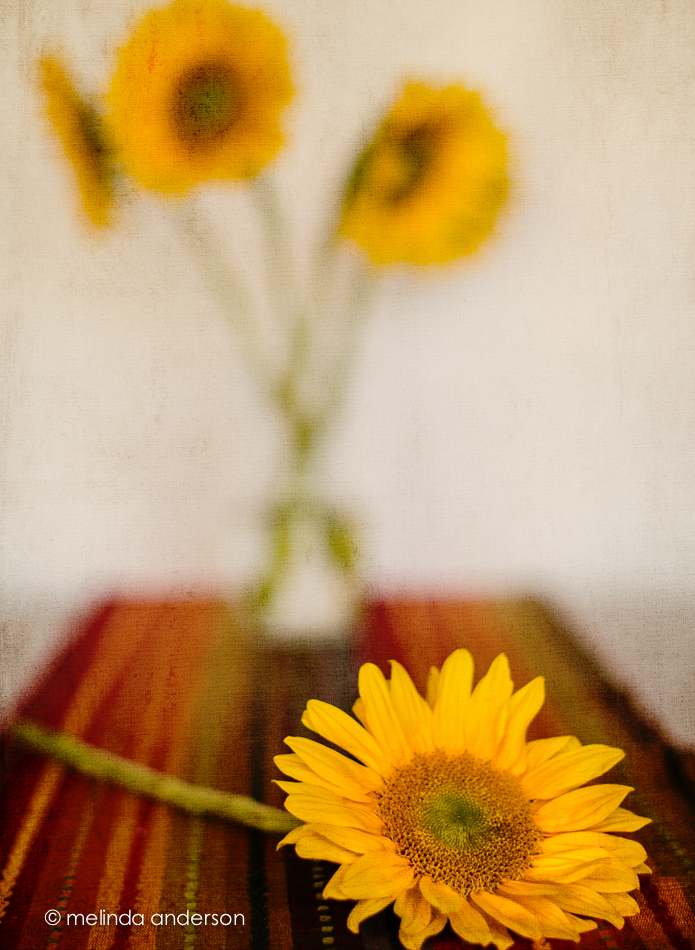
Back in California, I spotted this table runner at Pier 1 and bought it for our Arizona home.  I love the Southwest colors and how it looks it with my Trader Joe’s sunflower bouquet.

20140702-DSC_0638_melinda_anderson-Edit

I took these shots for Be Still 52, Week 7, a lesson on depth of field and a softly focused background.


Dark and darker

22May2014-8243-Edit

Edited in Lightroom with Kim Klassen’s dark mood preset (adjusted)

Texture added: Kim Klassen’s july, desaturated

I created an even darker version by desaturating the Photoshop version in Lightroom and adding some split toning.

22May2014-8243-Edit-2

Linking up with Texture Tuesday

Seeing Stars

My husband and I took a walk at Willow Lake yesterday and discovered that our favorite trail was now surrounded by beautiful golden weeds, waving and billowing in the breeze. I took a couple iPhone shots and brought home a handful to photograph with my macro lens.  One of my current Flickr challenges is STARS, which I’m seeing everywhere in nature this week.  The iPhone photo below was edited in Snapseed and PixlrExpress.

20140624-Photo Jun 24- 12 34 44 PM_melinda_anderson

This might be my favorite star photo of the day, edited in Snapseed only.

Photo Jun 24- 10 24 36 AM

At home, I noticed stars within stars within stars in this flower (Queen Anne’s lace?) that I’ve been using in still life compositions (you’ll see them later this week). I took the photos below with my macro lens on my Nikon.

20140624-DSC_0295_melinda_anderson

20140624-DSC_0287_melinda_anderson 20140624-DSC_0290_melinda_anderson-Edit 20140624-DSC_0291_melinda_anderson

20140624-DSC_0307_melinda_anderson

Linking up with App Happy Wednesday!


Room to Breathe

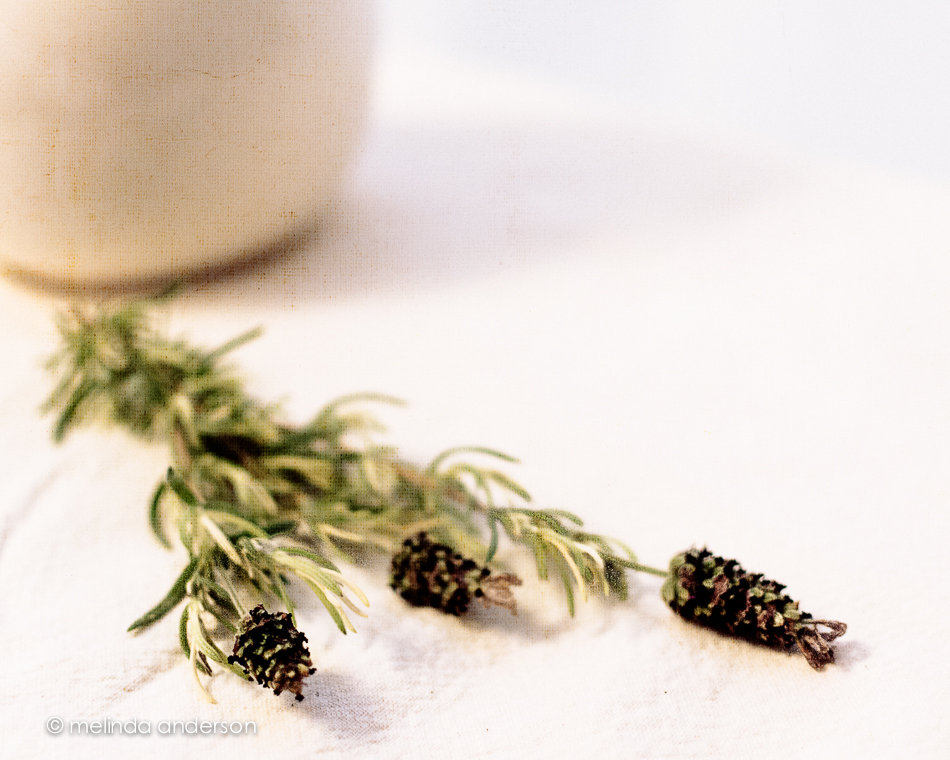
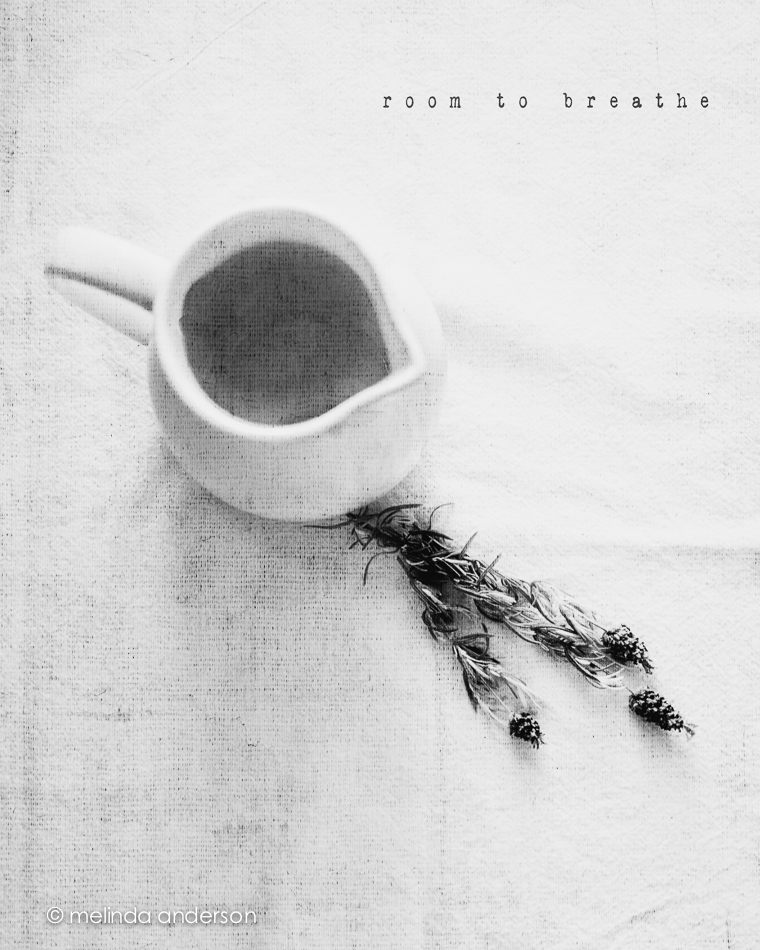
My latest still life assignments for Be Still 52 are below.  We were challenged to give the subject of our still life “room to breathe.”  The first image shows my usual style- off center, close up, shallow depth of field- and part of the subject not in the frame.  The second image adds some space surrounding the subject.  It was interesting to me how difficult it was to be this far away from what I was photographing- I kept wanting to step closer.  A good exercise!

10June2014-0079-Edit-2 10June2014-0088-EditBoth photos are textured with Kim Klassen’s waterfront 1.

Virtual Blog Tour

Today I am participating in something called a Virtual Blog Tour.  It has been going on every Monday for a few weeks at least; I was invited to be part of it by Terri Porter of Photographically Speaking and Focusing on Life.  I actually had the pleasure to have met Terri in person last month- you can read about it here. Terri is a super photographer and such an involved and connected blogger- I was flattered to be included!

The way the Virtual Blog Tour works is that everyone answers the same set of questions and then links to another blog or two or three, who will post the next week. Be sure to check out Terri’s blog to see how she answered the same questions I’m answering!

15May2014-7583-Edit

So here goes:

1. What am I working on?

Well, I’m always working on becoming a better photographer- which is why I do this blog.  I started with a Project 365 in 2011, right after I retired, and published a photo a day for two years, with the goal of learning to use my camera. My partner in crime was my college roommate, Carol, who got her camera the same week I got mine and started her 365 when I started mine (check out her blog, In Focus Daily for some beautiful photography). I now post 5 times a week, most weeks, and try to publish my *best* work of the week.  Currently, I’m involved in two of Kim Klassen’s classes- Start to Finish 2 and Be Still 52. Both concentrate on still life, an area where I would like to improve my skills.  I’m also involved in two photography groups in my town, the first time I’ve had my photos *judged*- a scary prospect for me!  All my learning has been online, and that is my comfort zone.

2. How does my work differ from others of its genre?

Hmmmm- a tricky question! I’m not sure what my genre is! I would like it to be fine art photography, which is what I’m drawn to, but I am more of a generalist, I think.  And as for my “style”- I have no idea! I do a lot of closeups and macros of flowers, and, of course, hundreds of photos of my grandchildren.  I love the dreaminess of photos with a  shallow depth of field and the drama and emotional qualities of black and white photography.  I am comfortable with the journey I’m on and with not knowing where it will lead.

15May2014-7511-Edit


3. Why do I write/create what I do?

Like most people, I have always taken photographs to record events.  I originally got my DSLR to take photos of my grandchildren, but found myself falling in love with my camera and Photoshop as a means of creative expression.  One of my grandsons once said intensely as he ran into his lego filled room, “I HAVE to build!”  That’s the way I feel about my photography- I HAVE to photograph this!  I HAVE to edit! It’s a passion for self expression that has been dormant since adolescence, when painting and drawing were a big part of my life.


4. How does your writing/creating process work?

I have found that my creative spark appears first thing in the morning.  It is not uncommon to see me setting up a still life with morning coffee in hand or running outside while still in my bathrobe to catch the best light. I would like to say that I have a disciplined routine for my photography, but I tend to fly by the seat of my pants- and that’s fine with me! After all, photography isn’t my job, it’s fun, it’s creative, it’s what I love to do! I also must say that I am so inspired by the online communities I’m a part of- Flickr and the Kim Klassen community.  There are so many talented artists out there creating beautiful images!

And next Monday, I hope you continue  the blog tour by visiting the blog of a wonderful Canadian photographer, Gracie Binoya, whom I’ve been following for several years. Gracie started started shooting a few years ago, mainly focusing on nature, and then moved on to portraiture, which is her current focus. As an amateur photographer, photography is something that she does on the side. She works as a second shooter for a wedding photographer friend and is also currently enrolled in a commercial photography program, hoping to learn more and enhance the skills that she’s acquired over the years. You will enjoy seeing her work!


a rose is a rose is a rose

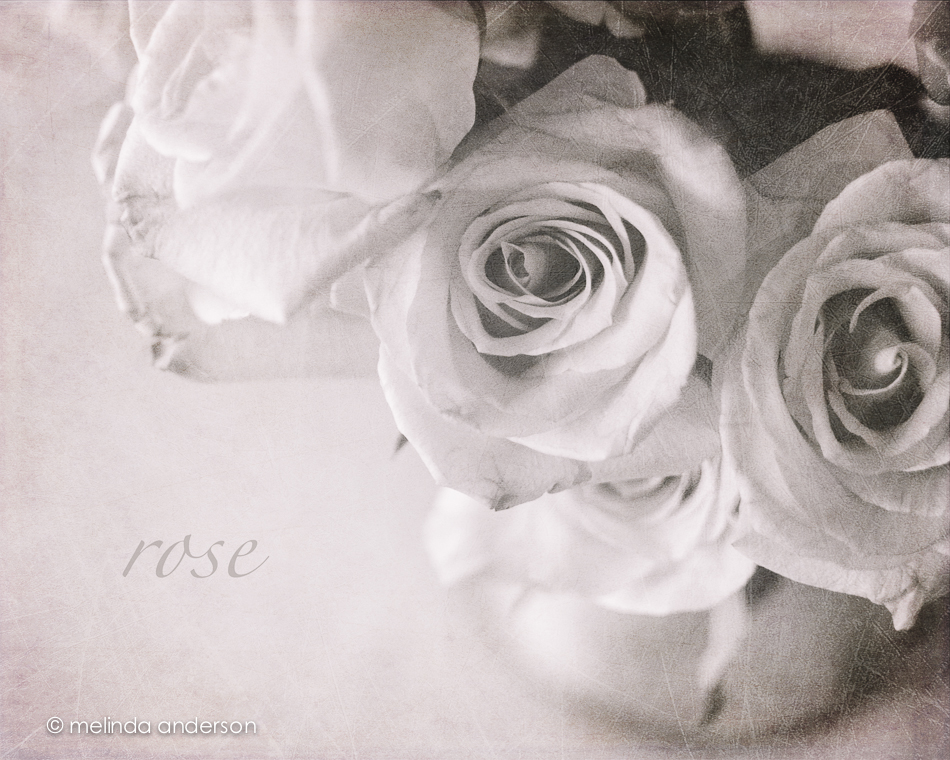
This might be the last view of these beauties.  In Lightroom, I  did a black and white conversion (to go with the black and white theme for this week’s Texture Tuesday), and some split toning to add a hint of pink. In Photoshop, I applied three textures at very low opacity (jacob, lovely lavender, and patina) and called it done.

12May2014-7245-Edit