Texture FX Fun

I love editing with textures, and the new Topaz program, Texture Effects, is giving me a whole new way of approaching the process.  You can start from scratch, making basic adjustments and then adding dust or scratches, lens leaks, vignettes, borders, and/or textures OR you can start with a filter preset and then adjust everything from there. There is a masking feature, which works well, except that you can’t use the bracket keys to control brush size (I usually choose to mask in Photoshop, because it’s easier for me).  You can upload your own textures into the program, as well as create your own presets, which you can choose to share with a community of other users of the program.  To be clear- it’s not just about textures- it’s other effects as well.  You might decide to not use a texture, but just other effects- or add your own textures in Photoshop afterward.  It’s a very flexible program! With that said, I will add that many members of the FB group devoted to this program have had technical issues with installing it and getting it to save their edits.  I have had no issues, thankfully.

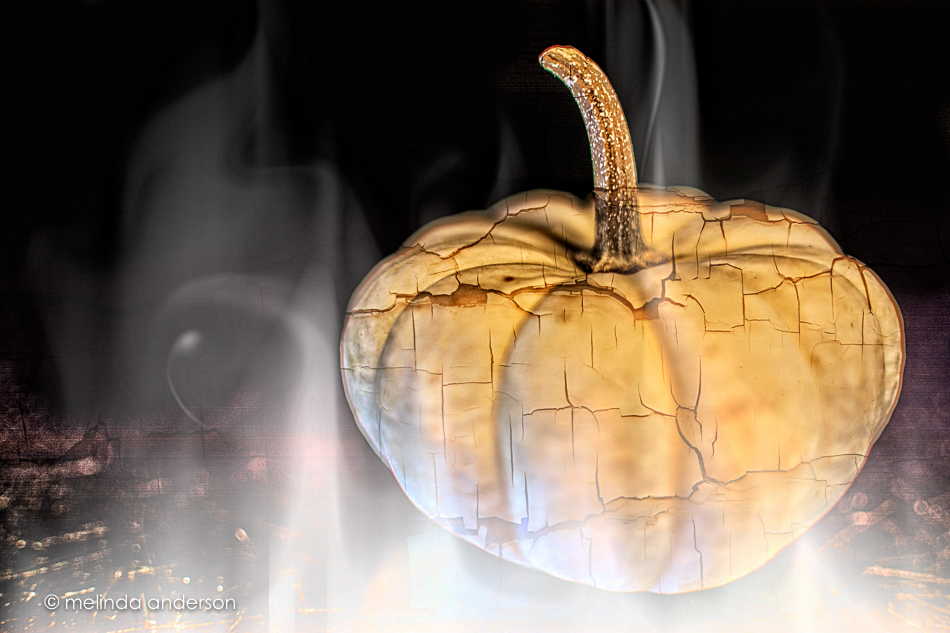
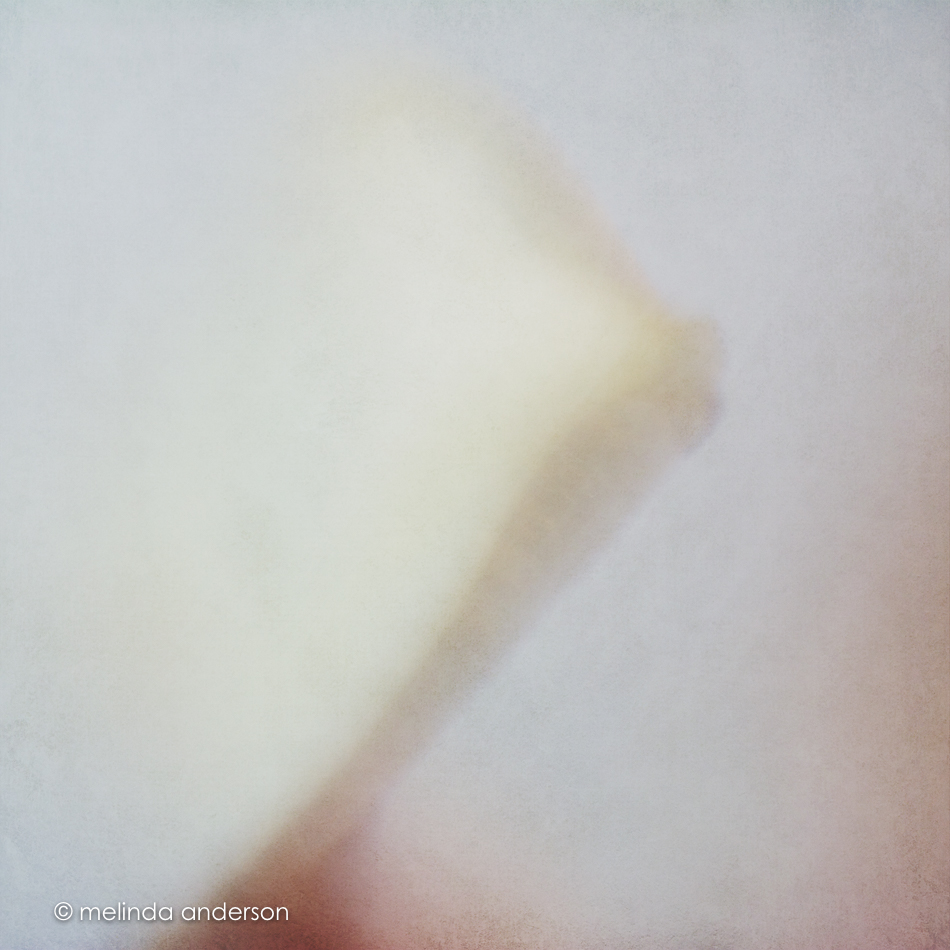
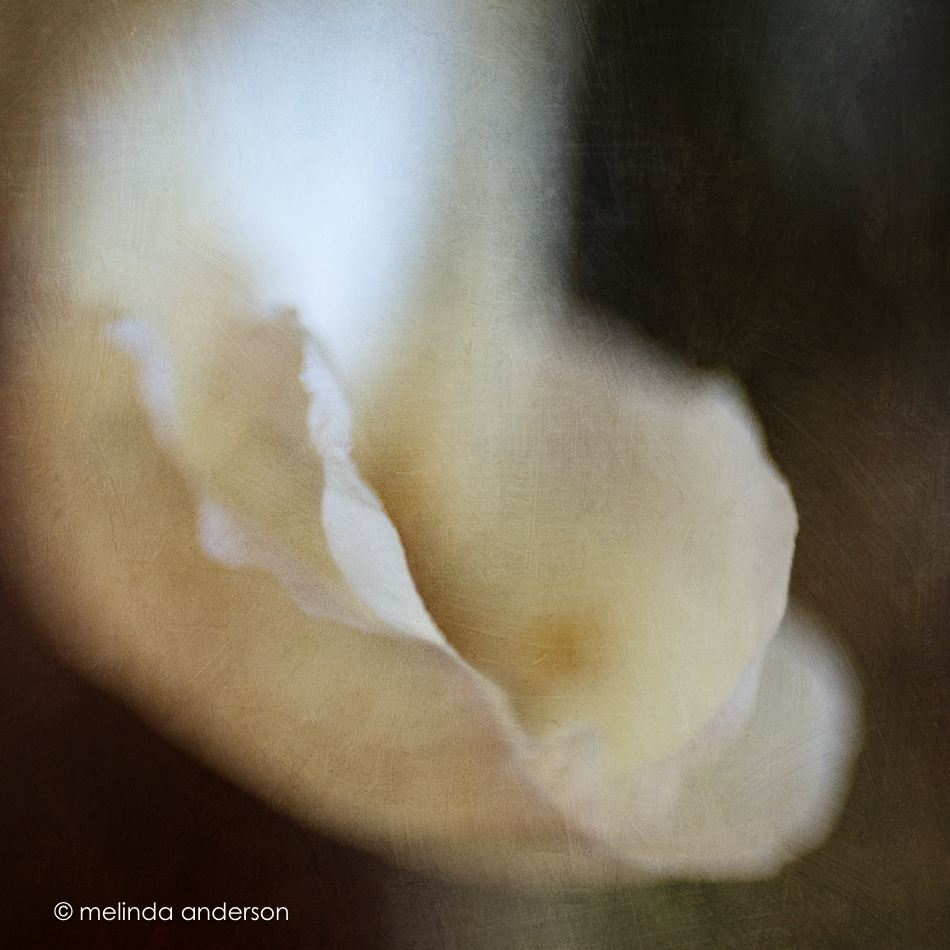
So here’s an edit of a macro photo I snapped last weekend in our front yard (I think I used a filter and added 3 textures in Texture FX and then masked in Photoshop).
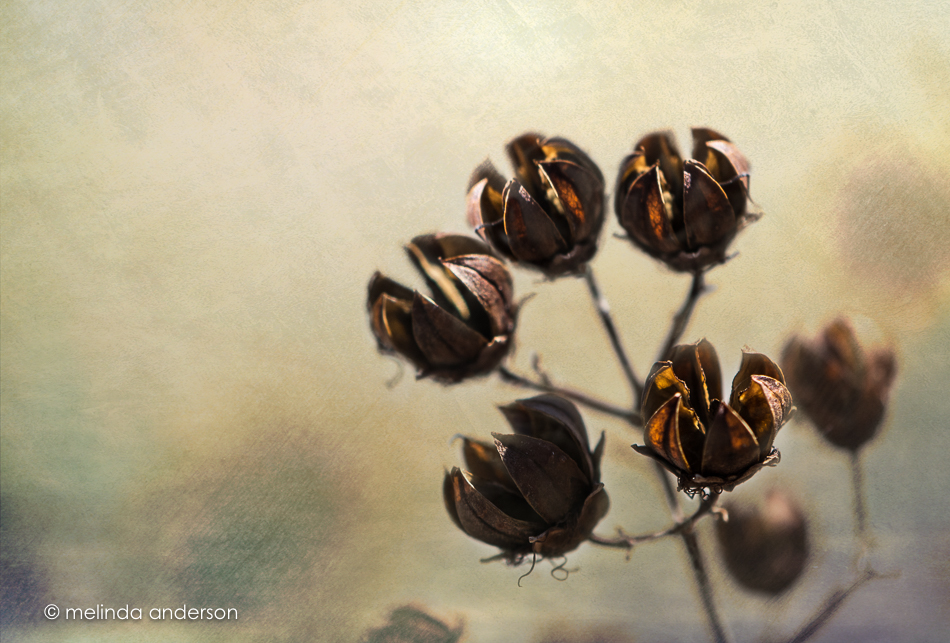
20151114-MMA_4743_melinda_anderson-Edit


Bejeweled

Yesterday’s snow had disappeared before lunchtime- so I’m glad I made it outside with my macro lens before it all melted away.  Our shrubs and trees looked like they were decorated with little jewels as the melting bits of snow glistened in the sunlight.

20151105-MMA_4540_melinda_anderson-Edit


Winter is coming . . .

The hush comes with the deepening of Autumn; but it comes gradually. Our ears are attuned to it, day by quieter day.
But even now, if one awakens in the deep darkness of the small hours, one can hear it, a foretaste of Winter silence.

~Hal Borland

20151023-MMA_4029_melinda_anderson-Edit 20151023-MMA_4017_melinda_anderson-Edit

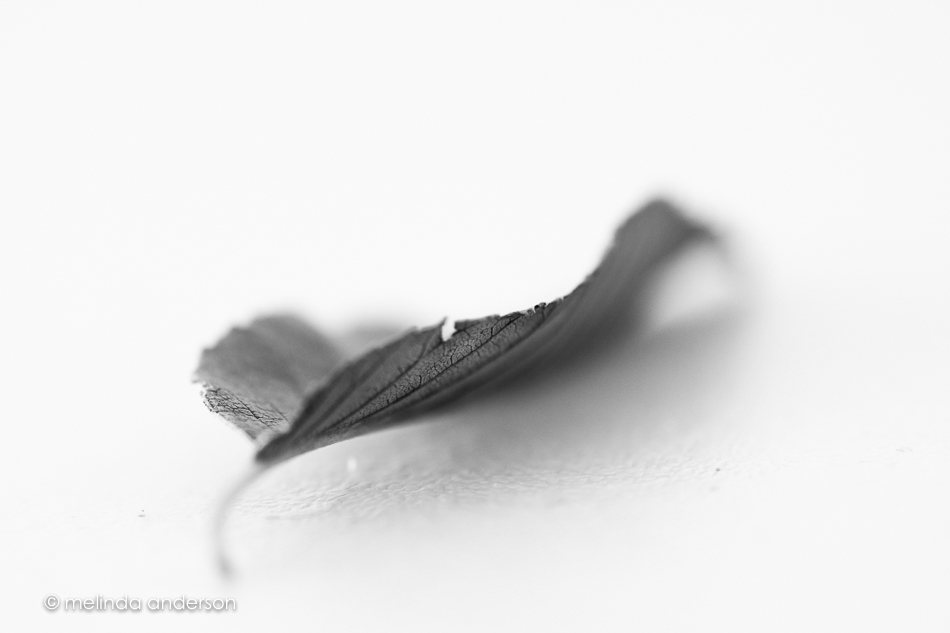
For as long as I can remember, Fall has been my favorite season.  I think I like autumn leaves on the ground almost as much as the leaves on the trees. And to my eye, they are melancholy and mysterious in black and white- I love their fragile, crispy crunchiness and ragged, tired edges- reminding us that Winter is coming (a Game of Thrones reference, with my apologies). Snow is in the forecast in the high country, but I don’t think we’ll see any here.  In the meantime, I’m enjoying every minute of Fall!

Rolling, Rolling, Rolling. . .

If you have read my blog for any length of time, you know that I treasure little family trinkets from bygone eras and that I have quite a few- being an only child has its rewards! When I started my first Project 365 almost 5 years ago (!), my daughter suggested I photograph the contents of my father’s dental cabinet which houses much of my family’s memorabilia. Over the years, many of the items have been featured, but today I am featuring some trinkets from another family.

My friend, Claudia (who is a fantastic card-maker), has always encouraged me on my photographic journey. When she learned I wanted a dish of  old marbles to photograph (and to display), she gave me some that are from HER family treasures! I have puzzled how to photograph them in an interesting way. I did some shots last month that never made the blog, because they just weren’t appealing.  Last weekend, I tried again.

I got out my trusty macro lens and attempted to set up a simple still life. I discovered that the garage floor isn’t level, as the marbles kept rolling around and off the folding table I use for still life.  I finally set them on my old washboard, which gave a contrasting texture to the smooth roundness of the marbles- and kept them from falling onto the floor.

20151018-MMA_3969_melinda_anderson-Edit

As I was clicking away, the wind was blowing some of the leaves I had gathered for another still life onto the garage floor- which gave me an idea!

20151018-MMA_3992_melinda_anderson

Tucking the marble under one of the leaves on the floor kept it from rolling around. I was lying on my stomach for this shot- a pretty sight indeed!

Expect to see more marble shots sometime in the future. . .

Ranuncu-LOVE

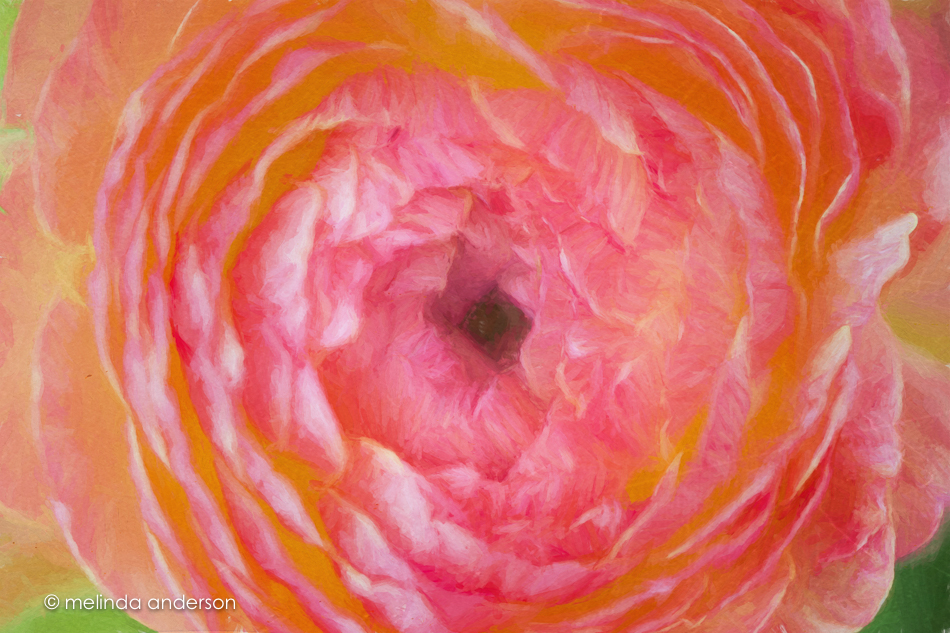
I had a photo already to post today, but then I came upon these ranunculus photos in Lightroom that hadn’t yet made my blog- one edited and one not.  I had fun editing the second one to kinda-sorta match the first- so here they are!

20150507-MMA_4728_melinda_anderson-Edit20150507-MMA_4723_melinda_anderson-EditEditing notes:  I really need to start consistently labeling my layers in Photoshop. I could tell I added a filter to a layer in the first photo- and then some texture (which comes in with a label automatically).  I assumed I used Topaz Impression- but which filter??? No idea.  For the second one I used Cezanne II, one of my favorites.  And another thing- is there a way to mark favorites in Impression? Anyone, anyone?

Lily Abstracts

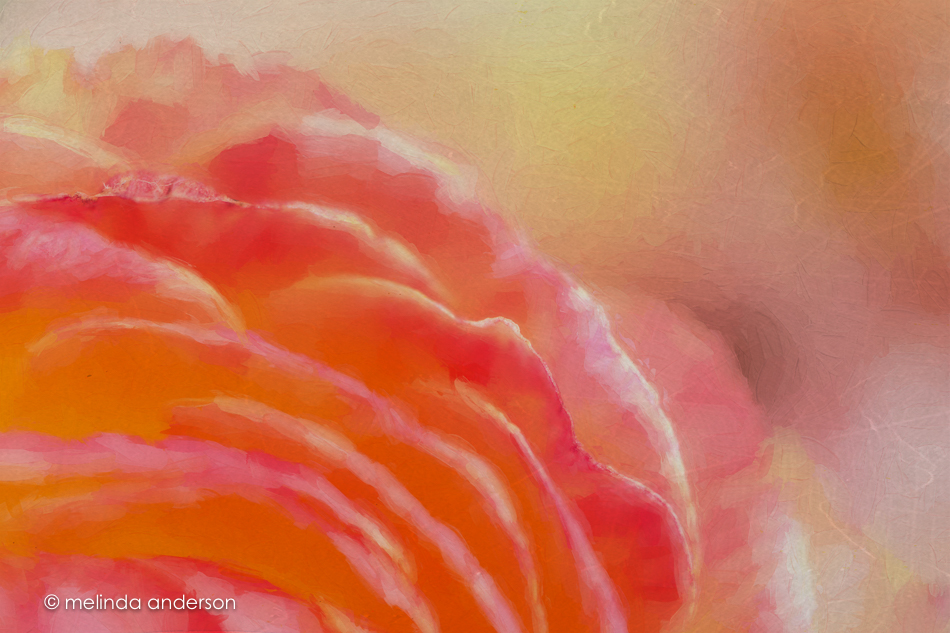
I took some time a few days ago to take some abstract macro shots of lilies. I added a couple textures for that painterly look I love- and the first one I also took into Topaz Simplify.  Truthfully, because of the shallow depth of field, it looked pretty painterly already, but I love to fiddle around with my images.  It is my form of a mindfulness meditation and satisfies my childhood ambition to be an artist when I grew up. 🙂

20150719-MMA_0806_melinda_anderson-Edit 20150719-MMA_0809_melinda_anderson-Edit

Playing with Dandelions

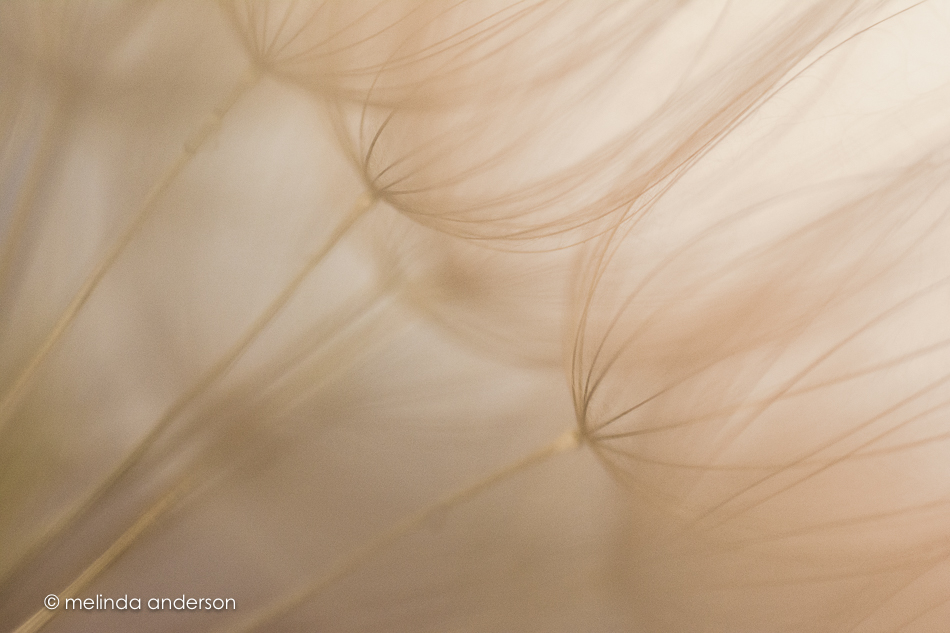
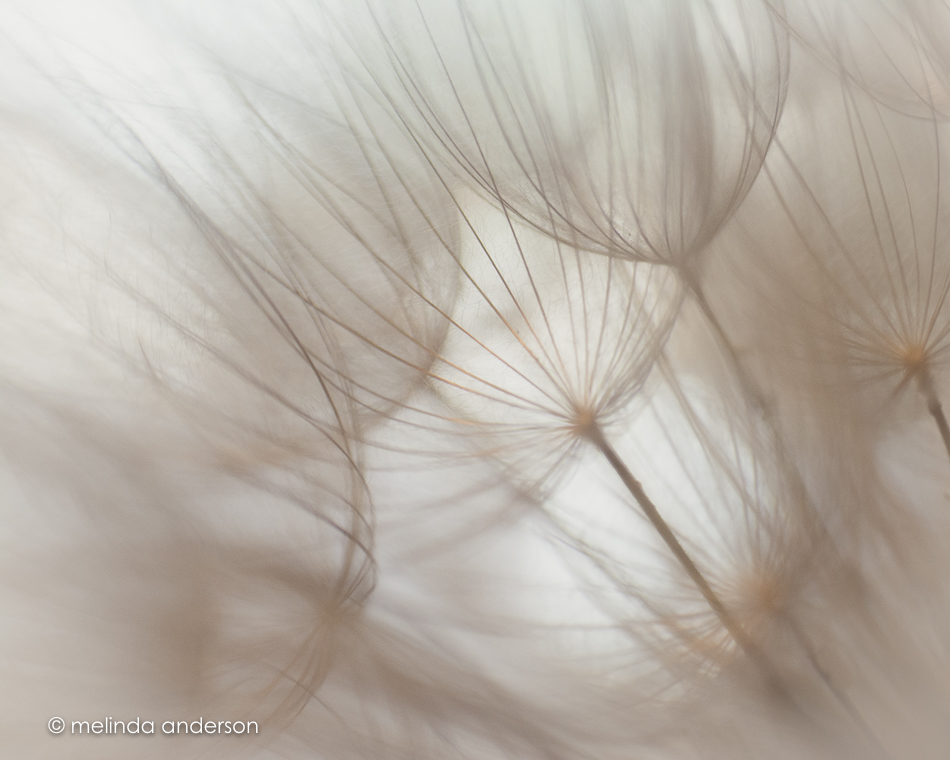
I think dreamy macros of flowers, weeds, or leaves are my favorite photos to take. There is something so relaxing about seeing objects so closeup, so different from the way you would ordinarily see them- and then moving the camera or changing the aperture or area of focus just a slight bit to get an entirely different view.  It’s like a mindfulness meditation. And then there’s the editing- so much fun! I used different Lightroom presets as starting points in editing the dandelion macros below- I’m not sure which I like best.

Newsprint, from Clickin Moms Paparazzi Collection:20150606-MMA_6952_melinda_anderson

Documentary, from Clickin Moms Paparazzi Collection:20150606-MMA_6955_melinda_anderson-2

Same photo as above, kk_toucha from Kim Klassen:20150606-MMA_6955_melinda_anderson

kk_light and airy from Kim Klassen:20150606-MMA_6963_melinda_anderson

kk_litely from Kim Klassen20150606-MMA_6967_melinda_andersonAll photos taken with Lensbaby Sweet35 with both macro converters

Tumbling

One of the new experiences we’ve had since we’ve moved to Arizona is tumbleweeds in our yard.  Last week we discovered a new one, and before my husband could capture it for yard waste, I picked it up with gloved hands to take into my garage studio for some macro and still life shots.

tumble_duoThe first photo above was edited with Kim Klassen’s kk_moody-ish preset; the second just converted to a high contrast black and white.

The photos below (showing how sharp and prickly these guys are!) were taken with the Lensbaby Sweet 35 with macro converters.  All have Kim’s kk_organic preset applied.

tumble_trio

Macro Magic

I bought a Clickin Moms Lensbaby tutorial series back when I only had my Lensbaby Mobile for the iPhone, (no Composer Pro, no optics), because I was so eager to learn how to use these cool lenses.  One of the tips I learned was that the Edge 80 with macro converters does a great job capturing sun rays, especially when taking photos under leafy trees.  I only have one tree at this point that has enough leaves to provide a canopy for the sun to just peek through, so I spent 10 or 15 minutes the other day crouched uncomfortably beneath the plum tree looking up at the sun. I thought I didn’t get anything much until I played with a few images in Lightroom and discovered that I did get some interesting effects from the sun- including sun rays. Fun!

edge80leaves


20150403-MMA_2825_melinda_anderson-Edit-Edit-Edit

The image below is the same as the last photo in the collage at the top of the post, except it has some Florabella textures added.

20150403-MMA_2845_melinda_anderson-Edit