
Tint and/or type was the challenge this week- and I went with tint, specifically using the graduated filter in Lightroom to create tint presets for black and whites.
I’ve been doing a lot of macro lately; here is my original image edited in color.
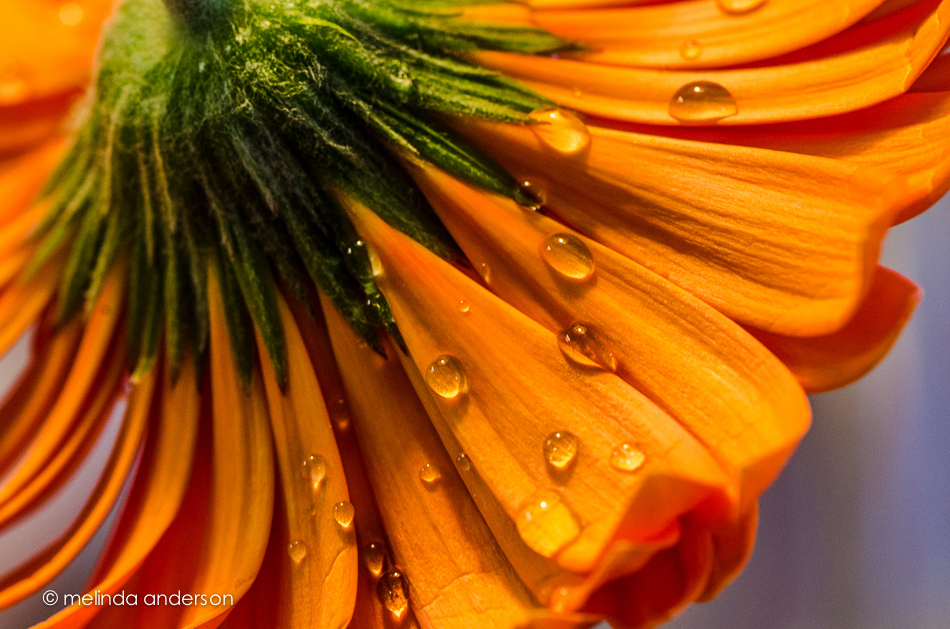
I made a virtual copy, which I converted to black and white. Then I added a very slight lavender tint to a couple graduated filters which I positioned on angles in the image.

And here is my third version- a black and white conversion with yellow and lavender tinted graduated filters. Looks like sepia. . .
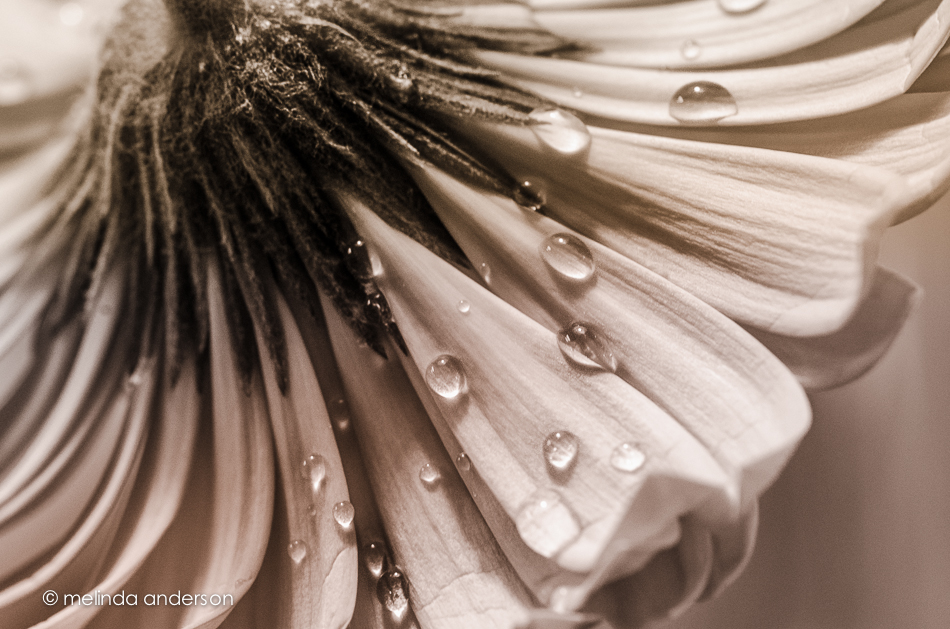
 melinda anderson photography
Haven’t had time to look at this week’s lesson. This looks like fun! Just bought Lightroom – this may be my first outing with it. After all, you have to start somewhere!
Beautiful work, Melinda. I like the sepia-looking edit. Looks really good.
Wow!!
These are so beautifully done! Love the bottom one!
I’m loving the lavender tint. 🙂
I really need to try out lightroom! Soon!
I really love all three. Very nice!
Interesting how the first version draws your eye because of the color but the third version because of the beauty of the water droplets…it’s my fav!
Love the drops; you captured them wonderfully!
Absolutely wonderful macro shot. Love the water drops and esp. the third image with your use of the yellow and lavender tinted graduated filters.
Beautiful work.
Wonderful, I like your sepia image.
You’re a master of the macro, Melinda — unplanned alliteration there — and I love your edits. My favorite is the sepia one.
These are all such beautiful photos!!
Strikingly lovely images. I like the second and third the best. Thanks for becoming a subscriber.