I wandered around outside with my macro lens today. This is a tiny detail of . . . pine needles?- some evergreen, anyway. There was enough sunshine for some great bokeh. The shallow depth of field with macro always amazes me – this was at f/10!


I wandered around outside with my macro lens today. This is a tiny detail of . . . pine needles?- some evergreen, anyway. There was enough sunshine for some great bokeh. The shallow depth of field with macro always amazes me – this was at f/10!
It was all about SKY in this lesson- replacing sky, to be exact.
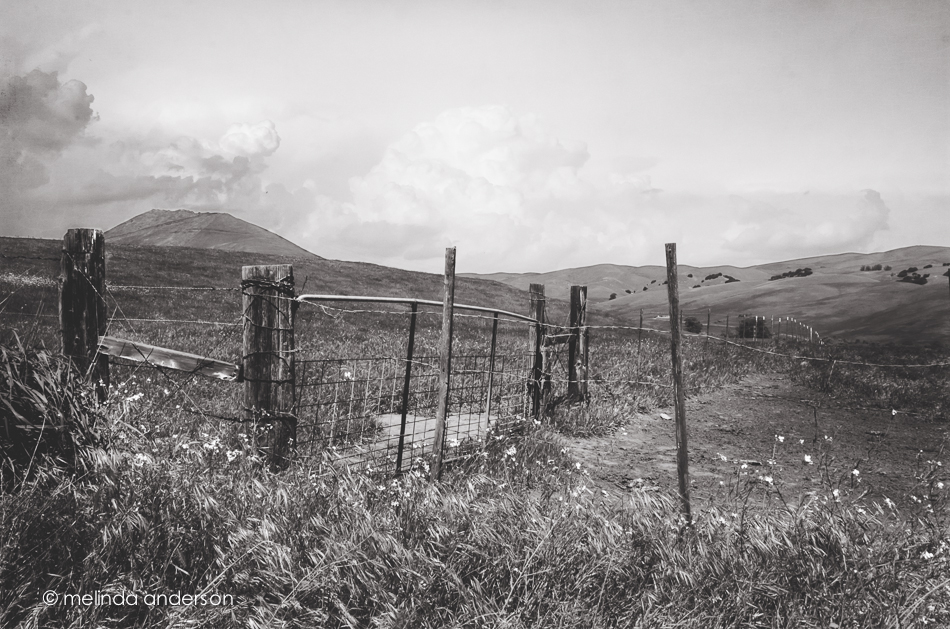
There was not a cloud in the sky yesterday when I walked over to the open space in my neighborhood to take this photo. I took a few shots, mindful that I was going to have to use the Quick Selection tool in Photoshop when I edited this photo. Selection tools and cloning and healing brushes were the hardest things for me when I first started photo editing. I have become fairly proficient with cloning and healing, but tend to avoid the selection tools most of the time. I like brushing best- so often use Quick Mask, which I learned in Damien Symonds’ class, instead of the other selection tools.
For this assignment, I downloaded some skies, following Kim’s link, forgetting that I have a couple available in Perfect Effects, and was pretty successful with my Quick Selection tool. I ended up converting it to a black and white, possibly because I had just watched a Moose Peterson series of videos on Kelby Training on black and white photography.
Replacing skies will probably not be big in my arsenal of Photoshop tricks, although it is great to know how to do it- and I need more practice. I felt like I had crossed some sort of line with this assignment. When I saw Scott Kelby last year, he said his rule for himself was he felt comfortable removing items from a photo (telephone wires, tourists, etc.), but not adding things. He had replaced a sky once, but never felt right about it. But in Moose Peterson’s video that I watched yesterday, he casually remarked that he sometimes combines waves from three photos when photographing the ocean. And I read on Damien Symonds’ Facebook page last night that he has been known to clone eyelashes (!) from one eye to another to fix an out-of-focus eye when he is retouching photos. Wow!
I do love Photoshop!
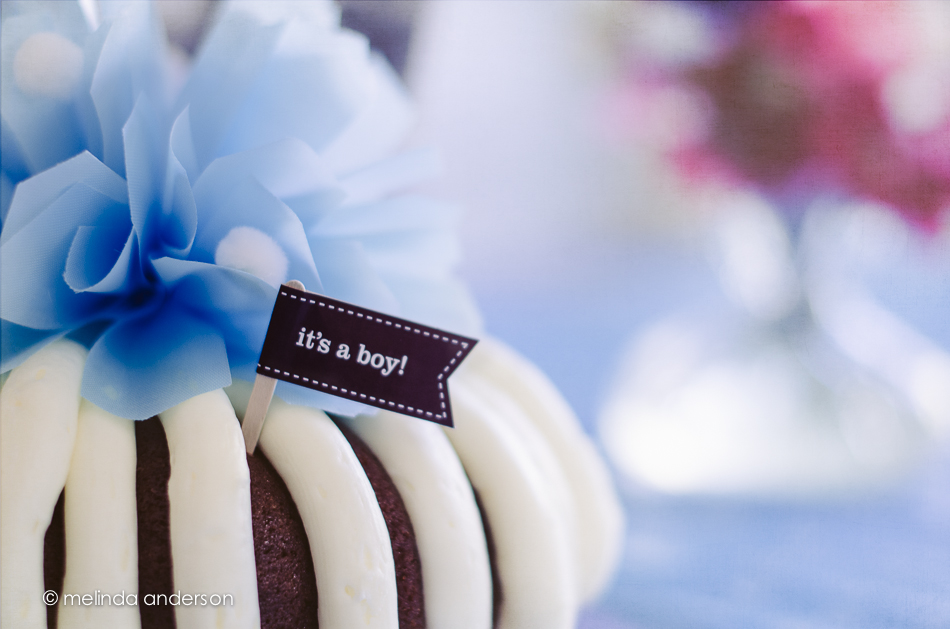
This is one of several photos I took at our book club grandma shower a couple days ago. I was showing our hostess, Kathryn, the effect of aperture on depth of field (she has a DSLR and would like to learn more about how to use her camera). I really like this shot showing shallow depth of field, which is enhanced with a layer of Kim Klassen’s sybil texture.
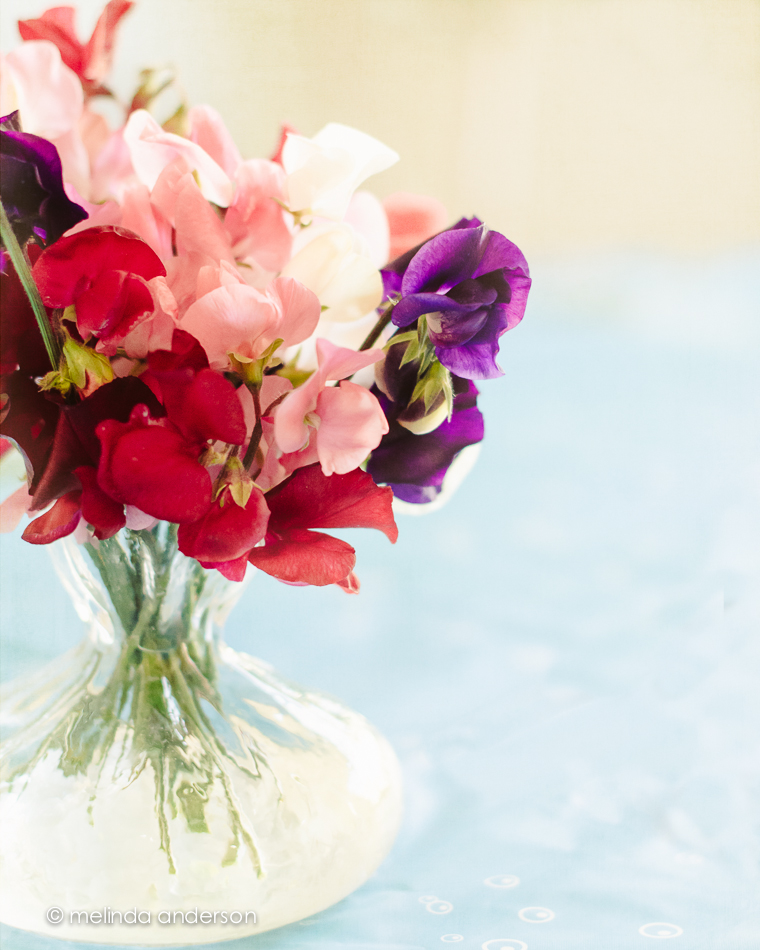
Our Book Club has a tradition- we celebrate the impending birth of member’s first grandchild with a Grandma Shower! At last night’s meeting, we honored Diann, whose first grandson will be born in a few weeks. After a taco salad dinner, we ate a delicious cake from Nothing Bundt Cakes and actually talked a bit about the book (The Girl With No Shadow by Joanne Harris). Then Diann opened her gifts- lots of books and clothes and a pack ‘n play from the whole group. We certainly know how to welcome our friends to grandma-hood!
Here’s Diann getting ready to eat taco salad.

And here she is getting ready to read Goodnight iPad to the group.

Appropriately, this week’s Texture Tuesday topic is celebration. This photo of the beautiful cake (with sweet peas in the background) is textured with Kim Klassen’s sybil texture.
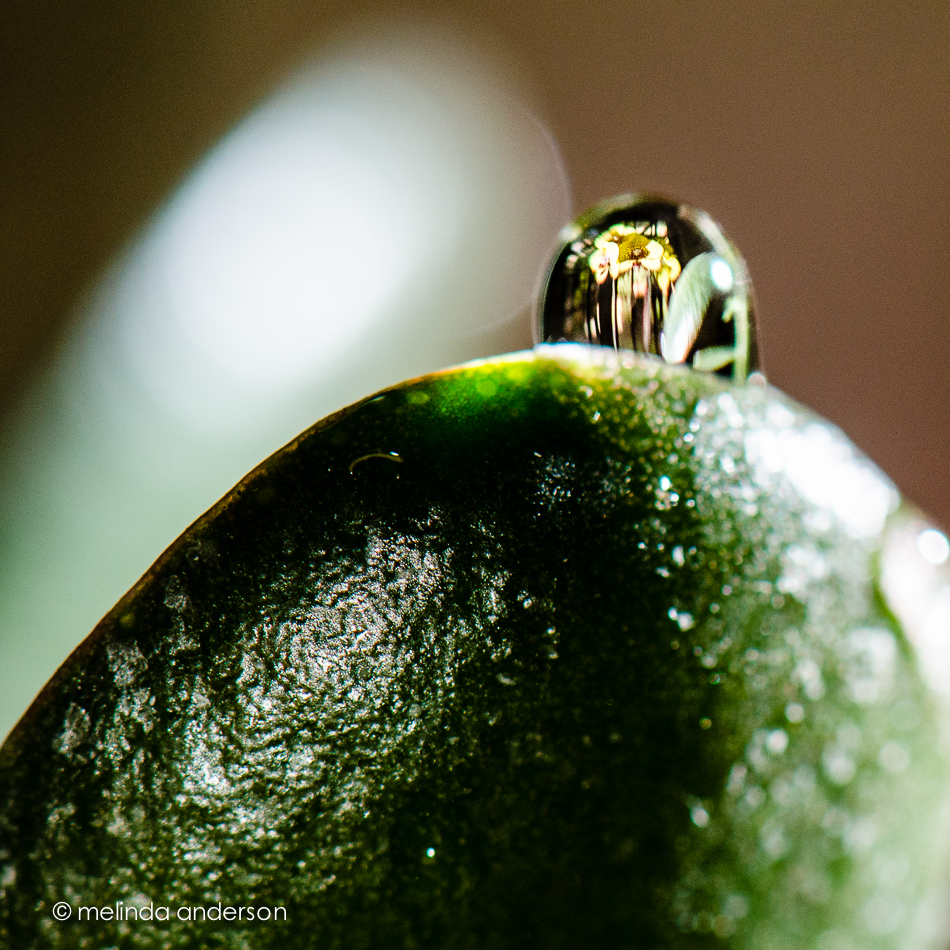
For the last week, I have been obsessed with my macro lens and water drops on flowers. More specifically, I have been obsessed with capturing refracted images on waterdrops. I have had a bit of a time doing it, actually. The first two days I tried it, I all but threw up my hands in surrender- I couldn’t even get anything I wanted to appear in the drops. But I have finally had some success!
Here is my orchid plant reflected in a water drop on my jade plant. Somehow this was easy. Off camera flash helped illuminate the drops. And the photo is flipped, by the way- the refracted image is always upside down.

My next goal was to get the image to appear in more than one water drop at a time- harder! What became difficult was not getting the image to appear, but to get the drops in the right places so they were in the same focal plane. Yoiks! I ended up using drops of Karo syrup on a wilting Gerbera daisy (no daisies were harmed in the making of this photograph). I did get drops that stayed- but they were small. And in the quickly fading after dinner light, I needed a lot of flash.

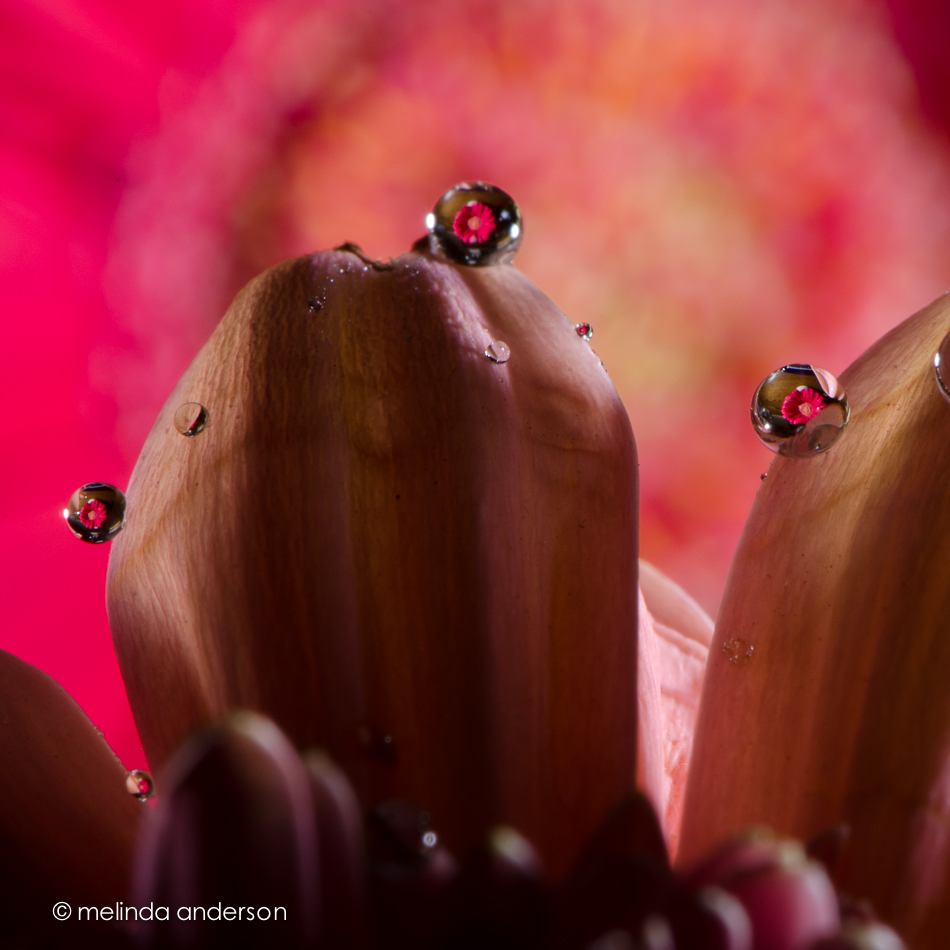
The last photos were taken at f/40- just for the sake of depth of field. I know these are not ideal settings. These images are greater than life size- the real drops were very tiny. I next plan to take some photos where the flower looks more pleasing- these look to me like they’re from another planet! But that’s for another day, another week, another month . . .
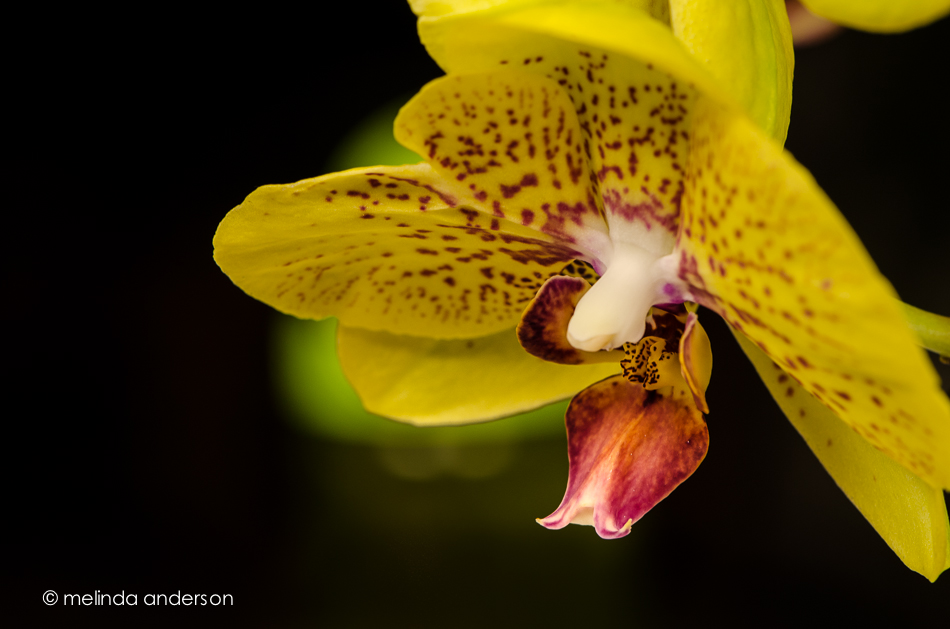
We had a wonderful week with our houseguests and dear friends, Debbie and Dale, who left Wednesday to go back to Arizona. Most mornings while they were here, they would see me dragging my tripod around while I worked on macro photography. Before they left, they gave me a beautiful orchid plant to photograph. So here it is, Debbie and Dale- I’m sure you will see it a few more times on this site! We miss you!
Tint and/or type was the challenge this week- and I went with tint, specifically using the graduated filter in Lightroom to create tint presets for black and whites.
I’ve been doing a lot of macro lately; here is my original image edited in color.
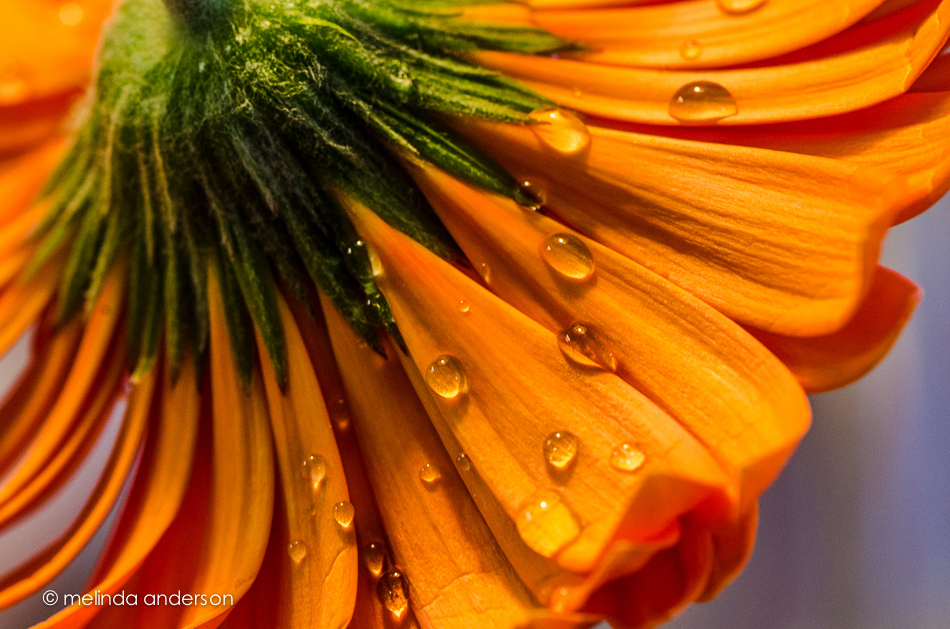
I made a virtual copy, which I converted to black and white. Then I added a very slight lavender tint to a couple graduated filters which I positioned on angles in the image.

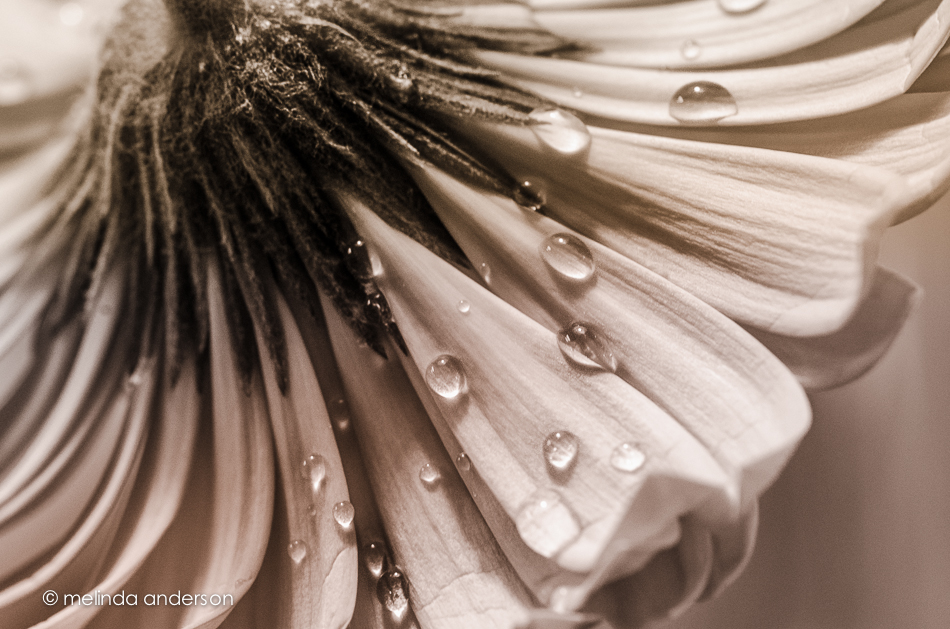
And here is my third version- a black and white conversion with yellow and lavender tinted graduated filters. Looks like sepia. . .
I’ve been having fun with macros of flowers lately (ahhhh Spring!). When I took these photos of waterdrops on Gerbera daisies, I noticed a refracted image in one of the drops. No, it’s not a ladybug, it’s another daisy!


It’s more closeup shots today- these feature my heart-shaped tea infuser with one of my grandmother’s teacups. I edited both with one layer of Kim Klassen’s sybil and another of return for this week’s Texture Tuesday.

Head on over to Kim’s site to see some beautiful textured images!
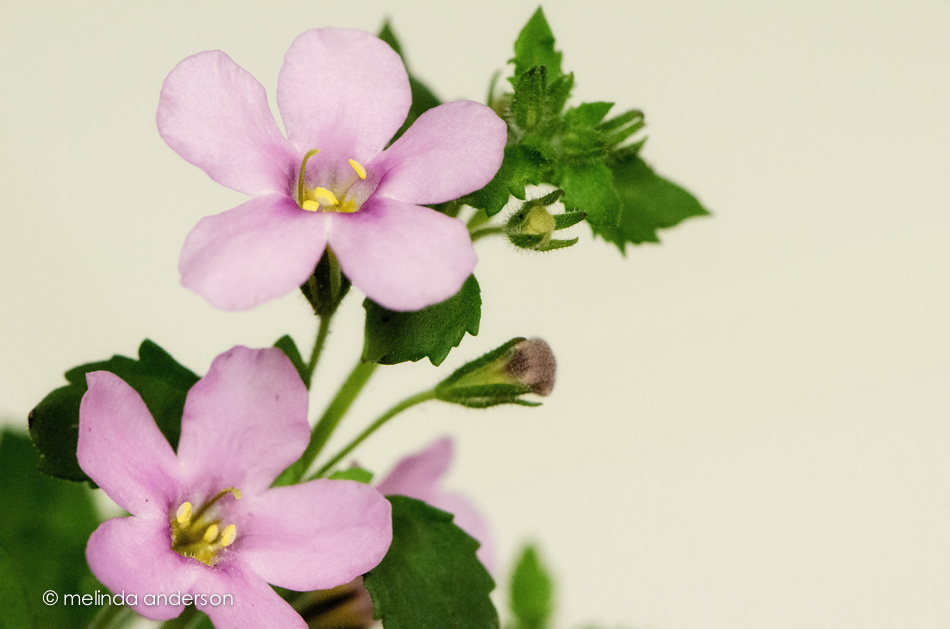
I’m not sure what these itty bitty flowers are, but they are in a pot on our front porch. They look a LOT bigger than their actual size when shot with a macro lens.
We had a really fun lesson today that would have been so useful in my teaching and scrapbooking days. Maybe I’ll be inspired to get back into digital scrapbooking or at least more card-making. The lesson had to do with finding a bunch of objects in one color, taking a photo, and then making a layout using color swatches from the photo. Really, really fun! There was also a lesson on creating presets of color hazes, which I actually already know how to do, thank goodness. I used one of my haze presets for the first photo.
Because I was waiting for my houseguests (Debbie and Dale!!!) to arrive, I wanted to get my homework done quickly. I actually skipped the first step of taking a photo and found two photos to use that had lots of shades in the same color family.
This is from our visit to Balboa Park in San Diego; I almost stopped traffic to get this photograph!

And this one is from our own backyard (last week).

I realize now that I shouldn’t have used a white background for the layouts- stretching the image to make the space at the bottom was half the fun for me! I also figured out where to find square brushes- I don’t use many brushes in Photoshop. As I said, a fun lesson!
It is the end of the tulips, I’m afraid. I just have a few left- the purple ones. This shot is backlit- I love how you can see the light through the leaves. This image is textured with two layers of Kim Klassen’s 3003 texture.
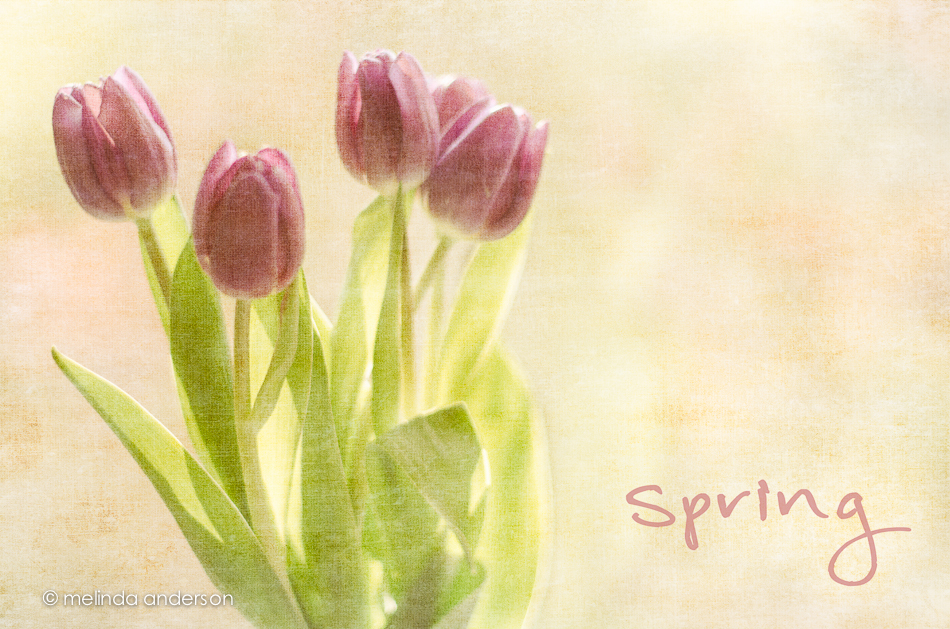
For more images edited with Kim Klassen’s textures, head on over to Kim’s site.
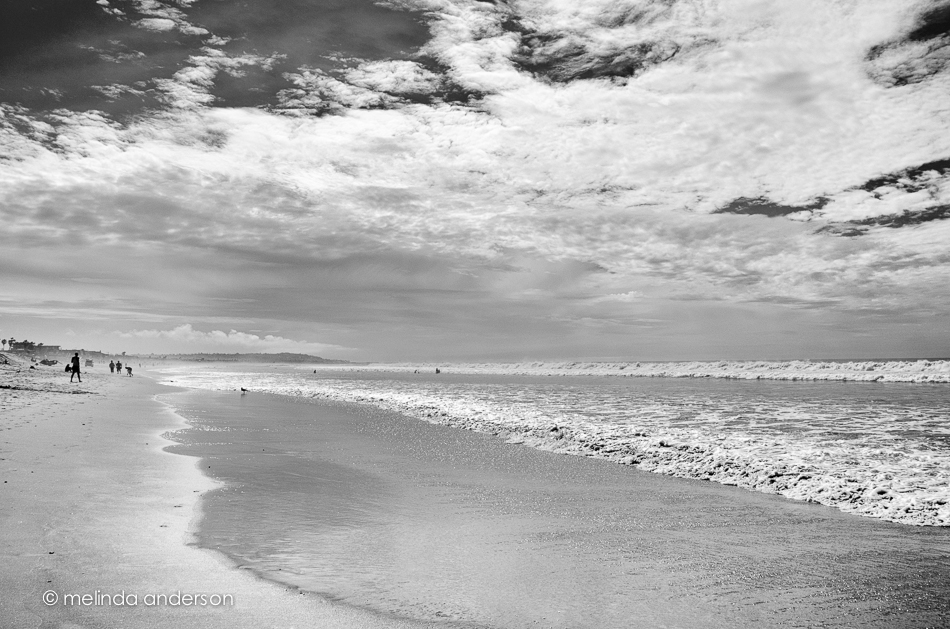
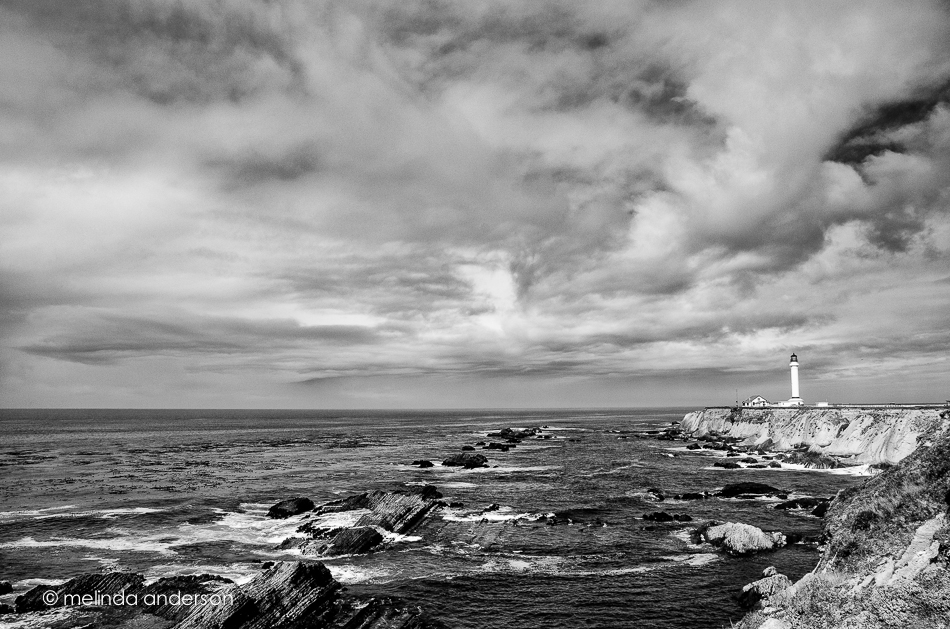
This month the challenge is interesting perspectives– which range anywhere from wide angle shots with leading lines and vanishing points to creative illusions such as someone appearing to hold the moon or a child’s hand with a toy in the foreground (making the rest of him smaller in the background). I’m going with the wide angle shots, because it is something I love to do (and because I have a few in my archives. . .). I shot all of these (except the last) at 18mm on my crop sensor camera and converted them to black and white in Lightroom. The lighthouse photo also has a bit of processing in Silver Efex , which I then tweaked in Photoshop.
After you have looked at my photos, head on over to Lisa’s blog to start going around the complete circle!
Here is a beach shot in San Diego from this month.
This is a wide angle shot vertically (tall angle? 😉 ) of the USS Midway, also from our San Diego trip.

This is one from the archives- the Point Arena lighthouse (from our trip to the coast last October). I posted a shot or two of the lighthouse before, but this one is from further back with a wider angle.
And here’s another oldie but goodie that seems to fit the challenge (oldie referring to the photo, not the hubs, who is younger than me and thus not an oldie):

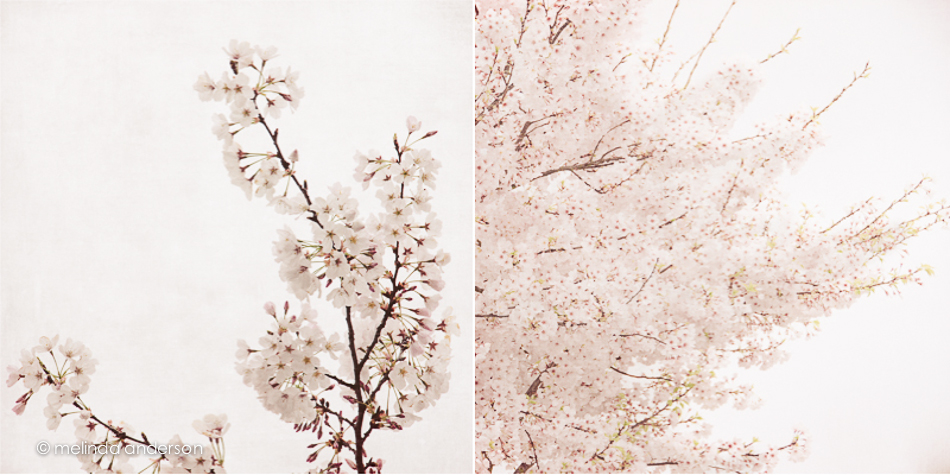
Textured with Kim Klassen’s subtly yours and cora.


 melinda anderson photography