Beyond Beyond- Day 19

My whole family left today, and I’m alone in a very empty house- which will go on the market soon.  Endings and beginnings.

I’m strangely un-busy and am using the time to edit and organize the 1700 PLUS photos taken over the last two weeks during my daughter’s family’s visit, as well as catch up on my blog and last week’s assignment for Beyond Beyond.

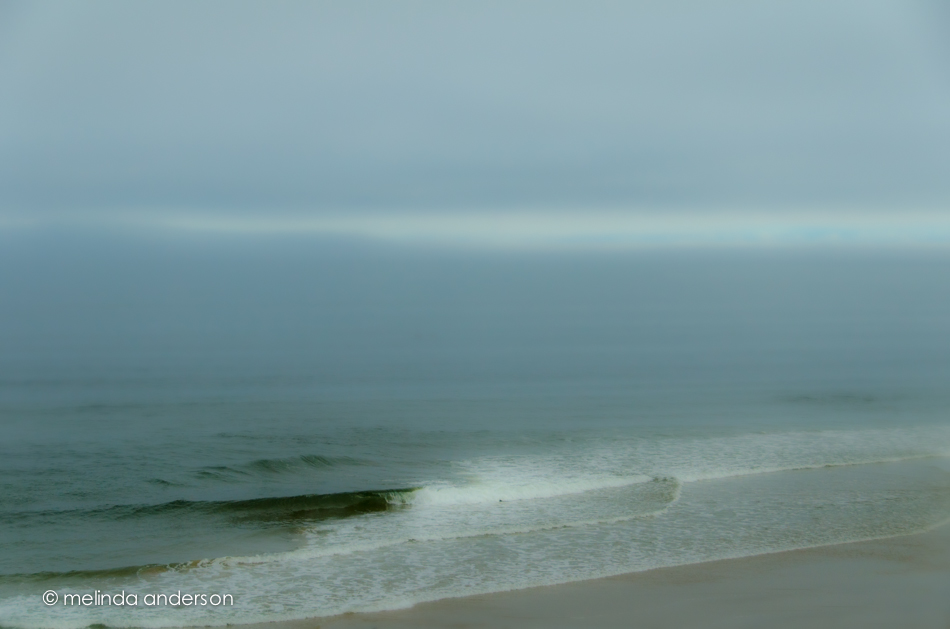
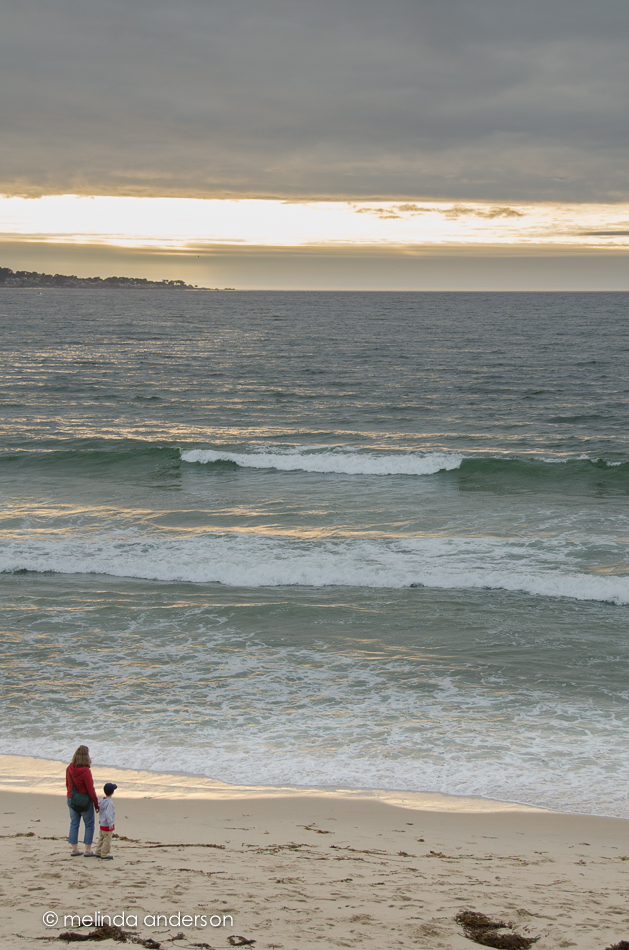
One of our Beyond Beyond assignments was to use a beach photo taken by Kim Klassen and edit it however we wished after watching a video on using the tone curve to bring out different tones in the image. I decided to use one of MY recent beach photos, which is similar to hers except for having my grandson and son-in-law in it.  I attempted to make a cold day at Bodega look sunny and warm by adding magenta and yellow with the tone curve, as well as some split toning.

1June2013-2462

Another part of the lesson was using layer styles in Photoshop.  I added a sepia layer (at reduced opacity) to this photo of Henry and then added type with a metallic style added to echo the metallic background.  The photo reminded me of an illustration in a children’s board book, so I used a primary looking font.

4June2013-2612-Edit

The main part of the assignment was to create a photo using your own style.  I thought the above photo showed my background as a first grade teacher; however, clean editing (often in black and white) is really my style for my family photos. So I decided to go with a family photo for the assignment.

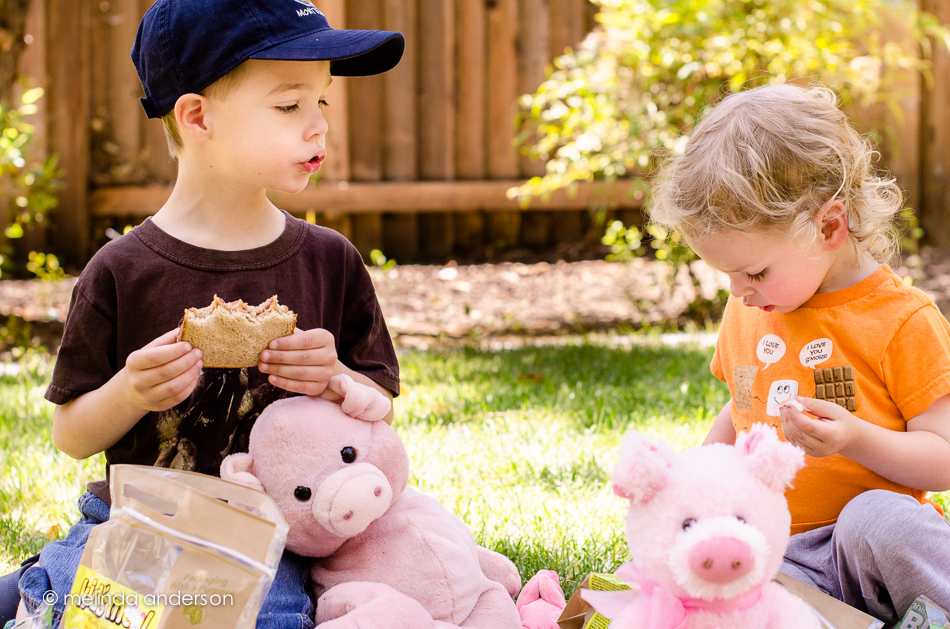
My daughter was at a conference all day Friday, and my husband was working- so I had the kids from the time they woke up until bedtime.  We did laundry, worked a bit in the yard, blew bubbles, and then it was time for lunch- a PIGGY PICNIC in the backyard!

7June2013-2916

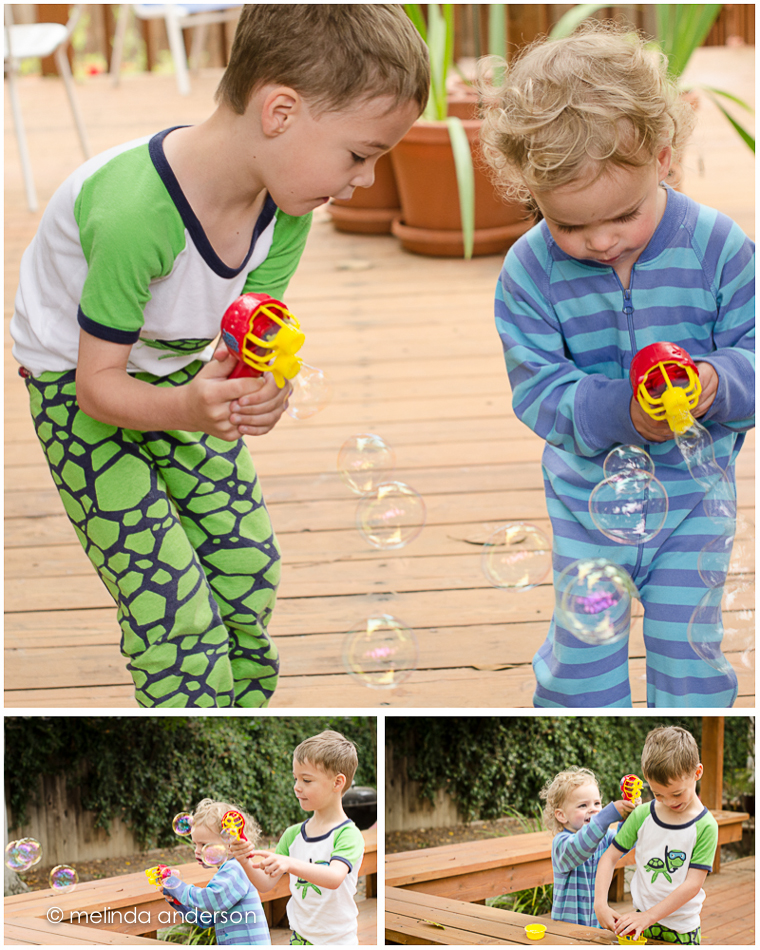
Bubbles

My daughter bought some special bubble blowers so that I would have something fun to do with the boys when I was to take care of them the next day. In the morning, Henry woke up demanding a hair dryer; we kept asking him why, but he was so insistant.  Finally, we realized he wanted the BUBBLE BLOWER, which looked to him like a hair dryer.  He was so adamant about needing his hair dryer, that we ended up letting the boys play first thing in the morning- still in their jammies.

bubbleslayout


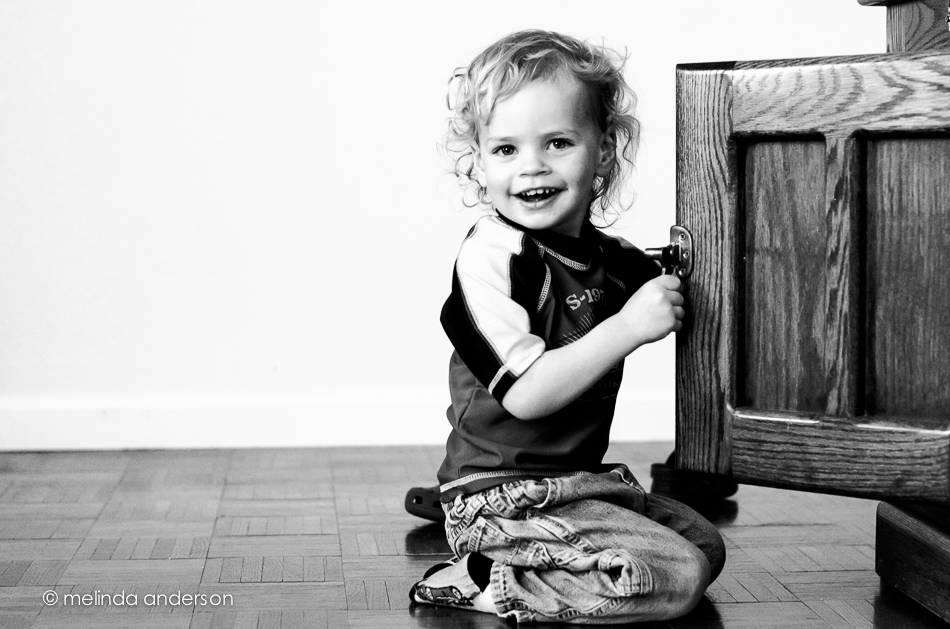
Cooperation!

Henry WANTED me to take his photo today! Most images I have of him are when he’s in motion, in the tub, or confined to a high chair.  Here, he is actually smiling and looking at the camera- hurray!

3June2013-2513

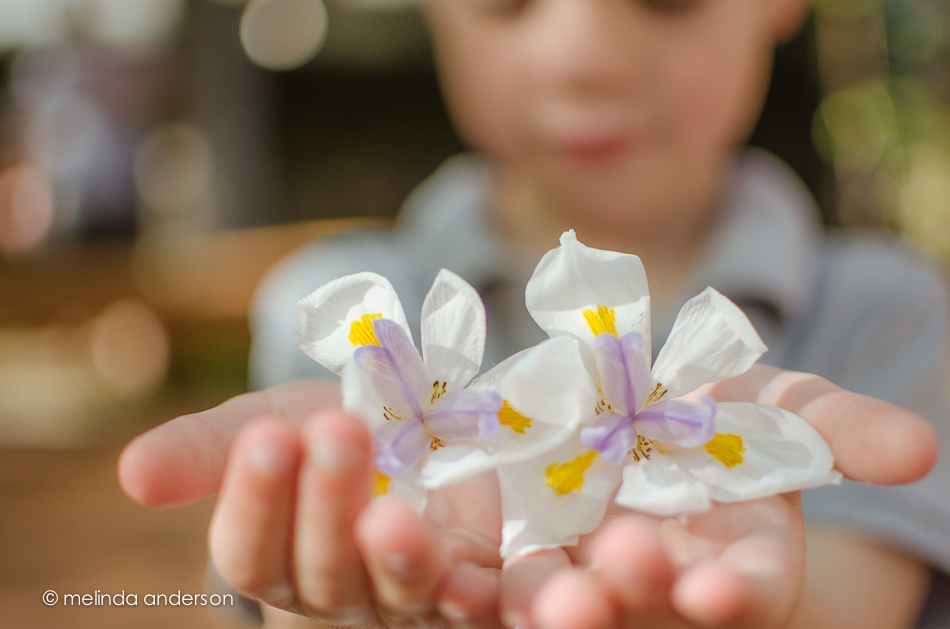
Gramma, Gramma . . .

. . . I picked these for you for your birthday!

31May2013-2319

My birthday was yesterday, and we celebrated it last night with barbecued hamburgers, french fries, potato salad- YUM!   My daughter made the most delicious homemade chocolate cake any of us have ever tasted; she is an amazing baker! It was my first birthday in 7 years where my whole family was together, and, since that time, we have added two adorable little boys to the family.  It was a wonderful day!

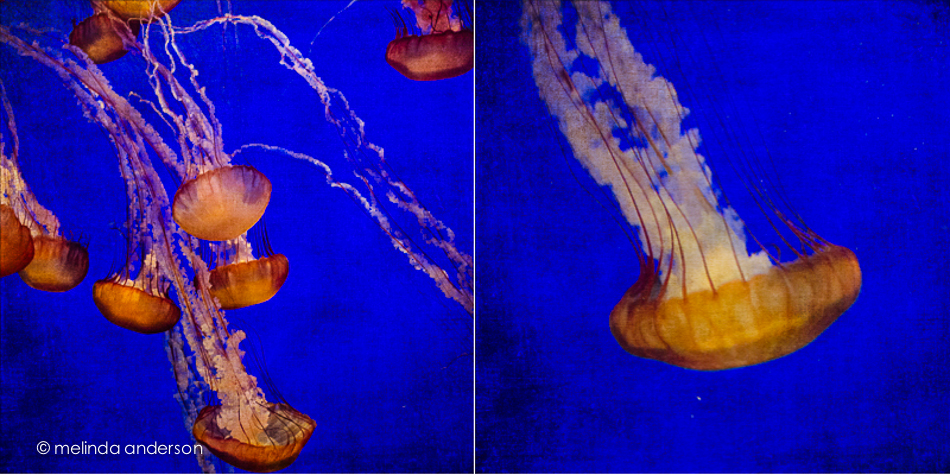
Jellies

We spent just about 24 hours in Monterey this week to take our daughter’s family to the Monterey Bay Aquarium.  Hundreds of photos were taken; here is one of just a few of sea creatures- the gorgeous jelly fish.  Truthfully, I took just as nice shots with my point and shoot camera on my last visit.  I think they are almost impossible not to photograph well in their beautifully lit tank.  This one I edited with a texture, so that I would have something to post for this week’s Texture Tuesday (a couple days late).  I used Kim Klassen’s teatime texture.

jellies layout

Curly

My grandbabies are here!!! Not much time for blogging- but here’s a quick tribute to Henry’s curls (photo taken yesterday on the beach at Monterey):

curls_layout

He is so cute I could just eat him up! Really- the cuteness is just overwhelming! Seriously CUTE!


Beyond Beyond- Day 18 Mixed Bag

Kim presented a mixed bag of Lightroom and Photoshop tips, as well as some iPhoneography tricks.

Here is my grandmother’s sewing basket (decluttered!) and with some of her mother’s buttons in the foreground- and her darning egg.  I desaturated the image and then added the kk_desert texture, which did a great job of masking the scratches on my old dining room table by adding new ones from the texture.

20May2013-1287-Edit

I don’t usually do much with my iPhone photos.  I use the camera when I don’t have my regular camera, and I do edit them in Snapseed and PicTapGo- but then they tend to stay on my phone or go straight to Facebook.  I decided that I would use an iPhone image for this blog post, so took a shot of flowers by my doctor’s office.  I loved the tip Kim gave us about adding a black and white filter in PicTapGo and then fading the adjustment to just slightly desaturate the image.  However,  I went with a punchier edit, because it was the bright colors that attracted me to the flowers in the first place.  I cropped in Snapseed and played with the Bright adjustment in the Drama filter- but ended up just leaving that alone.  In PicTapGo, I warmed up the image a bit, added some “crispity-ness”, and then went full strength with color burn. And here we are!

yellow flowers

Orbs

O M G- this is so much fun!

11May2013-1190-Edit-2

11May2013-1201-Edit-Edit

I remember trying this when I was first learning Photoshop- and then totally forgot about it until I started seeing some orbs on Flickr recently.  The link for directions was thankfully provided- I have no idea where I found them originally.  Bill Barber has them on his blog http://www.billbarberphoto.com/tutorials/how-to-make-an-orb/– thank you, Bill.  This time I made the really simple process into a Photoshop action so I can do it again.  I warn you, it is very addictive!

Bill suggests flowers with lots of stems and leaves as good subjects- and I found the same to be true.  The first photo above is a macro of a rose from my Mother’s Day bouquet.  The second is the bouquet itself with some leaves and stems and some negative space.  I like it better.  I have no idea how Photoshop chooses the color for the background to the orb!

BTW, I discovered that the filter will not work unless your image is 8-bit.  My latest Lightroom external editor settings were set to open images in 16- bit in Photoshop.  I have no understanding of what any of this means. I read or watch tutorials and reset my Lightroom/Photoshop settings constantly.  So right now- it’s 8-bit again- whatever. . .


Repositioned

We are having a bit of touch-ups and repair done on our house in preparation for selling. One item that needed painting was the wrought iron railing on the porch and steps leading to the front door. After the railing was painted, the front porch plants (and front porch pig. . .) were returned in a new arrangement by the painter.  Here’s a quick snap and edit done after dinner last night.  I textured the photo with Kim Klassen’s breakfree texture, and it will be this week’s nod to Texture Tuesday (but on Wednesday…).

21May2013-1316-Edit

Beyond Beyond- Day 17

The theme for this lesson was Critiques and Possibilities.  We were led through Kim’s thought process as she edited one of her own photos- this was so interesting, especially as she reshot the photo a couple times.

In case you didn’t read this last week, I am in the midst of decluttering my house in preparation for putting it on the market next month.  Major change is afoot in our household as we decide what to let go of and what to keep.  So far, we have donated about three truckloads of “stuff”.  And, truthfully, unless you were intimately acquainted with our house, you would never know it.  There is lots left! It takes a bit of courage and faith to put your house on the market without knowing exactly where or when you are moving, but we know in our hearts that this is the time. We no longer need a big house, stairs are a challenge to arthritic knees- it is time to downsize and, most likely, relocate to a less expensive area. We wish our friends would join us- come on, you guys!

I went through my grandmother’s sewing basket (I have sooooo many family heirlooms) and decided to photograph this simple spool of thread for my project (and yes, the sewing basket is a keeper- at least for now).

SOOC

20May2013-1296

This was actually the second photo I took. In the first, the black surface of the dental cabinet was too dusty- so I got out the Pledge. I noted that the thread itself was pretty dusty still, so used the cloning and healing brush in Lightroom 5 to fix that up a bit- plus repair the nick in the black glass.

thread 2

I had originally conceived of the photo as a black and white, so, although I played with it in color, I quickly went to black and white.  I used a high contrast black and white preset from the Clickin Moms Paparazzi collection called Documentary (one of my favorites).  I bumped up clarity and added a vignette.

thread 3

I hadn’t planned on adding text, but something about my current state of exhaustion and my love of photo-editing led me to add a few words. So into Photoshop I went- using Traveling Typewriter and Quilted Butterfly fonts.  Done!

thread 4