
Since I’ve been back, I’ve been catching up on life, and my photography work has consisted of culling and editing photos from Yellowstone and getting images edited and printed for my photography groups. I was also 2 or 3 weeks behind in Start to Finish and Be Still 52 (Kim Klassen’s classes), but knew I would have time to catch up soon.
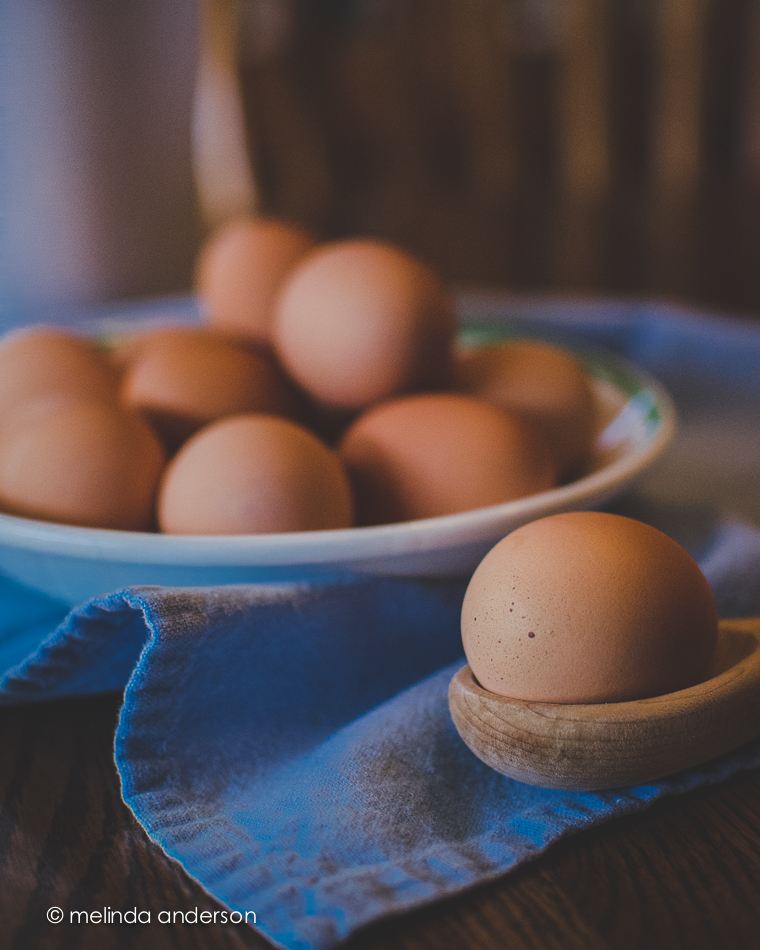
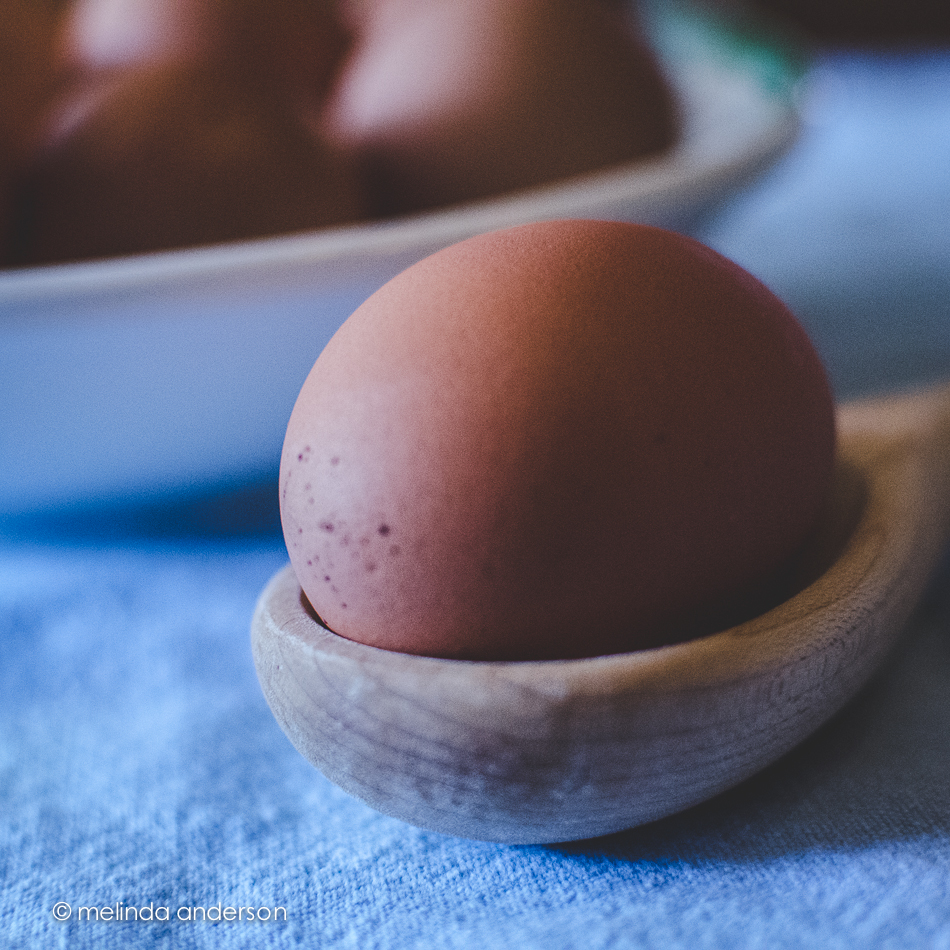
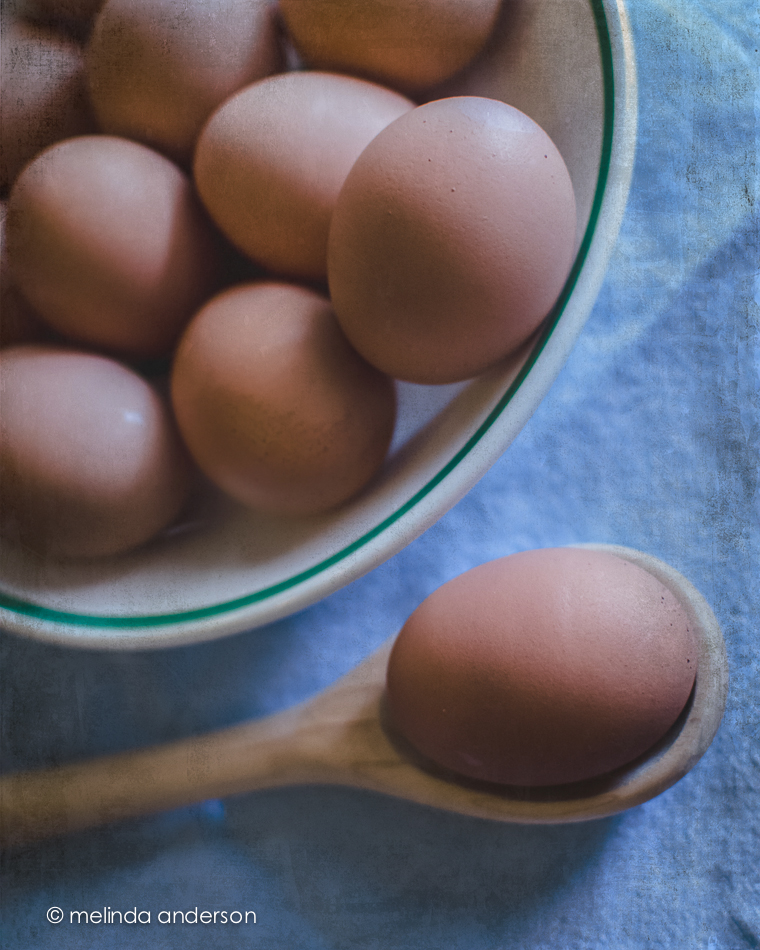
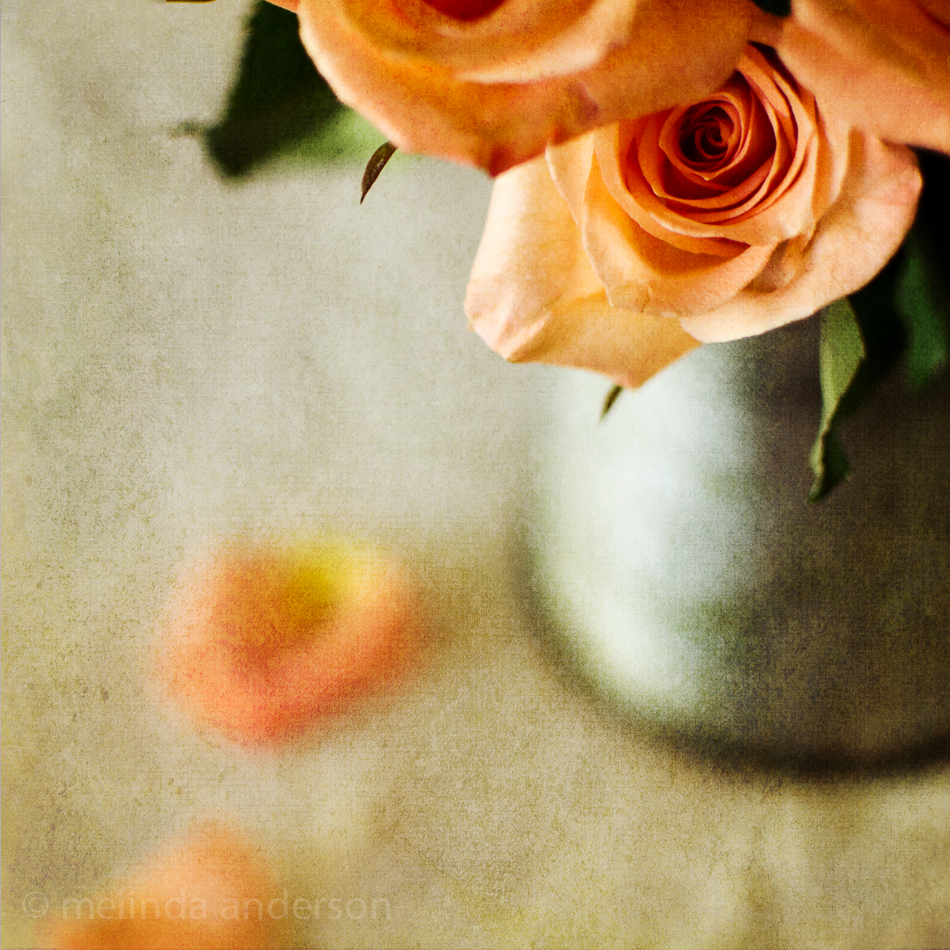
A couple days ago I started going through the lessons I hadn’t done and found myself feeling inspired again to create a still life. One of the more recent lessons included a preset called melancholy– and a suggestion to revisit the whole wabi-sabi idea, which I loved. I enjoyed creating this image, which is very different from my usual shooting and processing style.

And now for a couple random iPhone photos. I didn’t take many photos this week, but did enjoy processing them.
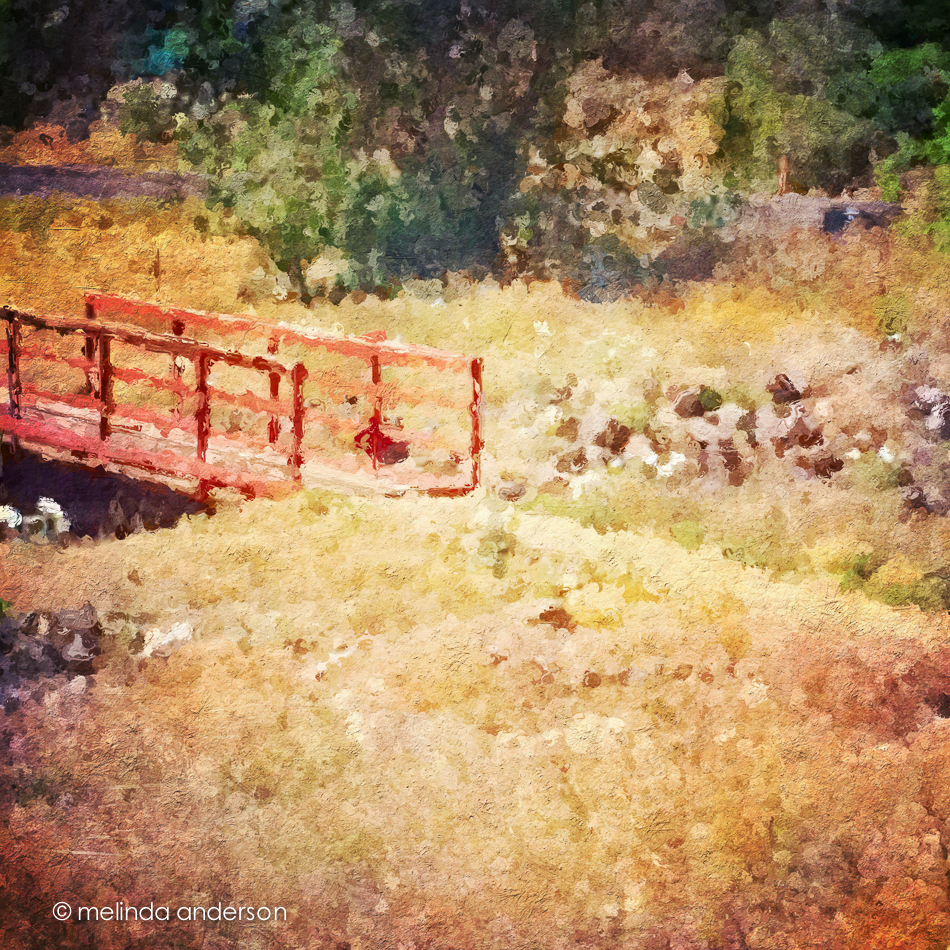
This is the bridge (over a dry wash) that we cross when we walk the trail at Willow Lake. If you look closely, you can see the white southwestern prickly poppies that are in bloom along the trail. The basic edit was in Snapseed- and then I used one of the filters in Glaze (an app that I really don’t understand) and added some textures in Mextures, which also gave it a vignette.
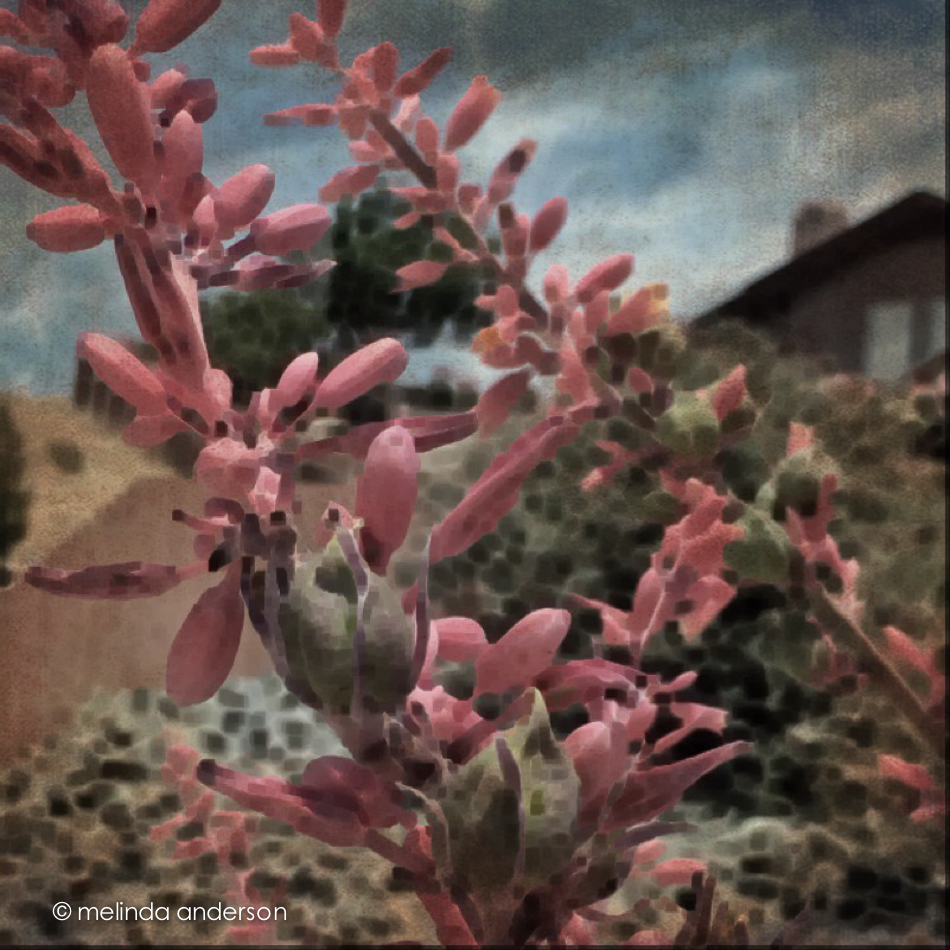
The photo below was taken in our front yard and is a closeup of the flowers (and fruit?) of a spiky foundation planting in our flower bed. Now that it’s blooming, I notice this plant everywhere we go in Arizona. Last fall I cut off many of the dried stalks and put them in my old milk can on the front porch. You can see what they look like dried here. I edited the photo in Photo Wizard, which is a great app for basic editing (it even has a curves adjustment!), as well as having a zillion special filters and effects, from textures and vignettes to motion blur and a bathroom glass filter. I have yet to explore it fully- guess I need to go on another road trip!
I’m linking up with App-happy Wednesday again!







 melinda anderson photography