I was totally captivated by this little girl’s impromptu dance and couldn’t help taking a few shots.


I was totally captivated by this little girl’s impromptu dance and couldn’t help taking a few shots.
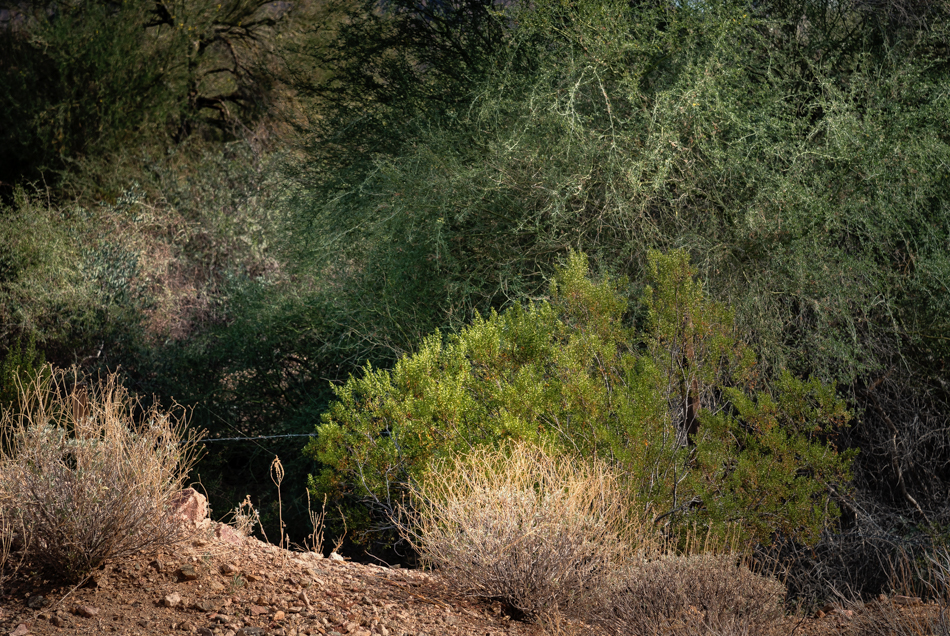
I remember taking this shot near Yuma, because I was attracted to the way the light was hitting the weeds at the lower left. But then when looking at the photo on the computer, it just seemed like another dusty, dry, shot of an unappealing landscape. It took me a couple years to get used to the harsh desert sunlight here, and this is one of those locations where I was fighting it all the way.
I decided this week to finally get up to speed on the major improvements that happened in Lightroom and Adobe Camera Raw recently (specifically the addition of creative profiles to the basic panel). I was not a believer, because I have my usual workflow- and I didn’t see the point of changing. However, I watched tutorials by three of my go-to editing gurus, Matt Kloskowski, Blake Rudis, and Julieanne Kost and gave it a try. I was especially interested in what Blake had to say, because he never does much on the creative side with Camera Raw- he saves that for Photoshop and the plug-ins.
So. . . I used one of Matt K’s new Lightroom/ACR profiles (Crisp Warm) on this photo (plus some other Lightroom edits) and am pleased with the results. I like the way you can reduce the opacity of the profile, which I did here- and that the profiles don’t override the slider settings like presets do. I also really like that you can access the same profiles in Camera Raw, which would allow me to use them in a layer in Photoshop and mask if I wanted. These changes haven’t rocked my world so far, but I can definitely see using this new feature.
Another image from Vulture Mine:
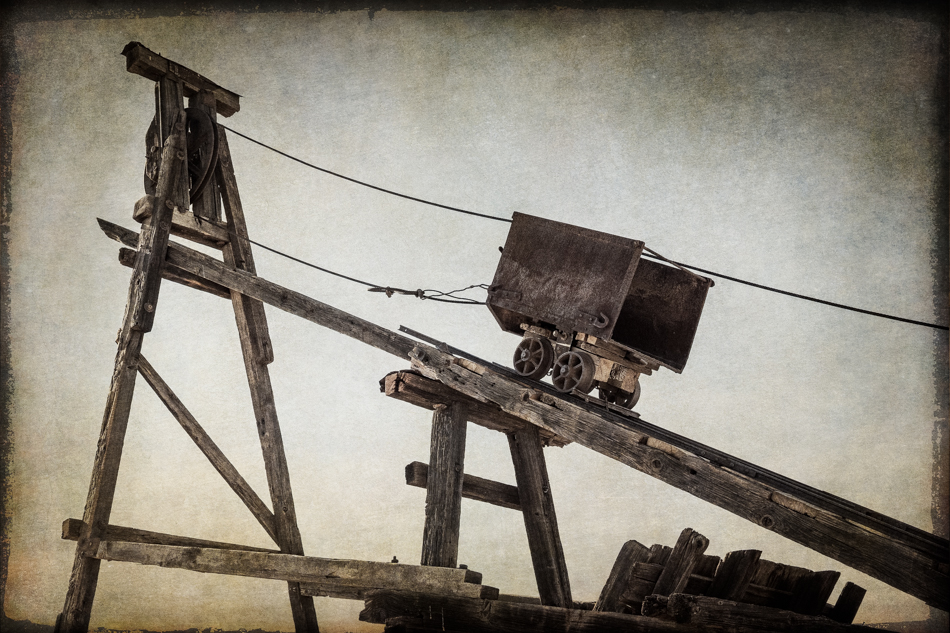
Looking back at photos from my Vulture Mine excursion in November, I found quite a few that never made the blog- like the one below:

As I understand it, the company that now own the mine is Canadian- hence the maple leaf along with the stars and stripes.
It was the light on the weeds that attracted me to this scene- and the contrast with the sign indicating someone was working there . . . sometime.

Vulture Mine
Like most photographers, I can’t pass by an old window, without taking its photo.

At Vulture Mine

I’m not sure exactly what this is, but I found the shapes and textures appealing when I visited Vulture Mine.

Another image from that snowy day at Watson Lake
Snowy rocks and their reflections at Willow Lake a couple weeks ago during the last snowstorm:

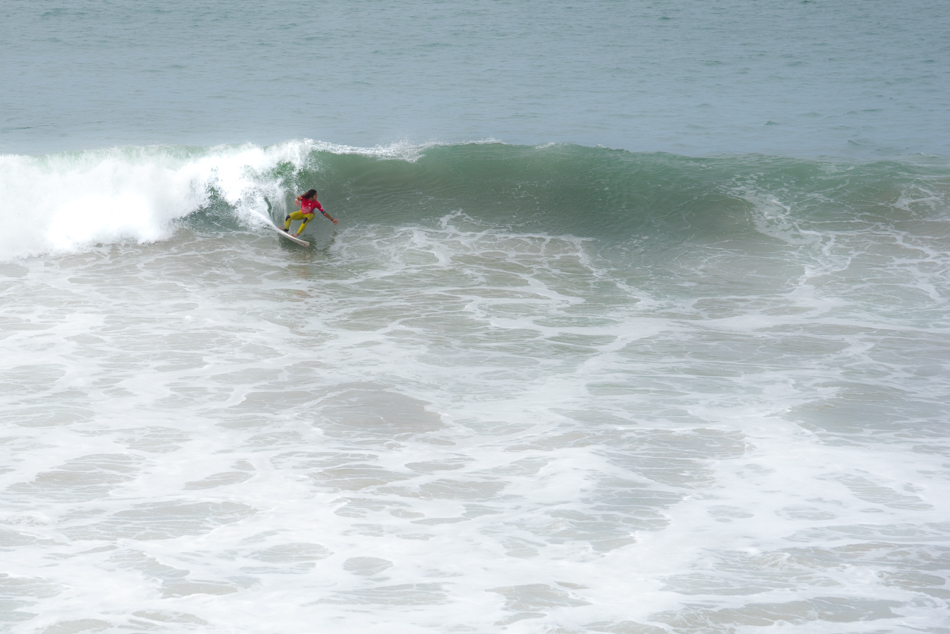
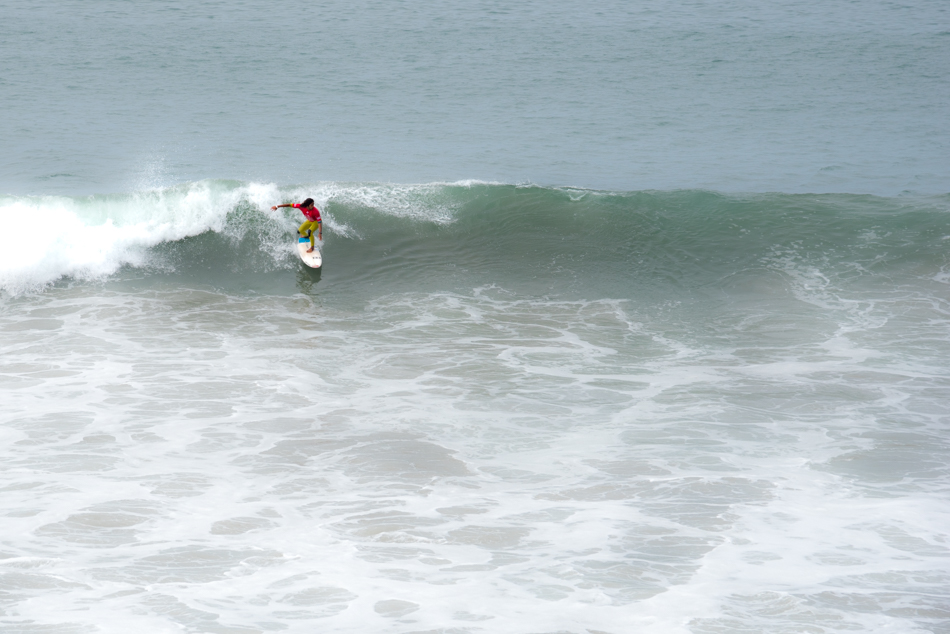
I think these will be my last surfing photos- but no promises!
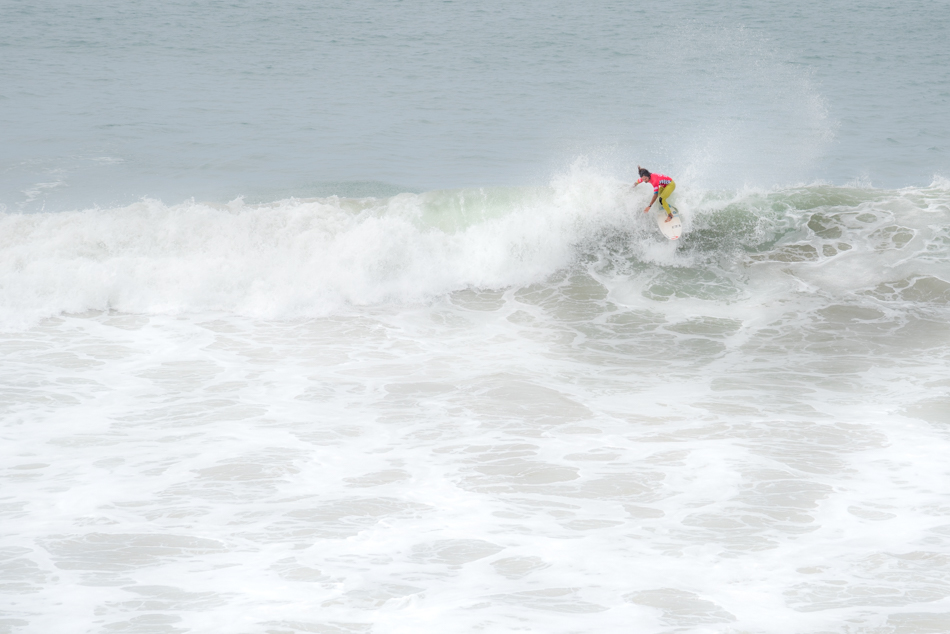
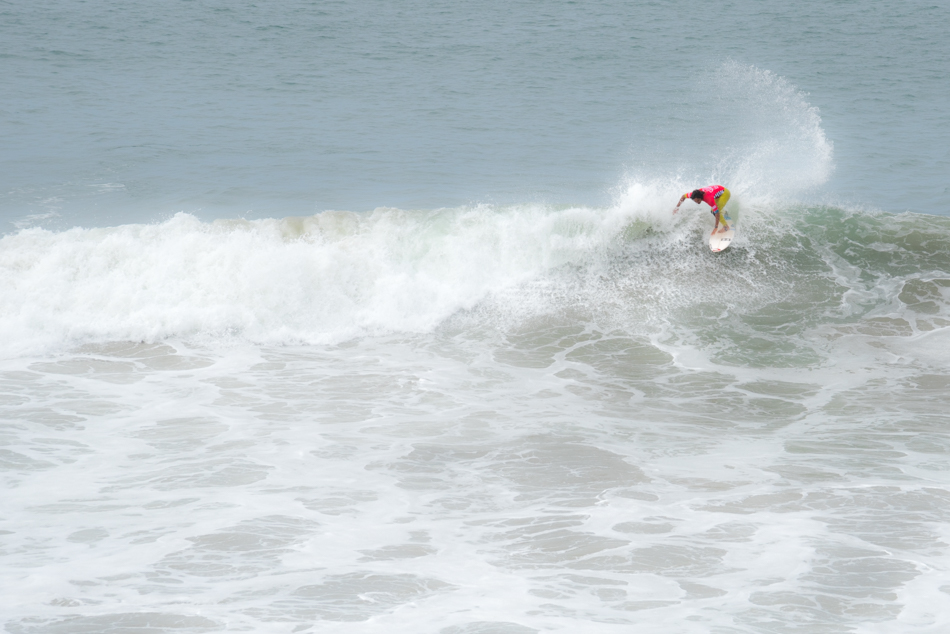
These shots are from the second day of shooting- and I didn’t have a good spot on the pier. So no closeups- both of these are cropped.

A peaceful scene from Lynx Lake
Looking across Watson Lake at the snowy shoreline:
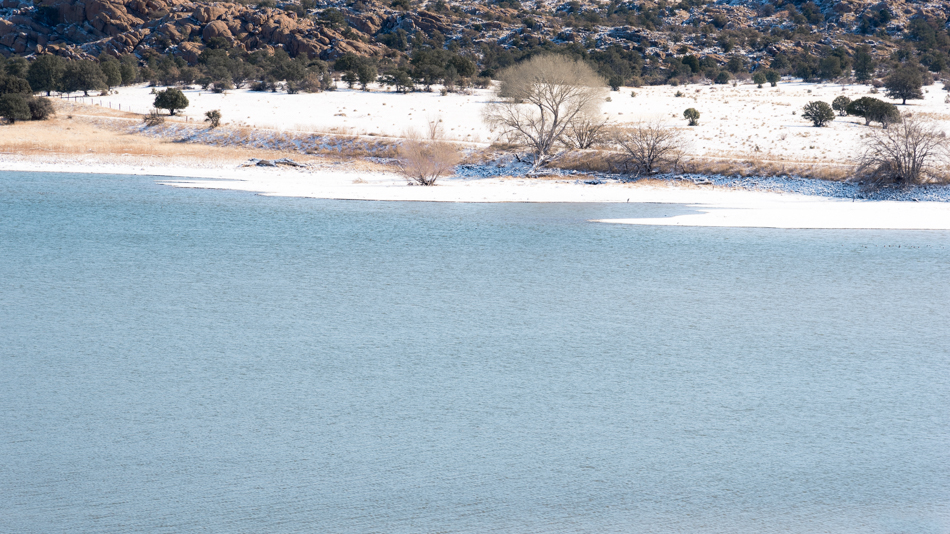
Looking at Willow Lake in winter

Saturday morning’s wintry mix (did the Weather Channel invent that term???) gave way to overcast skies, which finally dumped a layer of snow Saturday evening. Of course I took a few photos on the way to the grocery store on Sunday morning!

Willow Lake
 melinda anderson photography