Just as the fall leaves were changing color, they were blanketed by this year’s early snows. It seems winter is coming early this year.
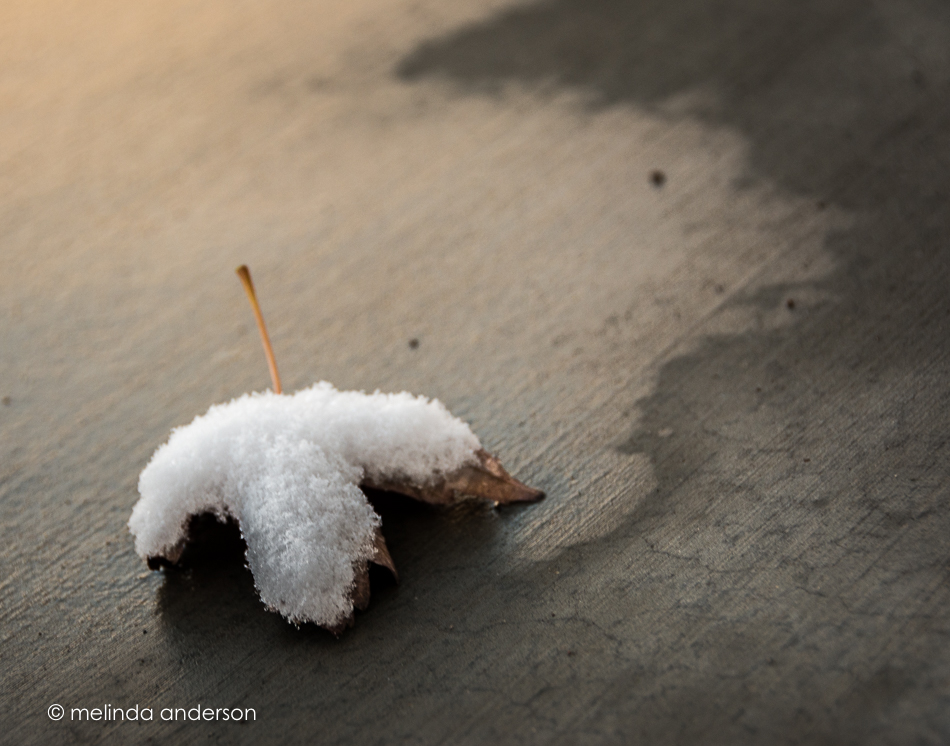

Just as the fall leaves were changing color, they were blanketed by this year’s early snows. It seems winter is coming early this year.
Of the photos I took Courthouse Square in the snow, this one is my favorite. After I took photos with my Nikon and got back in the car, I decided to take a quick iPhone shot for Facebook and to text to a few friends. Of course, that one ended up being my favorite- the point of view from the car was much better than from where I had stood for my other photos. I can’t believe I didn’t see that when I was taking pictures. My excuse is that I was concerned about the snow falling on my camera. . .

I converted it to black and white in Lightroom to use for my photo club on Tuesday (the theme was black and white). The photo was well-received, although not a winner in the voting- and the comments all had to do with the unique point of view- the angle of the fence etc. etc. Maybe when it snows again, I can shoot from this angle again- only with my big-girl camera!
Monday was a snowy day. Although it snowed for most of the day, we ended up with only an inch or so, which melted away in the afternoon even as the snowflakes continued to fall. We went out for coffee in the morning, and then drove downtown where I took some photos as it snowed. Christmas decorations are already being put up, alas (a pet peeve of mine), even though Thanksgiving is still a week away. But actually, I think the Christmas tree adds to the photo. I edited it in Topaz Texture Effects, using one of the Fairy Light presets, and added additional textures in Photoshop.

I love editing with textures, and the new Topaz program, Texture Effects, is giving me a whole new way of approaching the process. You can start from scratch, making basic adjustments and then adding dust or scratches, lens leaks, vignettes, borders, and/or textures OR you can start with a filter preset and then adjust everything from there. There is a masking feature, which works well, except that you can’t use the bracket keys to control brush size (I usually choose to mask in Photoshop, because it’s easier for me). You can upload your own textures into the program, as well as create your own presets, which you can choose to share with a community of other users of the program. To be clear- it’s not just about textures- it’s other effects as well. You might decide to not use a texture, but just other effects- or add your own textures in Photoshop afterward. It’s a very flexible program! With that said, I will add that many members of the FB group devoted to this program have had technical issues with installing it and getting it to save their edits. I have had no issues, thankfully.
So here’s an edit of a macro photo I snapped last weekend in our front yard (I think I used a filter and added 3 textures in Texture FX and then masked in Photoshop).
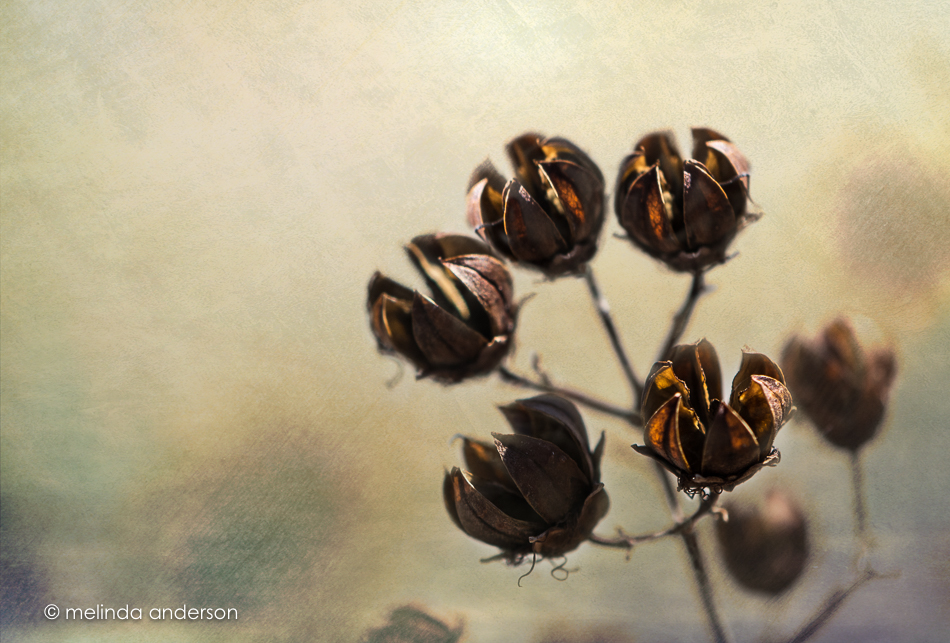
A companion to Monday’s orange petals post . . .


Nothing makes me more content than exploring flowers with a macro lens. Here’s a gerbera daisy from my latest grocery store fall bouquet.

Yesterday’s snow had disappeared before lunchtime- so I’m glad I made it outside with my macro lens before it all melted away. Our shrubs and trees looked like they were decorated with little jewels as the melting bits of snow glistened in the sunlight.

Last week’s walk down Mt. Vernon Street yielded some fall photos as well as all the photos of Halloween decorations. I think I should post them sooner rather than later, because this week’s big storms may have blown many of the leaves off the trees.


The morning light shining through the ornamental grasses out my office window took me away from my computer and out the front door with my camera and lensbaby. I took about a dozen shots as I knelt on the rocks outside (ouch!) before my knees gave out from the effort. I liked the resulting photos, which I edited with textures to emphasize the abstract qualities of the images.

The hush comes with the deepening of Autumn; but it comes gradually. Our ears are attuned to it, day by quieter day.
But even now, if one awakens in the deep darkness of the small hours, one can hear it, a foretaste of Winter silence.
~Hal Borland

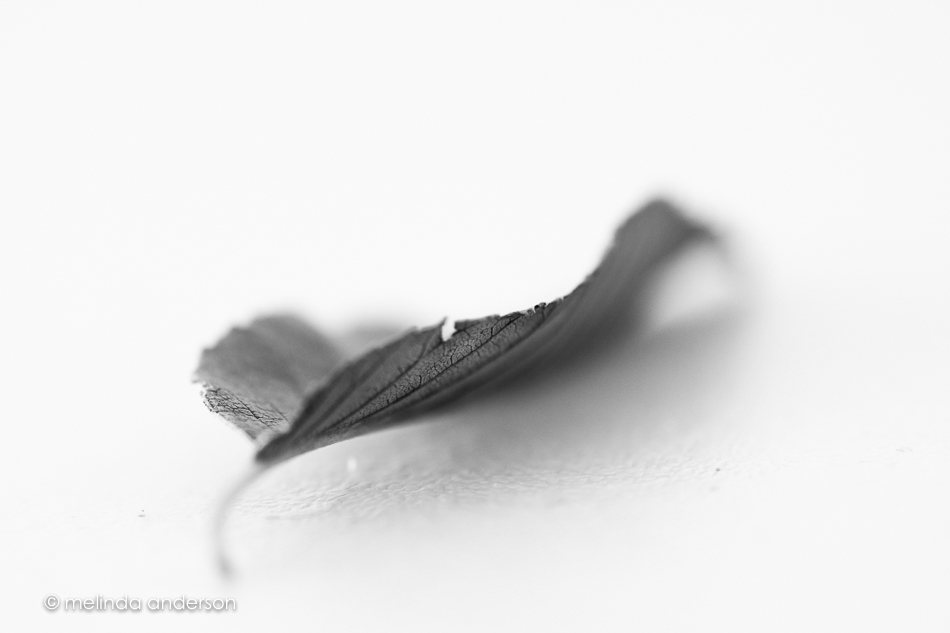
For as long as I can remember, Fall has been my favorite season. I think I like autumn leaves on the ground almost as much as the leaves on the trees. And to my eye, they are melancholy and mysterious in black and white- I love their fragile, crispy crunchiness and ragged, tired edges- reminding us that Winter is coming (a Game of Thrones reference, with my apologies). Snow is in the forecast in the high country, but I don’t think we’ll see any here. In the meantime, I’m enjoying every minute of Fall!
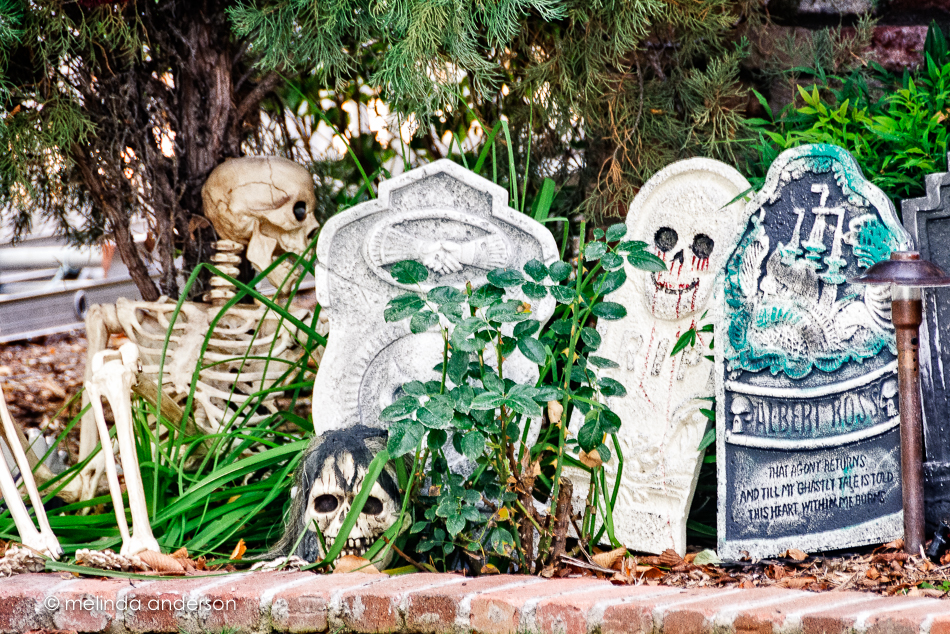
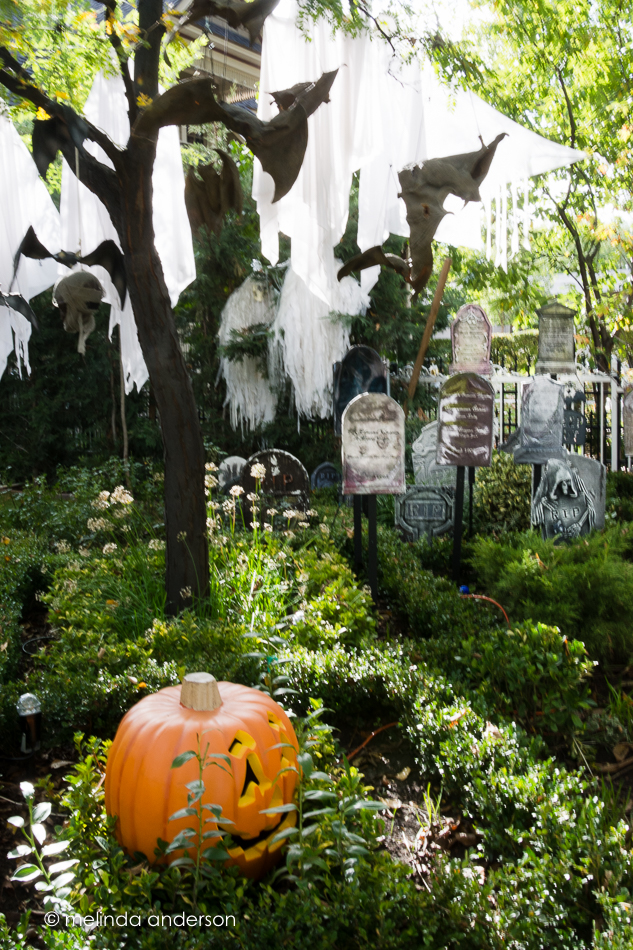
Here are a couple more sights we saw as we walked down Mount Vernon Street.
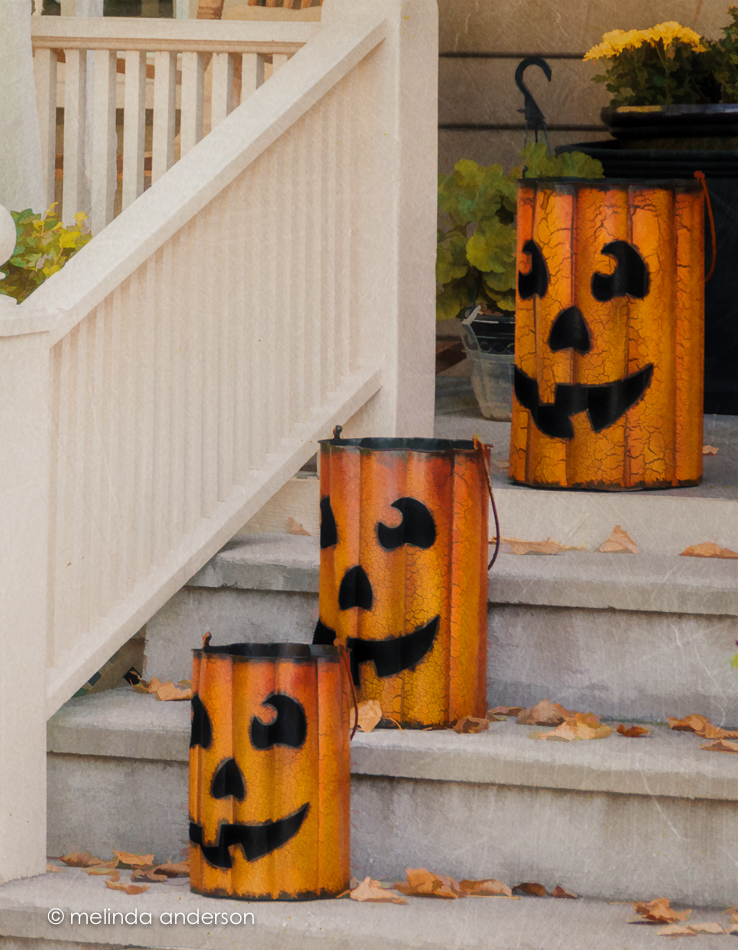

Yesterday we took our annual Halloween stroll along Mt. Vernon Street, where the Halloween spirit is very evident. In this neighborhood of older homes, most houses are decorated for Halloween, and some have gone all out! It’s the most popular street in town for trick-or-treating.
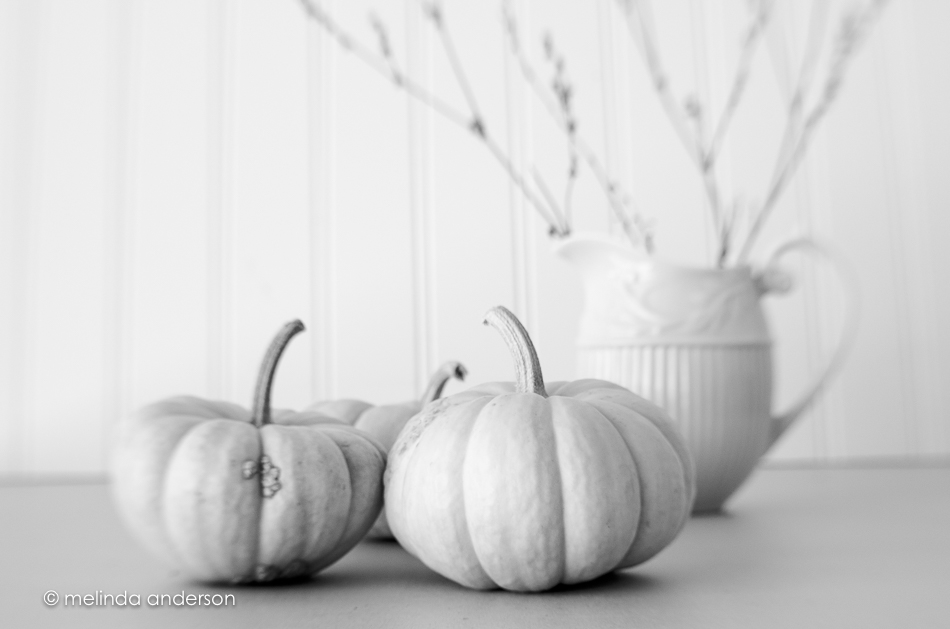
I confess to having a photography love affair with my white pumpkins.
I like the orange ones, but there is just something about the white ones that I can’t resist!

I’m on a mission to finish up my genealogy research and organize it in some meaningful way to pass on to future generations. There are so many aspects to this whole project that it seems overwhelming at times, and I get paralyzed with indecision over what to tackle next. I’ve researched the ancestors just about as far as I can go at this point, have a file cabinet, binders, and boxes filled with research, and have had my DNA done (twice), but I still have boxes and boxes of photos left to deal with.
I recently reorganized our front hallway dental cabinet so that the drawers are organized to make sense again. I use this chest to store and display family memorabilia from my husband and my childhoods and (mostly) from our parents’ and grandparents’ lives. I got the idea of putting this together from a newspaper article given to me by my friend, Kathryn, who spotted it and gave it to me, knowing my interest in genealogy and that I owned a similar cabinet. I’m sure I’ve mentioned more than once here that it belonged to my father who bought it used when he opened his dental practice in the late twenties. It was painted white when we acquired it, but we had it stripped to its natural mahogany. I think I should stop calling it a dental cabinet now- it’s our Family History Cabinet!
Here is a drawer with some items from my grandmother and great-grandmother. Both photos are of my grandmother, Marion Bean Badenoch, known to her grandchildren as Mimi.
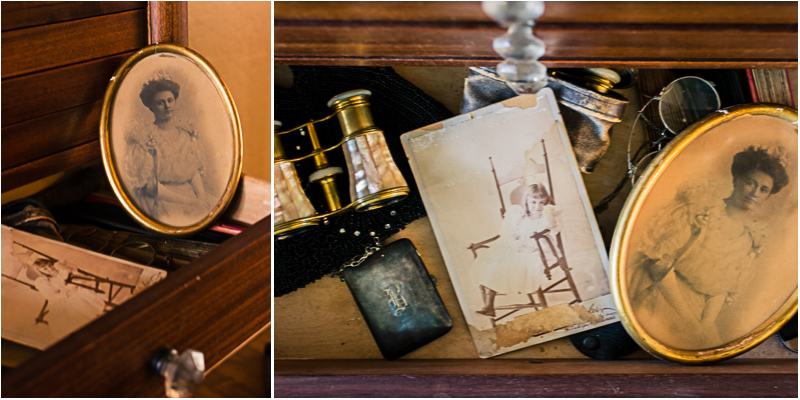
My latest genealogy/photography project is to scan and restore some of my old family photos. I have hundreds, not counting those from my childhood and my children’s childhoods- so obviously, I am going to have to be very selective. I believe that the photo of Mimi in the oval frame was taken when she was sixteen (that’s what my mother told me, I think), but I’ve also considered that it could be her wedding portrait- it’s a pretty fancy dress! She went to finishing school in Boston, so it could have been taken around that time.
Here is the photo as scanned:
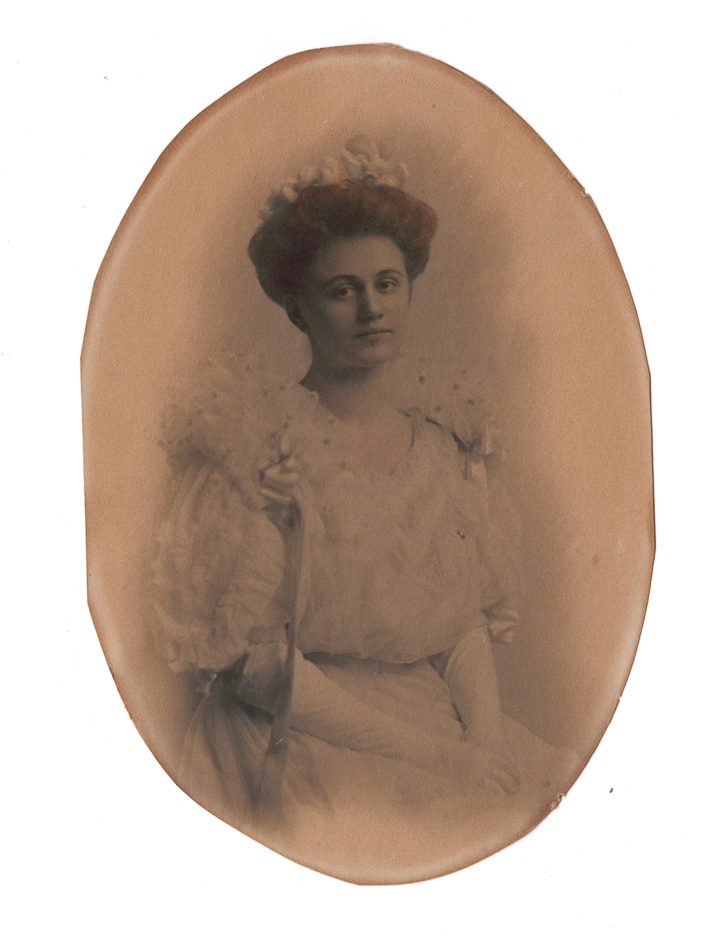
And here is the restored one:

Contrast alone makes a huge difference, and I attempted to eliminate most of the scratches and marks as well. I haven’t made a final decision about tone. The tutorials I’ve watched showed converting all the images to a plain black and white, but I think I prefer some brown in the tones to give a bit of a vintage look to them. Another decision to make!
I think my next photo restoration project will be the cute childhood image of Mimi sitting in the chair.
 melinda anderson photography