
O M G- this is so much fun!
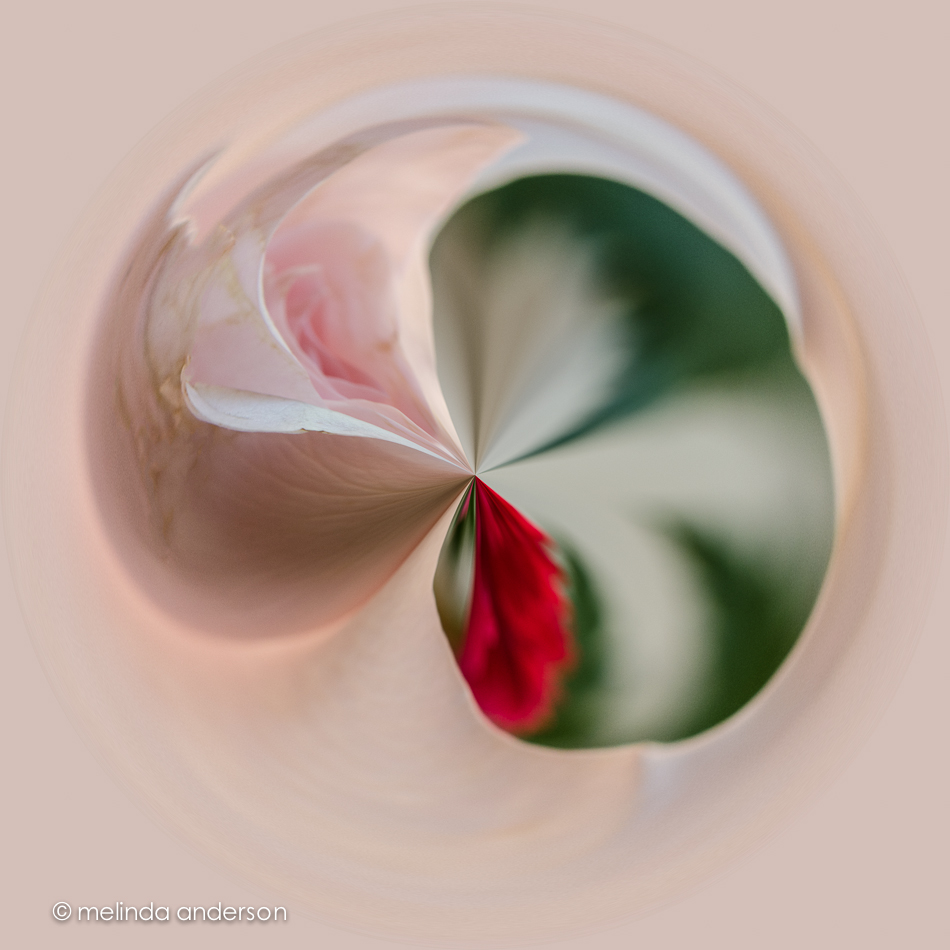
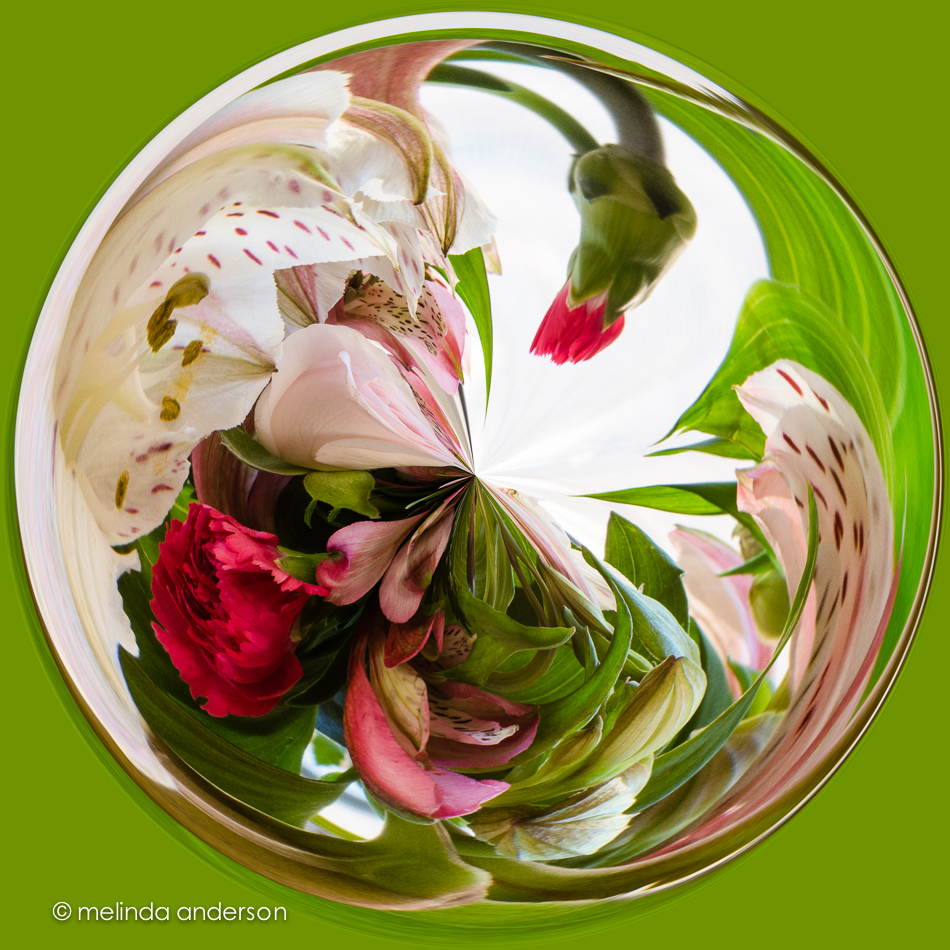
I remember trying this when I was first learning Photoshop- and then totally forgot about it until I started seeing some orbs on Flickr recently. The link for directions was thankfully provided- I have no idea where I found them originally. Bill Barber has them on his blog http://www.billbarberphoto.com/tutorials/how-to-make-an-orb/– thank you, Bill. This time I made the really simple process into a Photoshop action so I can do it again. I warn you, it is very addictive!
Bill suggests flowers with lots of stems and leaves as good subjects- and I found the same to be true. The first photo above is a macro of a rose from my Mother’s Day bouquet. The second is the bouquet itself with some leaves and stems and some negative space. I like it better. I have no idea how Photoshop chooses the color for the background to the orb!
BTW, I discovered that the filter will not work unless your image is 8-bit. My latest Lightroom external editor settings were set to open images in 16- bit in Photoshop. I have no understanding of what any of this means. I read or watch tutorials and reset my Lightroom/Photoshop settings constantly. So right now- it’s 8-bit again- whatever. . .
 melinda anderson photography
Hi Melinda! Just FYI, if you are on Facebook there is a group for people who like orbs! Check it out here: https://www.facebook.com/groups/181794065304487/
They look like paperweights! Neenah has a paperweight museum that Carol has seen :)!
Thanks so much for sharing. You’re right! How FUN! I just did one and will post later on my own blog. Will mention your post as well!
What fun! I’d forgotten about orbs, too. I tried them out after learning about them in a class a couple of years ago. Gotta get back into it. These are great, btw!!! And, yes, they do look like paperweights and yes, I do remember the paperweight museum.
I like them………..
[…] This orb was created from a photo that I shared just the other day. I read about creating orbs on Melinda Anderson’s site and she shared the link where she learned to make the orbs at Bill Barber […]