A couple more lensbaby photos from Pacific Beach in San Diego:
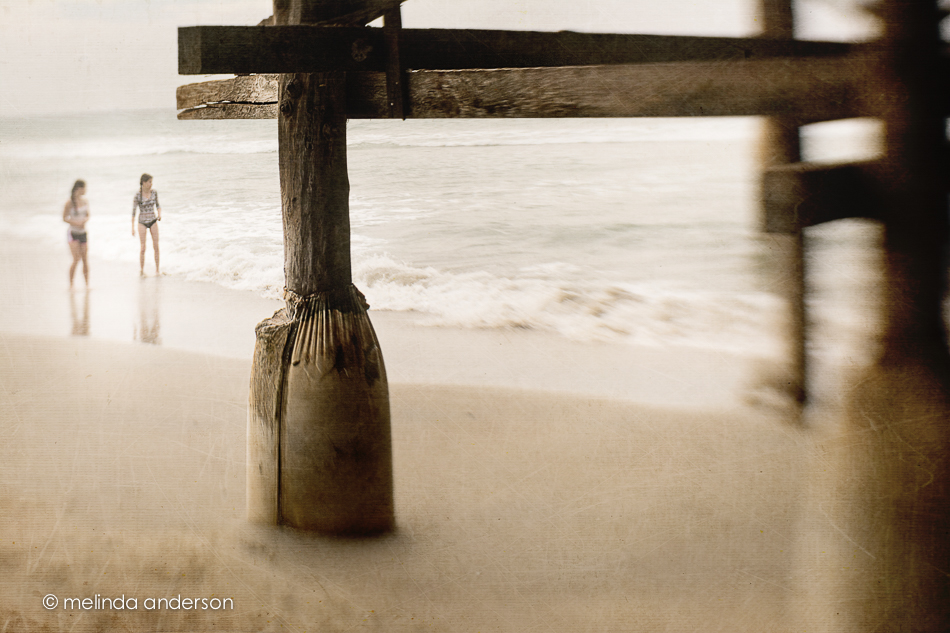
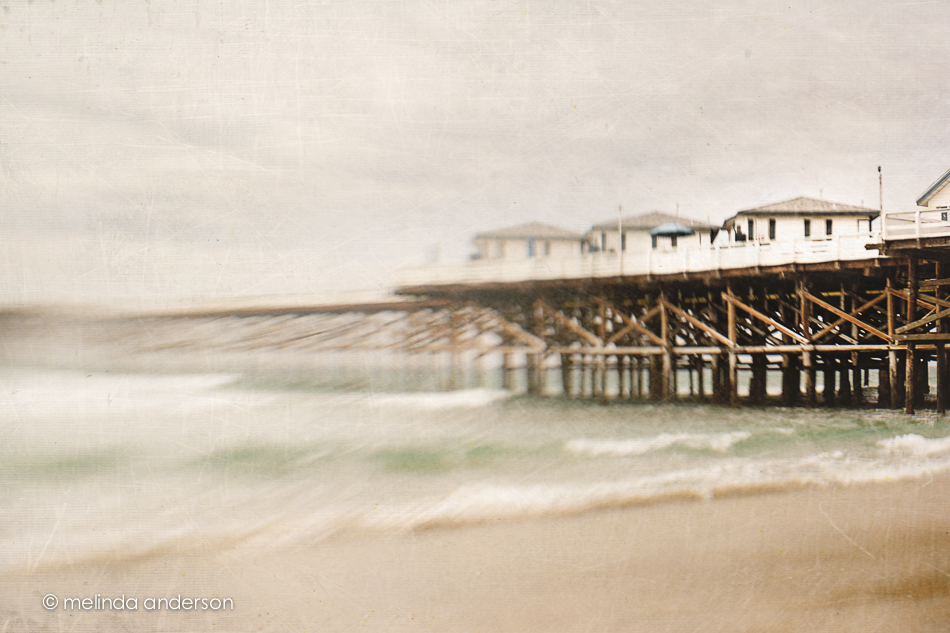

A couple more lensbaby photos from Pacific Beach in San Diego:
 We’re not in Arizona anymore! We are . . . o n v a c a t i o n !
And these photos are from my brand new Nikon D7100! My camera ended up having to be sent to Nikon after all; the shutter was replaced, but there were still problems. So, I now have a second camera, which will, of course, become my first camera. It is the newer version of my old camera- basically the same, but with a better sensor and a few other tweaks. It’s on sale right now, because the even newer version comes out next week.
I had so much fun today using my new toy with the Lensbaby Sweet 35. Of course, many of my lensbaby photos didn’t turn out, but my ratio is getting better. These shots were both taken at Pacific Beach in San Diego.
I love Arizona, but it is sooooo nice to be taking photos at the ocean!

I found myself playing with my Lensbaby Mobile recently. Although it really is a cool little lens for the iPhone, I hadn’t been using it much after I got my Composer Pro and optics for my Nikon. As I’ve mentioned before, Nik Snapseed is my usual first stop when editing my iPhone photos, and this time, it was my ONLY stop. It has a cool little set of filters within the app called retrolux, which give a desaturated, vintage look (actually 12 looks) with lots of options for adding or removing scatches, light leaks, vignettes etc.
The photo on the left has been edited with Snapseed only, and the one on the right has several Kim Klassen textures added in Photoshop on top of what was done with the retrolux filter. It’s hard to spot the differences- just a little more texture, a little less haze and a slightly darker flower.
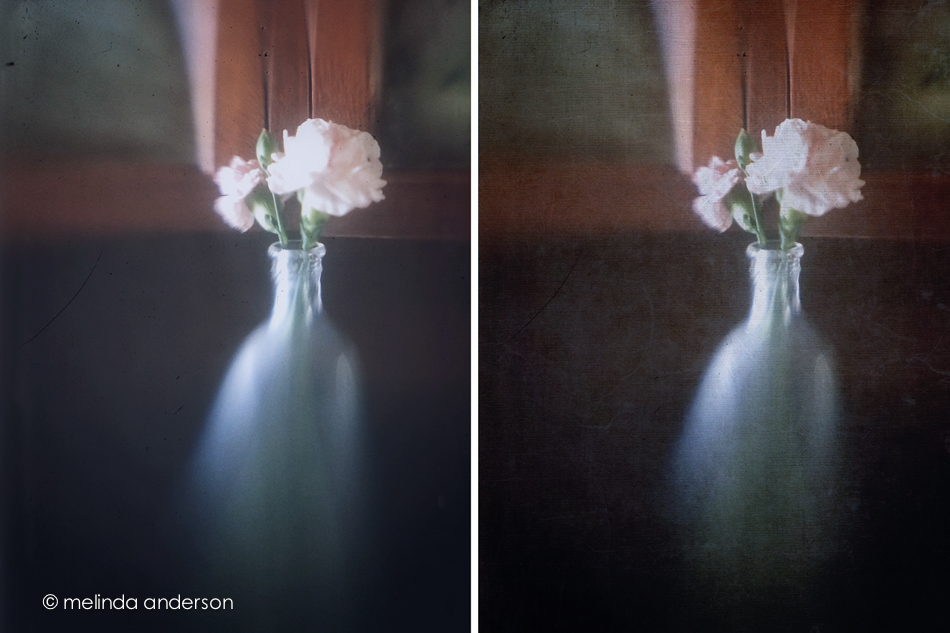
I caught this glimpse of Spring with my iPhone as snowflakes were falling last week.

I love the soft and dreamy Lensbaby look for flowers. I was missing my Lensbaby this week, so I spent a few hours playing with some flower macros I took when my Nikon was still functioning.
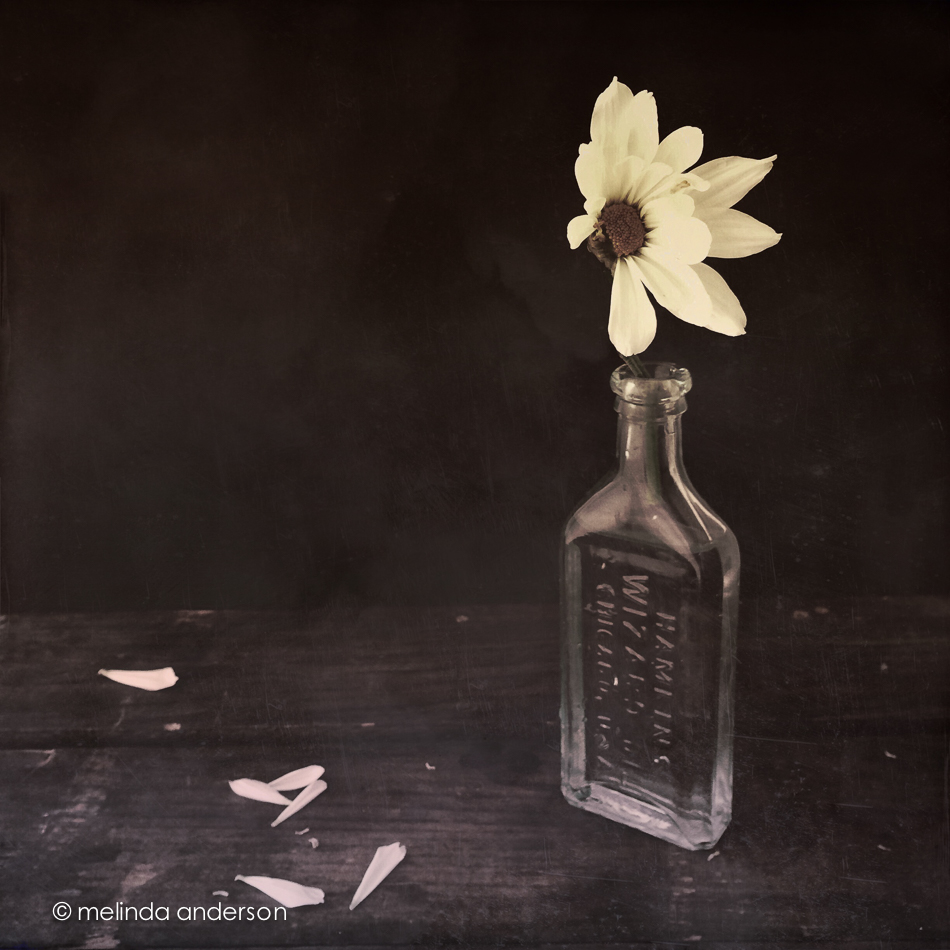
I love black and white- even for flowers- so had some fun editing this image 3 ways. I created a preset a few months after I started with Lightroom. It’s kind of a dramatic, over the top black and white with some tones applied that I first used on a photo of the Clocktower in Benicia. Although it doesn’t work well with most images, I still find uses for it occasionally. For this daisy photo, I first applied the preset at 87% (using the Fader plug-in). The second shot has the same preset applied, but its effect is reduced way down. The third photo is edited the same as the second, but has a texture added at low opacity.
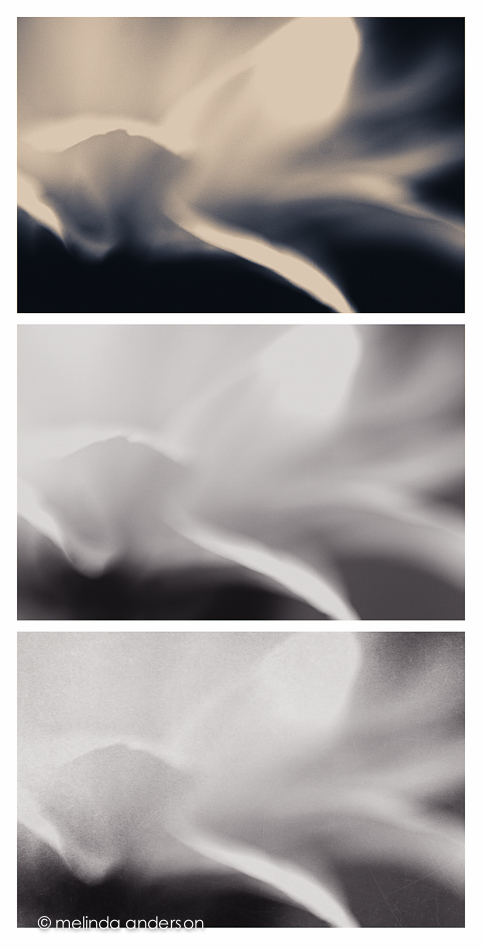 One of the things I love about Lensbaby macro images is that they have that soft, painterly look without adding texture.
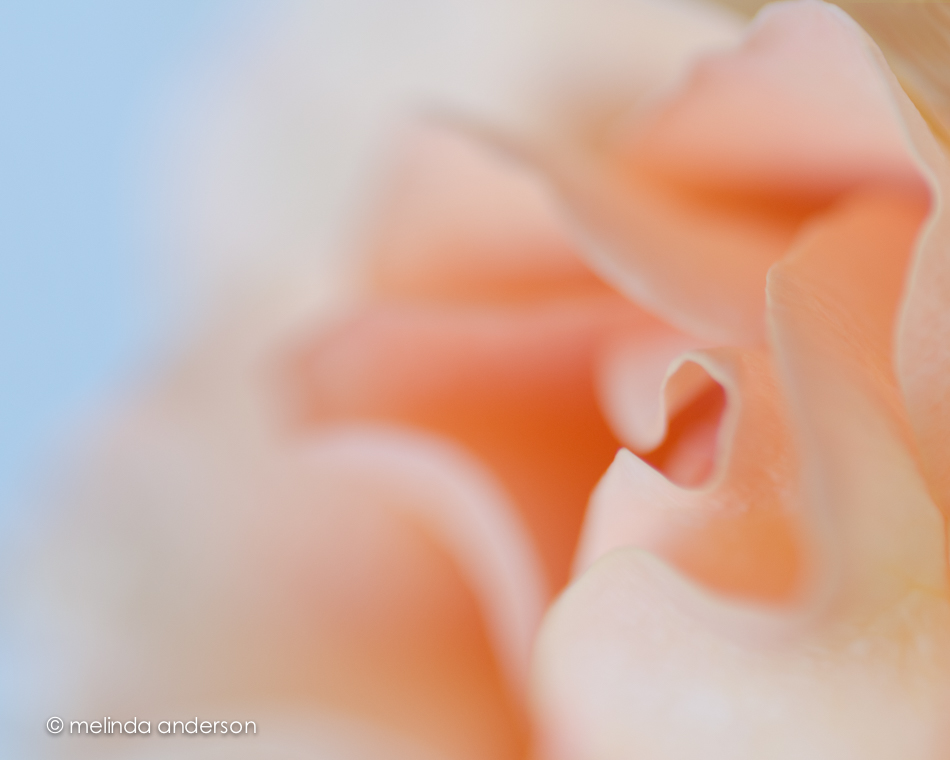 But, often I feel that a texture adds to the look I want, as in the image below.
 Have a great weekend!
I’m missing my camera! I admire those iPhone artists that ONLY take photos with their phone cameras and create masterpieces. I enjoy taking photos with my phone- and have a lot of fun editing them- but I miss the shallow depth of field and beloved blur that I can get with my DSLR (especially with my Lensbaby optics). I am keeping my fingers crossed that my camera is fixed before we head to San Diego.
These photos were taken on a walk last week. When I got home I noticed most of the photos had a greenish cast. The photos I took in square format were fine- as were those I took with the VSCO camera app. And, no matter what, I could not remove the color cast in apps on the phone or in Lightroom. It took a few days for the lightbulb to come on- I had inadvertently clicked on one of the color settings in the iPhone camera app (but not when it was set to square format), so all those photos were green. Oh. I rescued them by converting them to black and white.

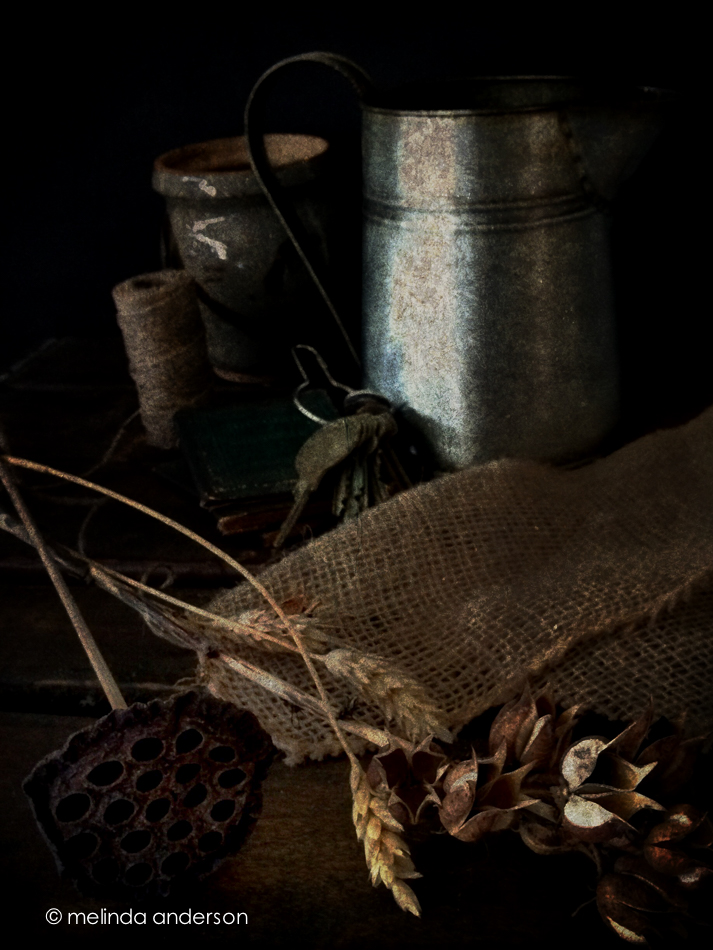
Our latest assignment in BeStill 52 was to create a side lit vignette with an organic theme- wood, twine, natural materials etc. I confess I didn’t take a lot of time with this, because the garage was FREEZING; I didn’t even open the door, but used the little windows in the garage door for light. And of course I was limited to my iPhone (but I’m hoping to have my camera back in a week!). I edited the photos in Lightroom with Kim’s organic preset, and called it done.
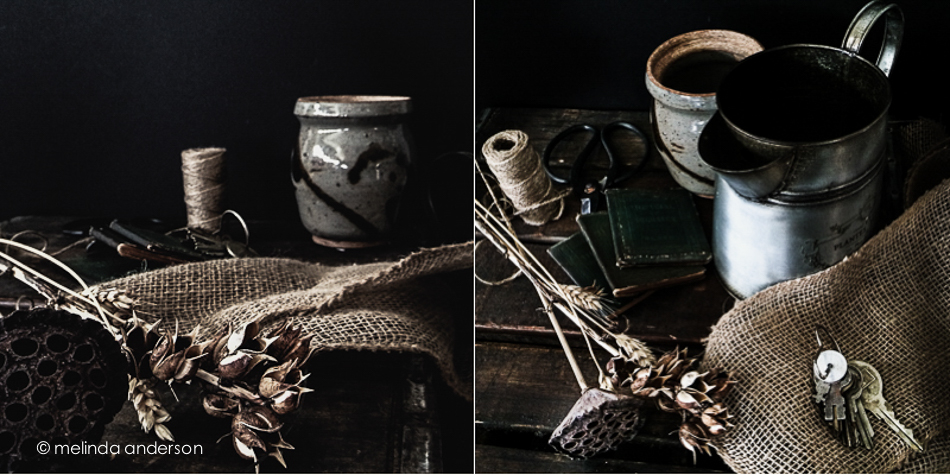
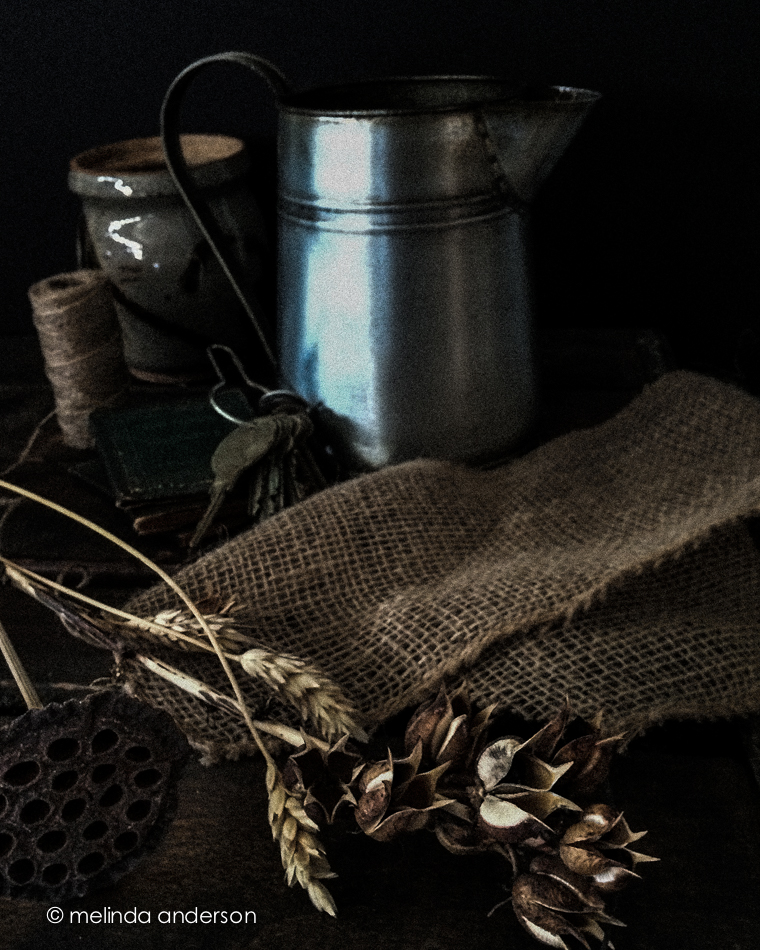
Here is another slightly different version of the above image- slightly different, because I edited it for Instagram in Snapseed and Stackables (my new favorite app). I used Snapseed to selectively lighten and darken parts of the image and Stackables to add tones and texture.
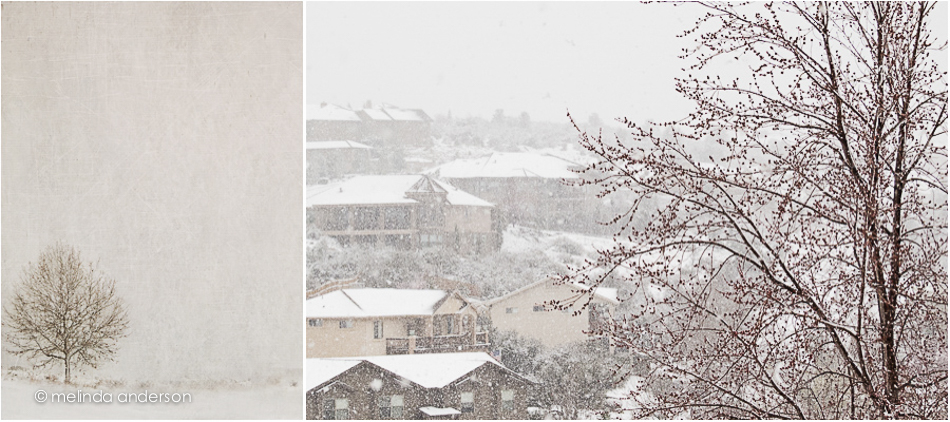
We don’t have snow all winter long in Prescott- at least not since we’ve lived here- so each snowy day is like a gift. Of course, people who have lived here for awhile tell me to be careful what I wish for and then relate tales of the winter of _____ (supply your own year). I have no desire to experience winter like most of North America has had this year; I just would like a bit more of the pretty white stuff.
Yesterday, a snowstorm was predicted above 5500 feet (our house is at 5470), and we were predicted to get a “wintry mix”- rain and snow. It had rained steadily during the night, and about 8:00am, it turned to snow. LOTS of it!
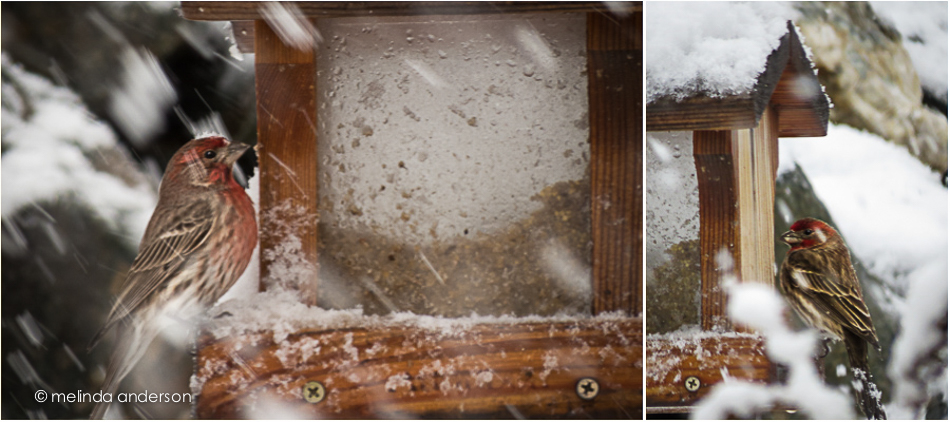
I was without my Nikon for yesterday’s snowstorm, so I had to make do with my iPhone and my husband’s Canon Powershot SX50. The photos below were taken with the Canon. I’m trying to learn this nifty little camera and managed to take the still shots with aperture priority and the birds with shutter priority (at least I THINK so. . .).
It was a whiteout for most of the morning.
 The birds didn’t seem to mind.
 The sun came out in the middle of the afternoon, and by sunset, half of the snow was gone. 😦

Last week I showed some friends how to add textures to their photos, which inspired me to play around with this Lensbaby photo I took last month with my Nikon. I added several textures, one being a freebie I downloaded from a Photoshop Elements website- fun!

I have two more mini carnation images today, both edited in Snapseed using the retrolux filter.

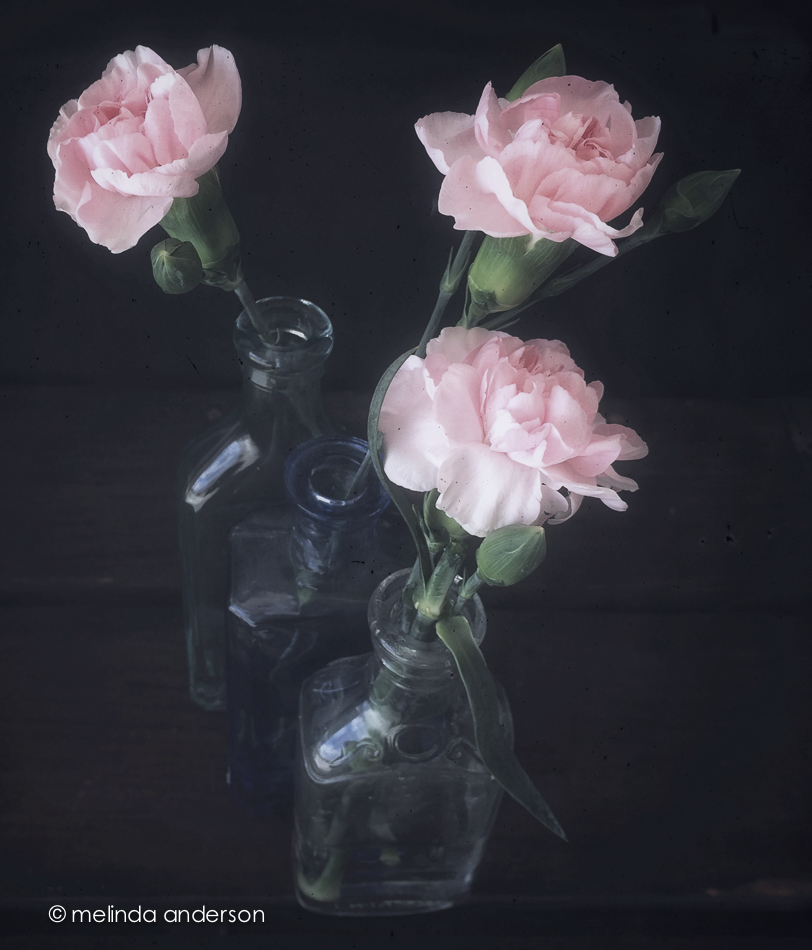
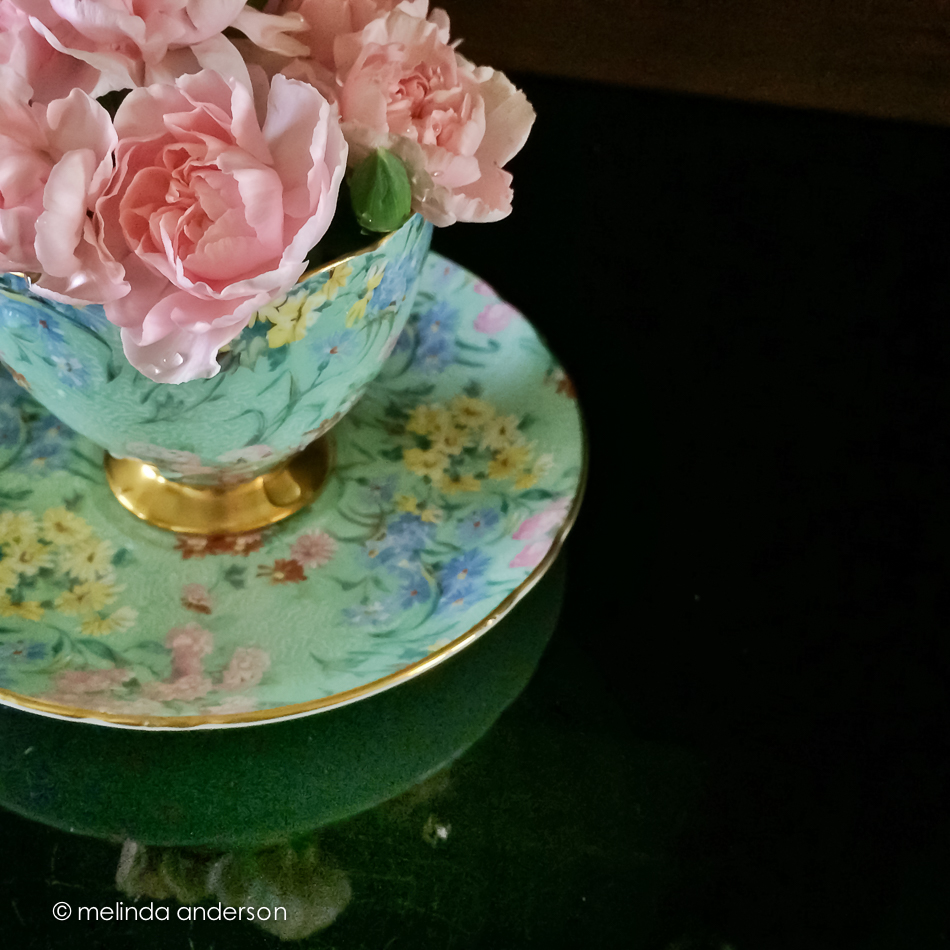
Here’s another view of the teacup filled with mini carnations. I was trying to do a take on the dinner plate art assignment for The Studio- where you artfully arrange food (or flowers, leaves etc.) on and around a dinner plate in an artful manner. Symmetry and precision have never been my strong suits, and I feel totally out of my element doing food photography- so I gave up after maybe 10 minutes. I put the dibs and dabs of leaves and flowers to the side and stuck with just the flowers in the cup- and one stray one on the saucer. I am in awe of those who create these beautiful tableaux- but it’s just not me.

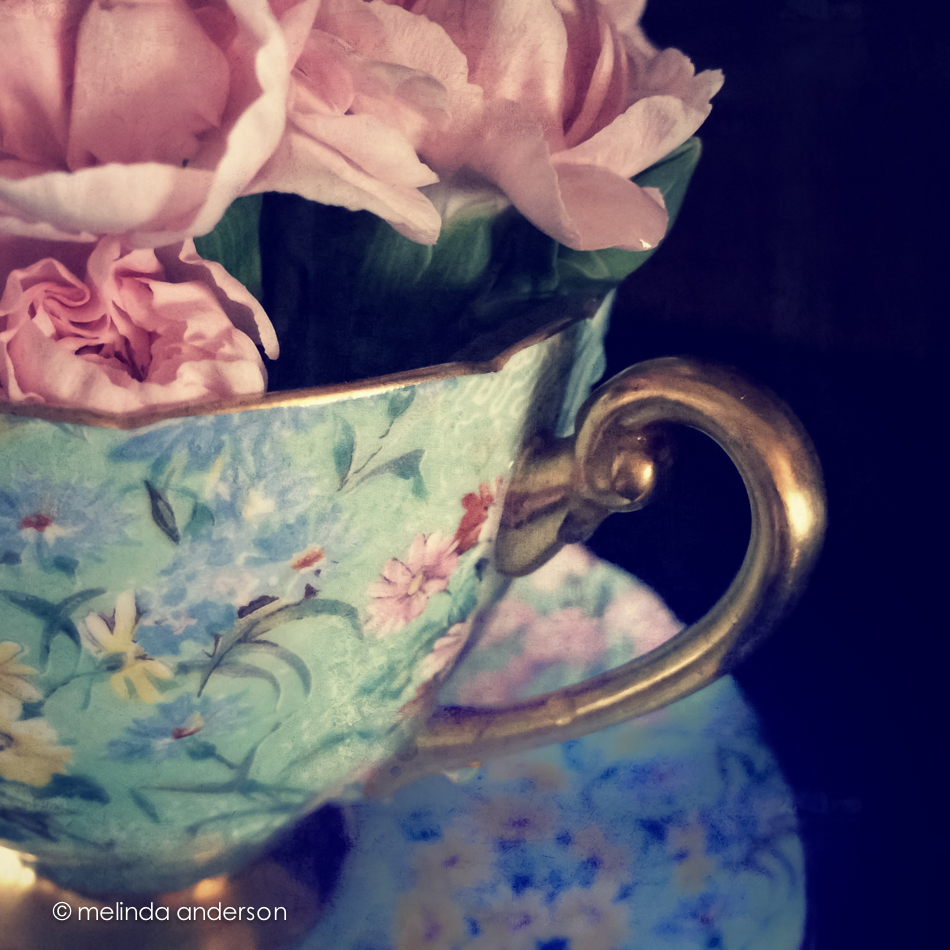
I saw these mini-carnations at the store the other day and immediately thought of pairing them with my grandmother’s chintz teacup for a still life. Both photos were taken with my iPhone camera and were edited with my old stand-by, Snapseed. This app was especially useful in editing the second photo, because I needed to selectively adjust the reflection to bring it out; you couldn’t even see the reflection in the unedited version, but I knew it was there.

 These photos were for the latest BeStill 52 assignment, where the “spark” was a bunting. I used stars, which I clipped to twine and hung on a beadboard background. All photos were taken with my iPhone and edited in Stackables. This app is a lot like Mextures (which has been a favorite of mine), and I’m beginning to like it a lot. Because it is Tuesday, I brought all images into Photoshop and added some of Kim Klassen’s textures: hughes, simple, and chill (last photo only).
Linking up with Texture Tuesday today.
 January 2015 was a tough month. Our daughter’s family was in a car accident (no one hurt), my father turned out to be buried in a veterans’ cemetery, and my husband got shingles- and then had a heart attack. Everything had a happy ending. Everyone is fine. Life was getting back to normal.
And then my camera broke.
After all that had happened last month, it is pretty easy to see this as a small bump in the road. Funny how health scares put everything else into perspective. My camera is at a camera store (well, THE camera store) in Phoenix for an estimate on repair. It may have to be sent to Nikon, which could mean weeks without a camera (this is why serious photographers always have at least two camera bodies). I hope to hear from the repair guys today.
How did I break it? My friend, Stephanie and I were just starting our presentation on posing for our little photo group. The idea was to pose people and then take photos of each pose. My camera was on a tripod, tethered to my laptop, so that we could compare the poses. I tested this out before the meeting. All worked fine. When I went to take the first photo, the shutter kind of went kerplink instead of kerplunk- and no picture was recorded. The camera showed ERR- camera malfunction. I tried several times- untethered, tethered, SD cards switched out, battery replaced, lens removed and replaced- nothing. Stephanie had brought her camera, so we continued as if nothing had happened, and the presentation was successful. I met my husband for lunch after the meeting and told him I probably had just hit some strange unknown button and that I would figure it out when I got home. I googled the problem, tried everything I could think of- and then we drove it to Phoenix the next day. Long story short- yes, the shutter is not working.
After taking photos with my Nikon almost every day for the last 4 1/2 years, it feels strange to be without it. But I’m planning to use the opportunity to become a better iPhoneographer. My goal is to learn more about the apps I have- especially VSCO, Hipstamatic, and Stackables. And then I want to practice with my husband’s Canon Powershot sx50, so I’m more comfortable with that as well.
I’m not sure what this means for my blog. I will definitely be posting the best of the photos I take with the iPhone or the little Canon. I’ll try to do some of my BeStill and Studio assignments with my iPhone. And I think I will look for some older photos to post as well.
Today’s photo was taken with my phone and edited in Snapseed and Stackables.
I belong to a little photo group in AAUW (Association of American University Women), which is composed of photographers of all levels. Each month, one or two members research a topic and prepare a presentation on a photography topic of interest to the group. There is also a photo sharing time, which usually relates to the presentation from the time before. This month, we are all to bring in a photo or photos of a toy or beloved object. Because I’m also doing the presentation this month (on posing groups of people), I almost forgot about photographing a beloved object. However, I’ve been intending to again photograph spoons from my grandmother’s collection of souvenir coffee spoons (which are indeed among my most beloved possessions), so I took some time to take a couple still life shots to print for our meeting.
The spoons are mostly from the 1890’s and early 1900’s, when my grandmother, Mimi, was just a girl (she was born in 1888). I believe some of the older spoons may have belonged to her mother. Mimi was born and raised in Chicago, so several of the spoons are from Chicago World Fairs.
I was in the mood to use some of Kim’s presets when editing, so here are three images, each edited with a different preset.
 edited with kk_chocolate preset (71%)
 edited with kk_daysofold preset
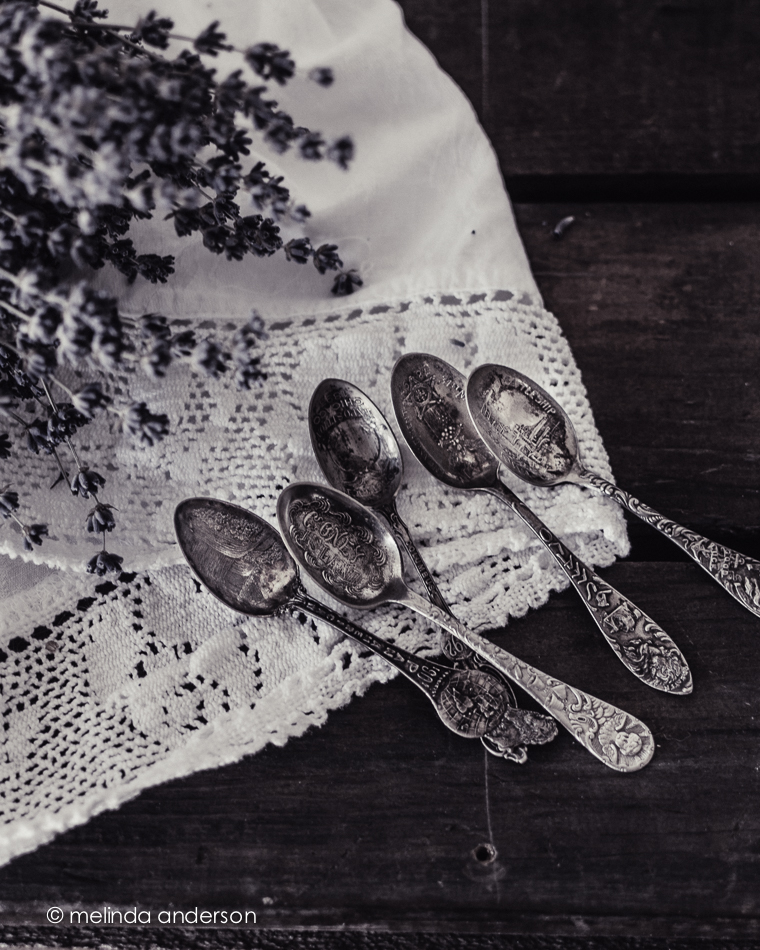
edited with kk_darkdays preset
 melinda anderson photography