Happy Fourth of July!

Happy Fourth of July, everyone!

I have quite a few flag photos I’ve taken this week, but I think my favorite is this one I snapped with my phone last night as we drove home from the store just before sunset.  Storm clouds were building, and I loved the flag set against the gray clouds. I added a texture with the Mextures app in my phone.

Photo Jul 03- 8 02 20 PM

Here’s one from last month’s rodeo in Montana.  The young boy on the horse raced around and around the ring while the national anthem played and everyone stood at attention- hats off.  A beautiful sight!

25May2014-8792-Edit

After we got home from the store last night, we sat on the porch as the sky darkened,  the wind picked up, thunder crashed in the distance, and the sky lit up with a a lightning display that went on for hours.  At first I tried to take photos, but it was so windy that it was impossible to keep the camera still- so I sat down and just enjoyed the show.  If we had any rain it came during the night and wasn’t enough to make puddles.  It’s dry out there now.  But the monsoon season has begun- bring on the rain!
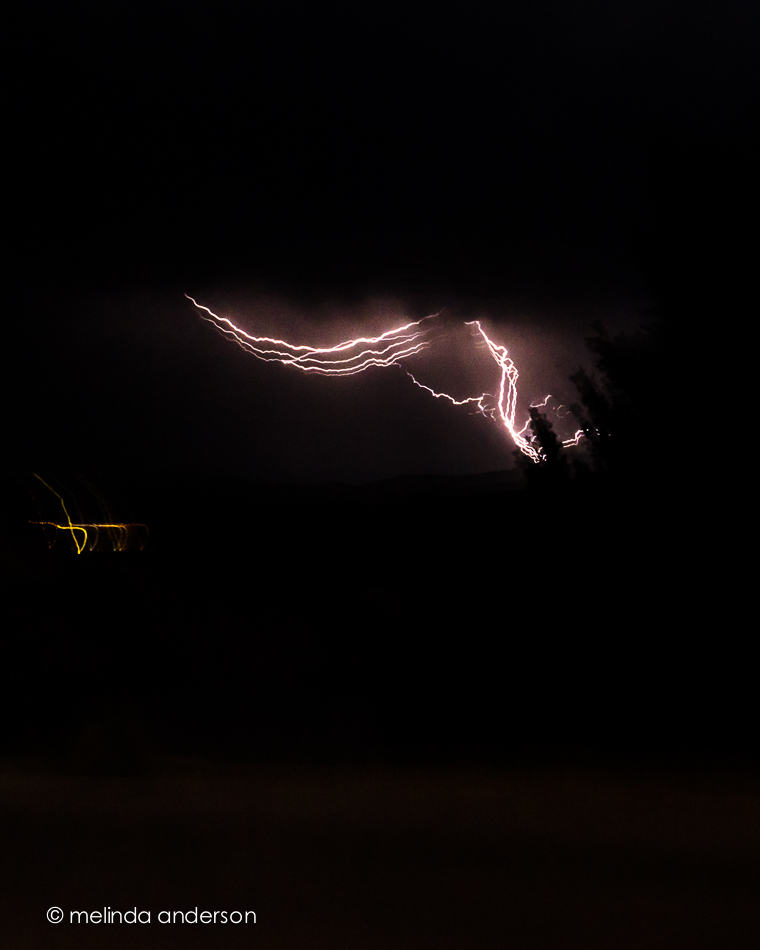
20140703-DSC_0712_melinda_anderson

One Year Ago Today

One year ago today we had our first look at the house that would become our Arizona home!

20140702-DSC_0656_melinda_anderson-Edit

July 3, 2013 found us looking for a house to buy in Arizona after having bravely sold our California home without knowing for sure where we were going.  We were pretty sure Prescott was the place- we had good friends here, we were were looking for a small town and a simpler lifestyle- but we needed to find the right house! Our realtor wasn’t much help, but our friend Debbie found a house just listed online that seemed to fulfill our requirements (one story, 4 bedrooms, open floor plan, easy maintenance). We got the realtor to get us in- and the rest is history! I knew it was the place when we walked in the door- it just felt like home. We ended up making an offer, but lost out to another buyer. Dejected, we drove back to California without having bought a house and talked about renting until we found the right one.  A few weeks later, the other buyer’s deal fell through, and we got in the car to drive back to Arizona to visit the house again and make an offer. On August 24, we moved in!

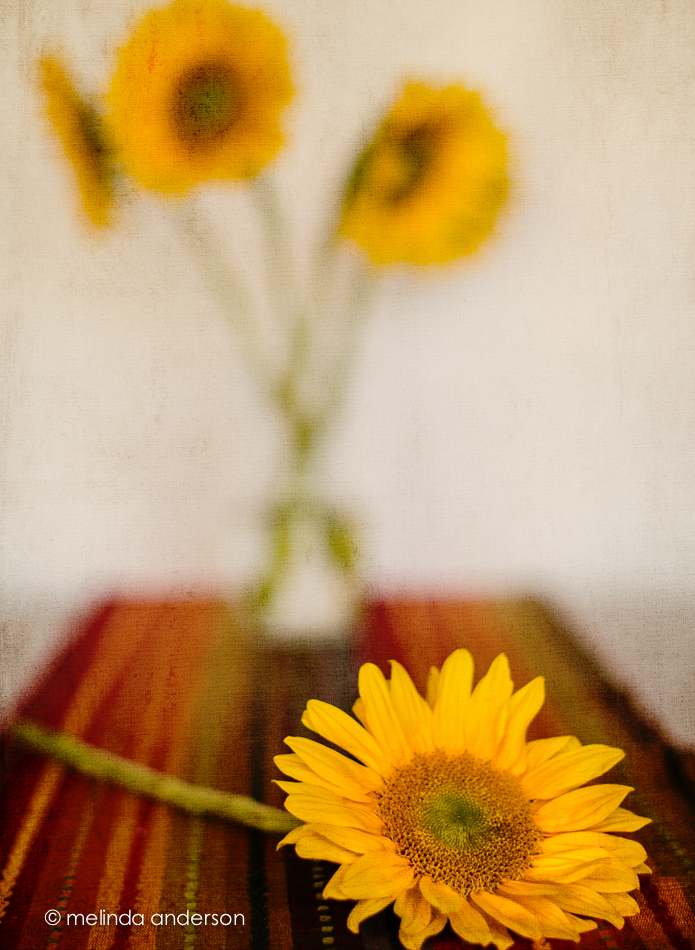
Back in California, I spotted this table runner at Pier 1 and bought it for our Arizona home.  I love the Southwest colors and how it looks it with my Trader Joe’s sunflower bouquet.

20140702-DSC_0638_melinda_anderson-Edit

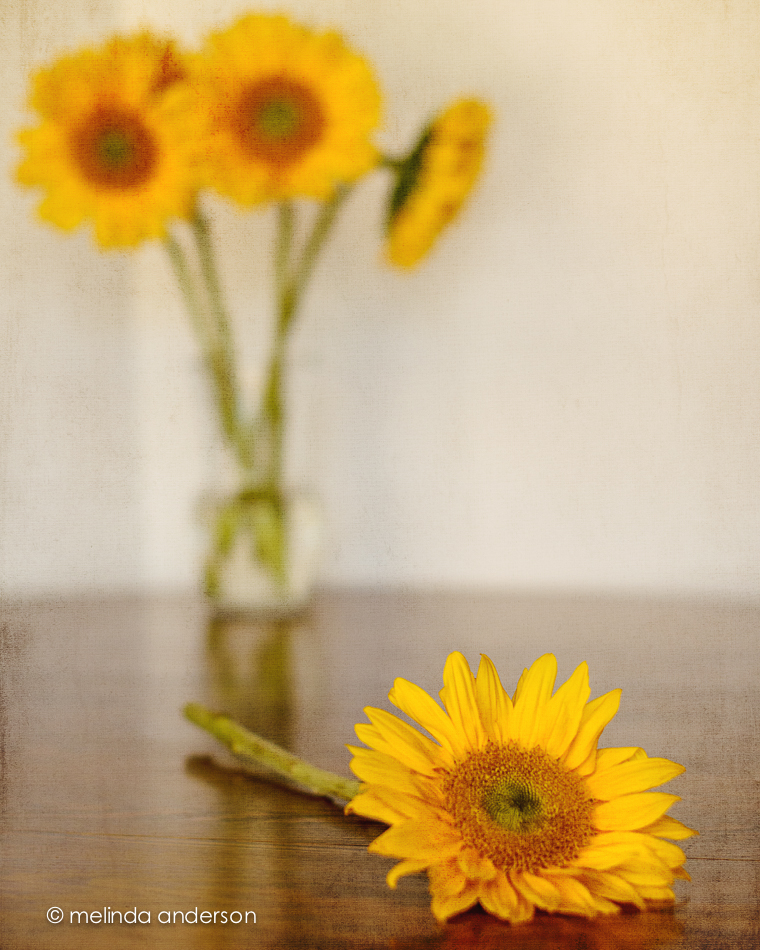
I took these shots for Be Still 52, Week 7, a lesson on depth of field and a softly focused background.


Still Life Play

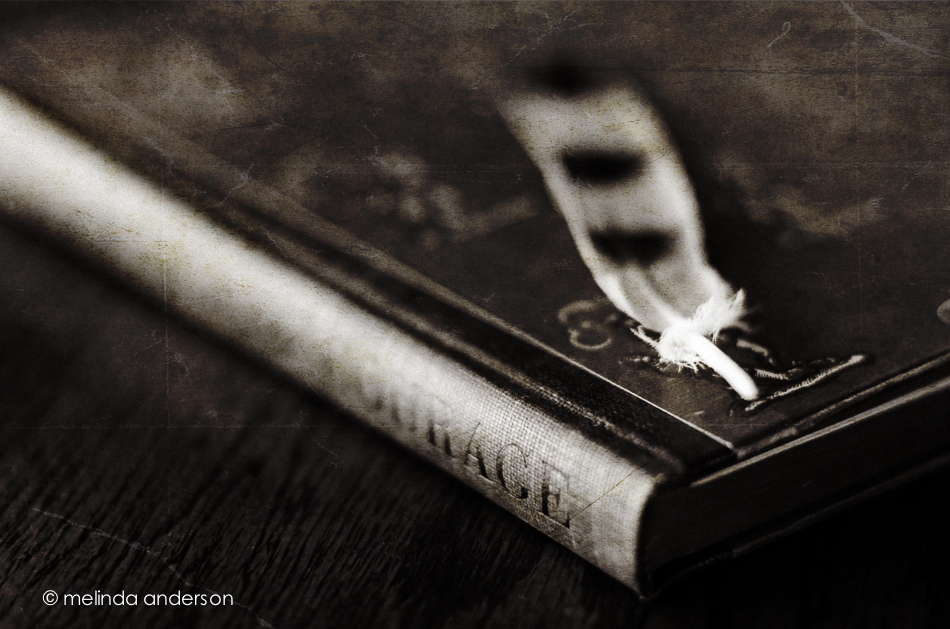
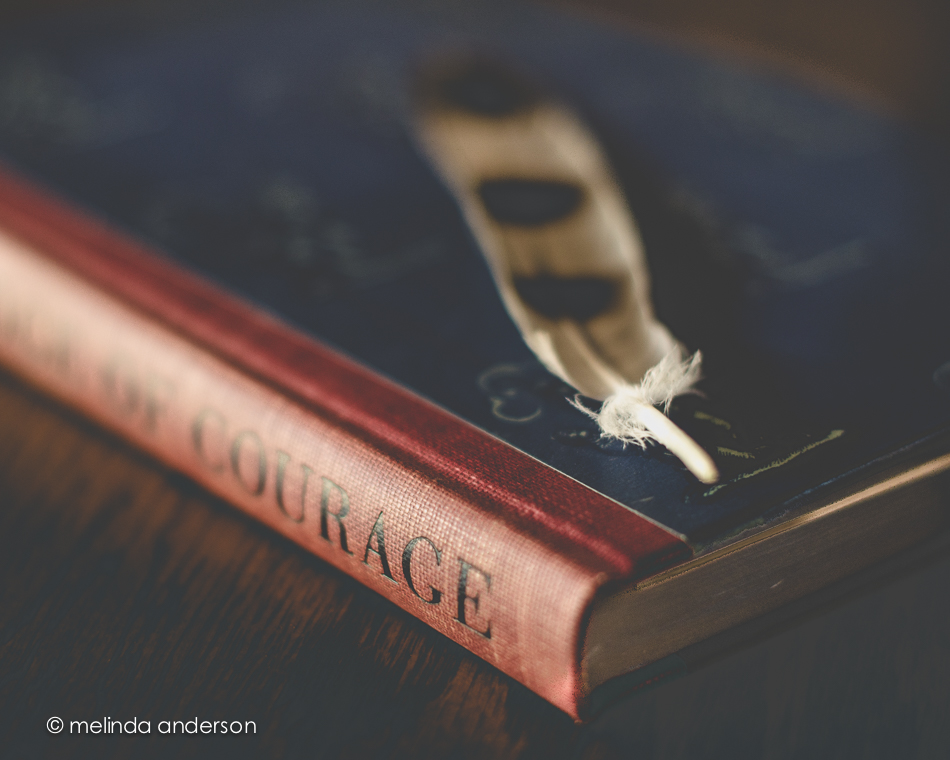
I am continuing to play with still life, but not going too far outside my comfort zone for this photo session (maybe NEXT time. . .).  In fact you’ll notice these images are all VERY similar. Feather and book, book and feather.  The last two have an added hat, and the book was changed from The Red Badge of Courage to The Secret Garden (and I moved outside).  I think my favorite is the second one (I like the blue book).

20140627-DSC_0483_melinda_anderson-Edit 20140627-DSC_0482_melinda_anderson 20140630-DSC_0627_melinda_anderson 20140630-DSC_0634_melinda_anderson-EditEditing notes:

1. converted to black and white in Lightroom, kk_celebrate texture added in Photoshop

2. edited with Kim’s moody preset in Lightroom, highly tweaked

3. edited with Kim’s days of old preset in Lightroom, and tweaked

4. basic edit in Lightroom, Kim’s kk_happyheart texture added in Photoshop (2 layers)

Dark and darker

22May2014-8243-Edit

Edited in Lightroom with Kim Klassen’s dark mood preset (adjusted)

Texture added: Kim Klassen’s july, desaturated

I created an even darker version by desaturating the Photoshop version in Lightroom and adding some split toning.

22May2014-8243-Edit-2

Linking up with Texture Tuesday

Small Town Details

We went for a drive to Yarnell a few days ago, and I had a great time photographing some random sights along the main drag.

A painter was touching up the trim outside the antique store before hanging up the new sign,

20140627-DSC_0557_melinda_anderson-Edit

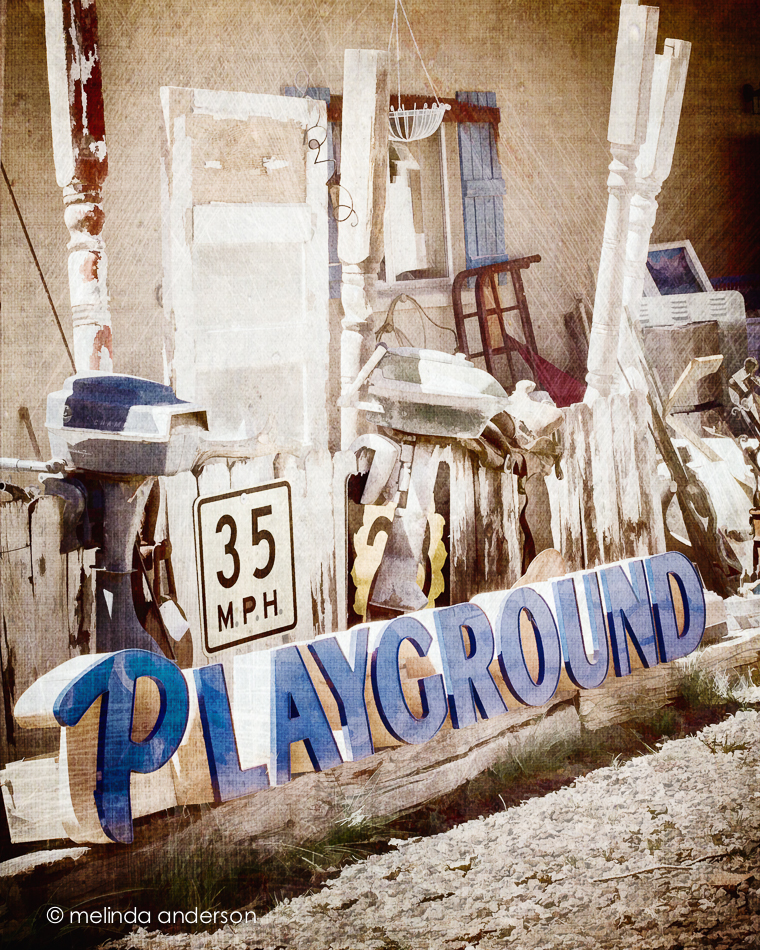
A highlight at the end of the day was visit to the salvage yard, where the last two photos were taken.  I loved the irony of the playground sign placed next to the highway sign along with the motors and other items.

20140627-DSC_0608_melinda_anderson-Edit

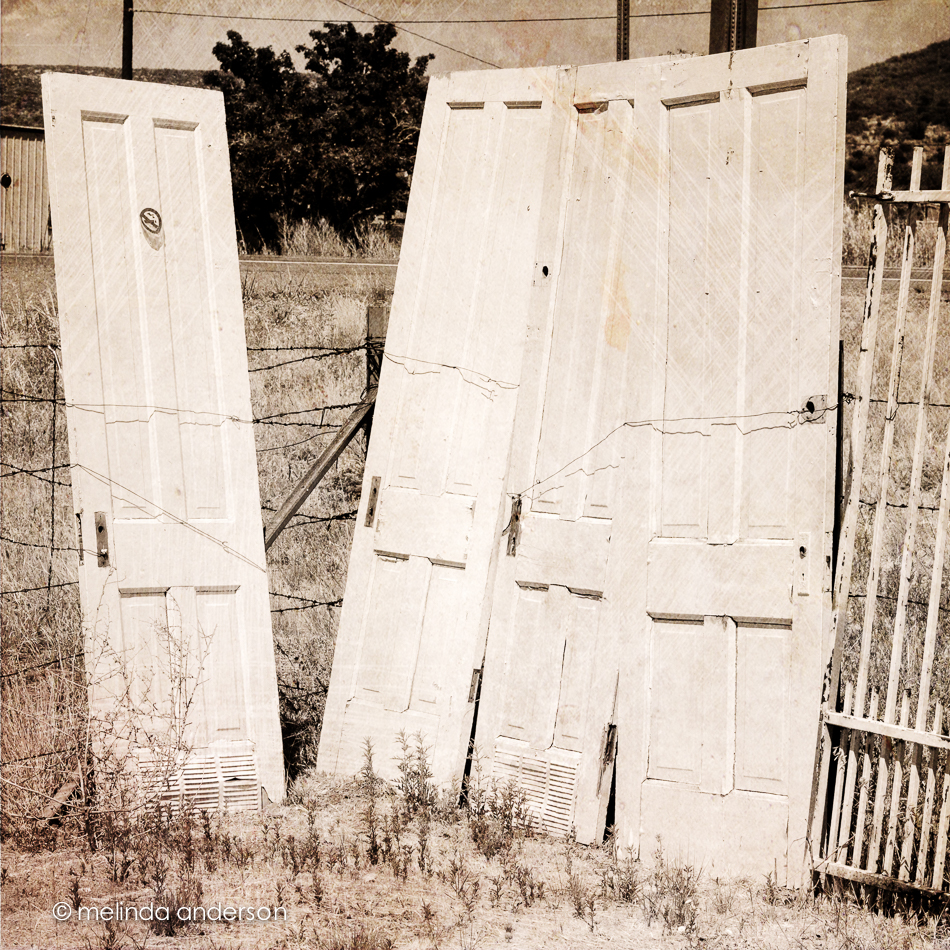
And then there were the  random doors propped up by the road.

20140627-DSC_0609_melinda_anderson-Edit

All of these photos have textures added. The first two have a painting filter applied as well.


Farmers’ Market

It was my first visit to the Prescott Farmers’ Market. I took my camera and enjoyed photographing the produce almost as much as I enjoyed buying and eating it!

farmers_market_layout

I did a basic edit on each photo for my layout and then took them into Photoshop, where I used the Oil Paint filter and one layer of Kim Klassen’s waterfront 1 texture. I used the Oil Paint filter, because Adobe has gotten rid of it in the newest update to Photoshop CC, which I have yet to install.  Why??? It was a perfectly good filter- and I did use it occasionally (I like to play with effects).

But the main reason that I haven’t installed the newest update is because of the Mini-Bridge.  I LOVE the Mini-Bridge! I use it every time I add a texture- it makes it SO EASY!  Plus, I have written actions for many of my favorite textures that include the action opening MB and adding a layer of the specific texture.  I haven’t always used Mini-Bridge. I learned it from Kim in one of the classes- and it made my life so much easier.  I have my Photoshop workspace set up in a certain way (modeled after the way Sebastian Michaels has his in the Photoshop Artistry class), and I made sure to add the MB icon right at the bottom where I can easily click on it. Sorry for the rant, but I can’t see why MB has to go!!! I’m not happy with Adobe right now!

Linking up with Texture Tuesday today!


Vertical

I seldom used portrait orientation when taking photos until a couple of months ago.  Now I seem to be doing it regularly! I may have started turning my camera in my bathroom “studio” to avoid getting towels and bathroom fixtures in the shot, but then I continue to use it- especially when I want a shallow depth of field in front of, as well as behind, my subject.  My 50mm lens does this beautifully, as well as my 85mm macro lens.  I would love to own a LensBaby some day to play with moving the focus around! I did order one for my iPhone (coming in August through the kickstarter deal), which will partially satisfy my desire for this cool lens.

Here are two shots with a vertical (portrait) orientation. The first was taken with the macro lens.  I took the photo with both orientations, and liked the vertical one best (those blurry berries in the background and a small unfocused slice in the front).  There is some texture added to this image (a bluish one from Kim Klassen- teal?).

3June2014-9977-Edit

The one below was taken with my 50mm at 1.4 to give a very narrow field of focus- with lots of blur in the front. It was actually taken for a Be Still 52 lesson on side lighting.  The cup was placed on the floor by the open front door (on the left for light)- with a piece of white foam board for a background.  There is also a bit of lighting coming from the patio door farther away on the right.  I used my Warm Black and White preset (some split toning) for the black and white conversion.20140620-DSC_0201melinda_anderson


Milk Bottles

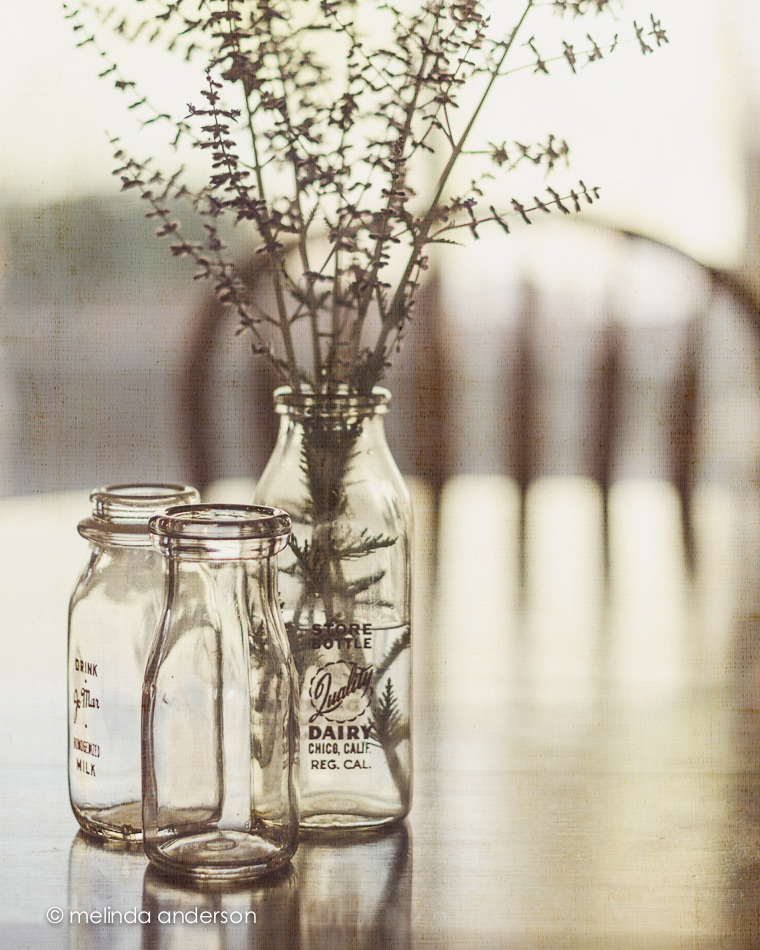
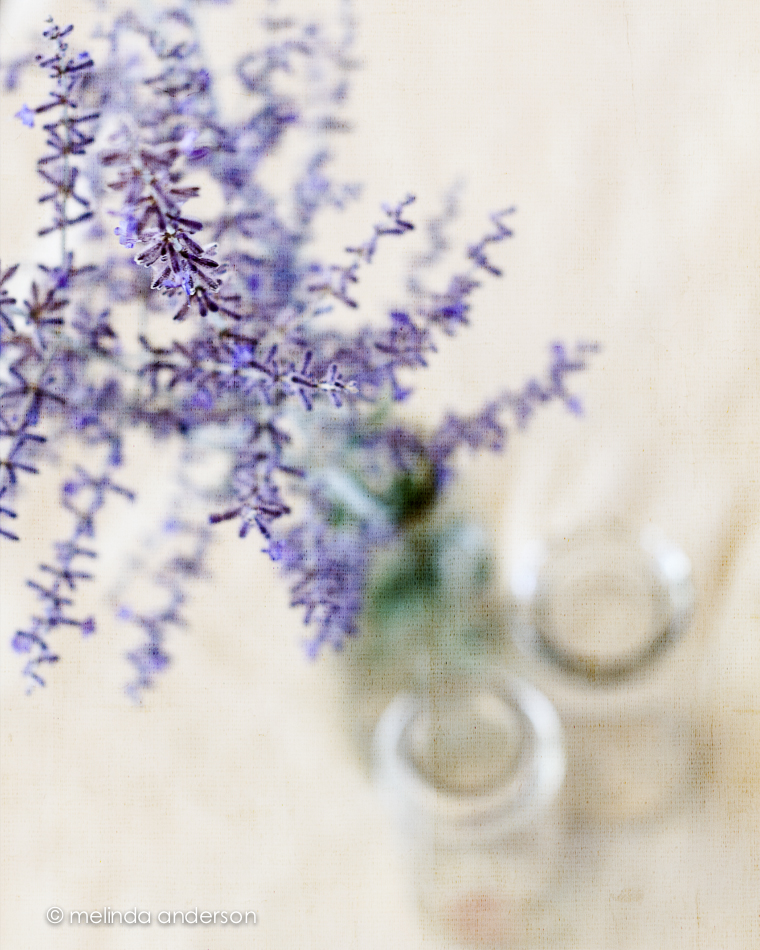
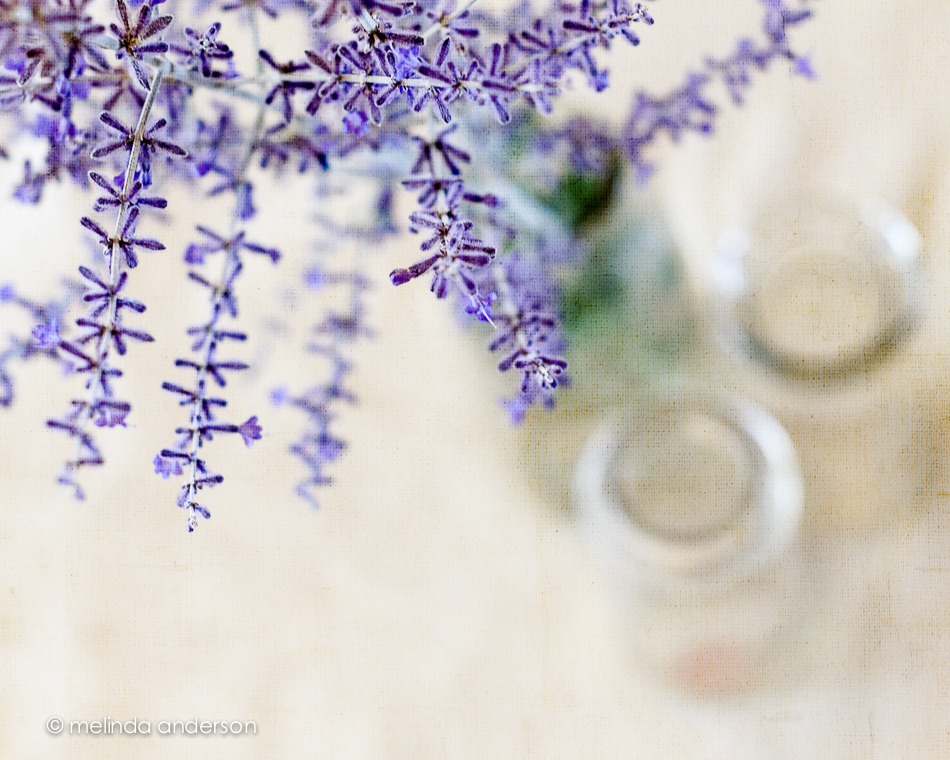
When I was very young, we didn’t go to the store to buy milk; it was delivered to our house.  On my trip to Chico a couple months ago, we walked through the antique mall, and I spotted an old milk bottle from Quality Dairy just like the ones that appeared on our doorstep in the 1950’s! Of course, I bought it, and I am using it to hold some of the Russian sage which is in bloom now. 16June2014-0166-Edit 16June2014-0142-Edit

16June2014-0160-Edit 16June2014-0151-Edit 16June2014-0163-Edit

I added Kim Klassen’s waterfront 1 texture to each photo (usually 2 layers at varying opacity) and am linking up with Texture Tuesday today.

Contrast

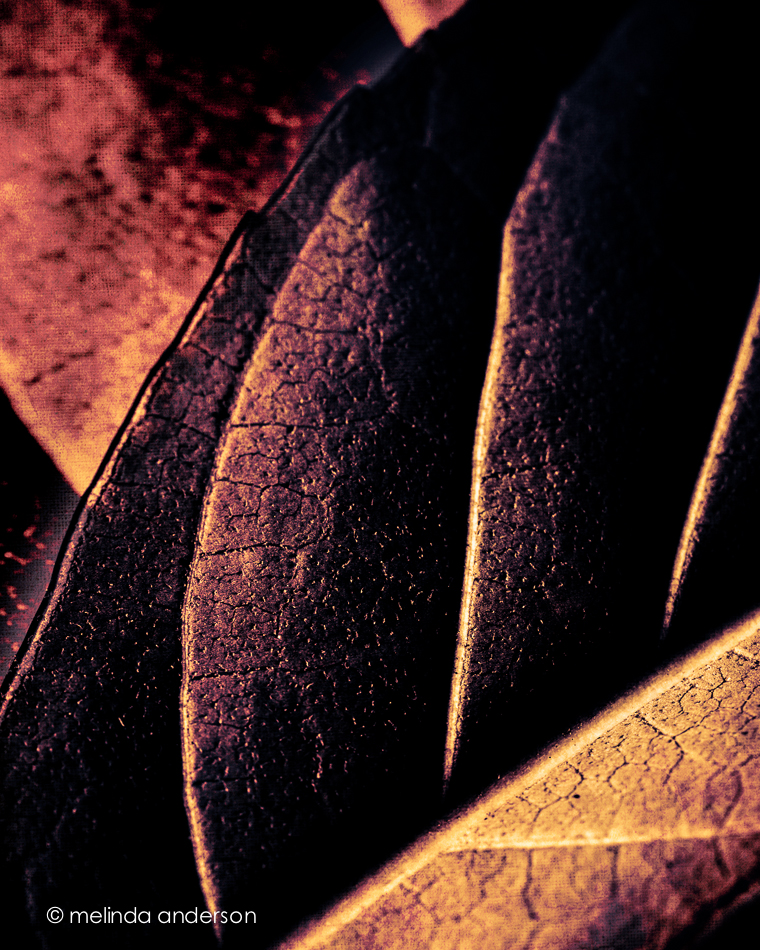
I was uninspired yesterday, but was in a photography mood.  I had been intending to photograph some huge leaves that came in a Trader Joe’s bouquet, so set them out and started shooting. When it was time to edit, nothing really appealed to me.  I ended up merging two photos and adding a Flypaper texture to create the image below.  It is nothing like the leafy, green, backlit shot I envisioned, but I like the contrasting shades and textures.

15June2014-0099-Edit

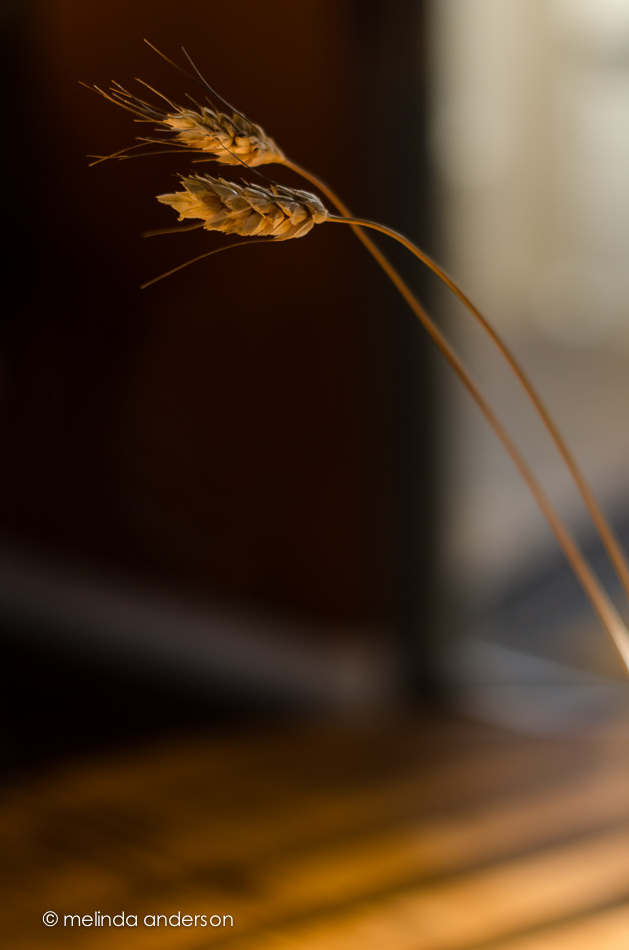
The second photo practically begged to be taken! I was planning to do a photoshoot with an old milk bottle on my dining table (and I sorta did. . .).  But for the first time in this Arizona house, I was captivated by the light! I love the contrast of the light and shadow as the late afternoon/early evening light came pouring through in the sliding glass door. This is why I love photography- it’s those unexpected moments!

15June2014-0122-Edit

Room to Breathe

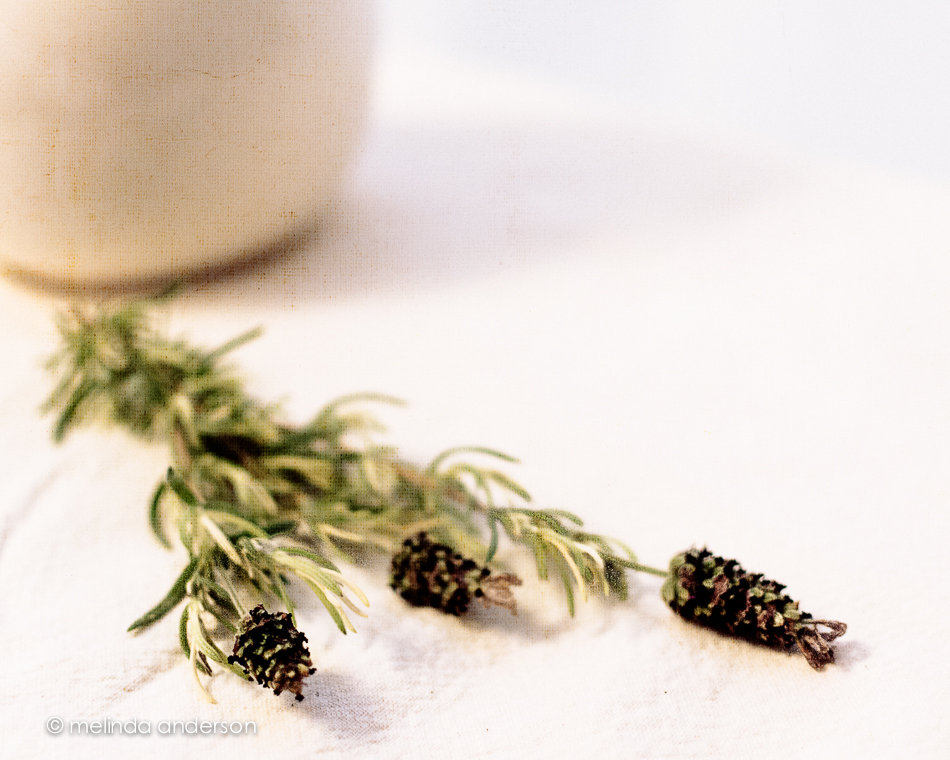
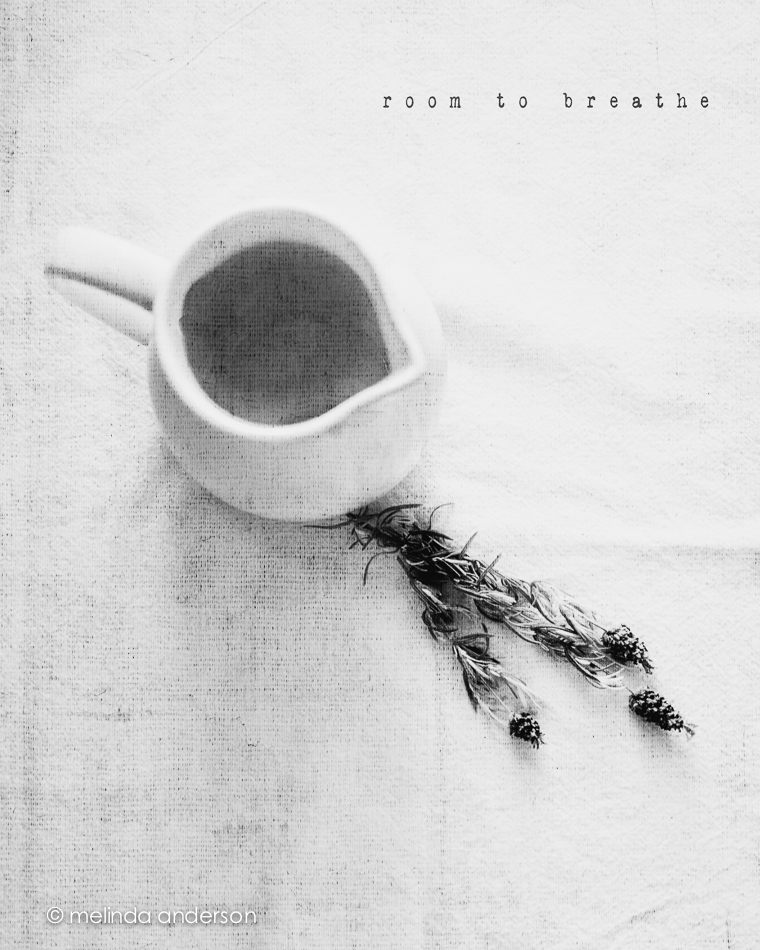
My latest still life assignments for Be Still 52 are below.  We were challenged to give the subject of our still life “room to breathe.”  The first image shows my usual style- off center, close up, shallow depth of field- and part of the subject not in the frame.  The second image adds some space surrounding the subject.  It was interesting to me how difficult it was to be this far away from what I was photographing- I kept wanting to step closer.  A good exercise!

10June2014-0079-Edit-2 10June2014-0088-EditBoth photos are textured with Kim Klassen’s waterfront 1.

Melancholy and iPhone Fun

Since I’ve been back, I’ve been catching up on life, and my photography work has consisted of culling and editing photos from Yellowstone and getting images edited and printed for my photography groups.  I was also 2 or 3 weeks behind in Start to Finish and Be Still 52 (Kim Klassen’s classes), but knew I would have time to catch up soon.

A couple days ago I started going through the lessons I hadn’t done and found myself feeling inspired again to create a still life. One of the more recent lessons included a preset called melancholy– and a suggestion to revisit the whole wabi-sabi idea, which I loved. I enjoyed creating this image, which is very different from my usual shooting and processing style.

10June2014-0081-Edit

And now for a couple random iPhone photos. I didn’t take many photos this week, but did enjoy processing them.

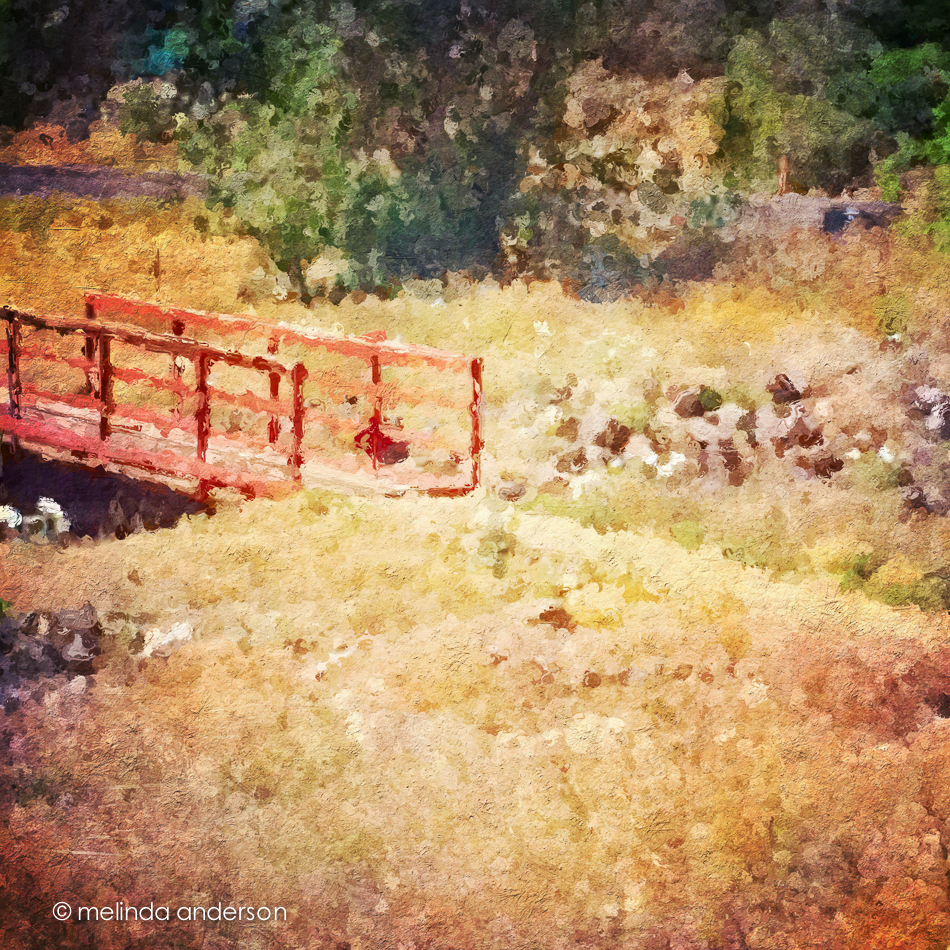
This is the bridge (over a dry wash) that we cross when we walk the trail at Willow Lake. If you look closely, you can see the white southwestern prickly poppies that are in bloom along the trail.  The basic edit was in Snapseed- and then I used one of the filters in Glaze (an app that I really don’t understand) and added some textures in Mextures, which also gave it a vignette.

Photo Jun 10- 11 23 03 AM

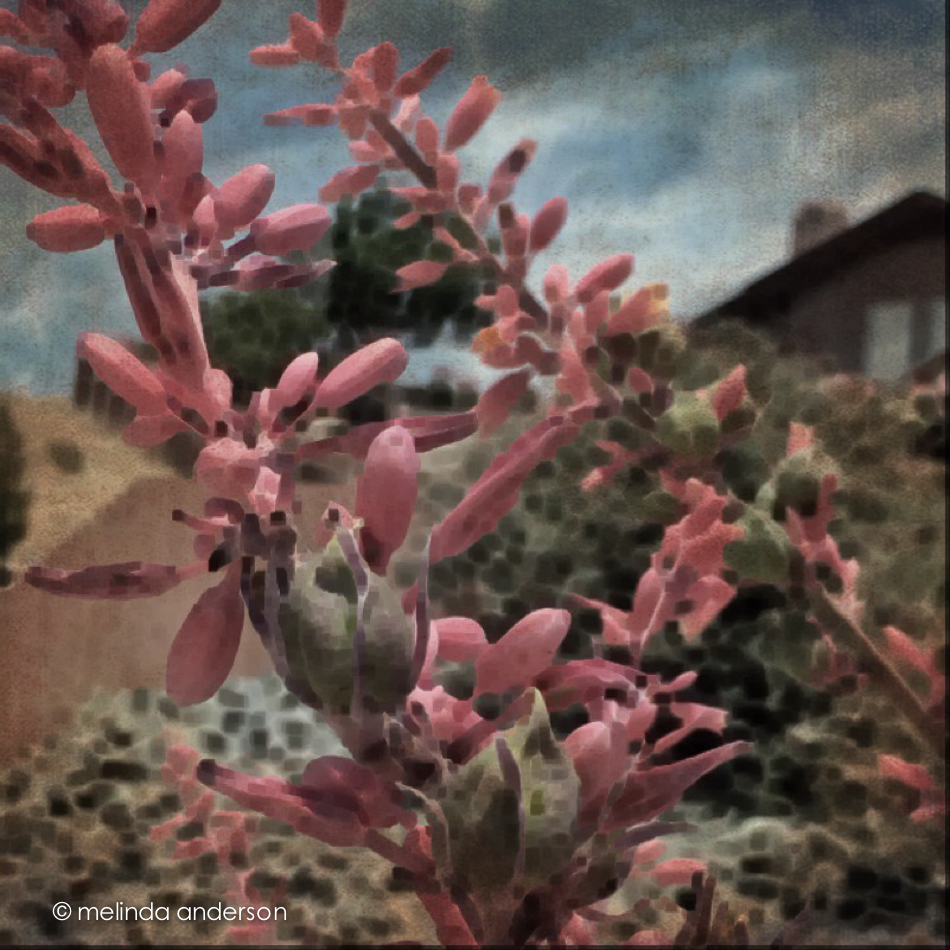
The photo below was taken in our front yard and is a closeup of the flowers (and fruit?) of a spiky foundation planting in our flower bed.  Now that it’s blooming, I notice this plant everywhere we go in Arizona. Last fall I cut off many of the dried stalks and put them in my old milk can on the front porch. You can see what they look like dried here. I edited the photo in Photo Wizard, which is a great app for basic editing (it even has a curves adjustment!), as well as having a zillion special filters and effects, from textures and vignettes to motion blur and a bathroom glass filter.  I have yet to explore it fully- guess I need to go on another road trip!

Photo Jun 10- 11 42 09 AM

I’m linking up with App-happy Wednesday again!
Keeping With The Times


Old things that are falling apart

I am well aware that the title of this post could be referring to ME- so please resist making a joke! 🙂

On our drive in Paradise Valley (see yesterday’s post), I mentioned to Miles that I was going to be looking for barns and for old things to photograph.  He commented that he LOVES things that are old and falling apart (again, please resist the joke!).  I checked with his mother later, and it is TRUE- he is drawn to old, falling apart things- pretty cool for a six year old!

So look what we found!

26May2014-9198-Edit

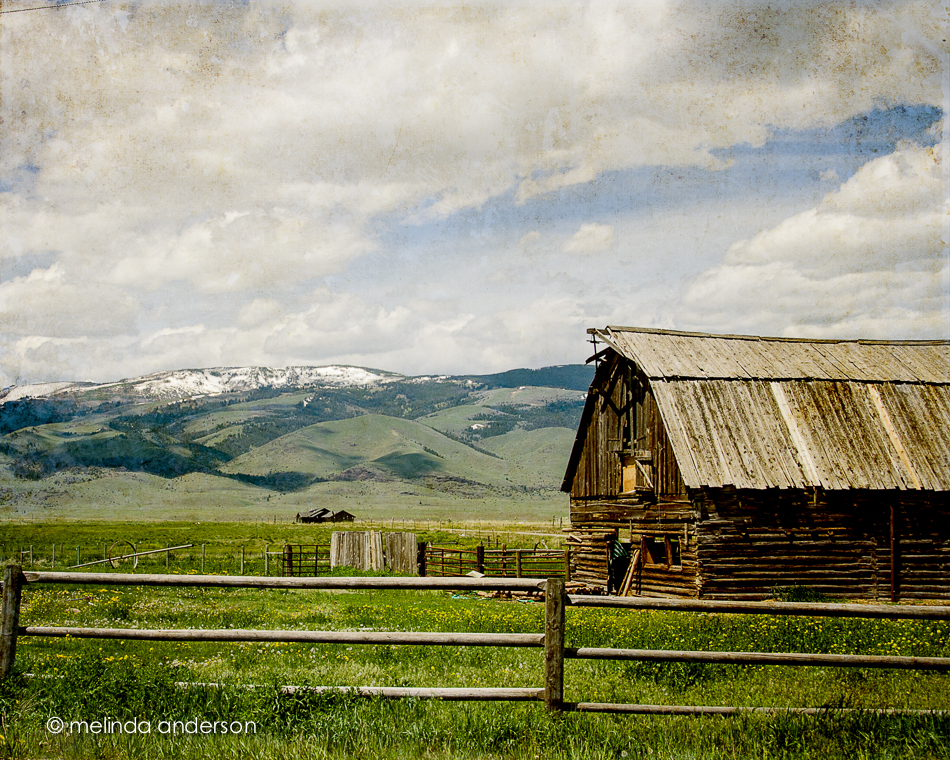
Oh,  I so love this barn!  And the yellow flowers in front- so cool! This one was textured with 2 layers of golden by Kim Klassen.
And then there is the shot below of the same barn. I wanted the photo to look old too (although, realistically, the barn should look NEW in an old photo, right?), so I edited it and re-edited it- and edited it again- way too much time spent on this photo.  Basically, I added a couple textures, brought it back to Lightroom and then decided I wanted a vintage look. Instead of starting over, I took the photo into Silver Efex Pro and used one of their presets to give it a tintype took.  But the clouds had gone away!  So I brought the new version in AS A LAYER over my original version in Photoshop and blended them.  Then I kept playing with the textures (all Kim’s- mostly her older ones), adding and subtracting them until it looked the way I wanted.  No point in naming the textures for you- I masked out and reduced opacity so many times- it would make no sense- ridiculous!

26May2014-9197-Edit

And finally- when we had finished our drive, we were in Livingston, where we took Miles out to lunch at his favorite Mexican restaurant. When we got into the car to drive back to Yellowstone, he pointed out something for me to photograph- he has quite the eye, huh? So proud of him!

26May2014-9226-Edit

Linking up with Texture Tuesday.


Take Flight

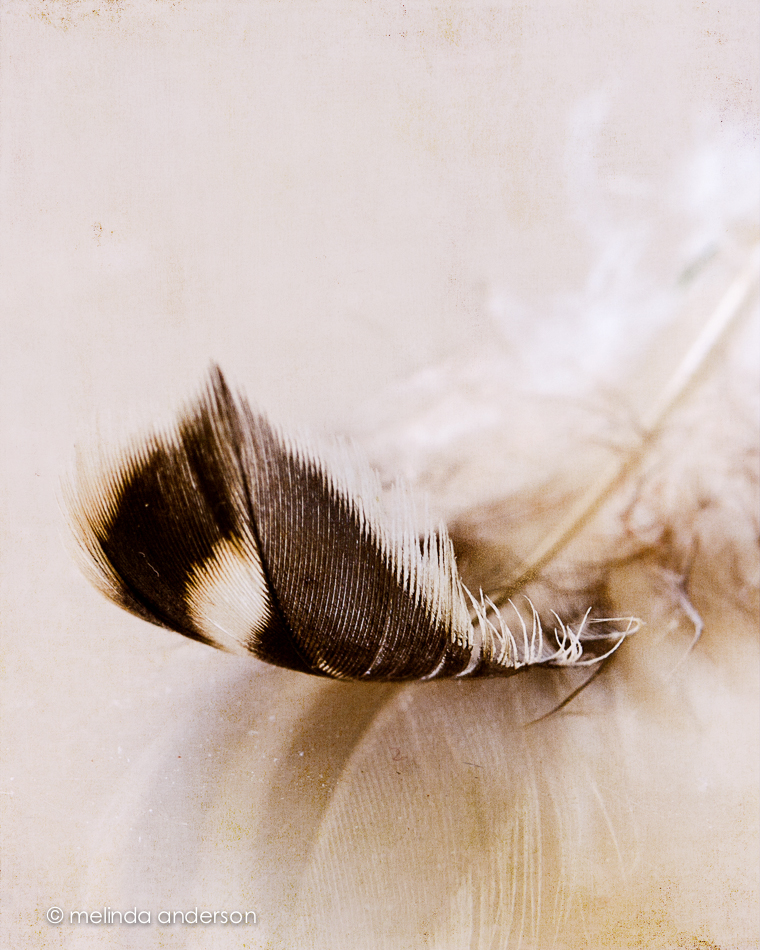
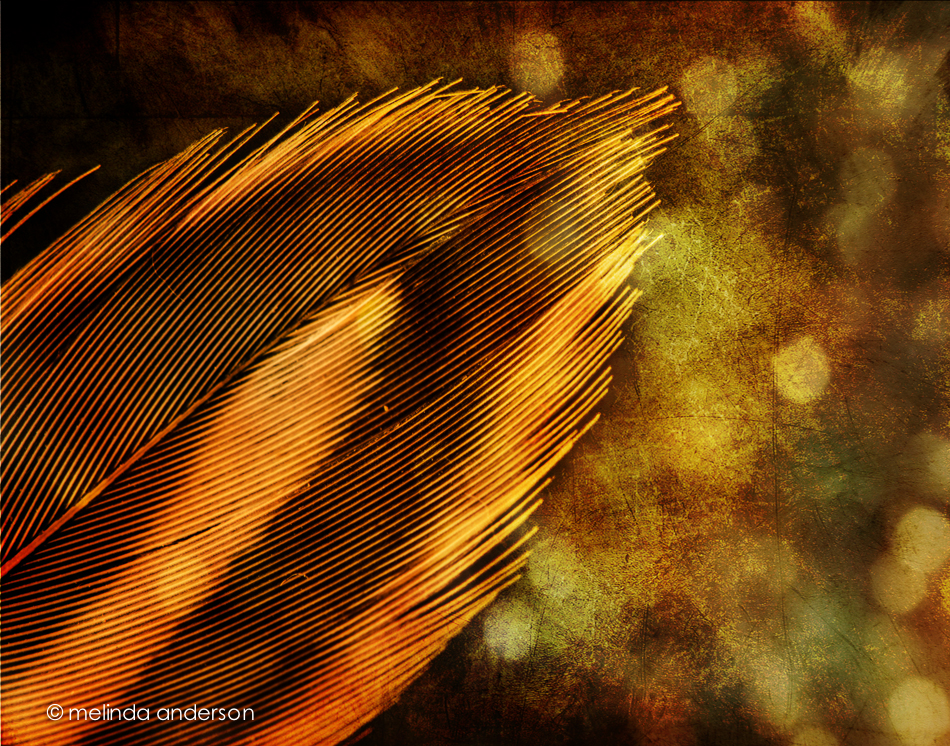
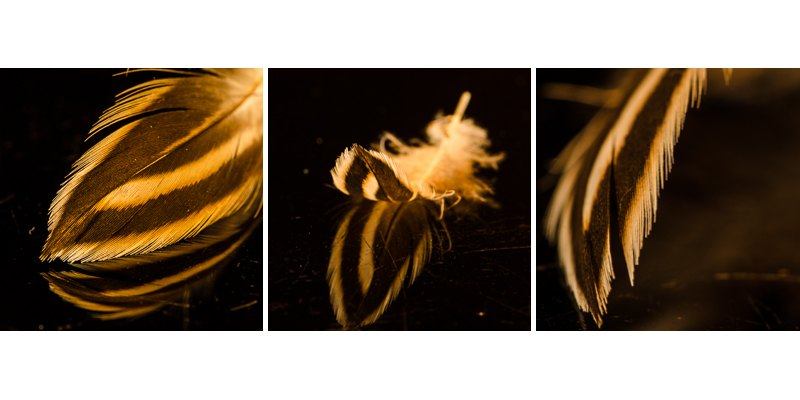
I had other plans for my blog today- Yellowstone photos (which will find their way here soon).  But I awoke with the desire to photograph this tiny feather I chased around while photographing the baby owl (no idea if it’s an owl feather or just a random feather floating by). I brought it back in a plastic baggie, which I dug out of my purse this morning, set on my dental cabinet (one of my favorite surfaces for photography) and took a bunch of macro shots. I intended to shoot more, perhaps on a mirror, but, alas, as I carried the feather through the house, the breeze from the ceiling fans carried it aloft to who knows where.

Rather than mourn my loss, I sat down and created some photo art with one of the 5 good shots I have.

5June2014-0058-Edit

Here are a few more images from this morning’s shoot .

feather_layout


App Happy and Catching Up

It’s App Happy Wednesday over at Keeping With the Times, so I’m posting a couple road trip/through the window shots today.  I’m also catching up with my Start to Finish 2 Lessons, so my still life images are on here today as well.

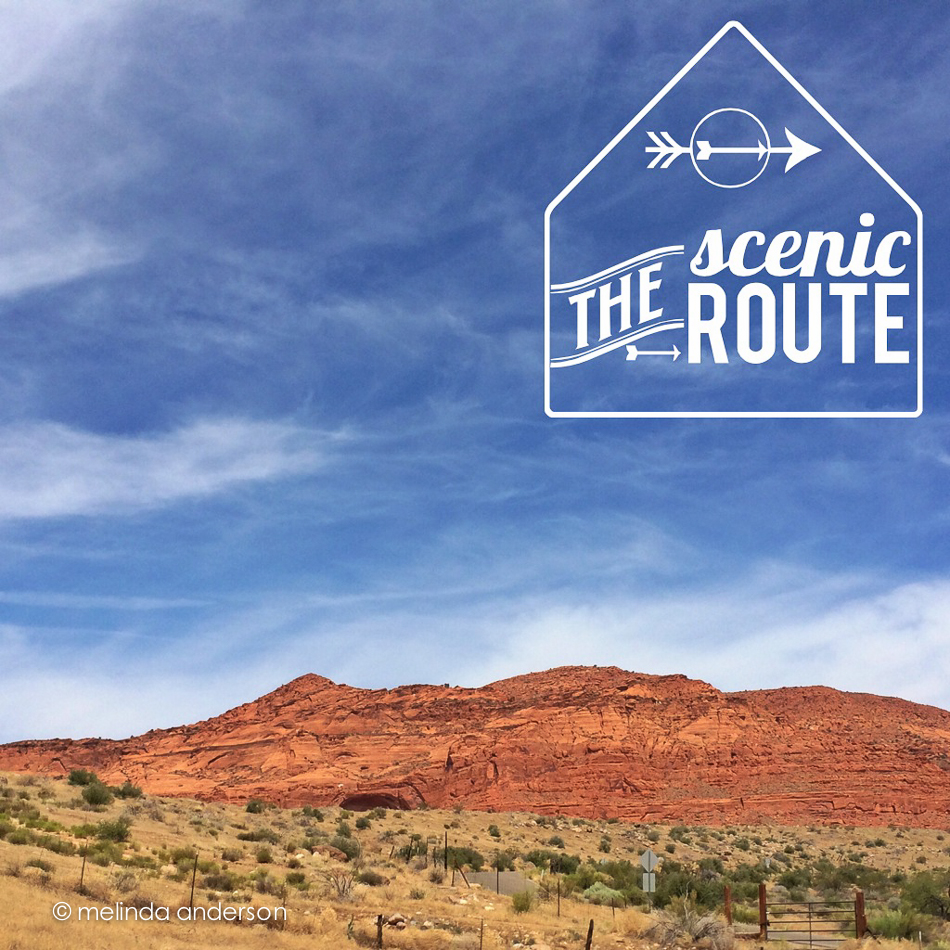
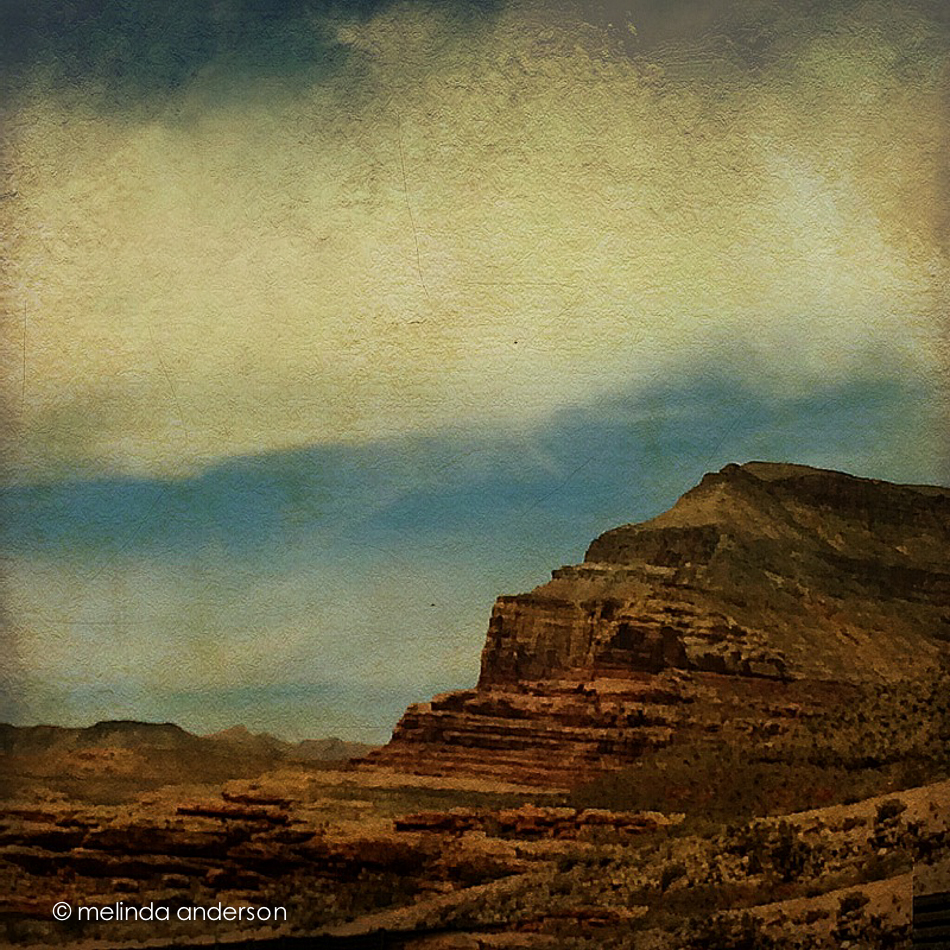
First the iPhone photos! After a day and a half of driving (actually riding, as my husband- who has been suffering from allergies and asthma- was doing ALL the driving. . .), I was happy to see red rock as we got to southern Utah, a sign that we were close to Arizona. I think the first shot was edited in Snapseed, and then I added the text/graphic with Rhonna.  The second photo was edited in PS Touch, because I needed to do some cloning- and then I added texture with Photo Wizard.

Photo Jun 02- 10 49 02 AM

Photo Jun 02- 12 24 55 PM


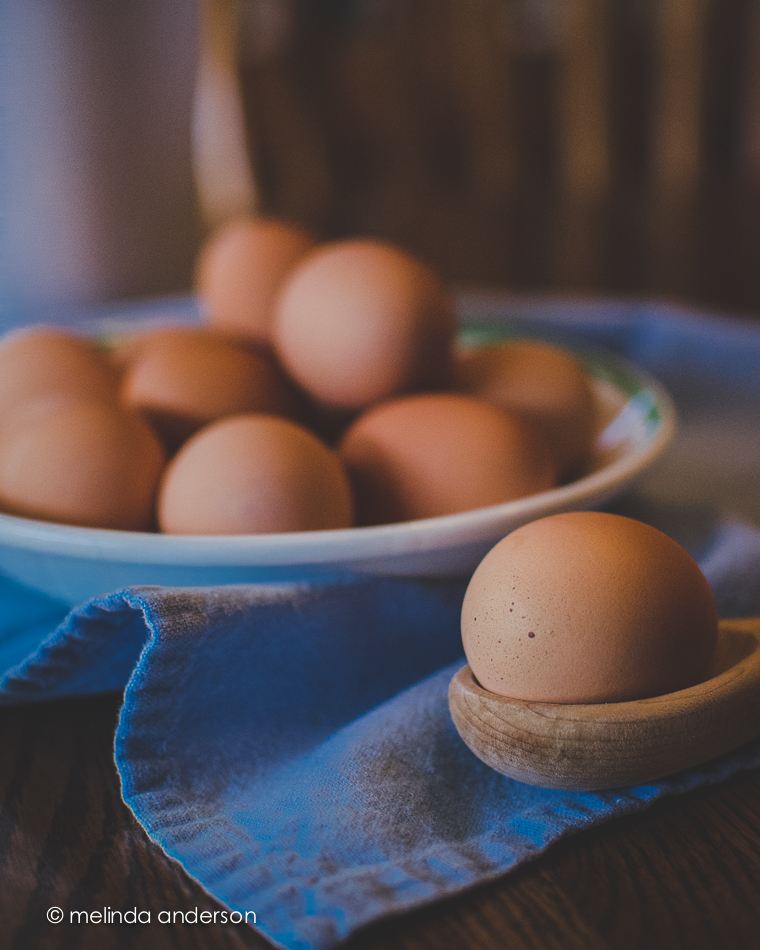
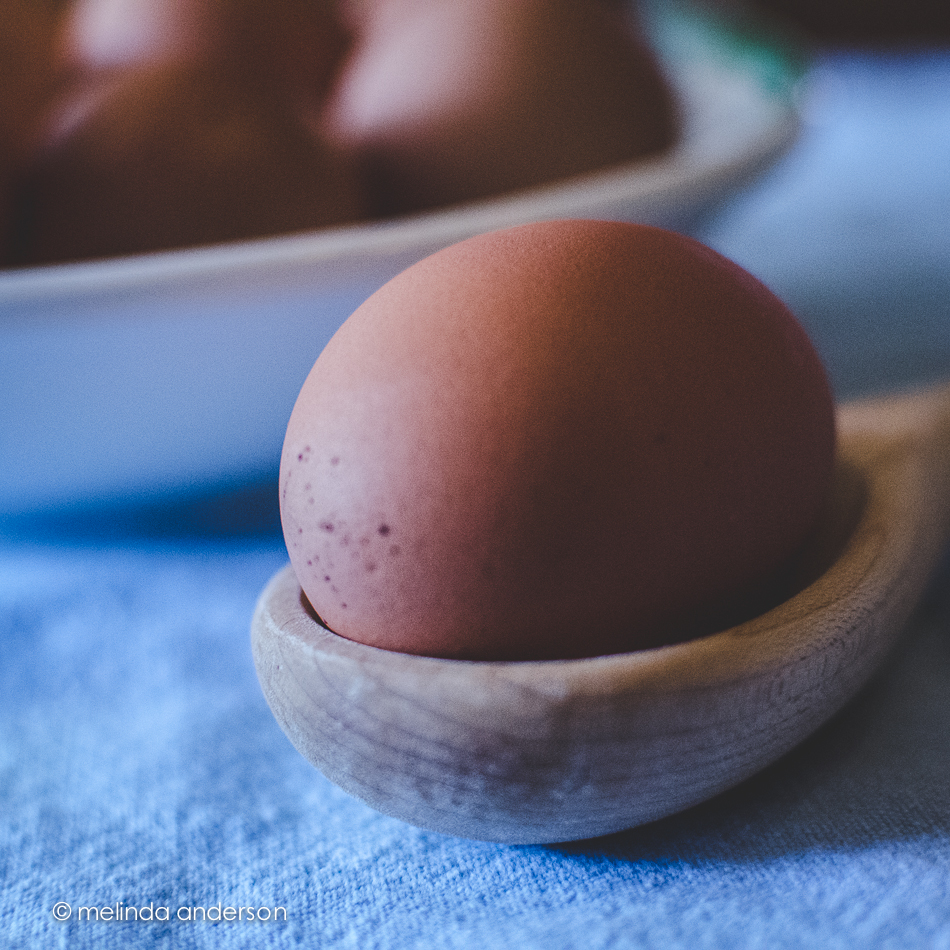
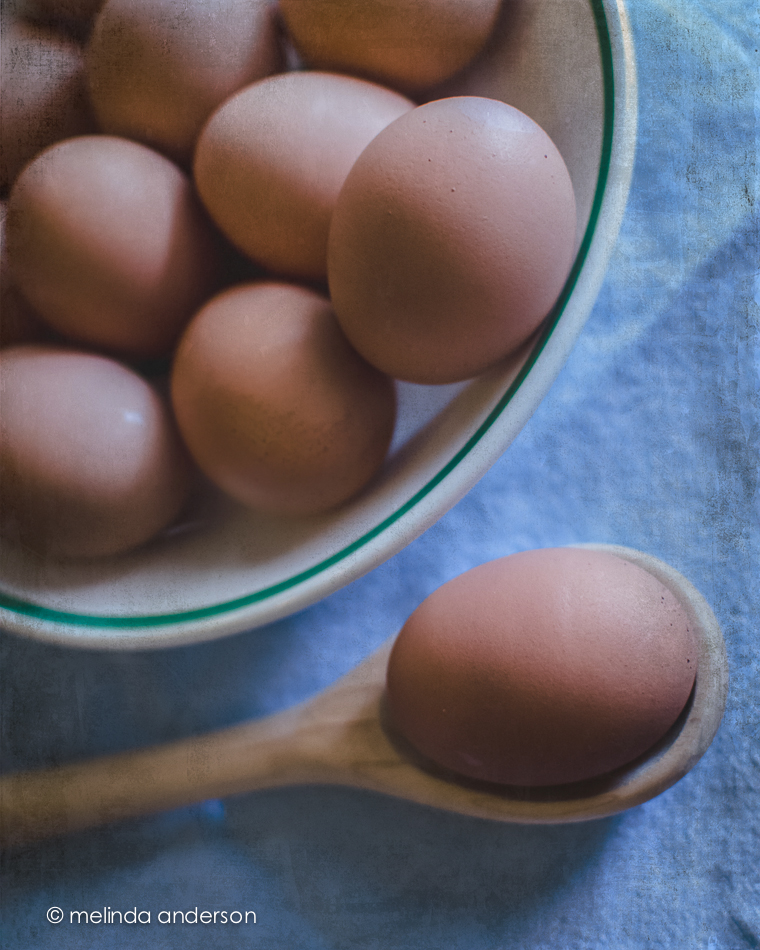
Now for the Start to Finish lesson! The assignment was to create a still life that included eggs.  Hurray- something I actually have! No browsing in antique stores for me today! I realized straightaway that still life photography is still challenging for me. I feel confident in the photography and the processing- but not with the styling. I am so in awe of my classmates and their styling ability! I found that what works for me is keeping it simple; when I add too many elements, it all falls apart.

3June2014-0043

This above image was one of my last shots. Filling the frame and using a shallow depth of field- definitely my comfort zone!

3June2014-0016


The above macro shot may not technically be a still life- you barely notice the other eggs!

And here is a from above shot, which I do love doing.

3June2014-0019-Edit


I found myself opting for a darker, more matte processing style today. The blue and brown tones seemed washed out with my usual editing, and I found reducing exposure and using a matte curve gave me the look I was going for.  In Photoshop I added Kim Klassen’s simple texture- and called it done!

I also played catch up with some Flickr challenges- and discovered that one of them, fast food, worked with my egg theme!

3June2014-0005

No special processing here- just a quick Lightroom edit.  This might be my favorite of the day!