If you can’t see the image above, please click on this link: https://melinda365.com/blog/
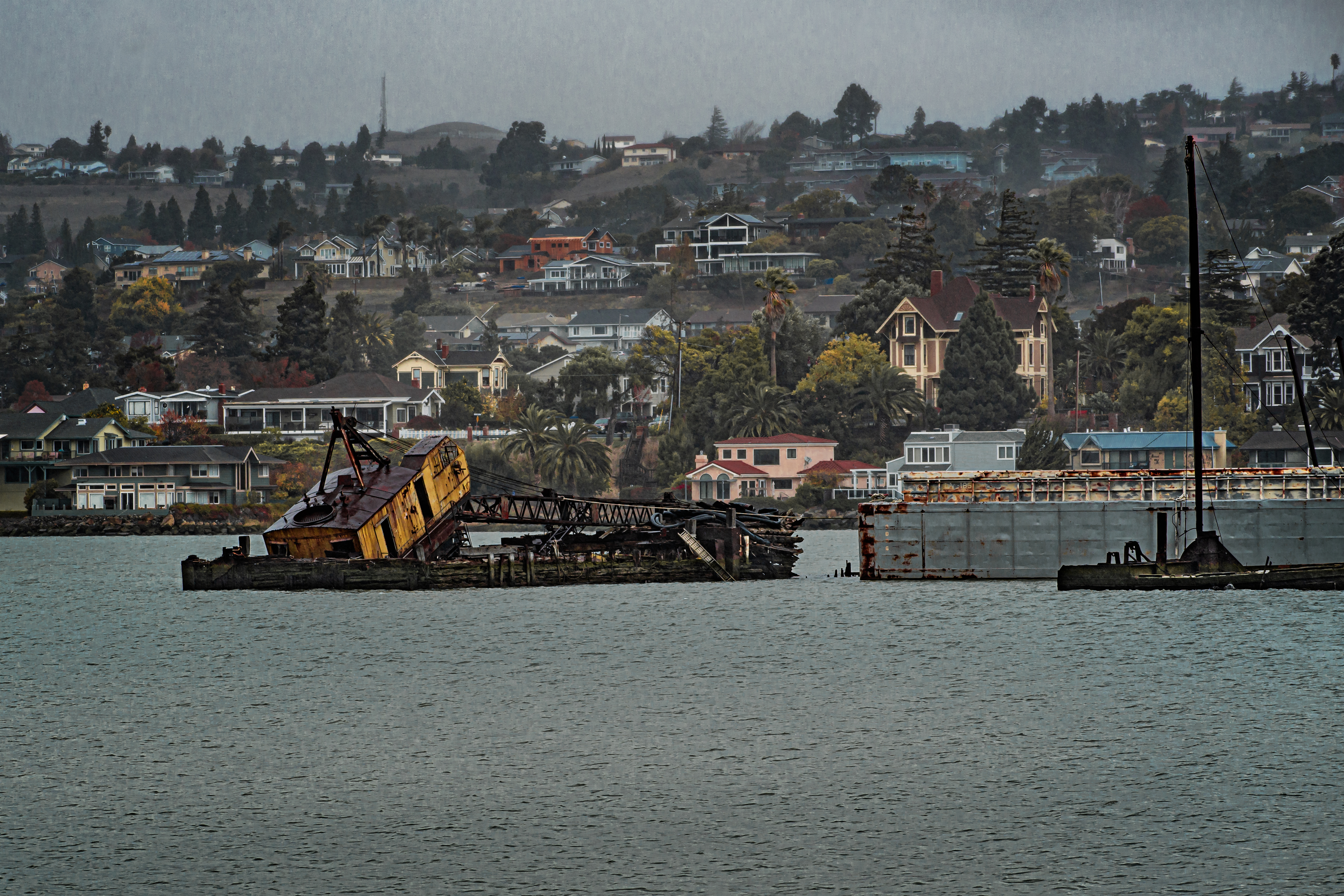
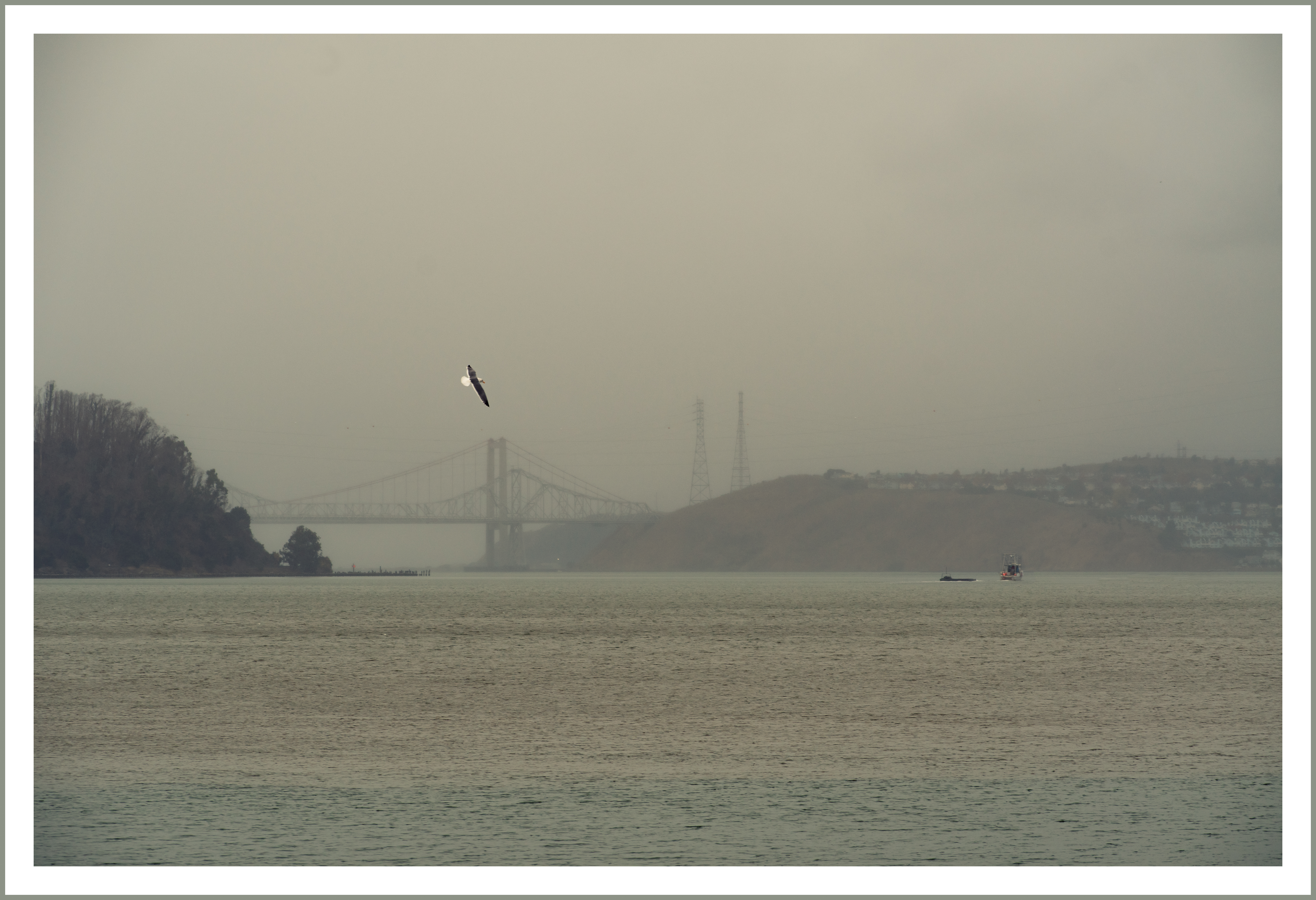
Above is another view of the Benicia waterfront from our trip to California. All my photos were taken in the rain, which I didn’t mind at all. I have been taking photos of this particular scene for years and years, and I noticed that the yellow crane seems even tippier than the last time I was there. I googled and found this article: https://beniciaheraldonline.com/is-cove-crane-tipping-into-the-carquinez/
Evidently it is a controversy right now.
Tech note: If you would like to help get to the bottom of why my images are not showing up full size most days in your iPhone mail program, please click through to see the image in Safari. Does it show up there? It always does for me. And if you REALLY want to help, go to your computer and check to see if the images show up in your computer mail program. If you have another type of mobile phone, I’d love to know how the images look there. So far, WordPress is saying that this seems to be a device issue- but I can see images from other WordPress blogs at the right size on all my devices. I have nothing to do with editing the emails- they go out automatically. But I am wondering if there is a setting in my account or blog theme that has changed. Thank you for your patience. If you have info for me, please put in comments.