A beautiful view from Point Loma in San Diego
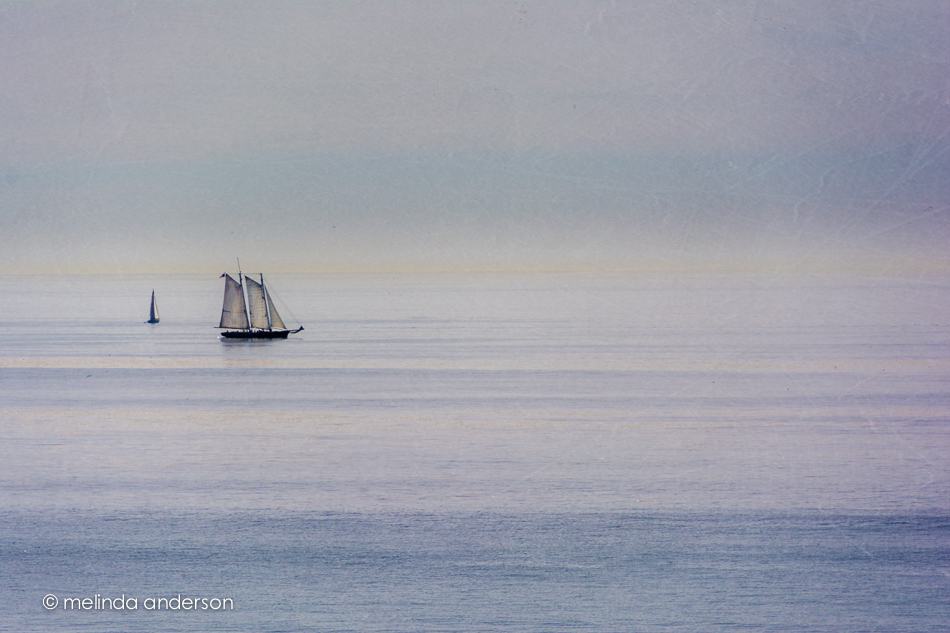

A beautiful view from Point Loma in San Diego
I think I might be finished with the One Thing challenge for BeStill52 and The Studio, but no promises. . .
A couple Lensbaby shots:
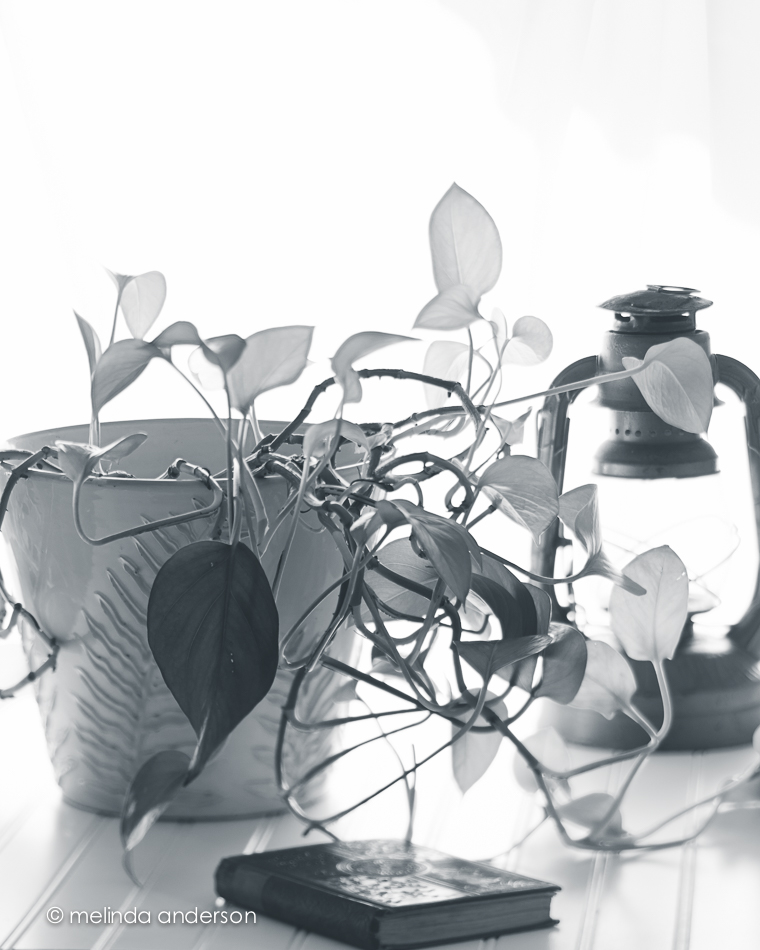

Top down with my 35mm 1.8:
 Also with my 35mm 1.8, softened with a couple of Kim Klassen textures (linking up with Texture Tuesday today):

I’ve been keeping to my word about practicing with my Lensbaby every day. I thought a major part of my practice would involve getting the Edge 80 off the Composer (so tight for these weak hands!), but so far, so good! Maybe it’s loosening up- or I’m getting stronger! I hadn’t done much with macro using the Edge 80 until recently, and I’m having fun with it. Raspberries were on my breakfast menu on Easter, so I took a few moments to take some macro shots. I’m finding the Edge 80 to be nice and sharp- similar to my 85mm macro.
Edits:
1- edited in onOne Perfect Effects (tonal contrast)- and then Photoshop, adding kk_chill to soften what I did in Perfect Effects!
2- kk_lettherebelight preset
3- kk_eve preset

Edits:
1- onOne’s Perfect Effects
2- my basic edit
3- kk_lightairypastel preset

Getting back in the groove and linking up with Texture Tuesday today!
My photography goal for April is to practice with my Lensbaby every day. We’ve been out in the backyard the last couple days, so the Lensbaby came out with me yesterday.
The fountain is up and running again. Is it just me, or does this look like a lady juggling?
 Here is a macro of photinia leaves- with some added texture.
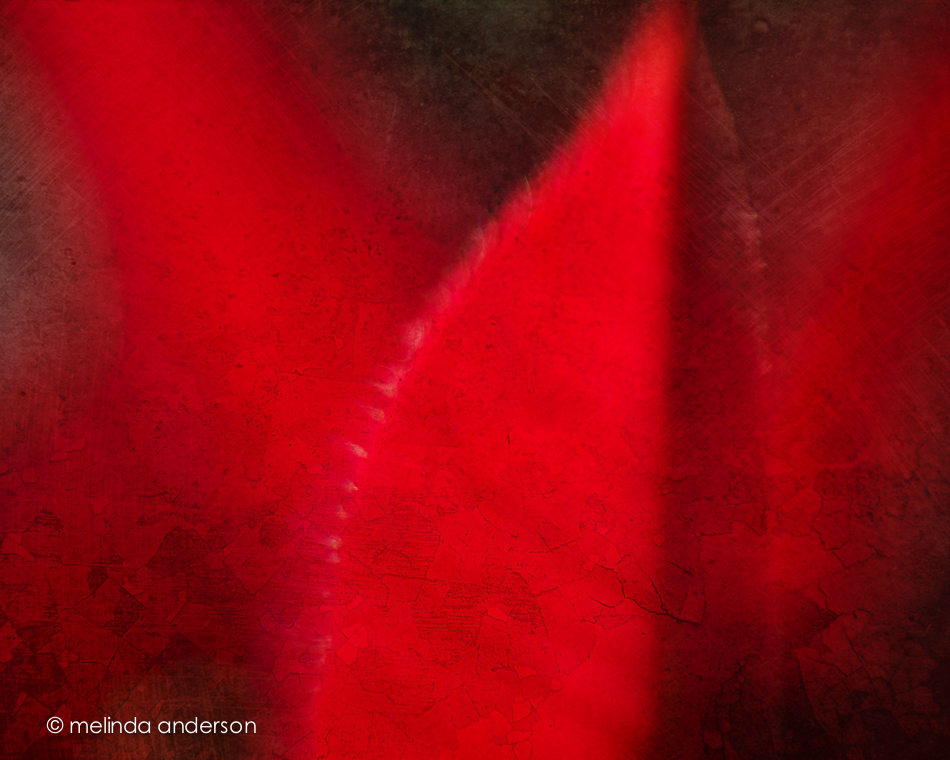 And here is the same basic shot, edited with a black and white preset. Notice how the lensbaby blur shows up in the black and white- interesting!
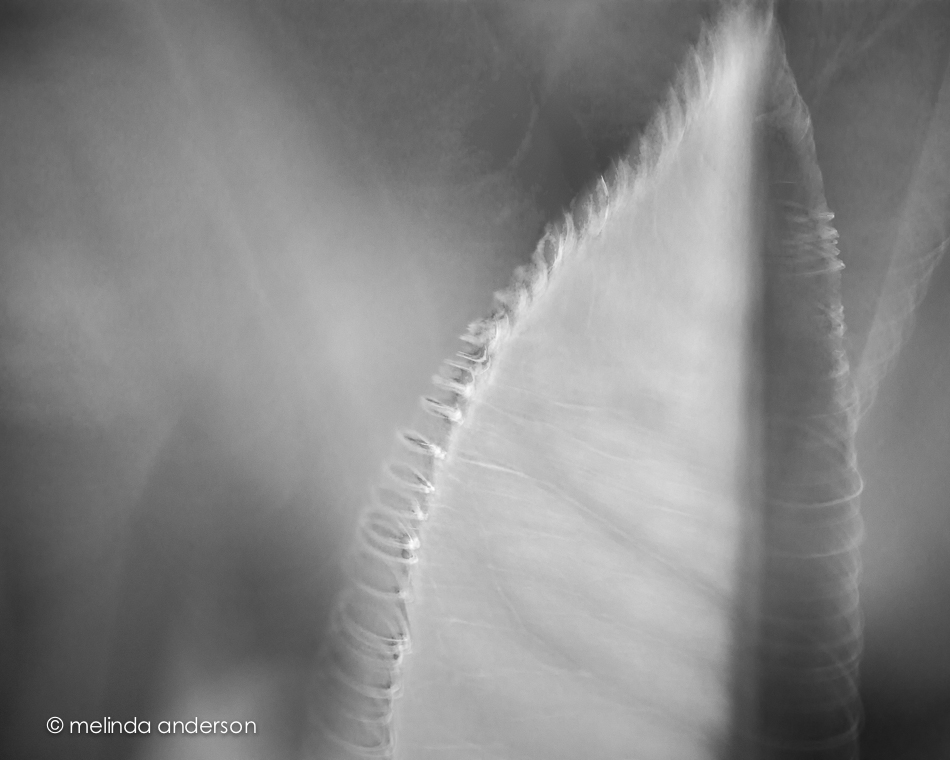 These were all taken with the Sweet 50 optic, macro converters added in the last two.
Another beach image for you today! This one was edited with Topaz Simplify (and an added texture) to give it a bit of a painterly look.

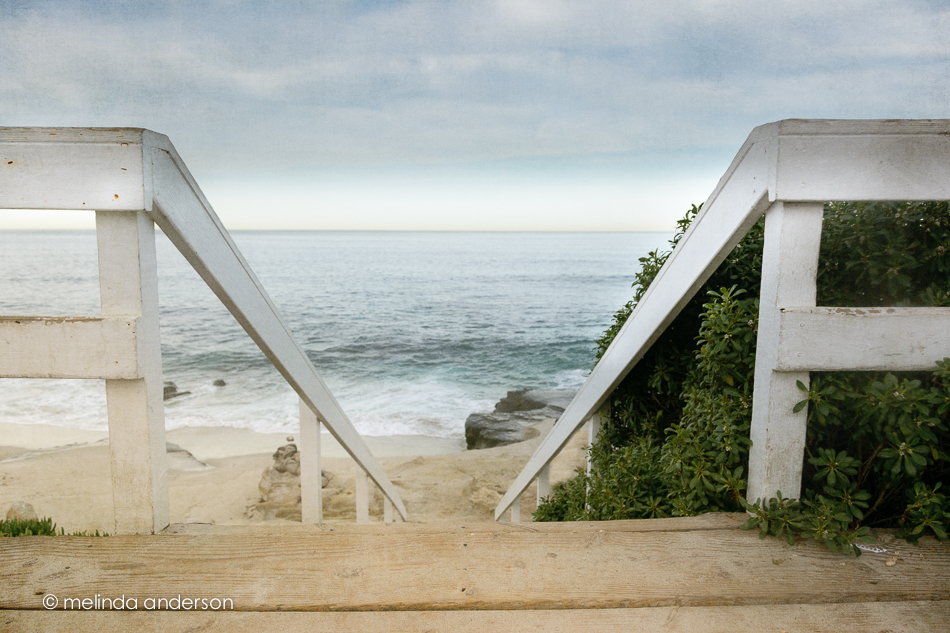 Edited with Kim Klassen’s kk_gentlewhisper for Texture Tuesday.
While in La Jolla, we stayed at a tiny little rental cottage with cute things all around. I was inspired by all the great props to create a still life one morning; I hoped to get a few more done as well, but the beach was calling.
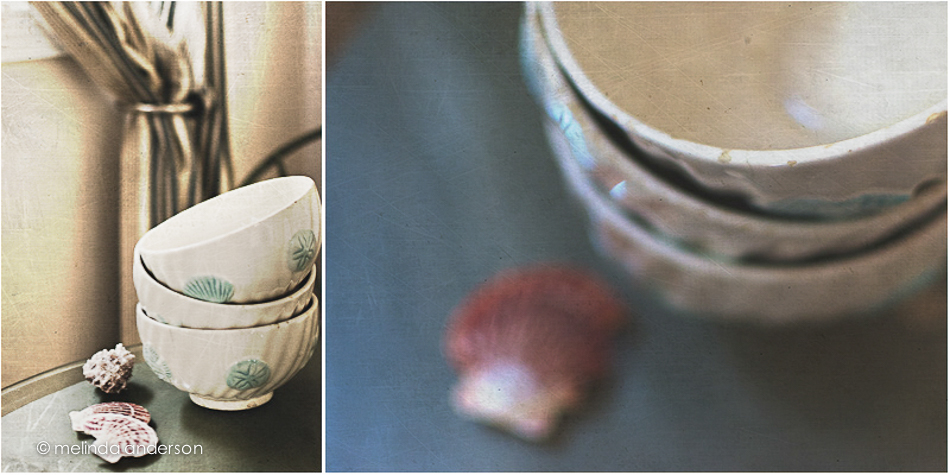 This diptych was created in response to the “Stacked Up” prompt for The Studio Online.
A couple more lensbaby photos from Pacific Beach in San Diego:
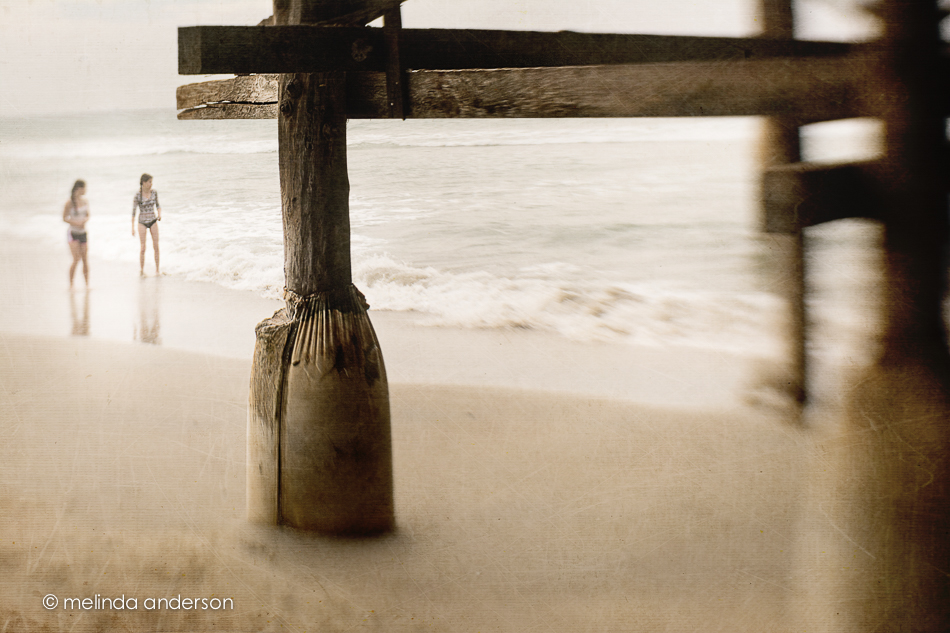
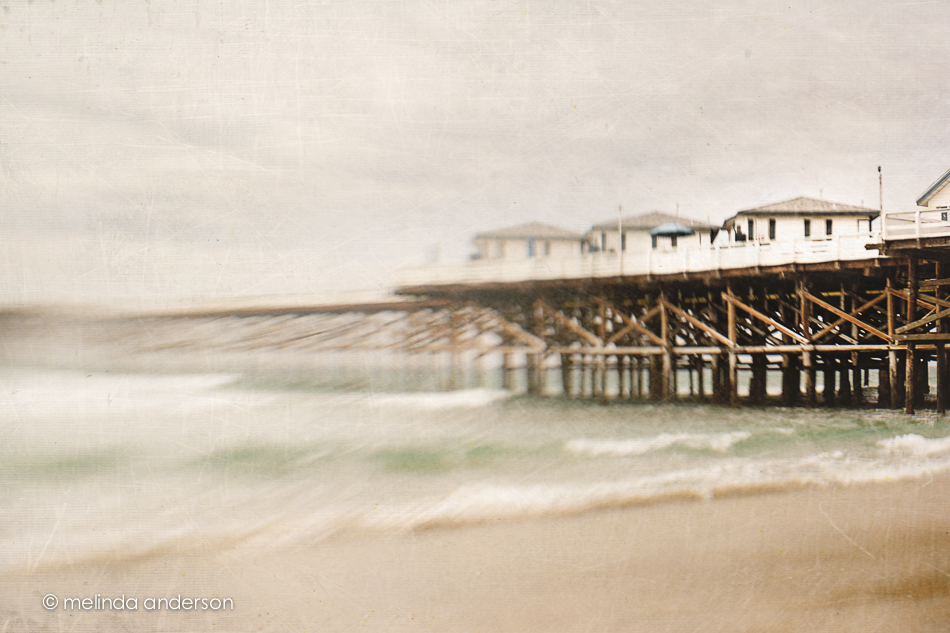
I found myself playing with my Lensbaby Mobile recently. Although it really is a cool little lens for the iPhone, I hadn’t been using it much after I got my Composer Pro and optics for my Nikon. As I’ve mentioned before, Nik Snapseed is my usual first stop when editing my iPhone photos, and this time, it was my ONLY stop. It has a cool little set of filters within the app called retrolux, which give a desaturated, vintage look (actually 12 looks) with lots of options for adding or removing scatches, light leaks, vignettes etc.
The photo on the left has been edited with Snapseed only, and the one on the right has several Kim Klassen textures added in Photoshop on top of what was done with the retrolux filter. It’s hard to spot the differences- just a little more texture, a little less haze and a slightly darker flower.
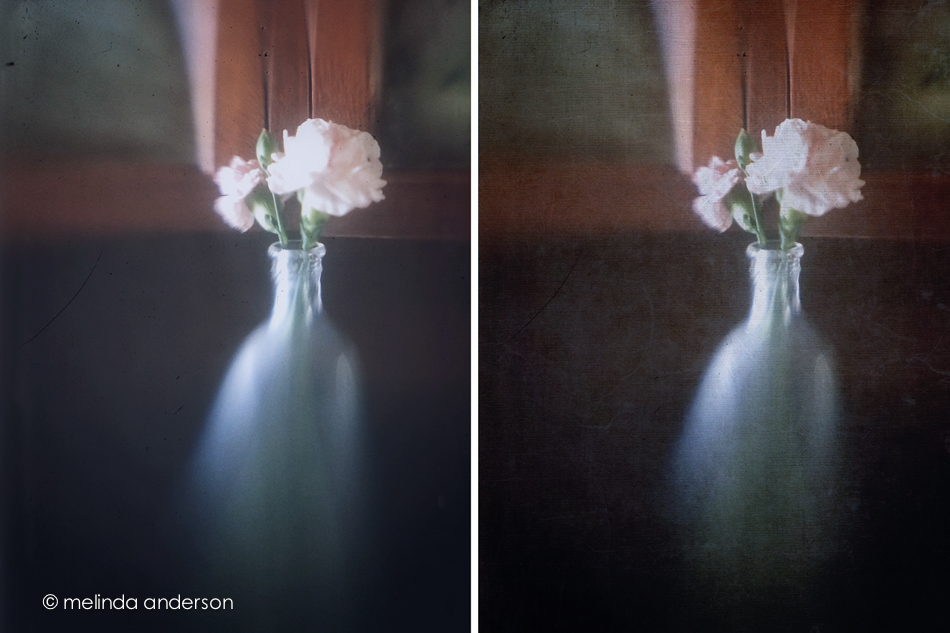
Last week I showed some friends how to add textures to their photos, which inspired me to play around with this Lensbaby photo I took last month with my Nikon. I added several textures, one being a freebie I downloaded from a Photoshop Elements website- fun!


 These photos were for the latest BeStill 52 assignment, where the “spark” was a bunting. I used stars, which I clipped to twine and hung on a beadboard background. All photos were taken with my iPhone and edited in Stackables. This app is a lot like Mextures (which has been a favorite of mine), and I’m beginning to like it a lot. Because it is Tuesday, I brought all images into Photoshop and added some of Kim Klassen’s textures: hughes, simple, and chill (last photo only).
Linking up with Texture Tuesday today.
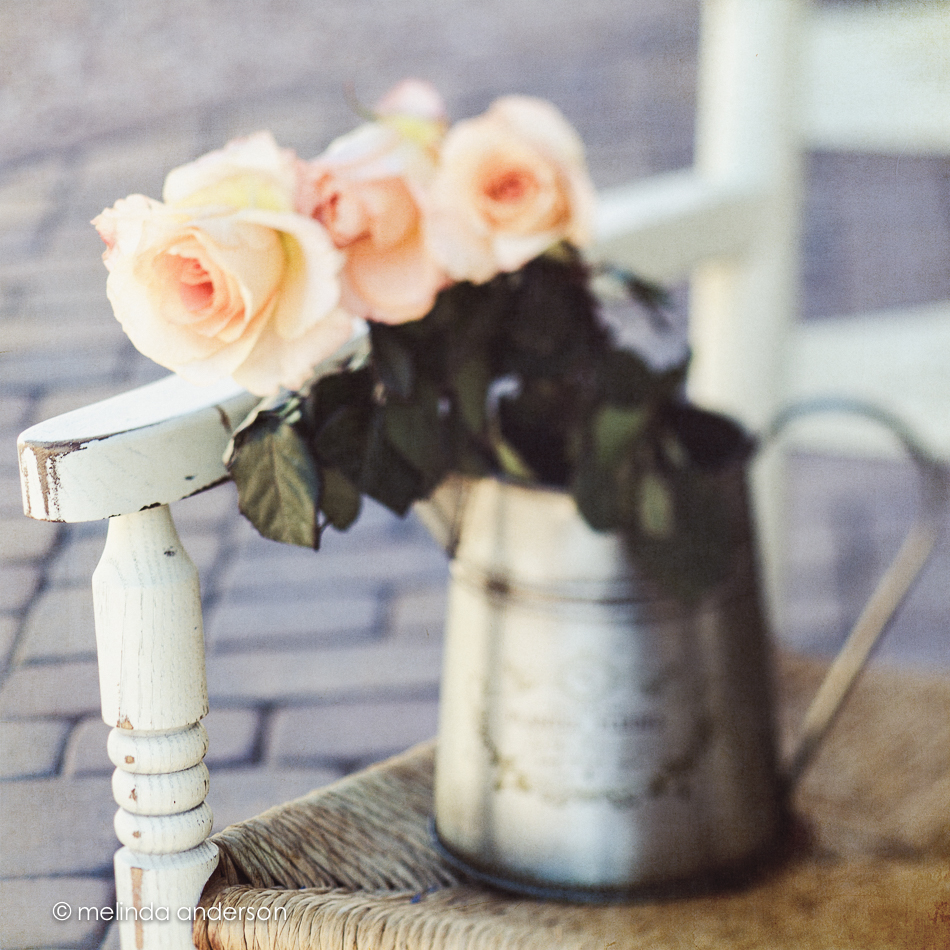
I must admit that flowers are still my favorite photography subject. I wish I had a green thumb and could grow them as well!
The roses below were textured with Kim Klassen’s kk_anna texture.
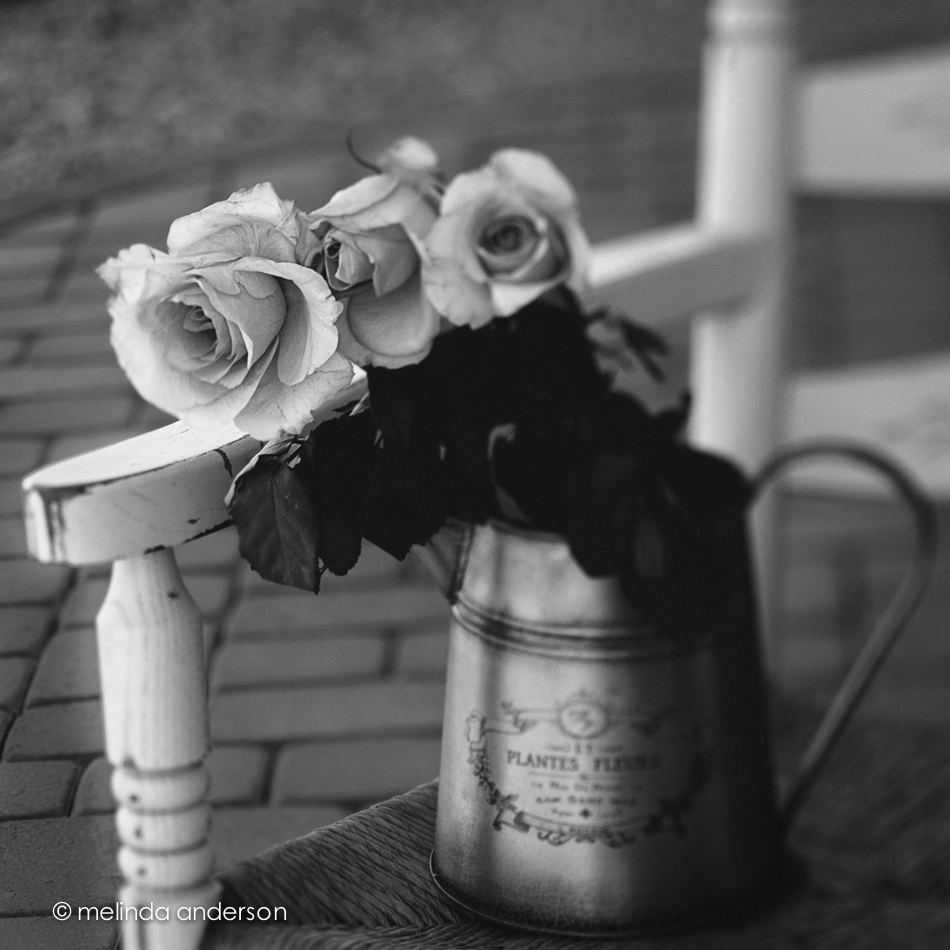
 And here almost the same shot converted to black and white (no texture applied).
This is a closer view of the flowers edited using Kim’s kk_likeadream preset in Lightroom.
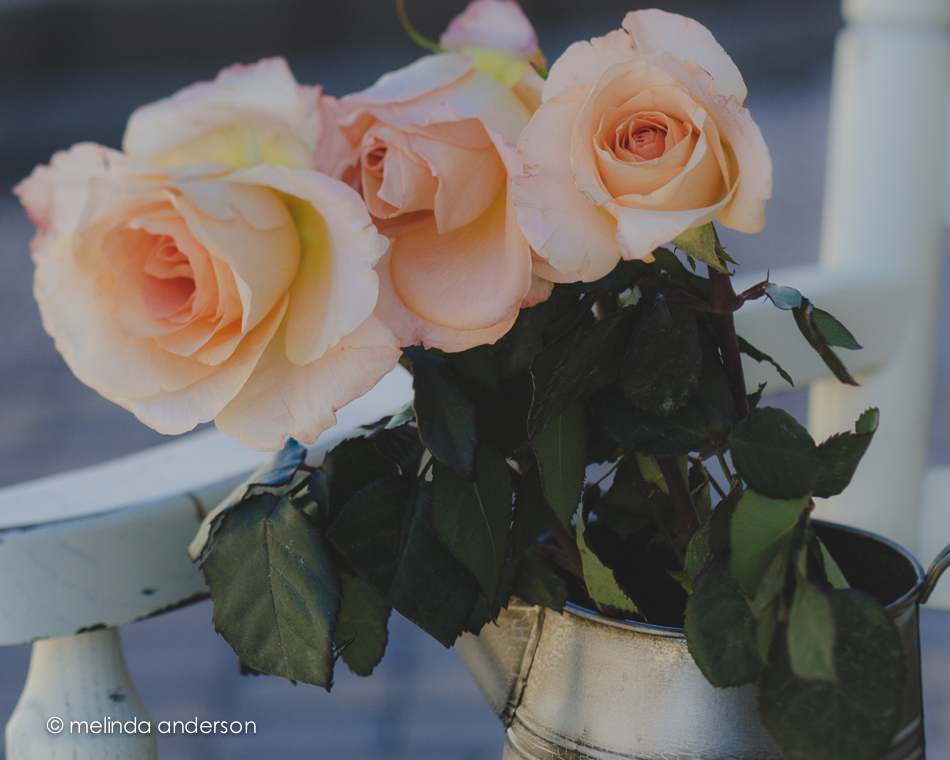
All photos were taken using the Lensbaby.
Linking up with Texture Tuesday today.
Another photo for The Studio (for the fruit prompt):
 Textured with sybil for Texture Tuesday.
I had fun editing one of my lemon photos in a new way, using a texture I found on Flickr- and then applying a Lightroom preset from One Willow. I really enjoy those presets.

I’m attempting to do a bit of catch-up on my lessons from BeStill and The Studio. The first image is for Lesson 33 in BeStill52 (and for Texture Tuesday). The assignment was to create a still life using lemons or other citrus fruit, create a bit of a story, and include varying heights. Well, my story is that lemons were being sliced (you can invent the rest. . .).
 The image below is for Texture Tuesday (no real props, no varying heights, and no story).
 Both photos were edited with textures from Kim Klassen’s Cloth and Paper collection.

